# Awesome GitHub Profile README
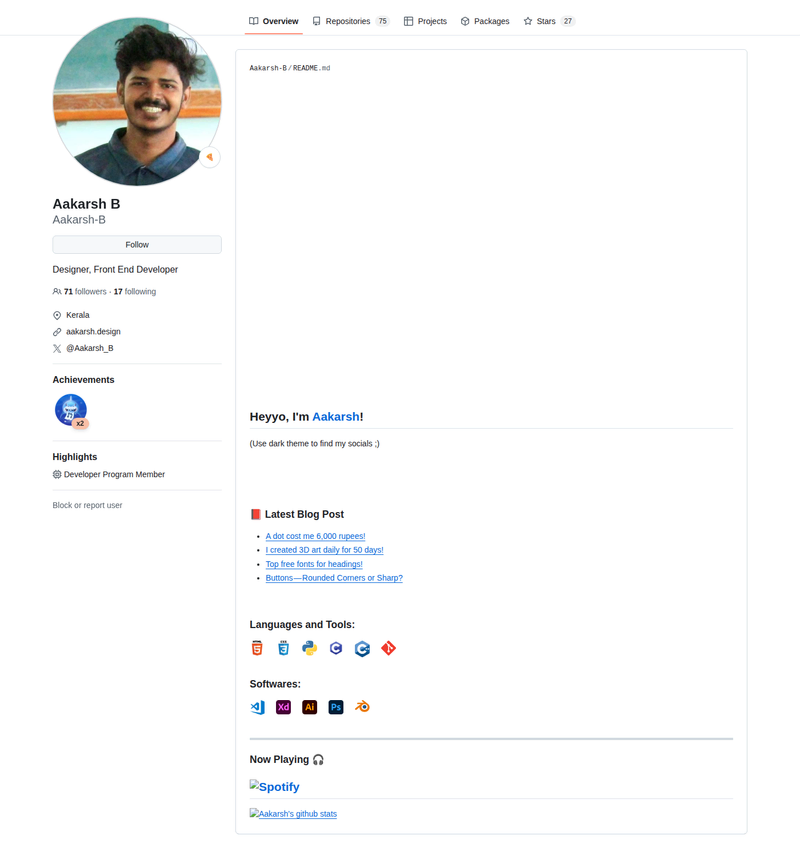
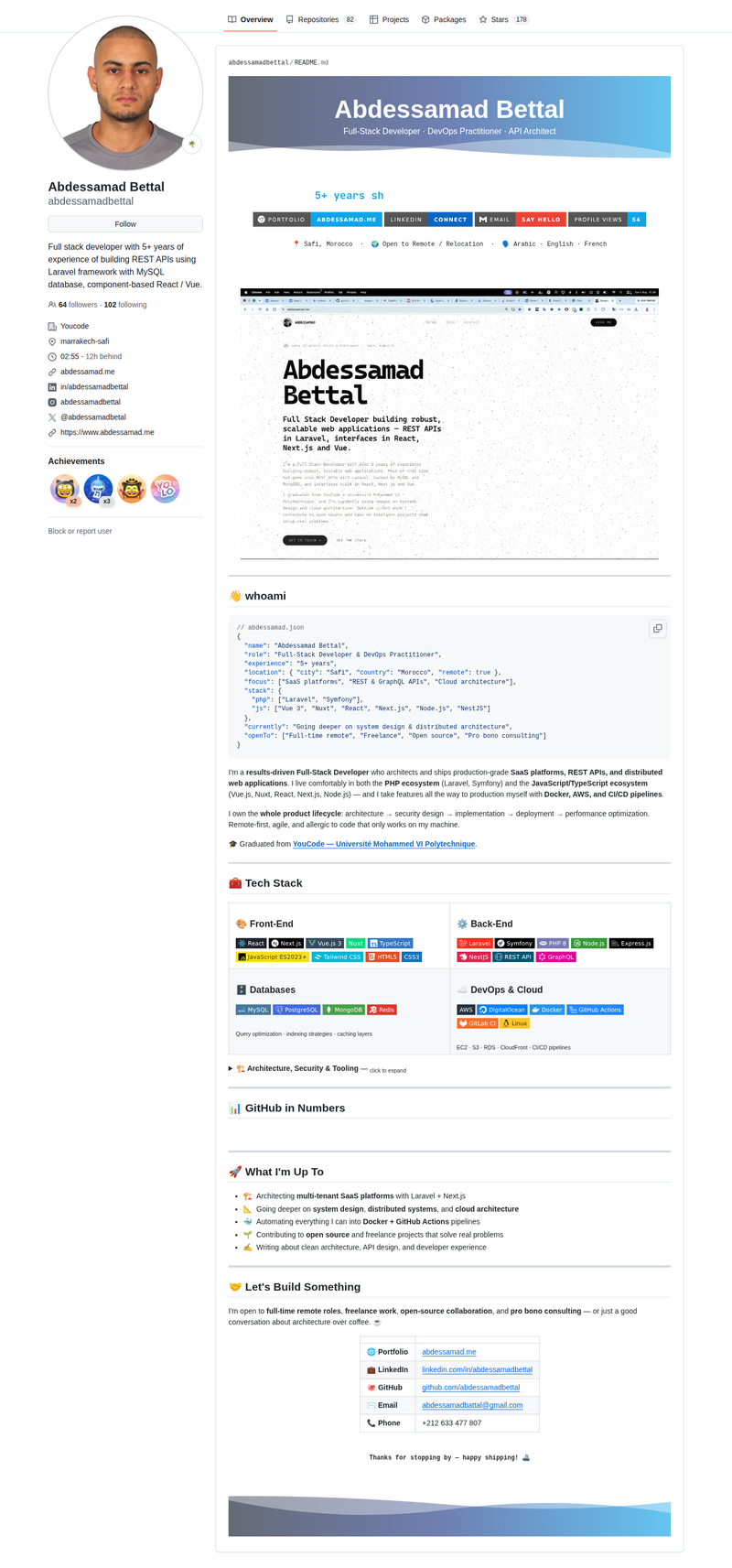
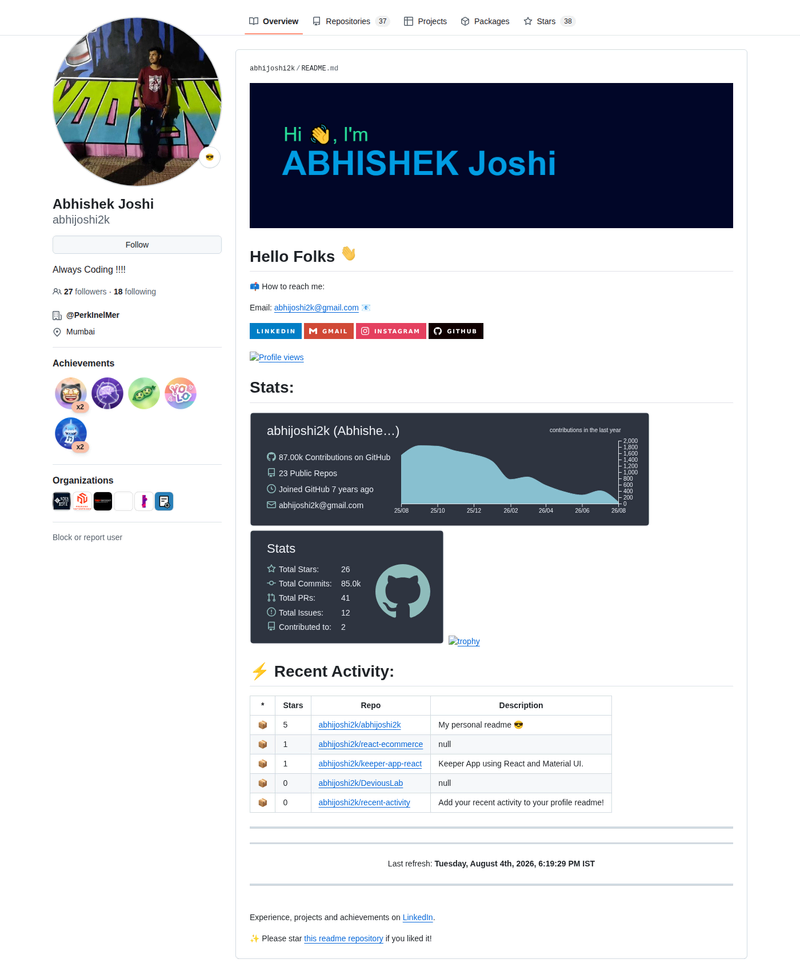
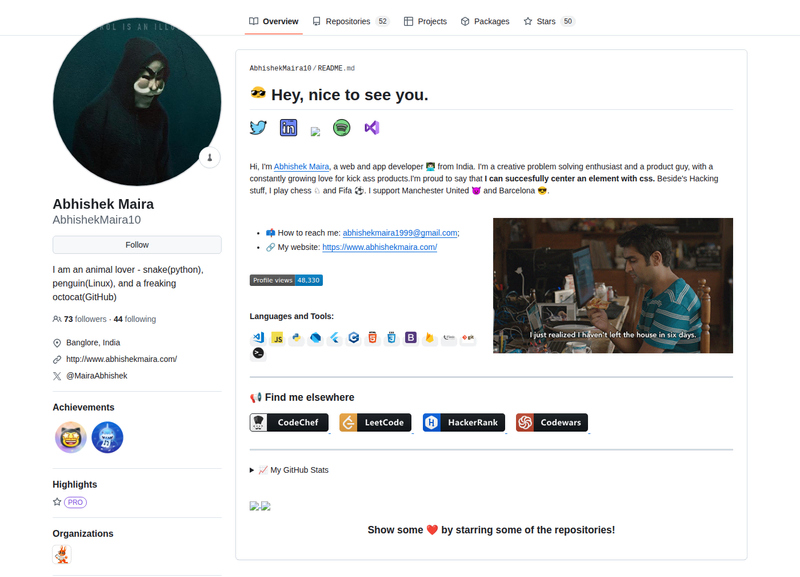
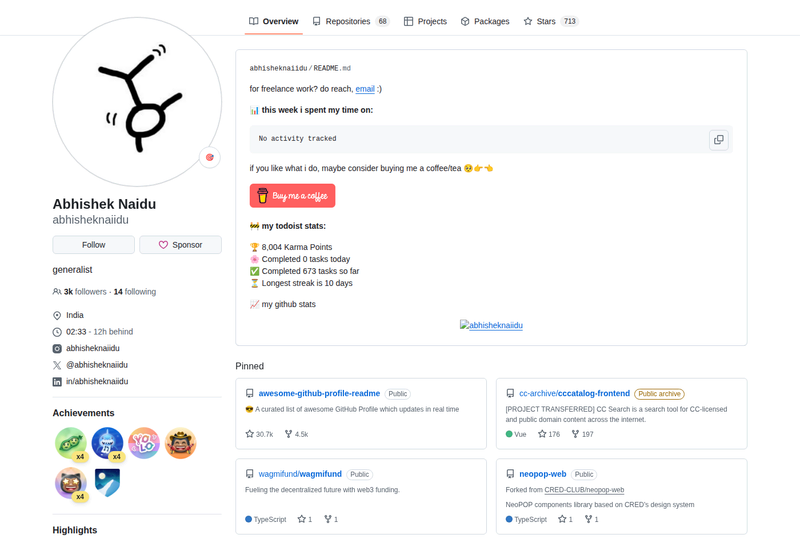
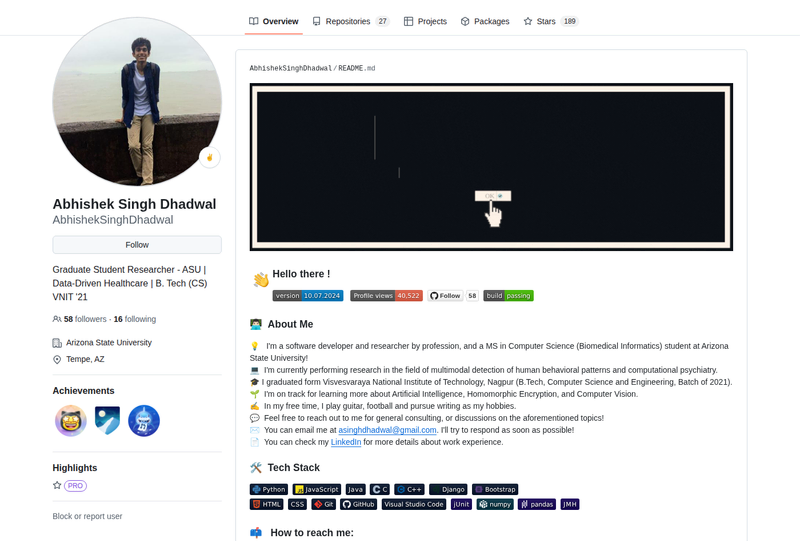
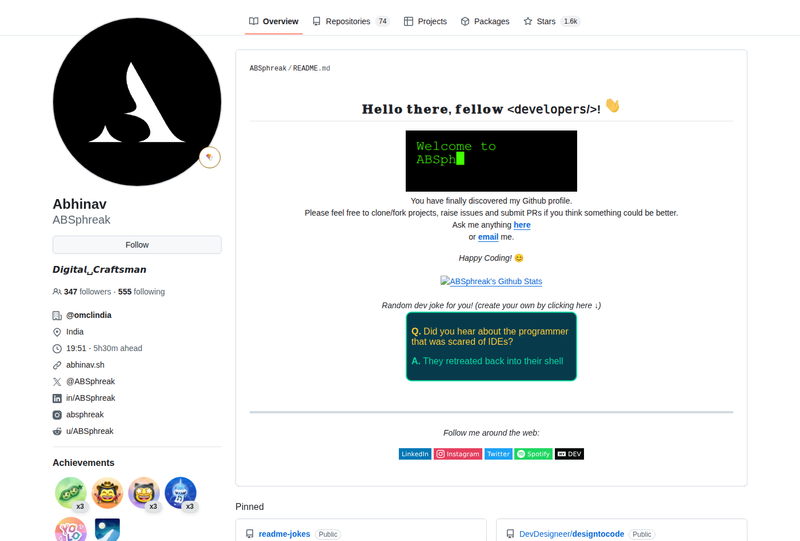
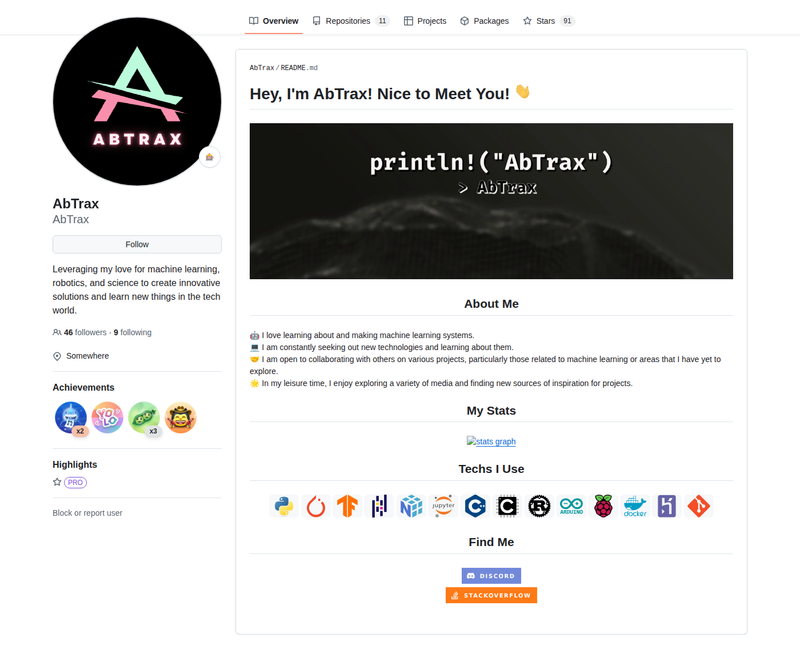
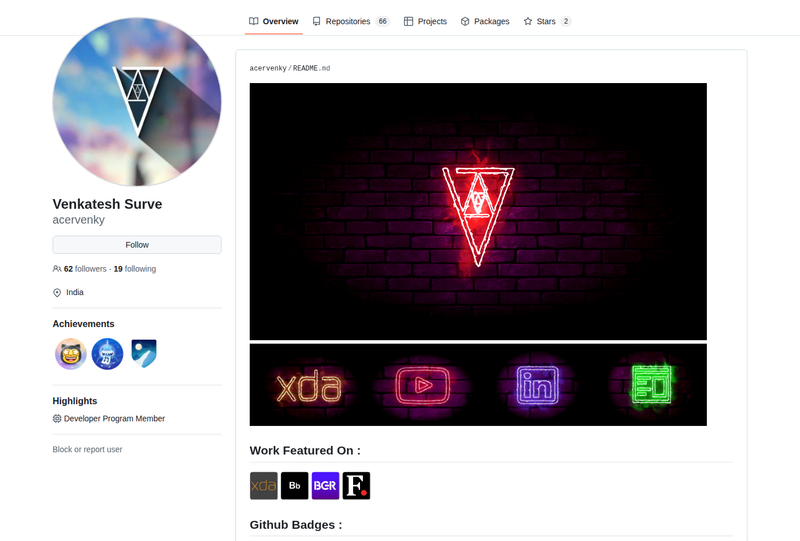
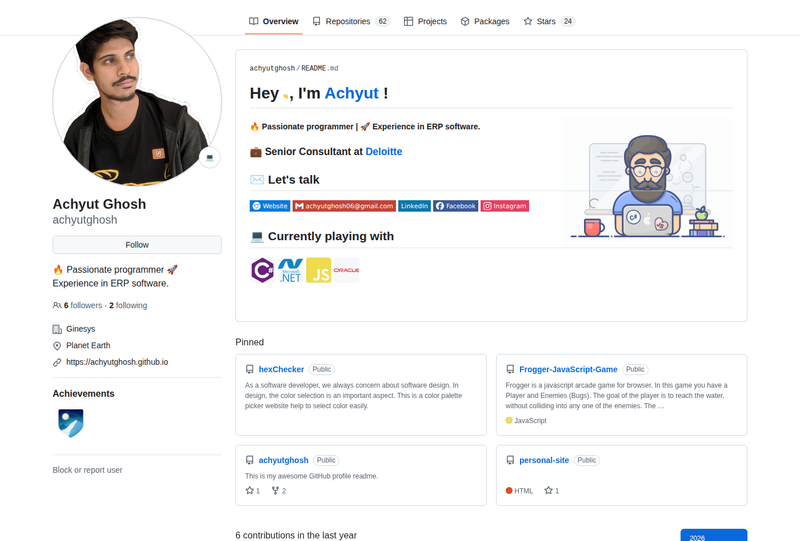
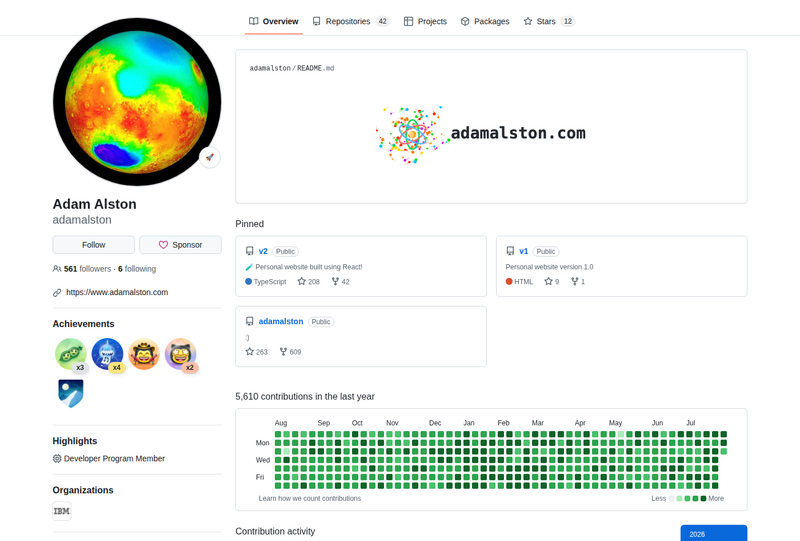
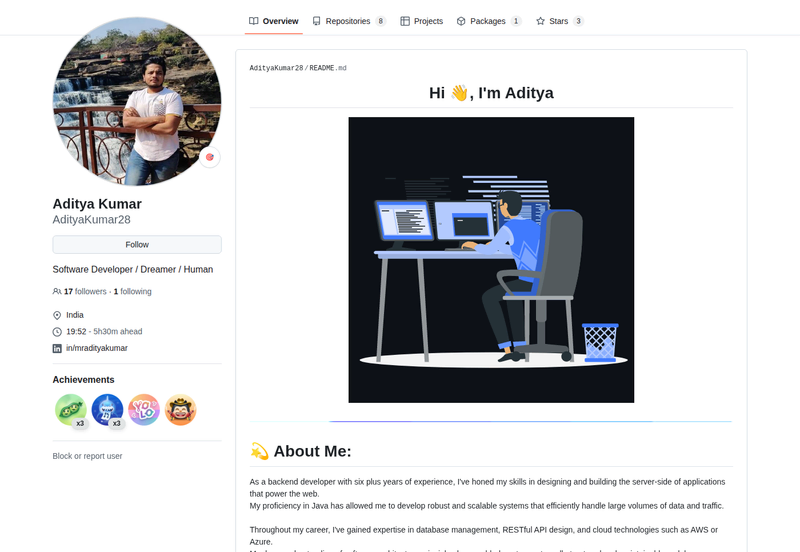
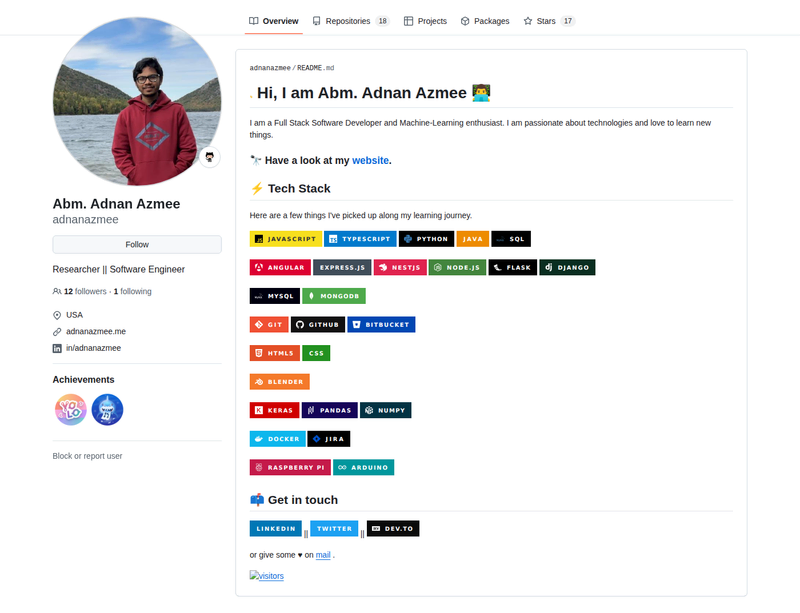
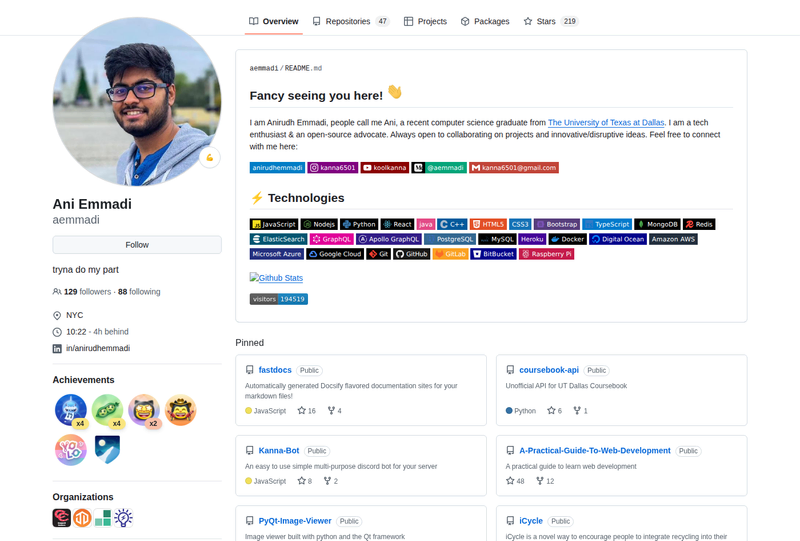
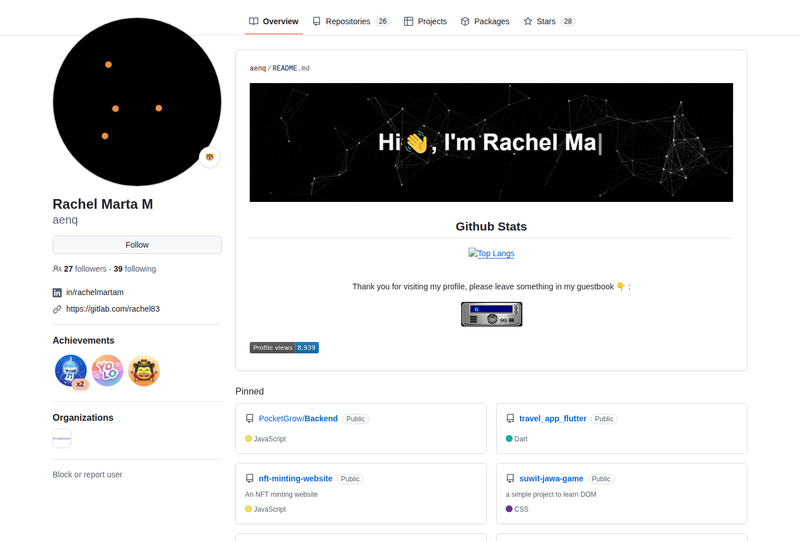
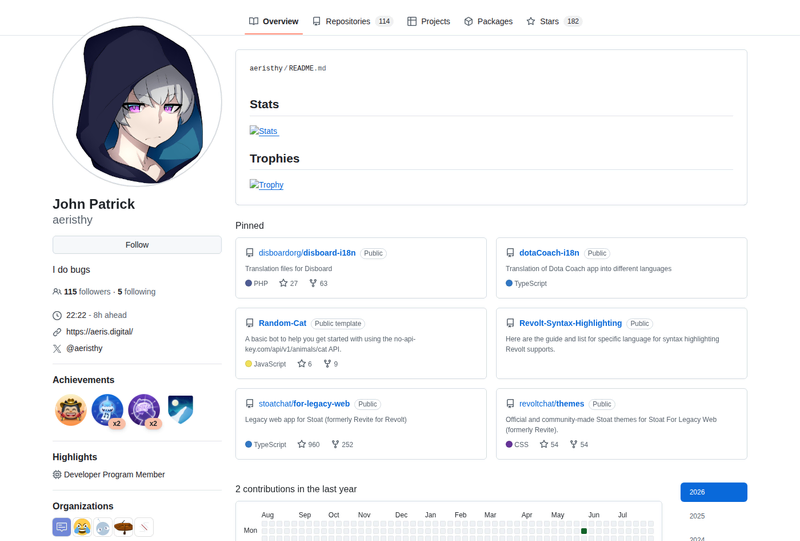
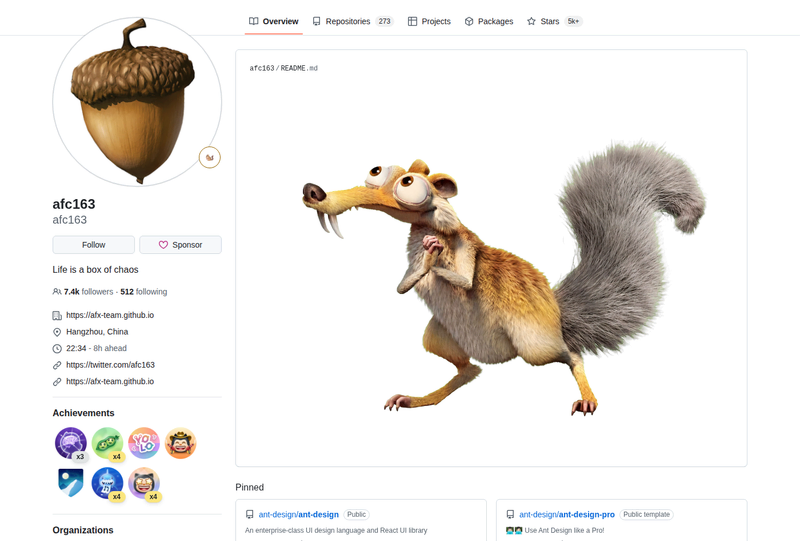
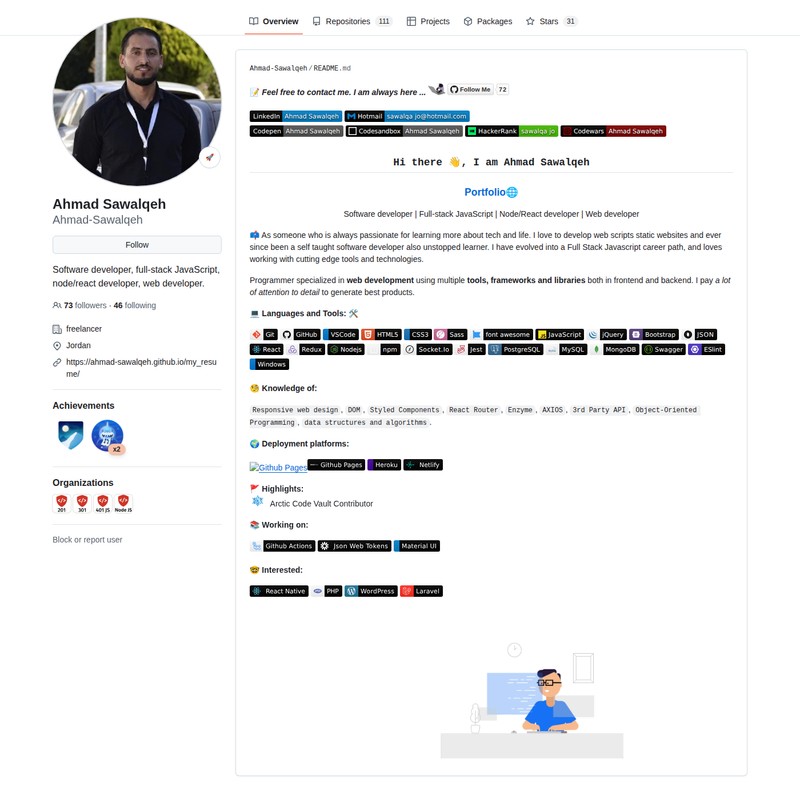
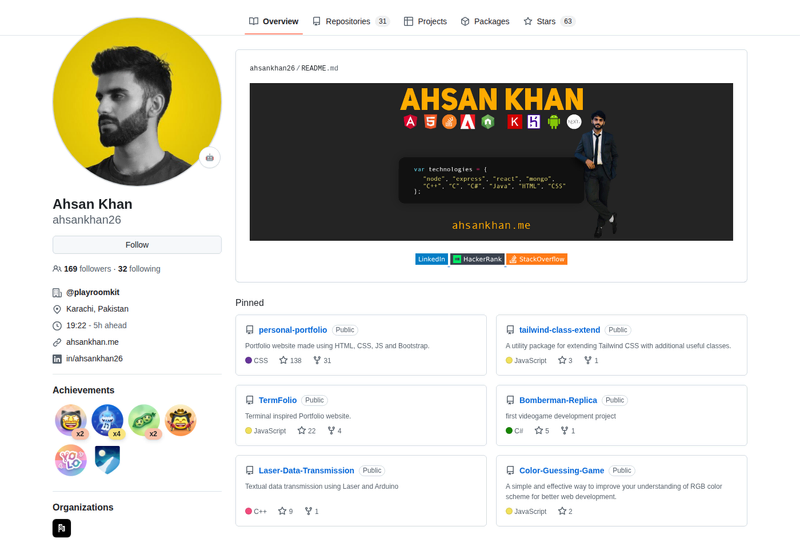
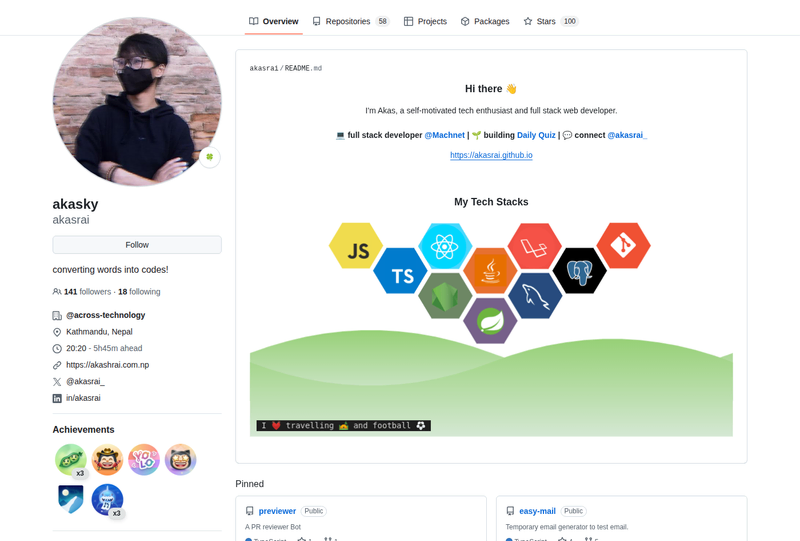
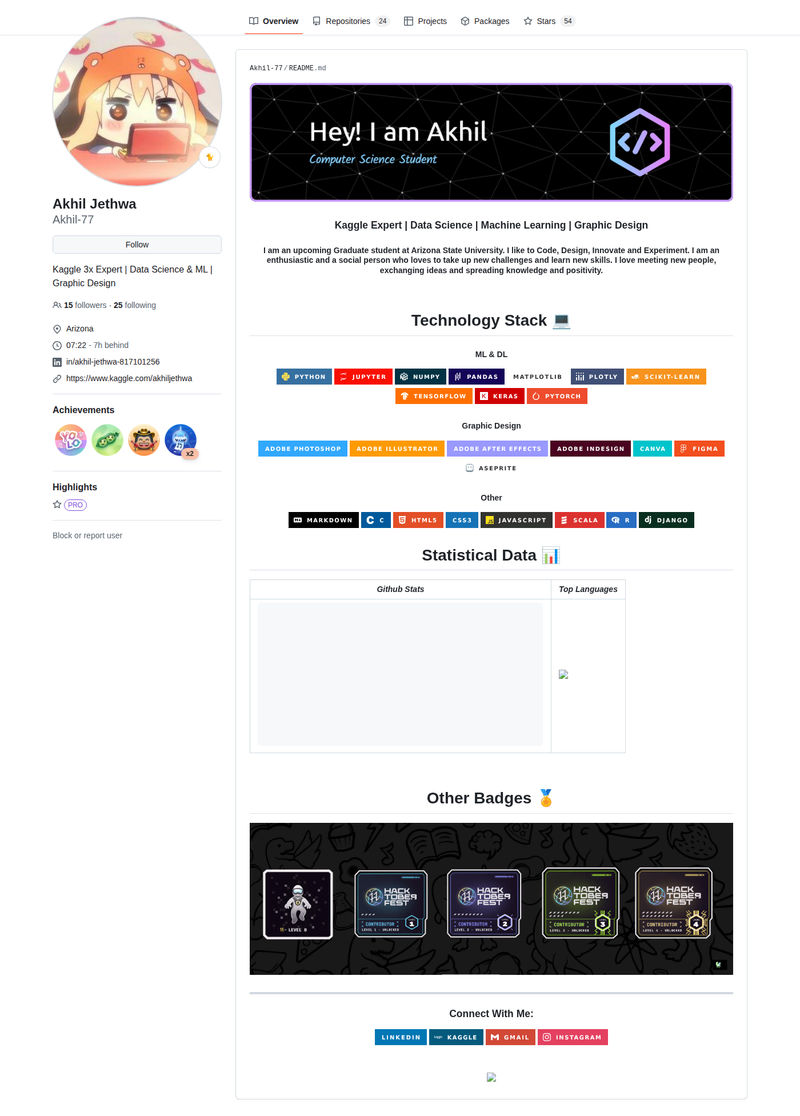
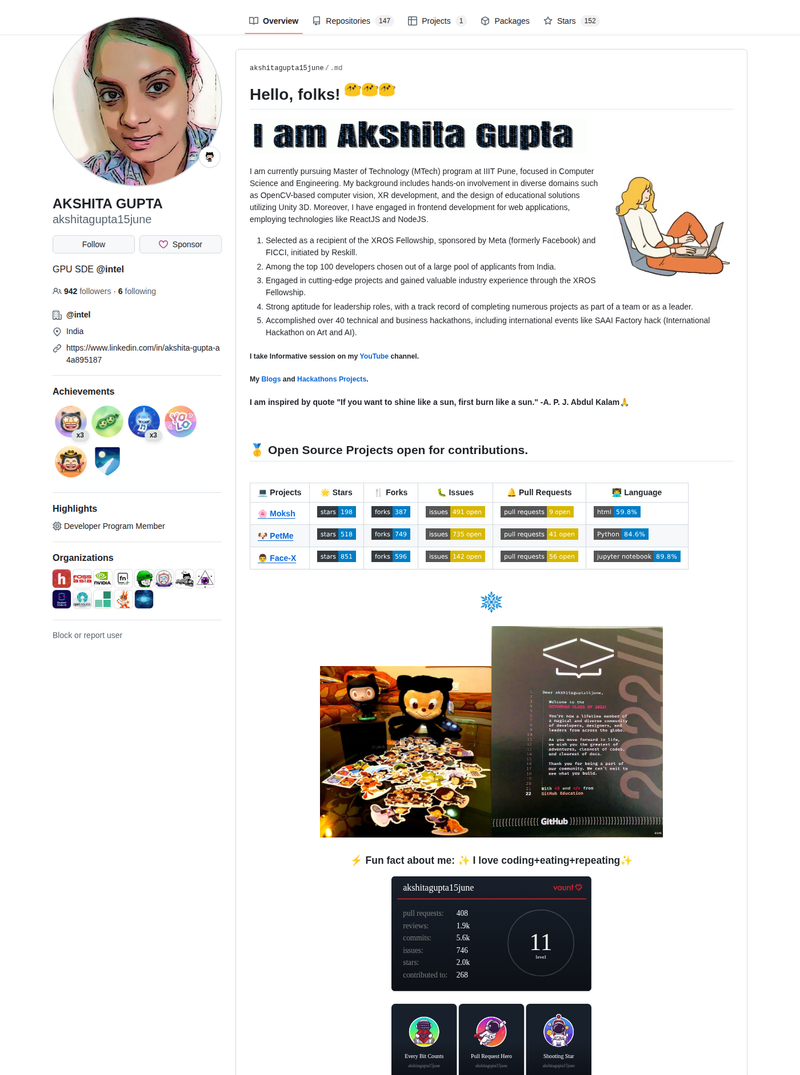
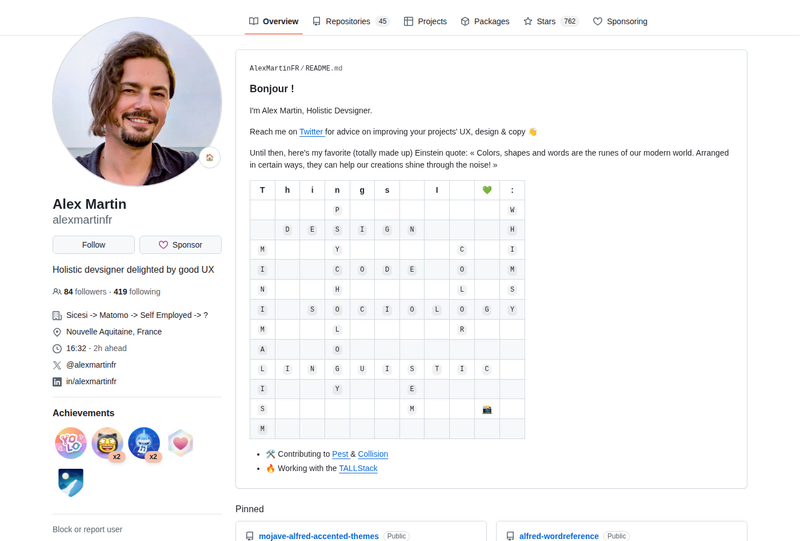
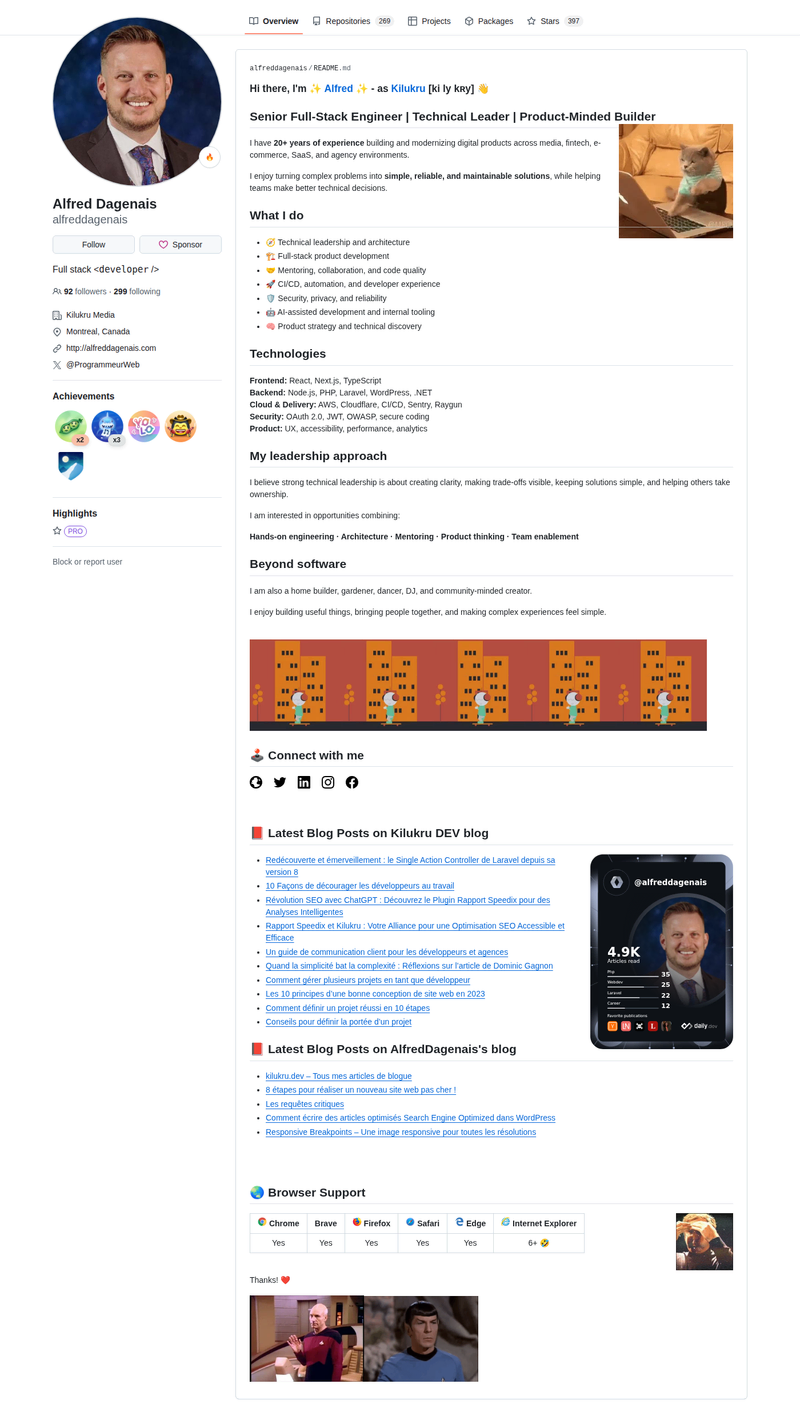
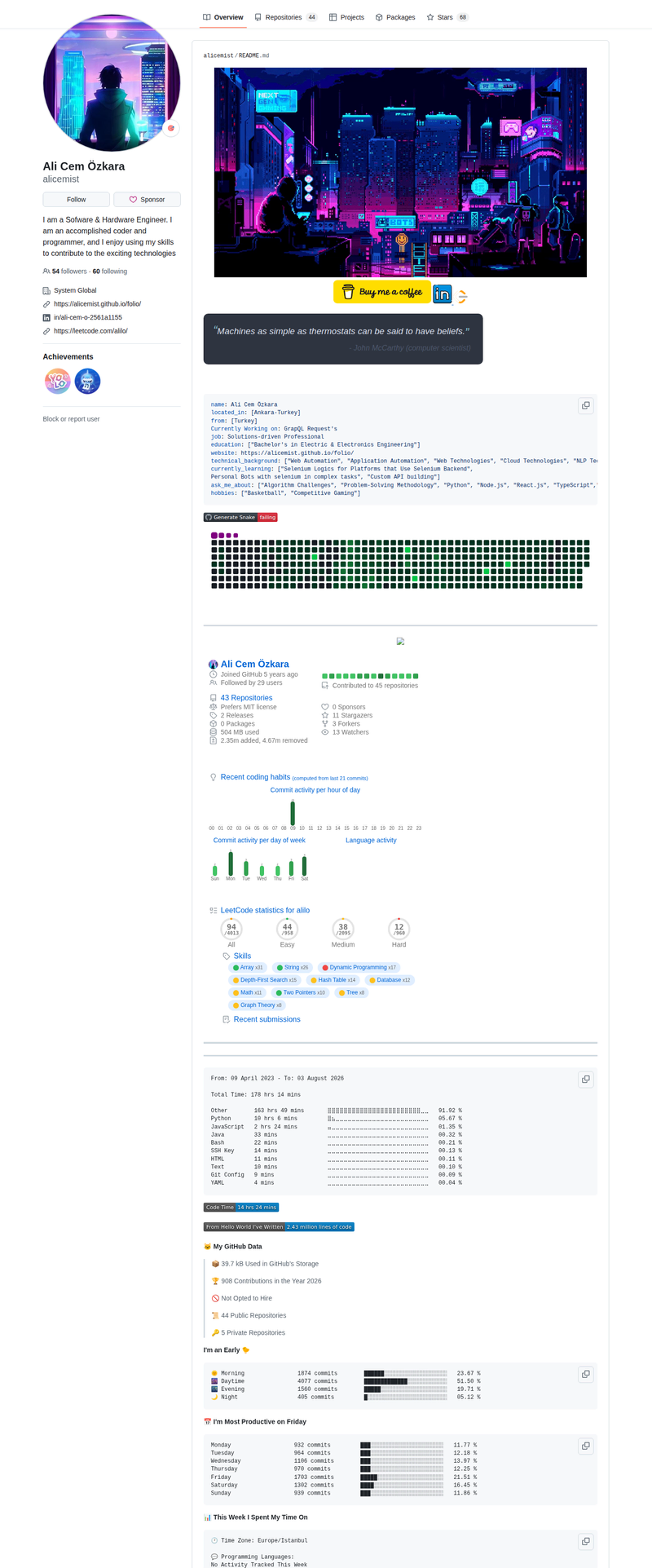
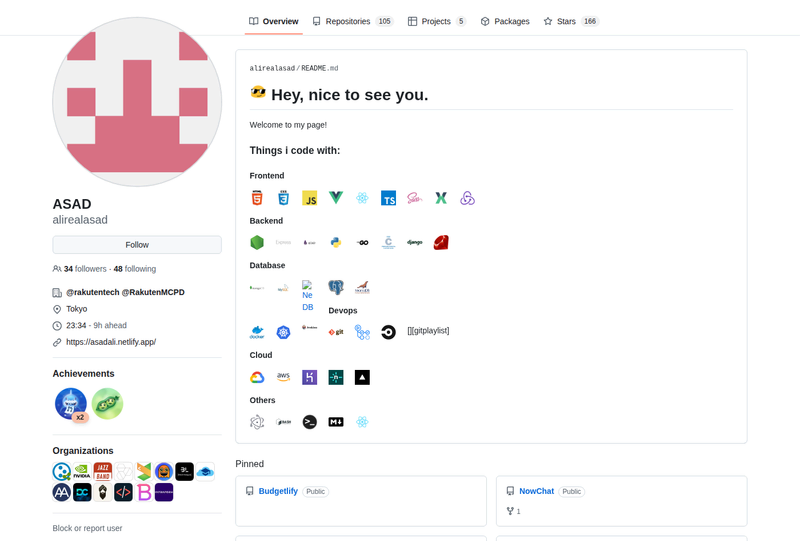
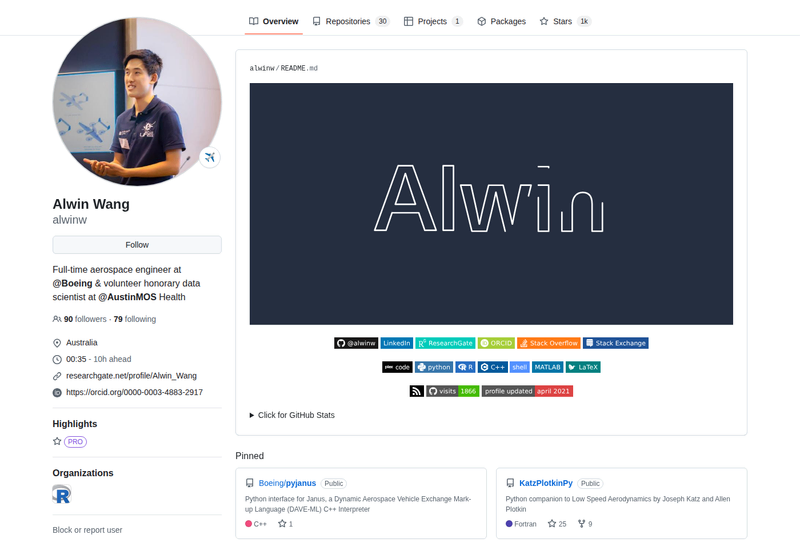
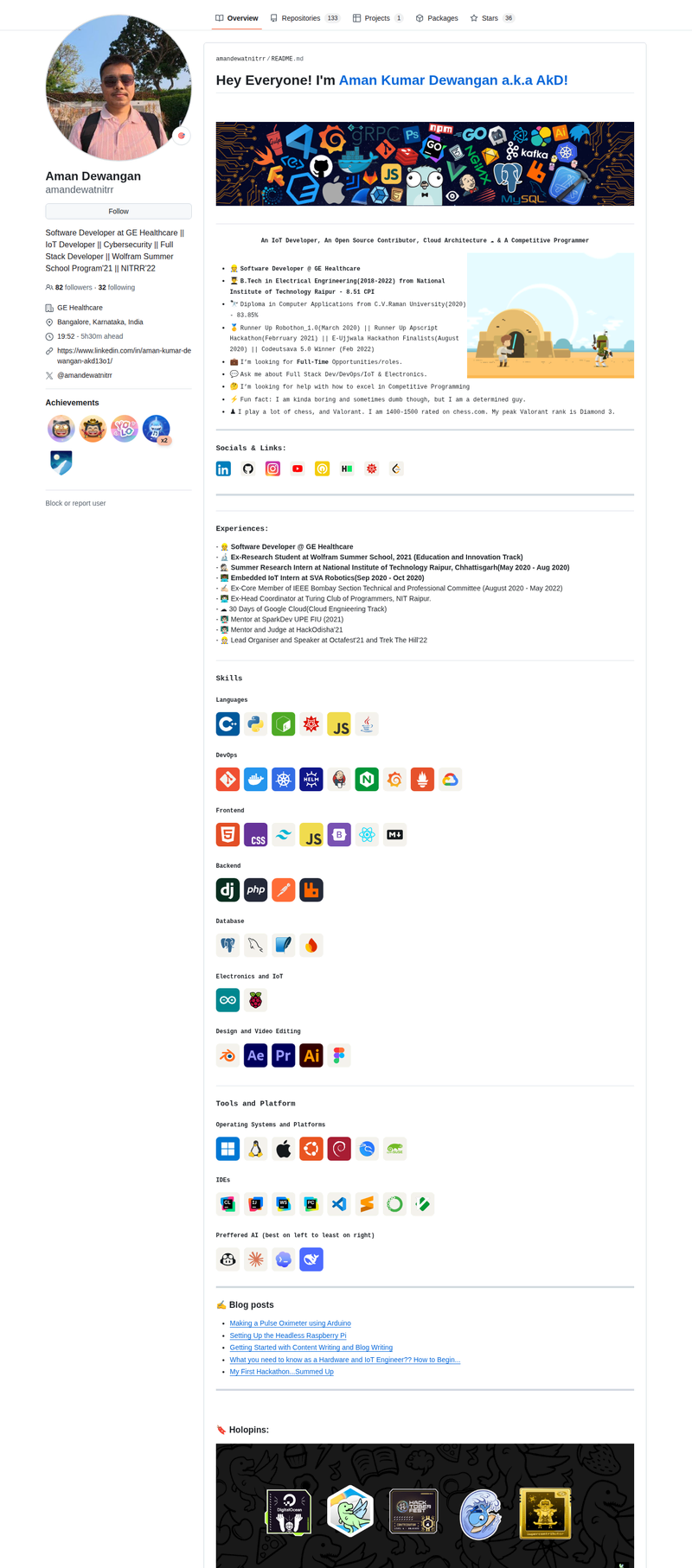
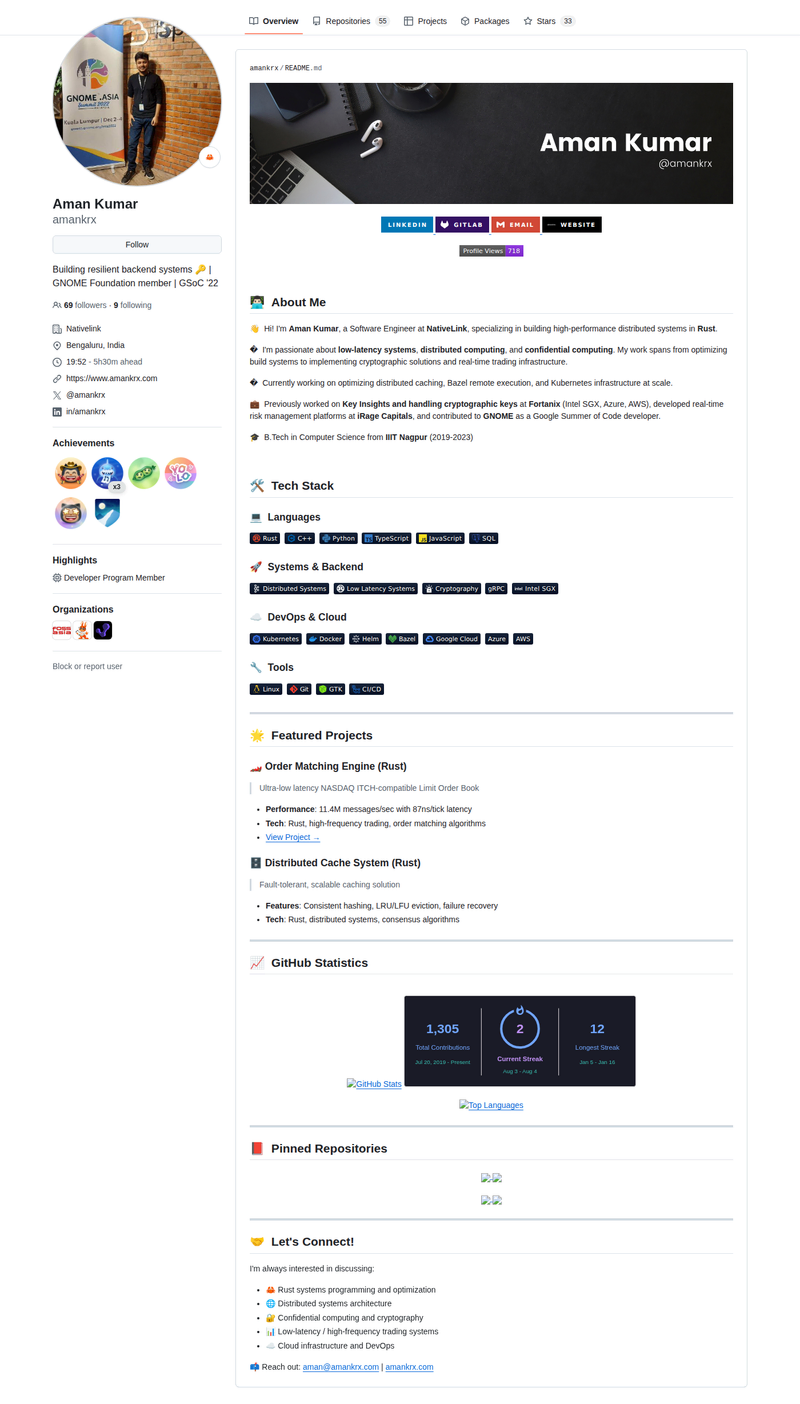
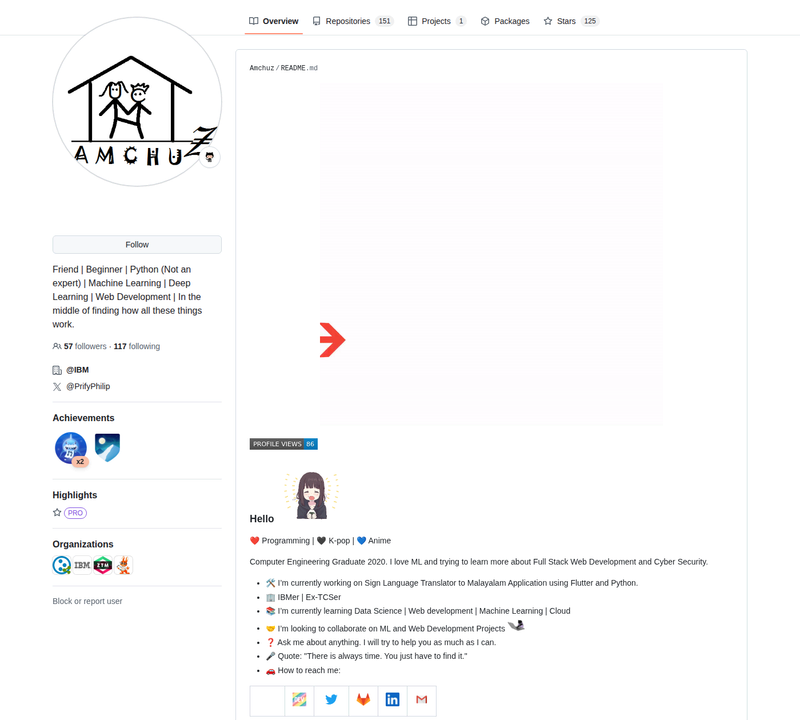
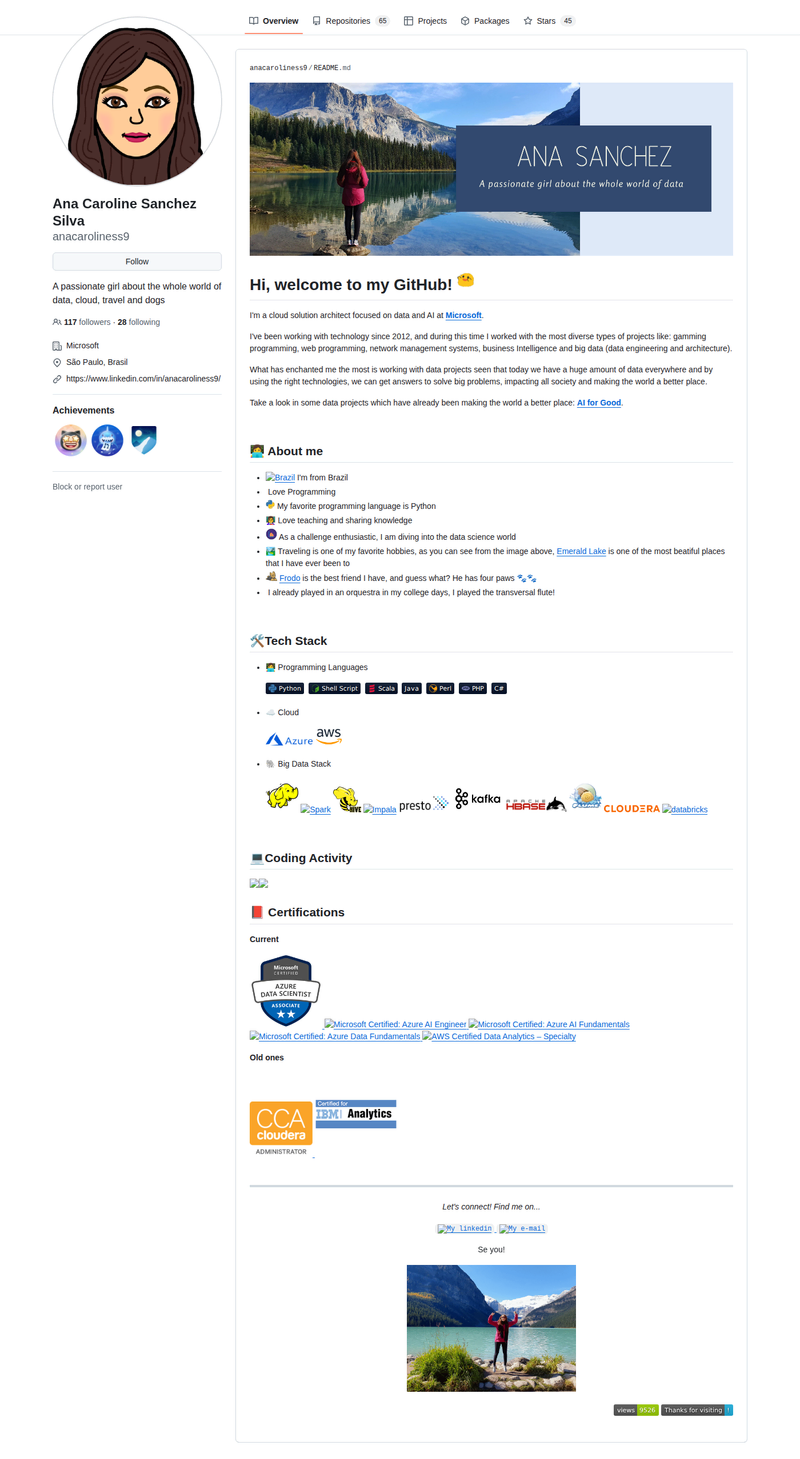
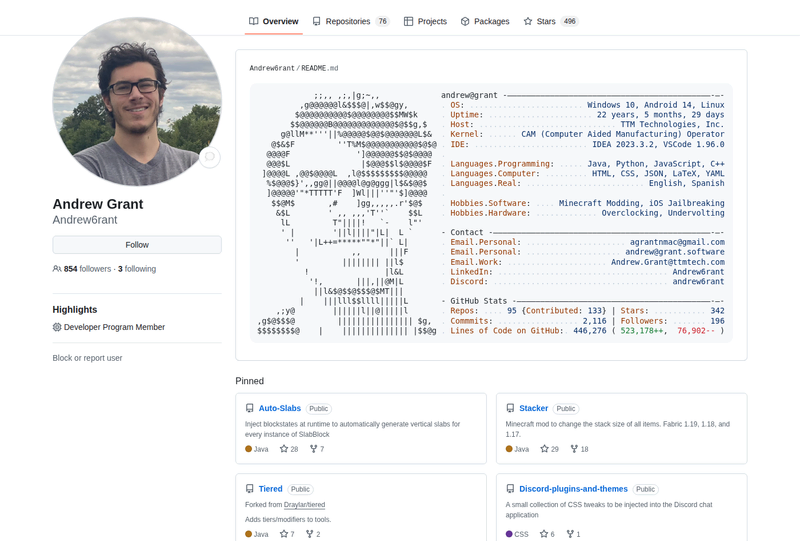
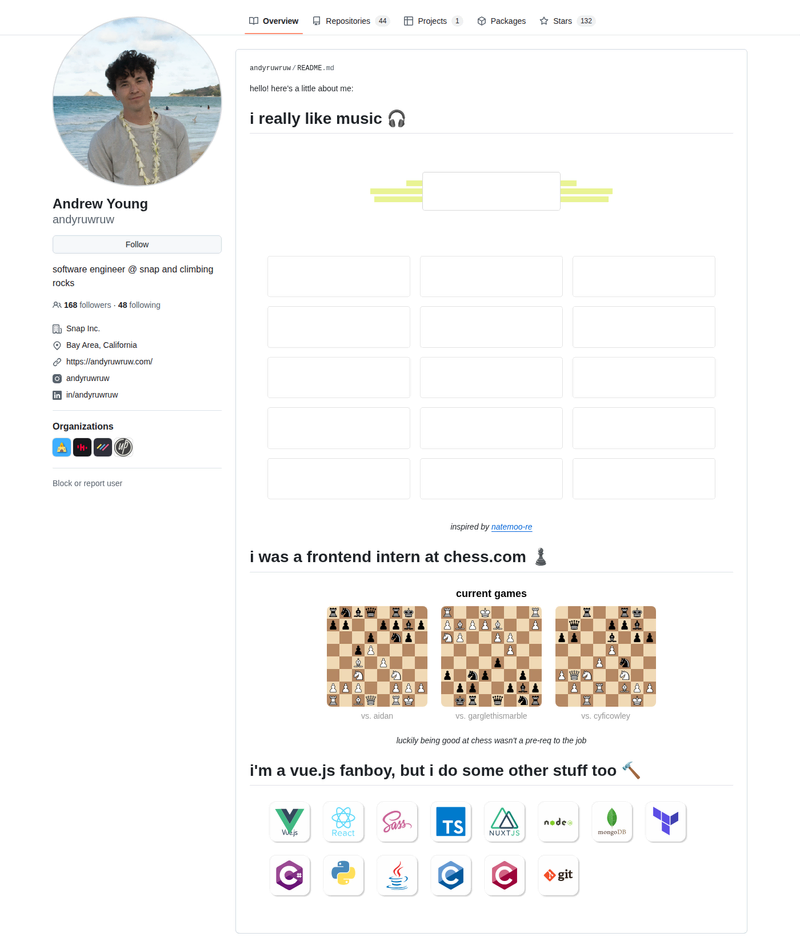
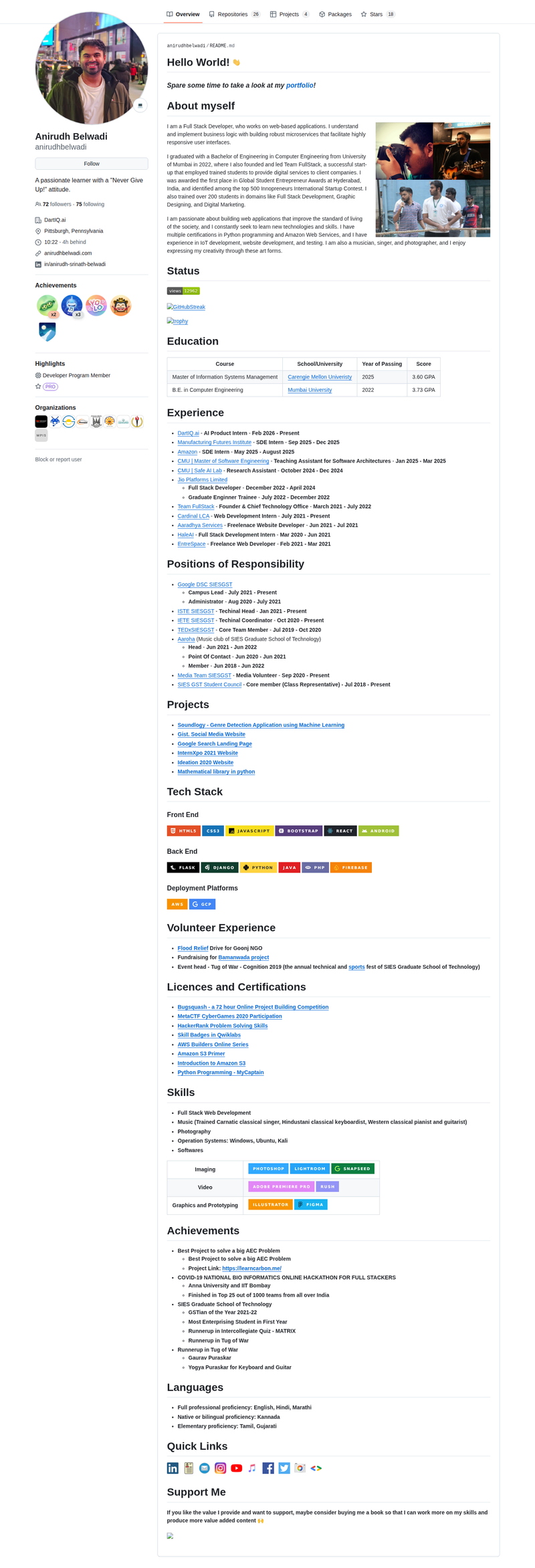
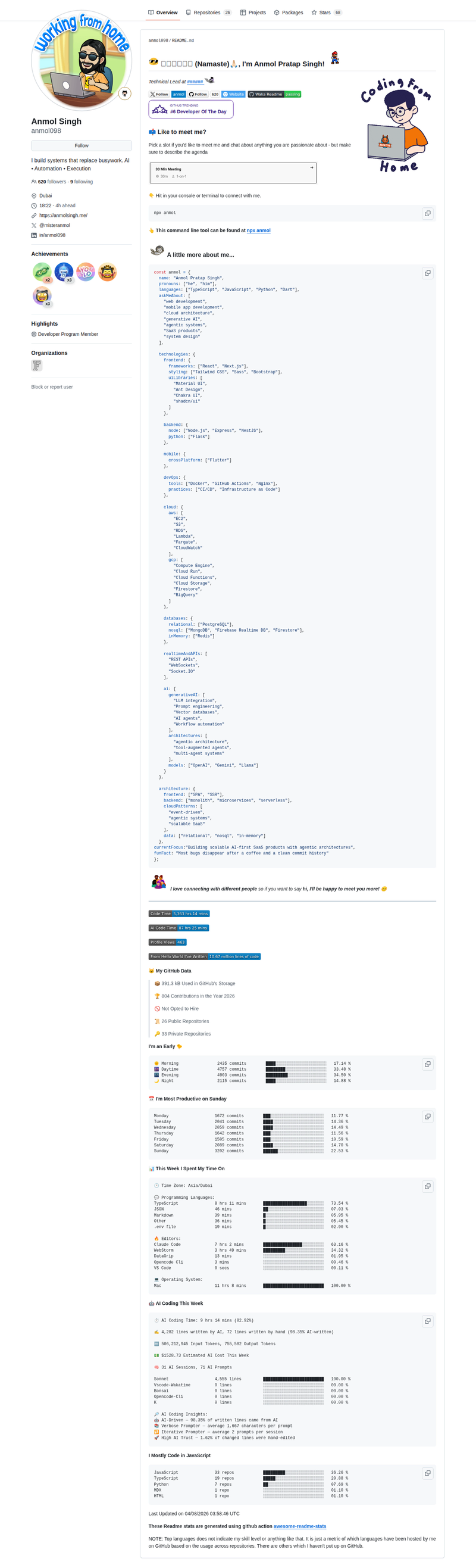
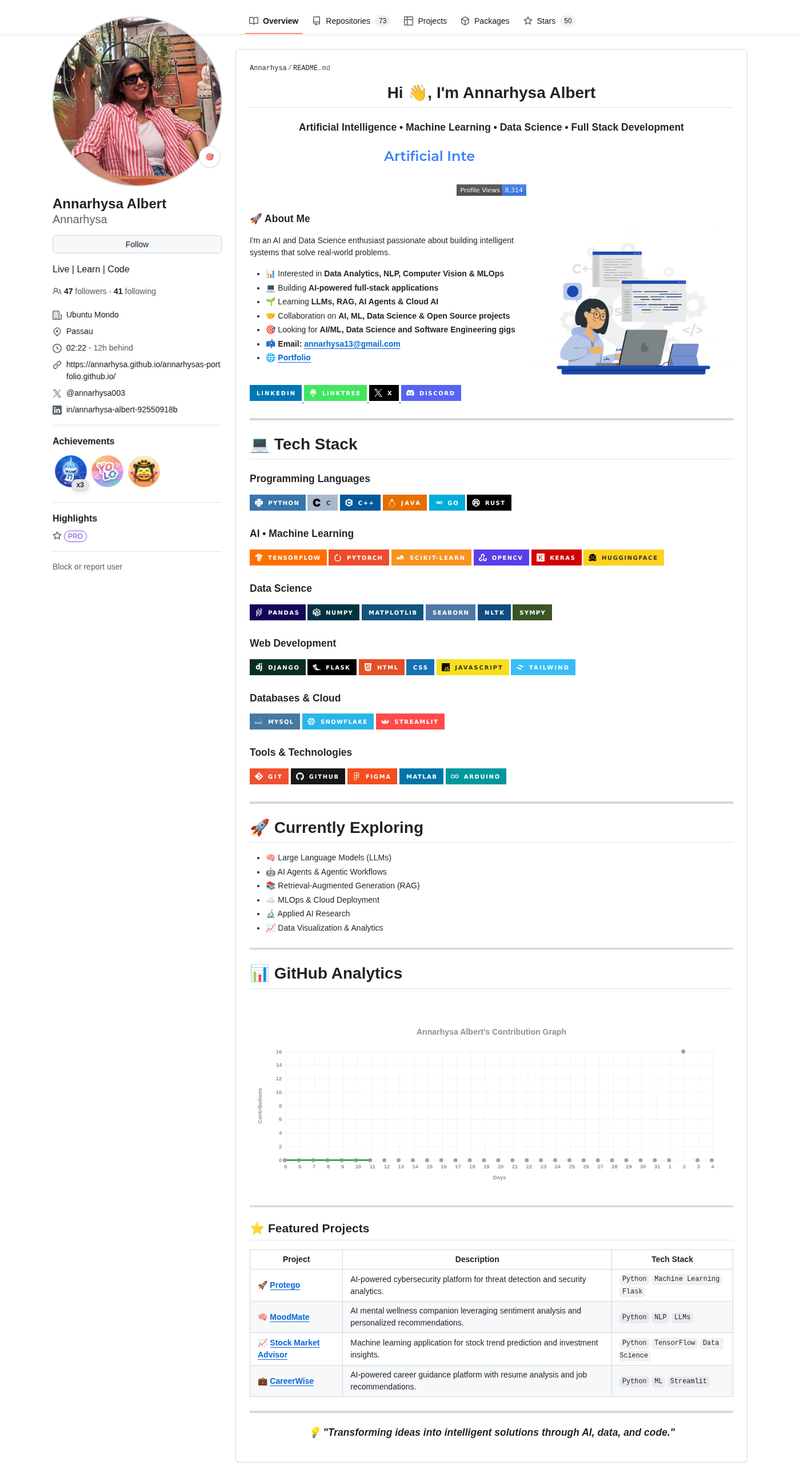
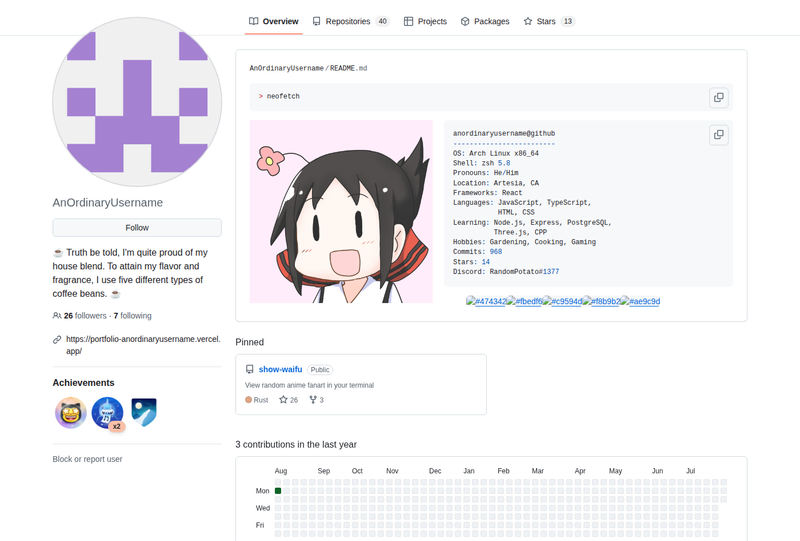
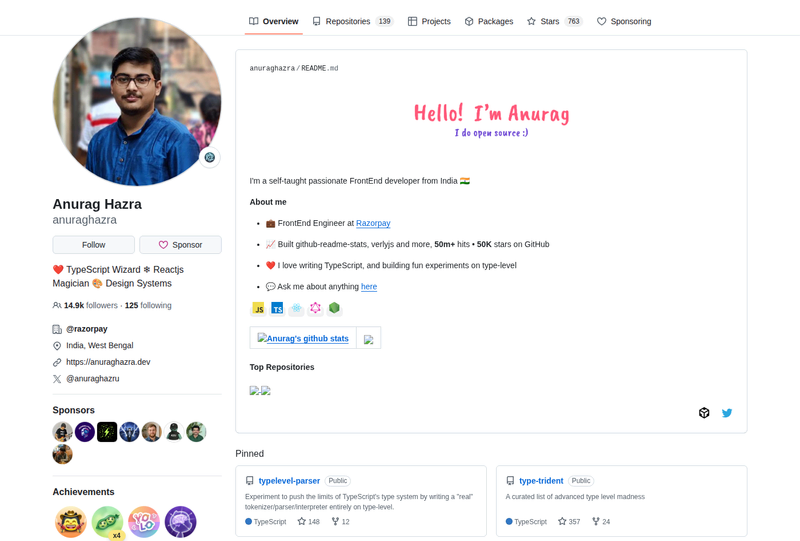
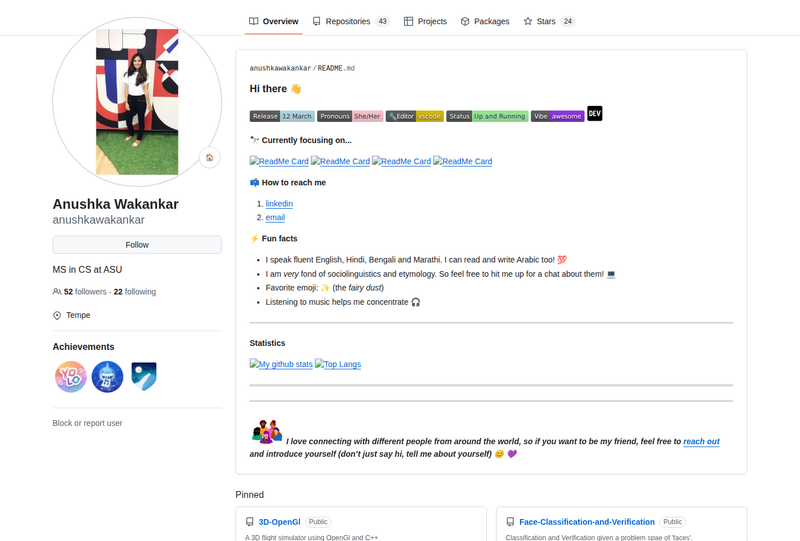
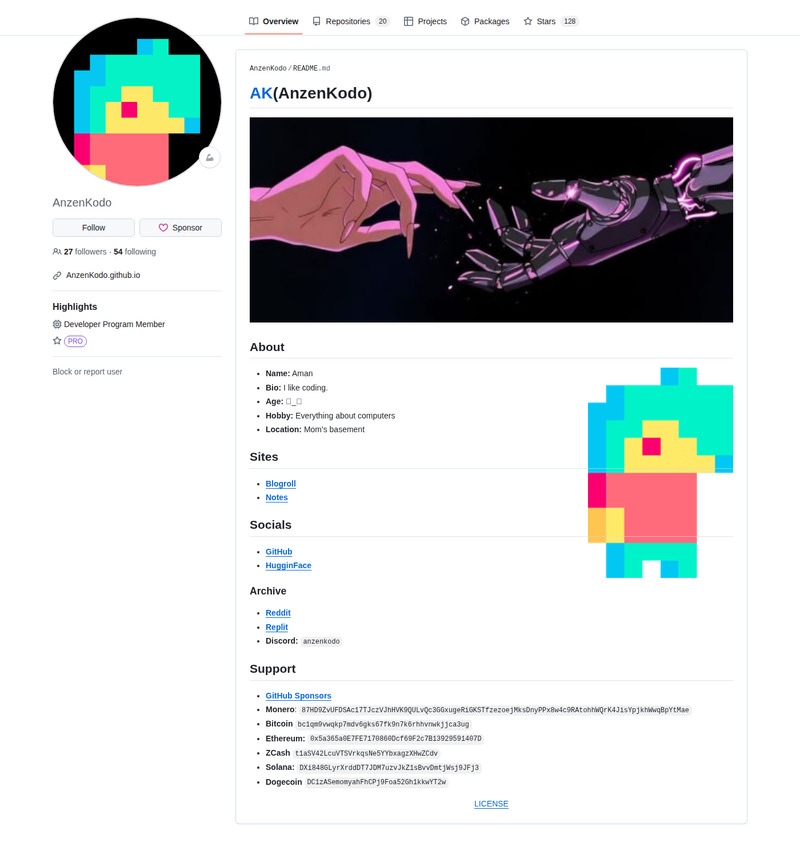
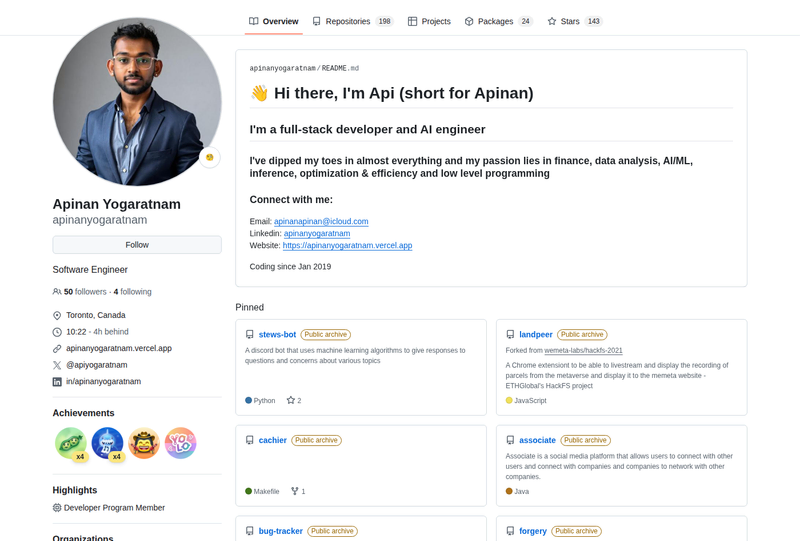
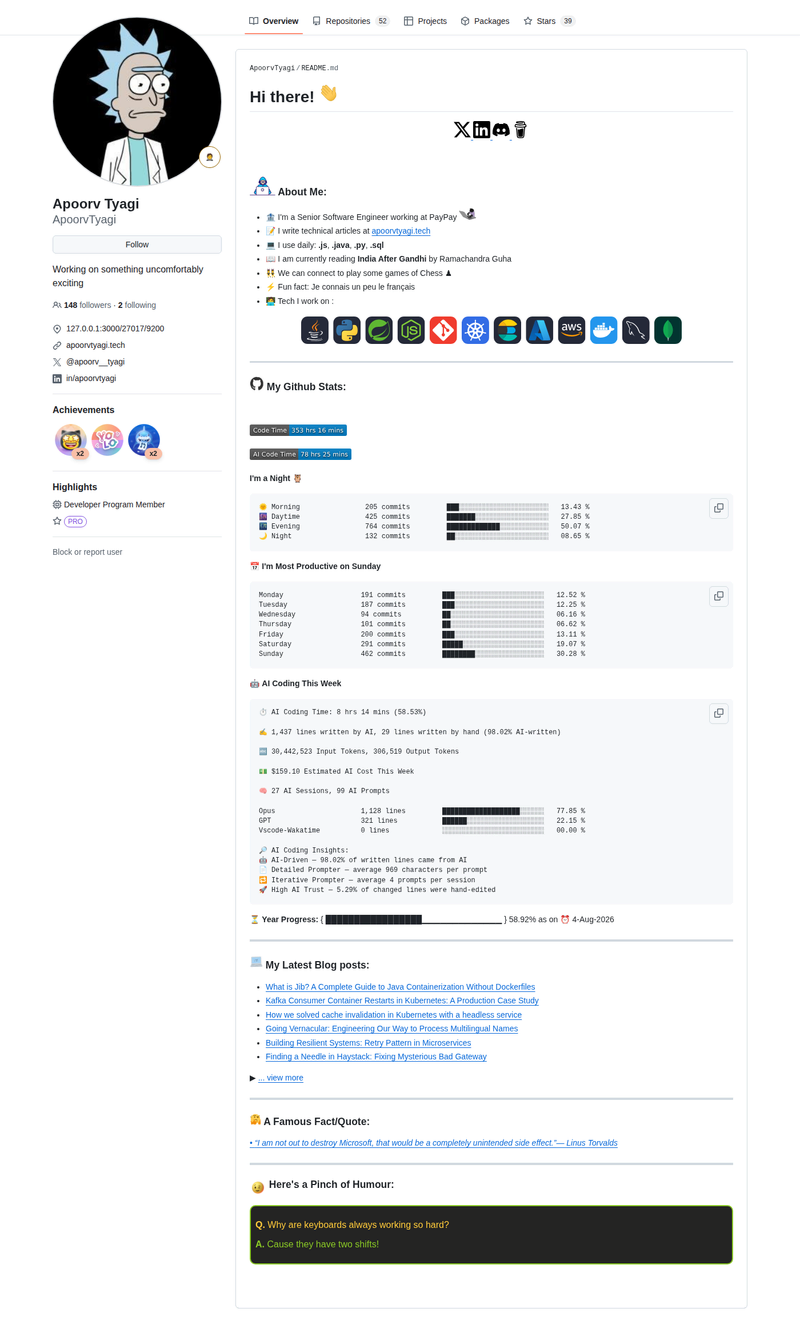
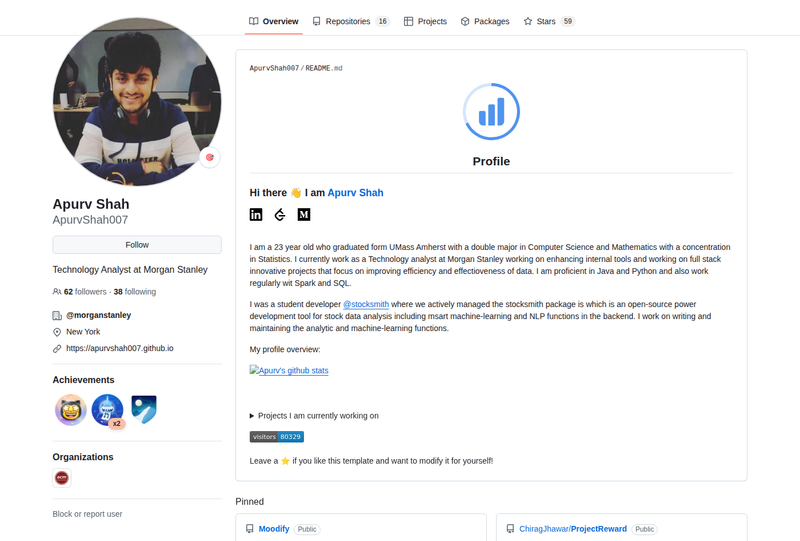
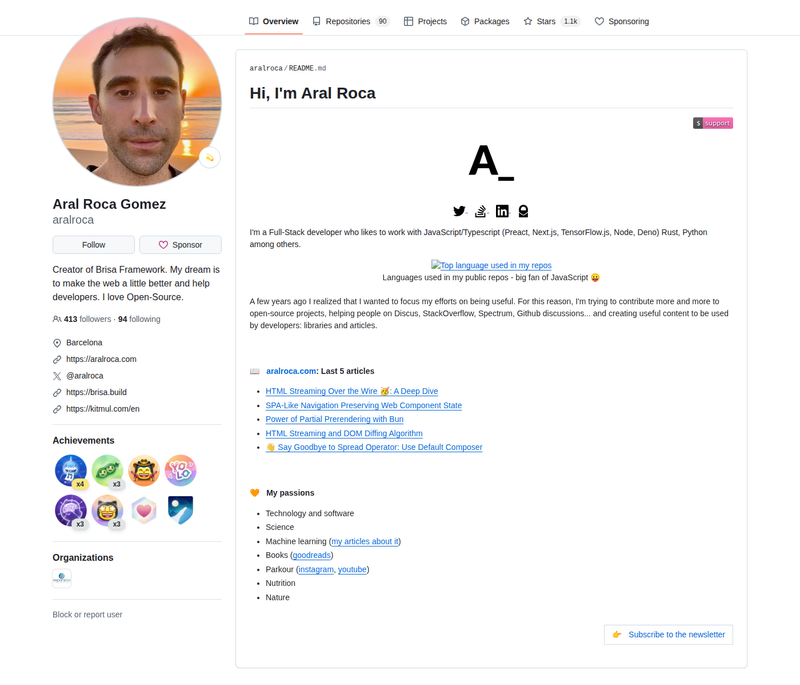
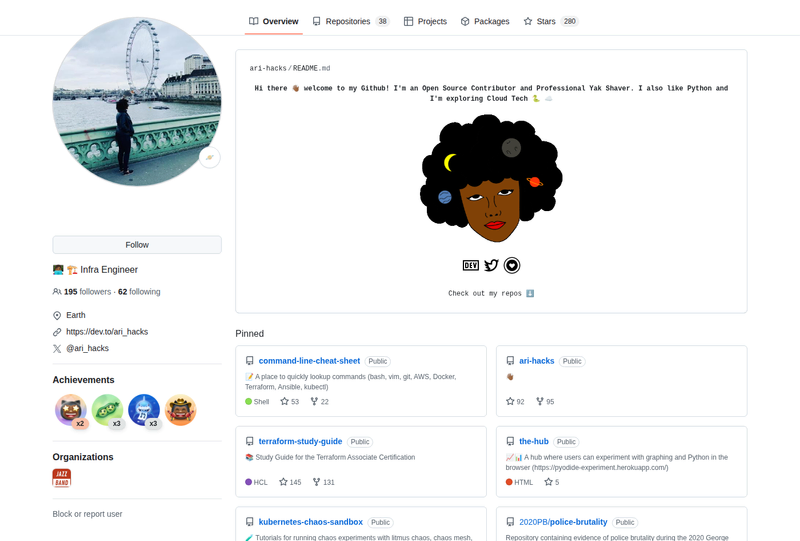
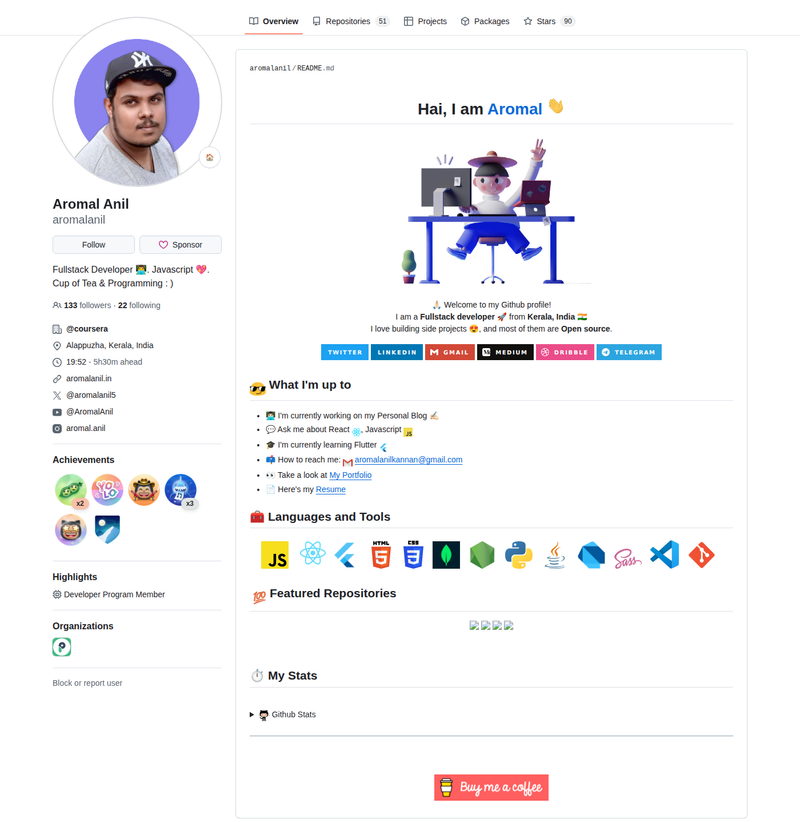
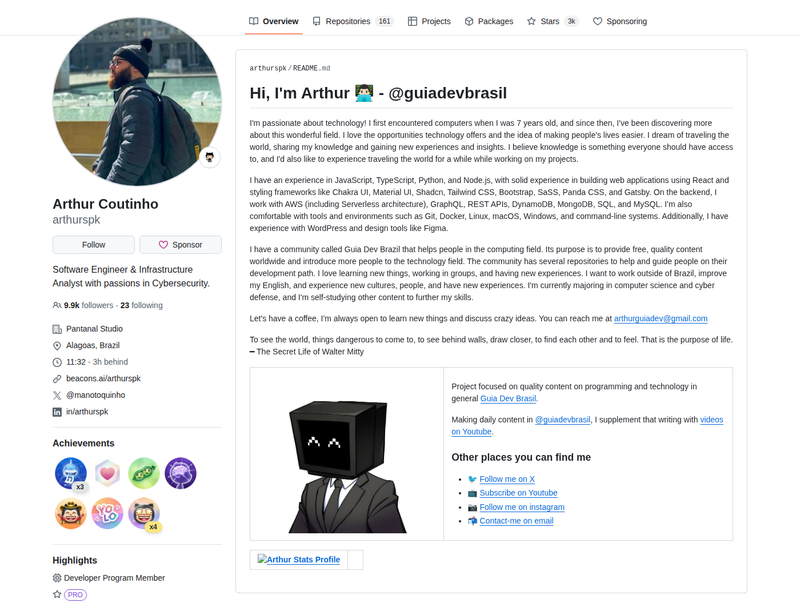
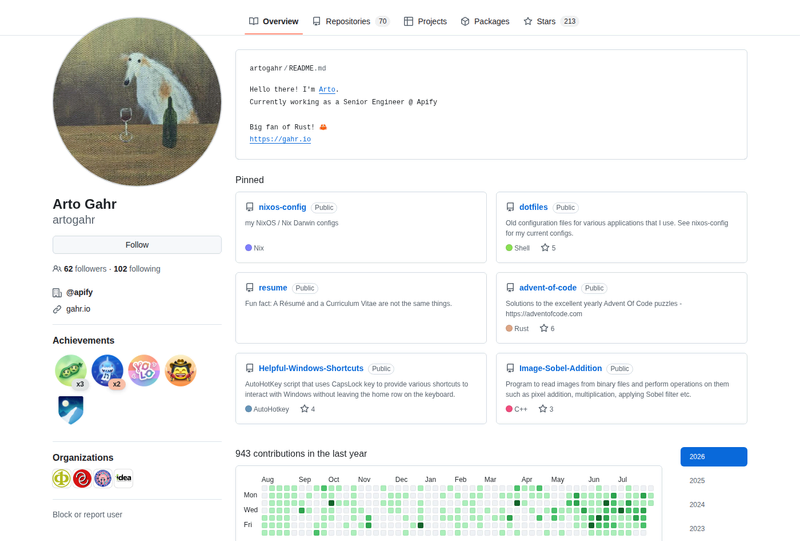
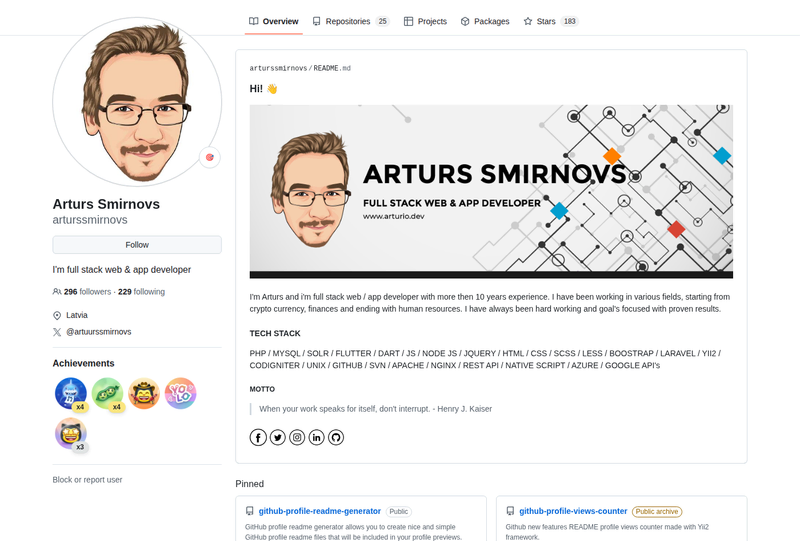
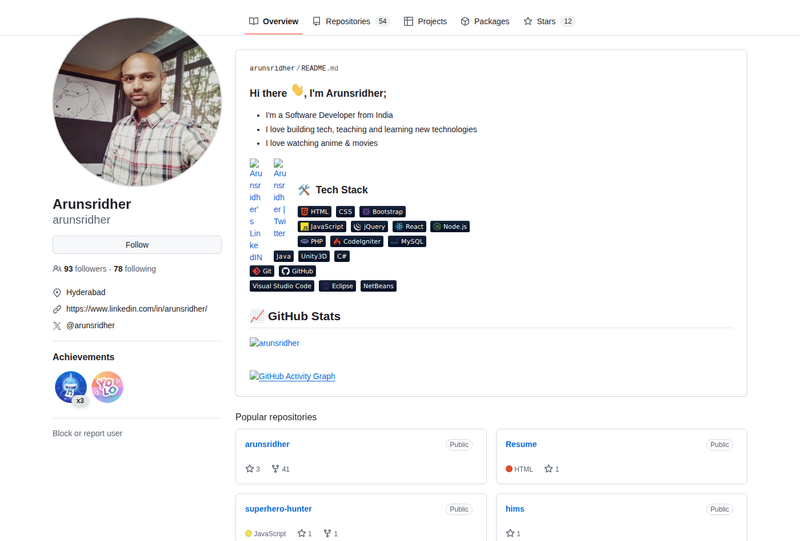
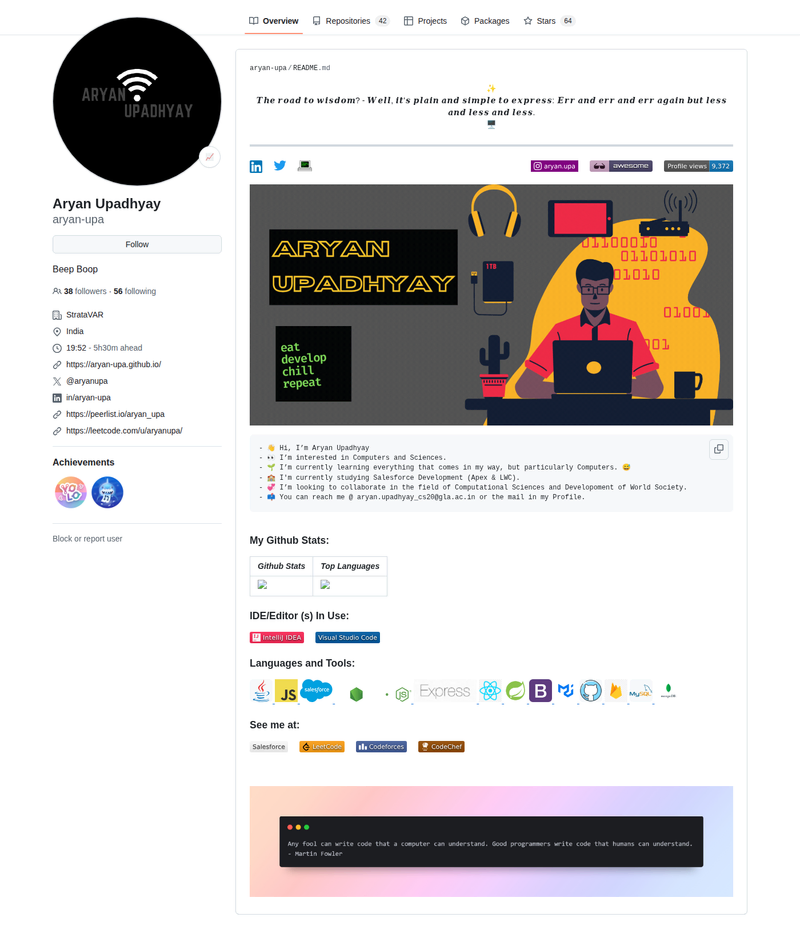
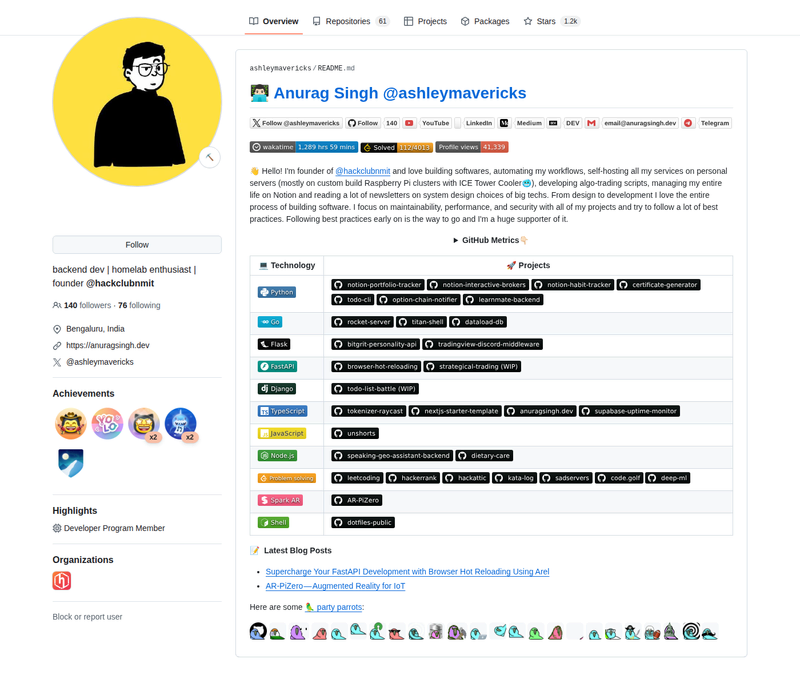
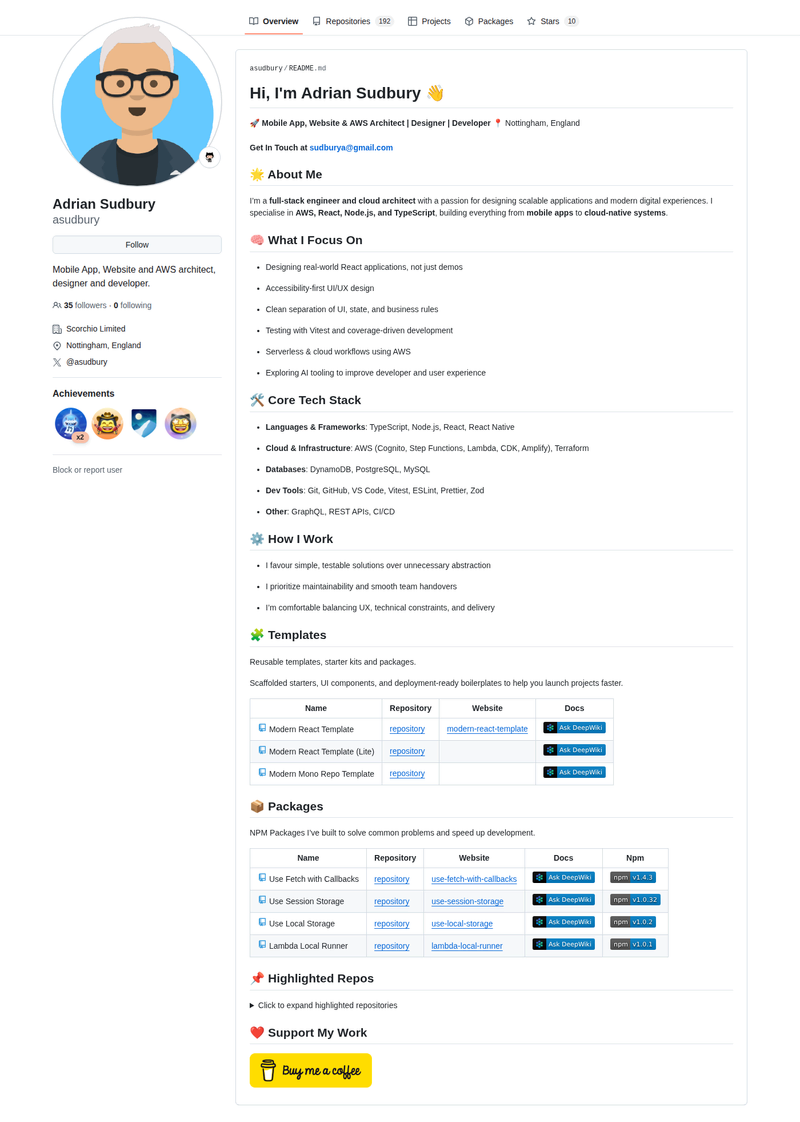
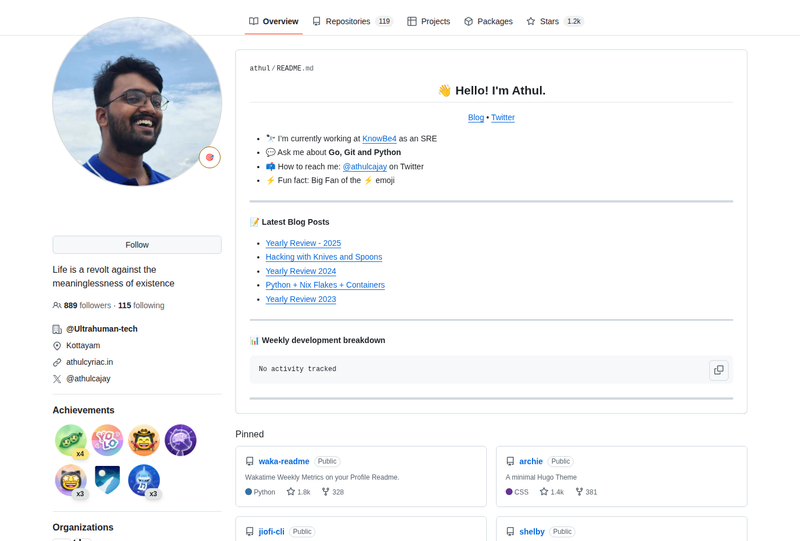
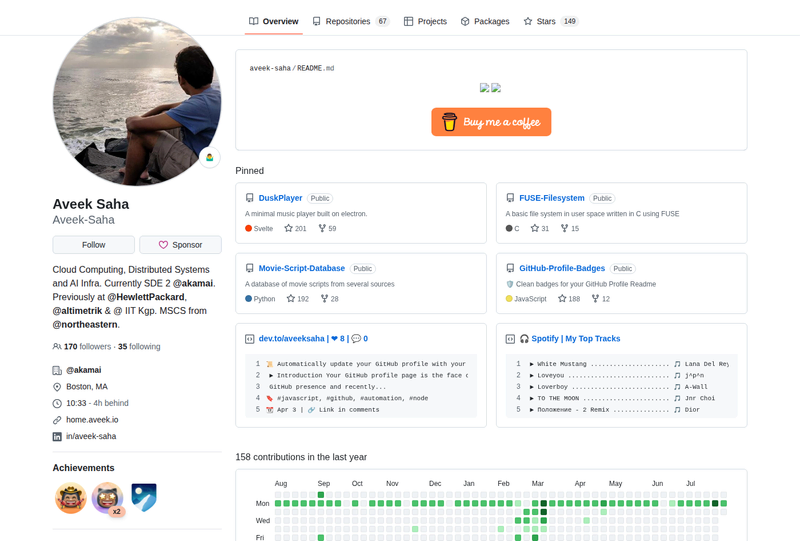
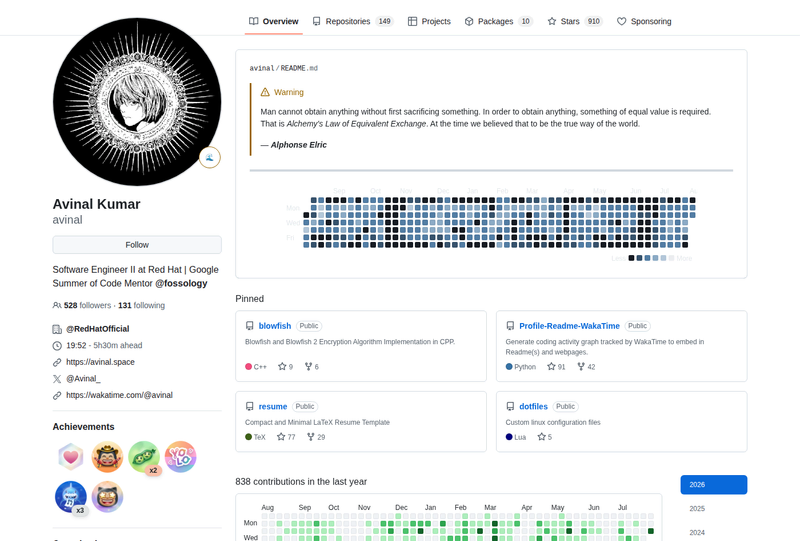
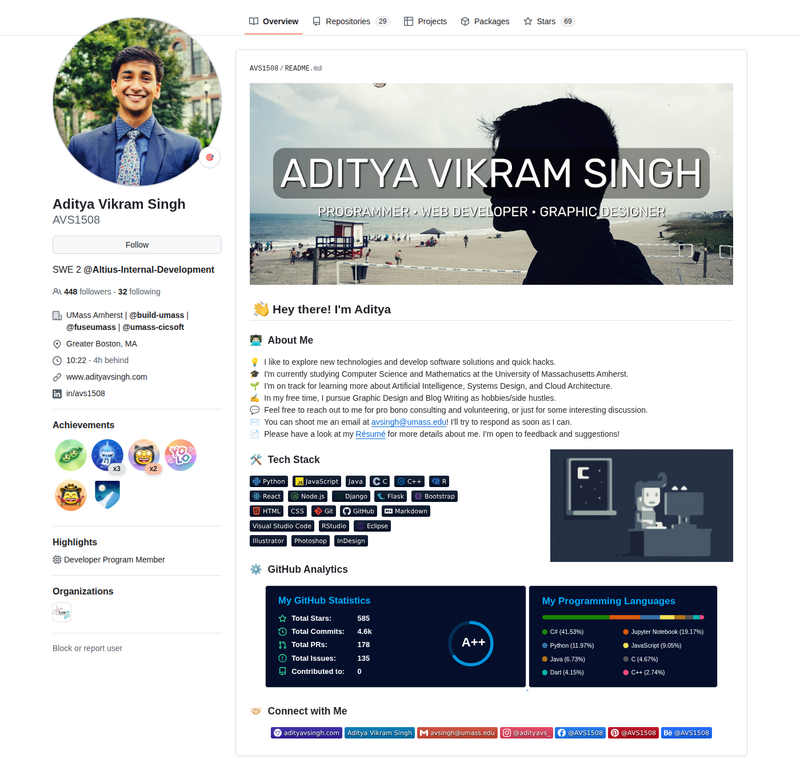
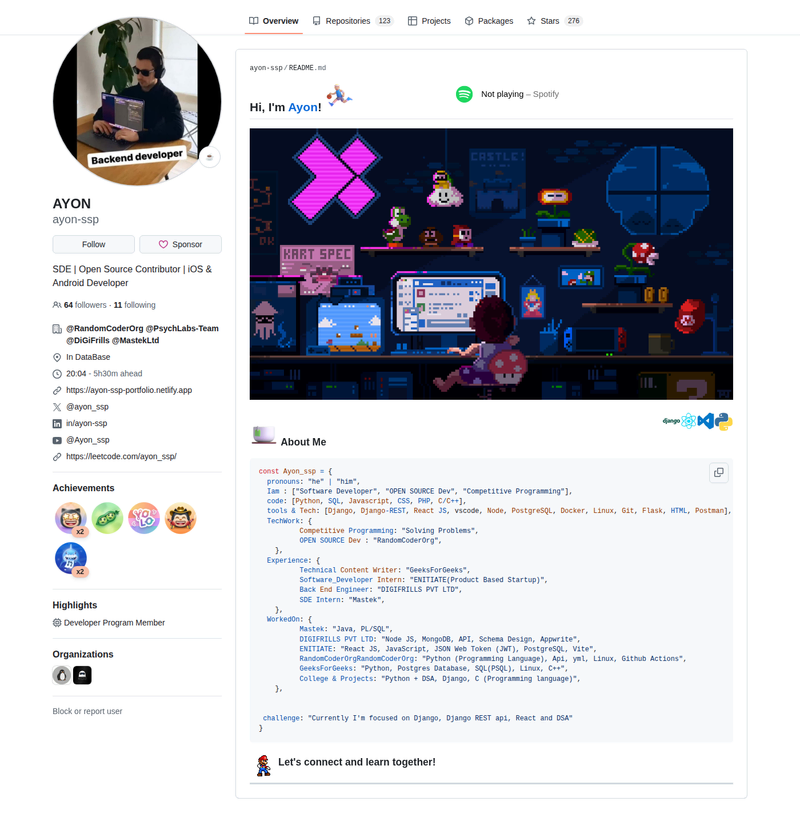
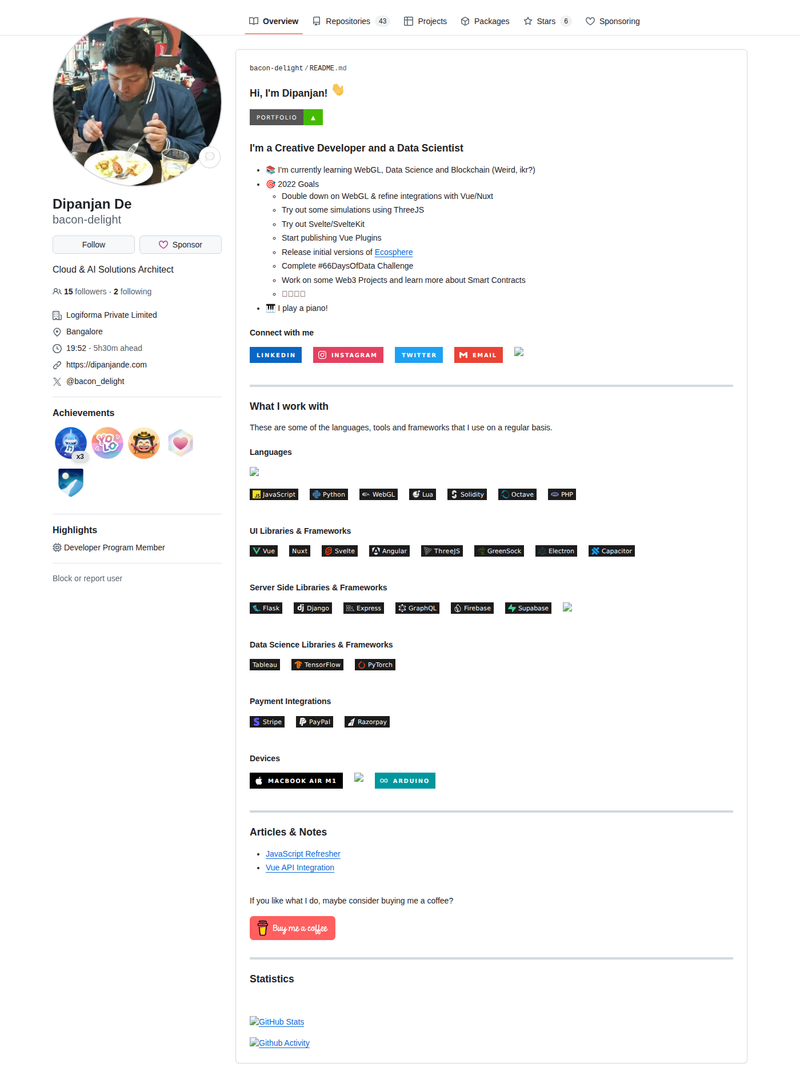
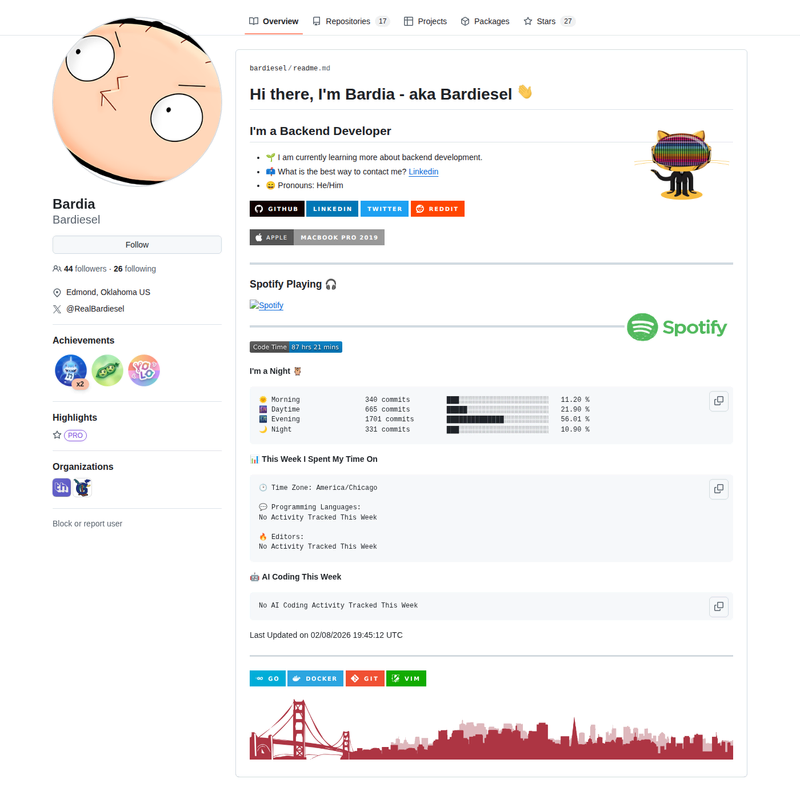
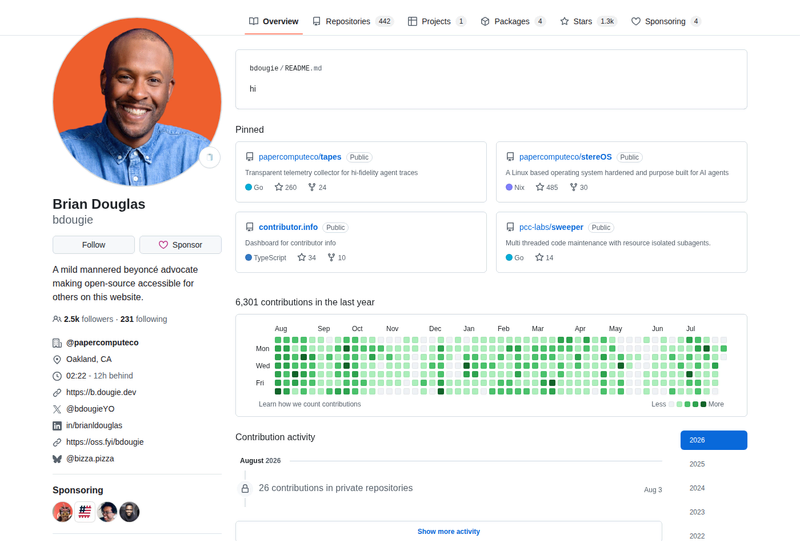
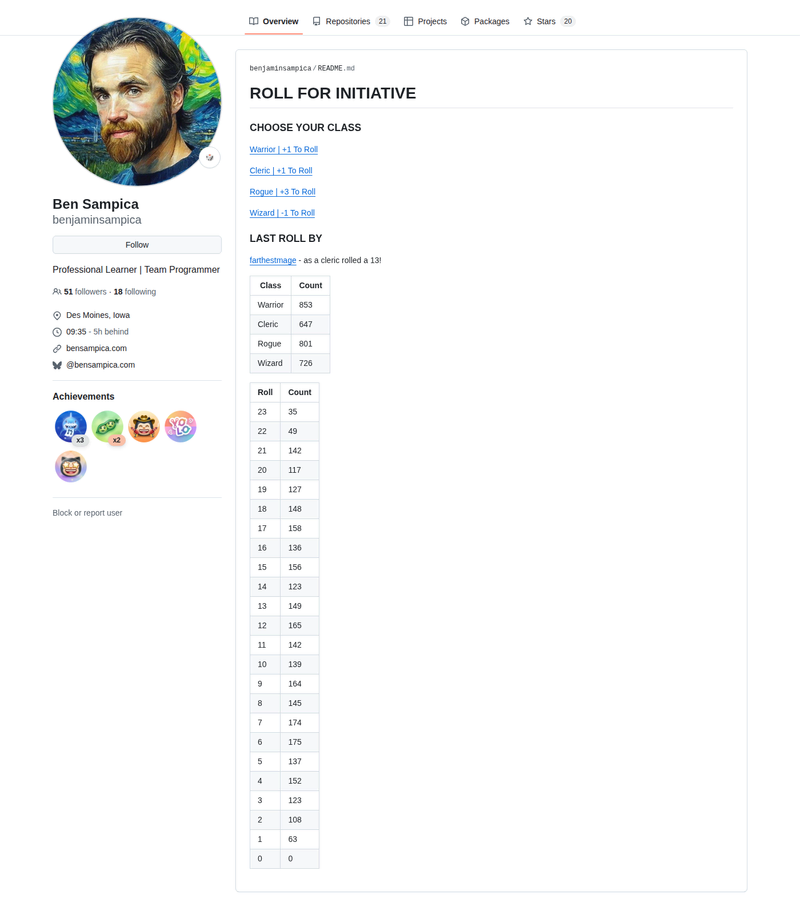
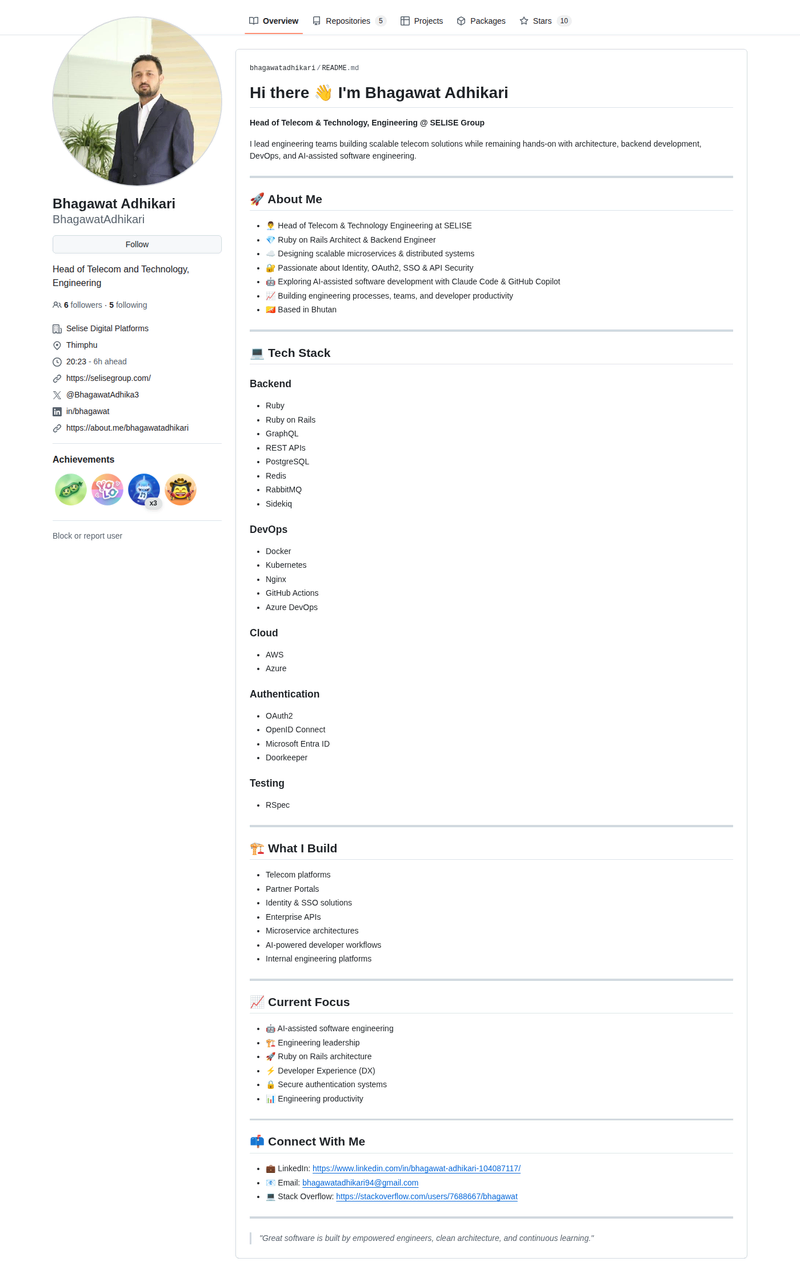
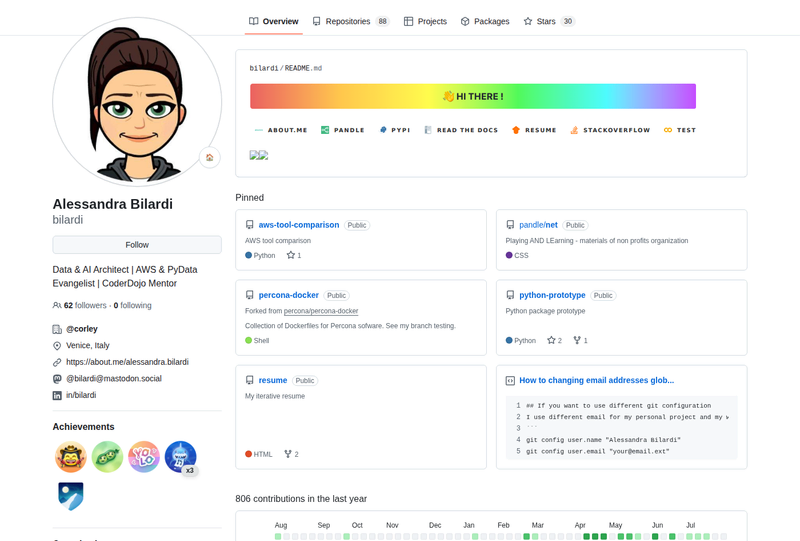
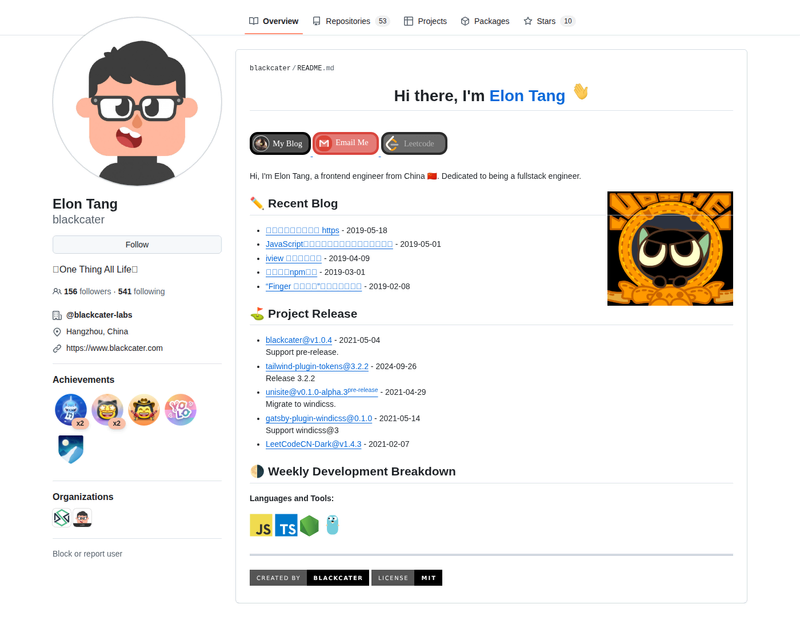
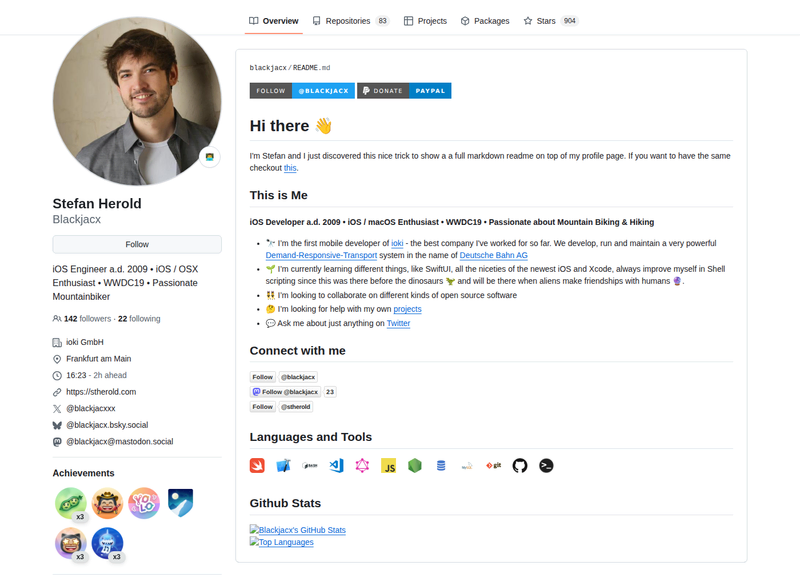
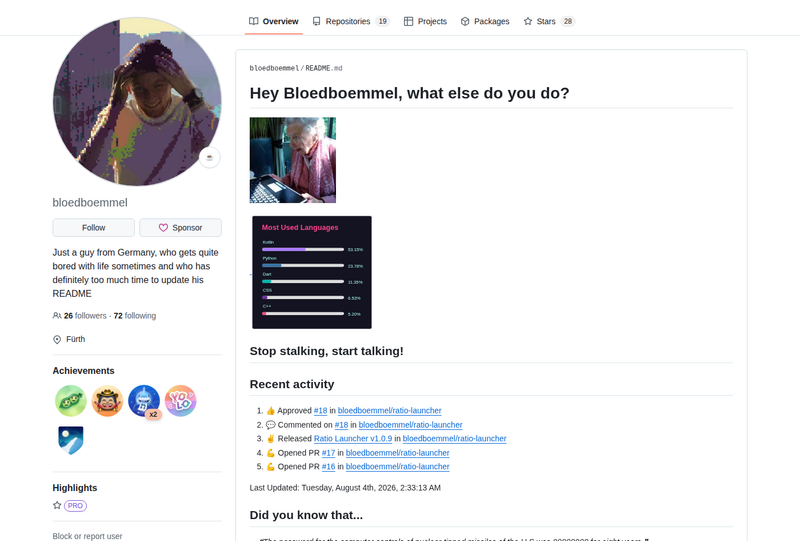
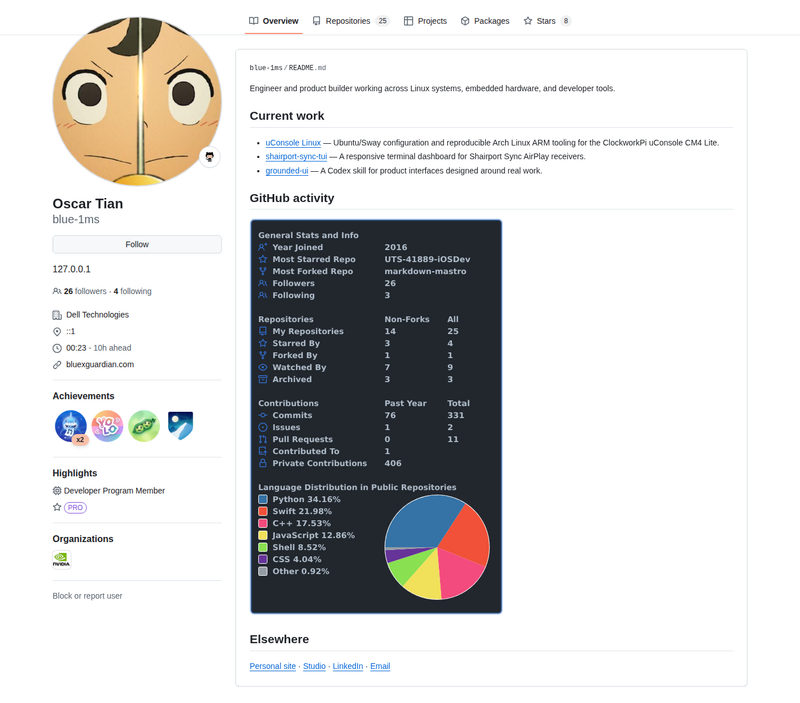
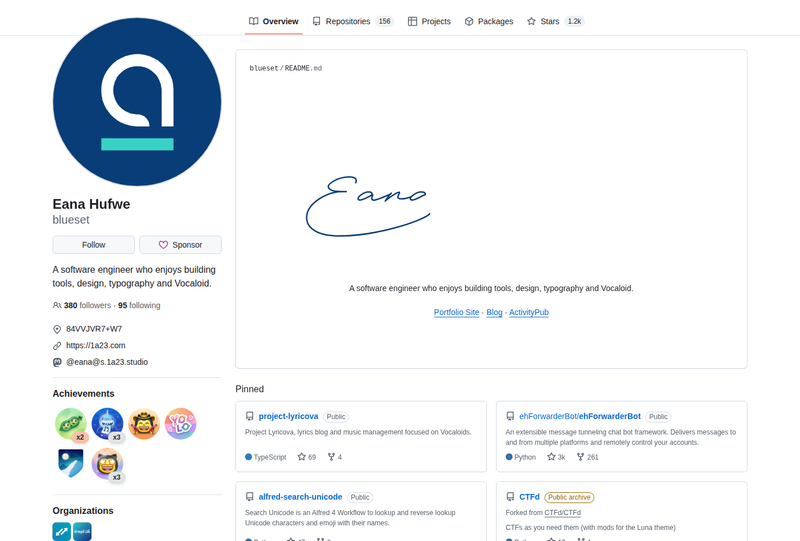
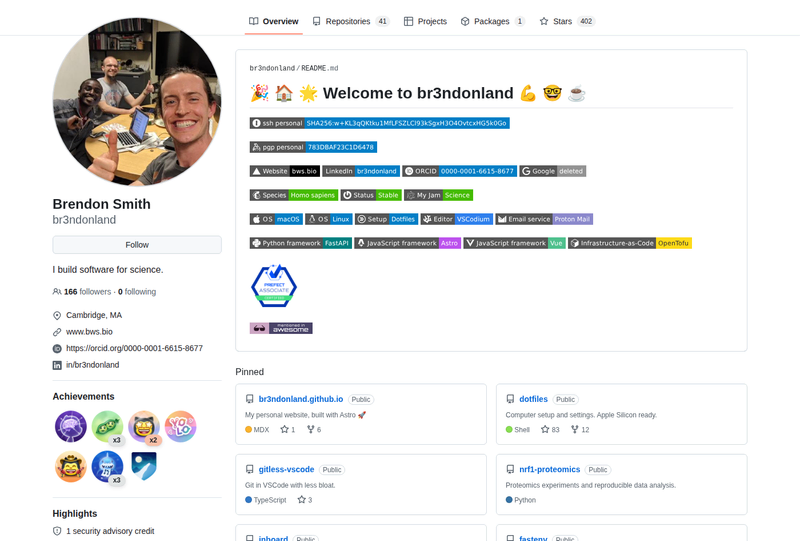
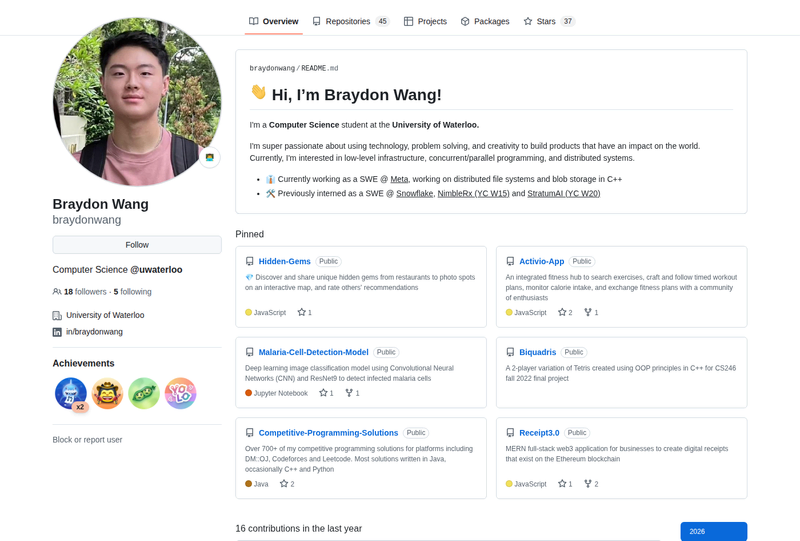
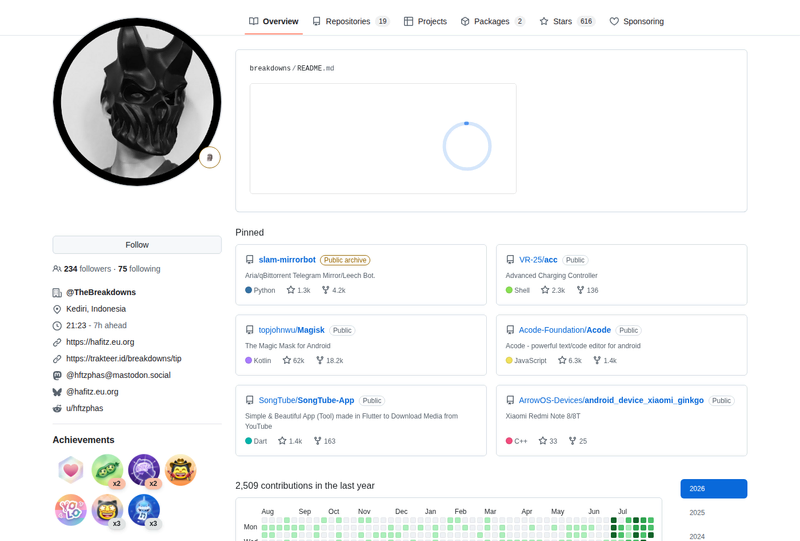
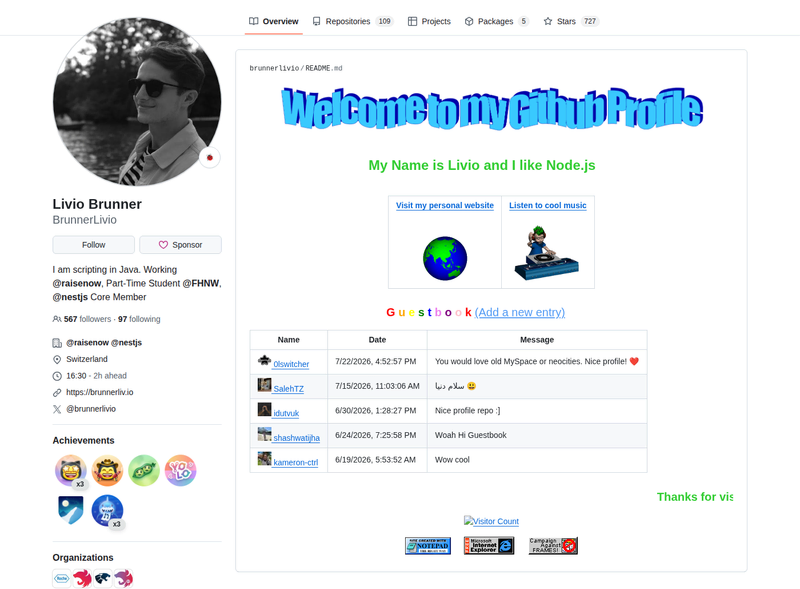
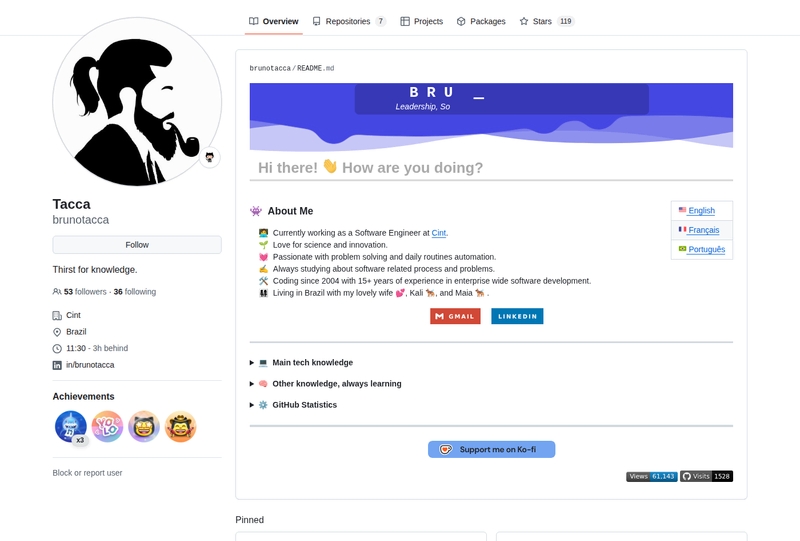
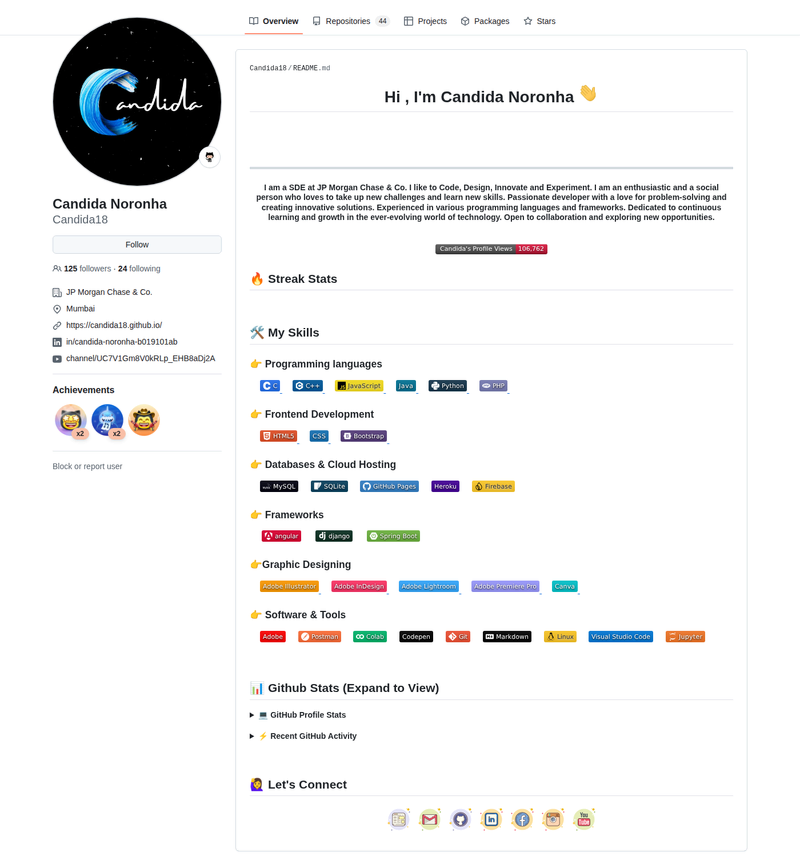
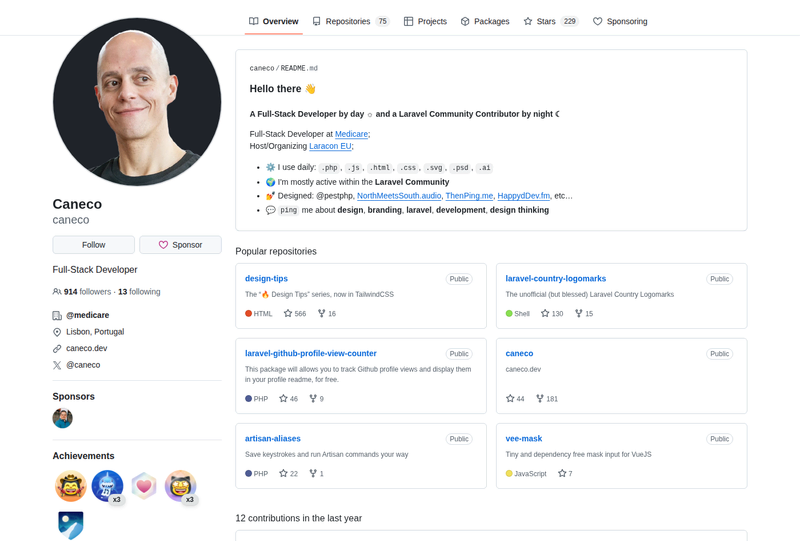
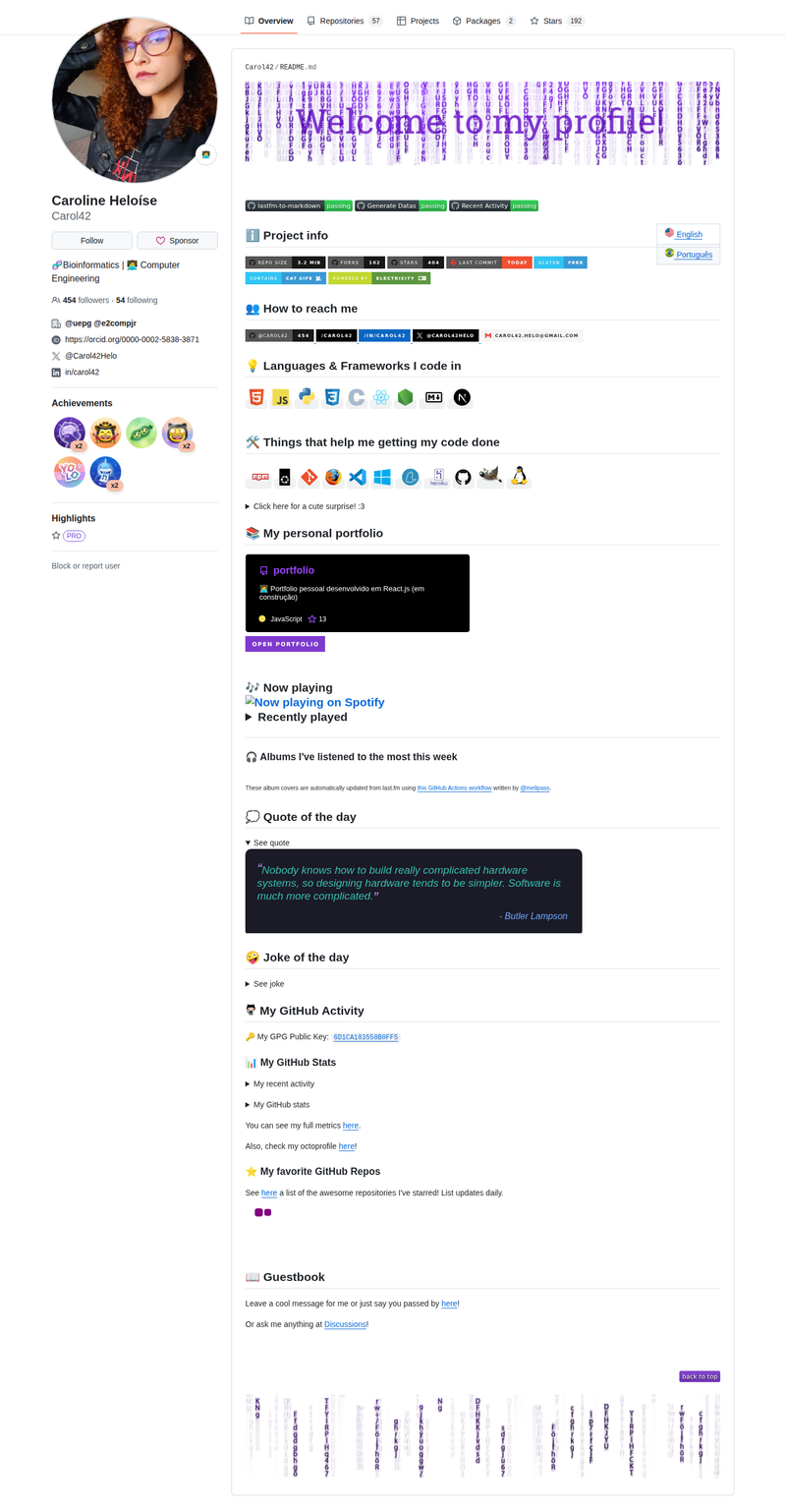
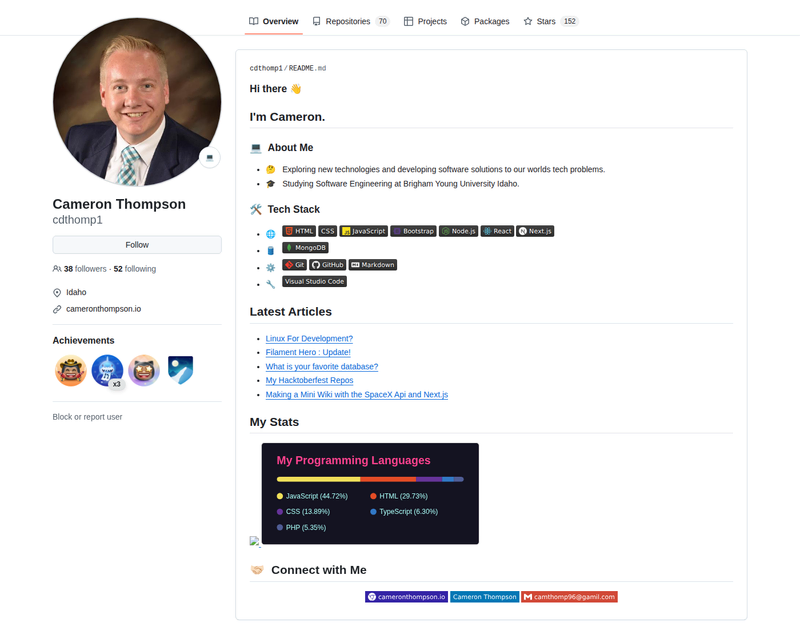
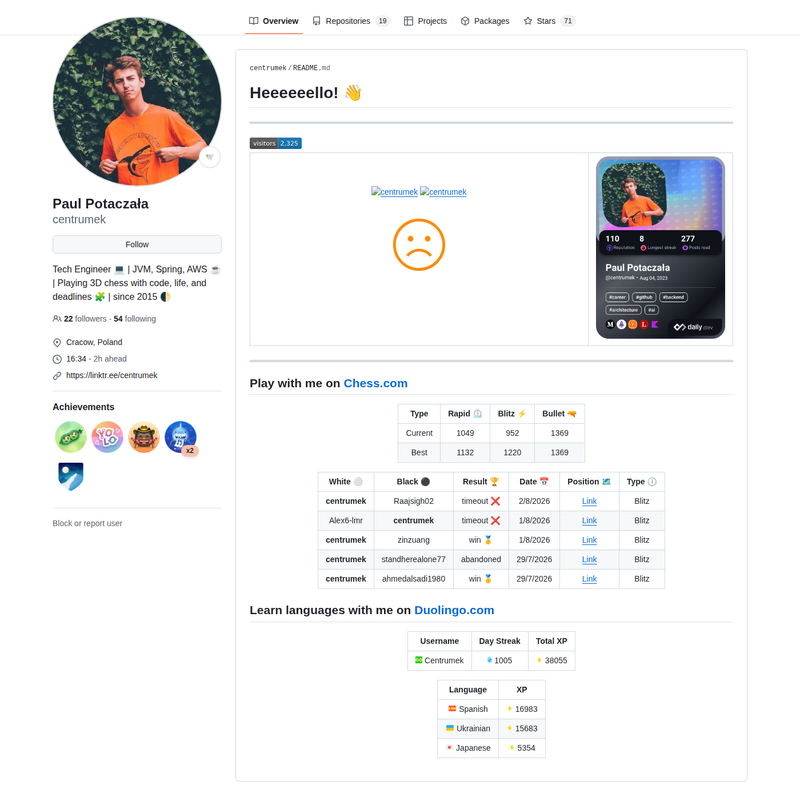
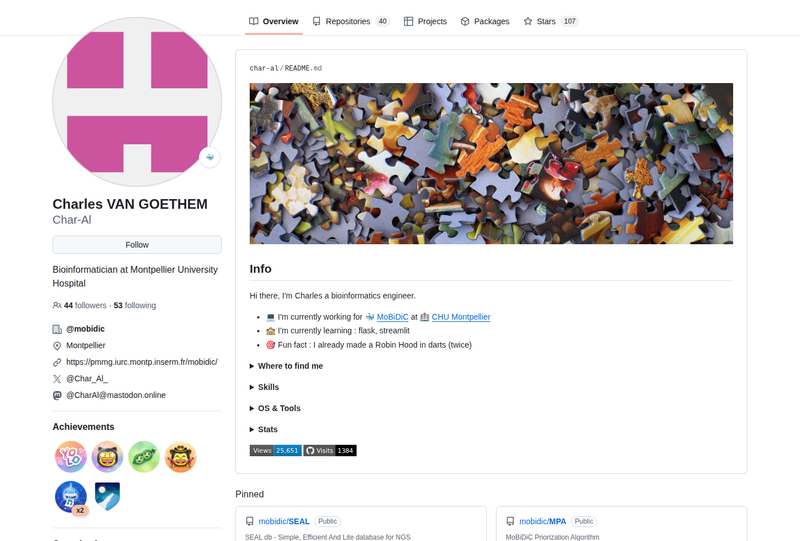
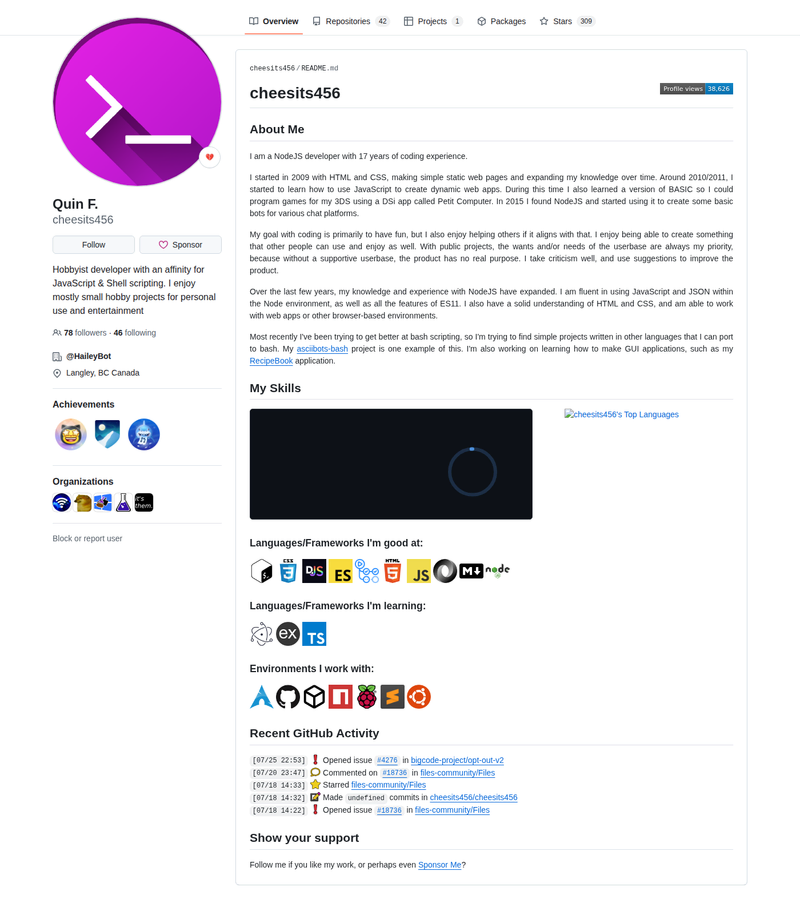
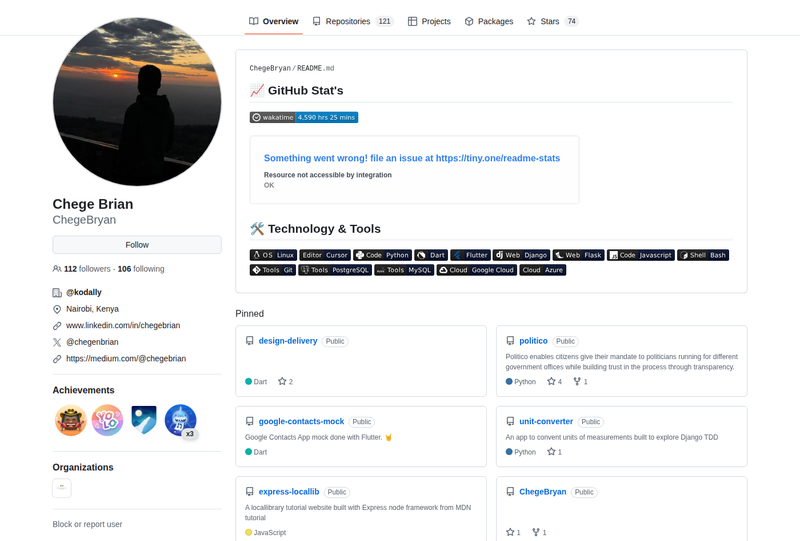
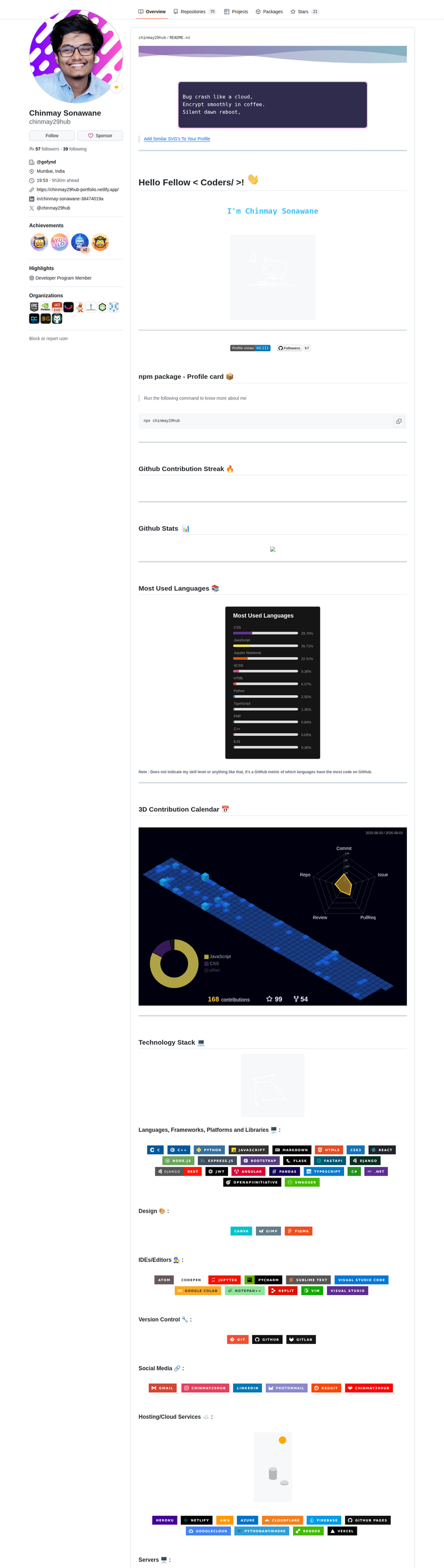
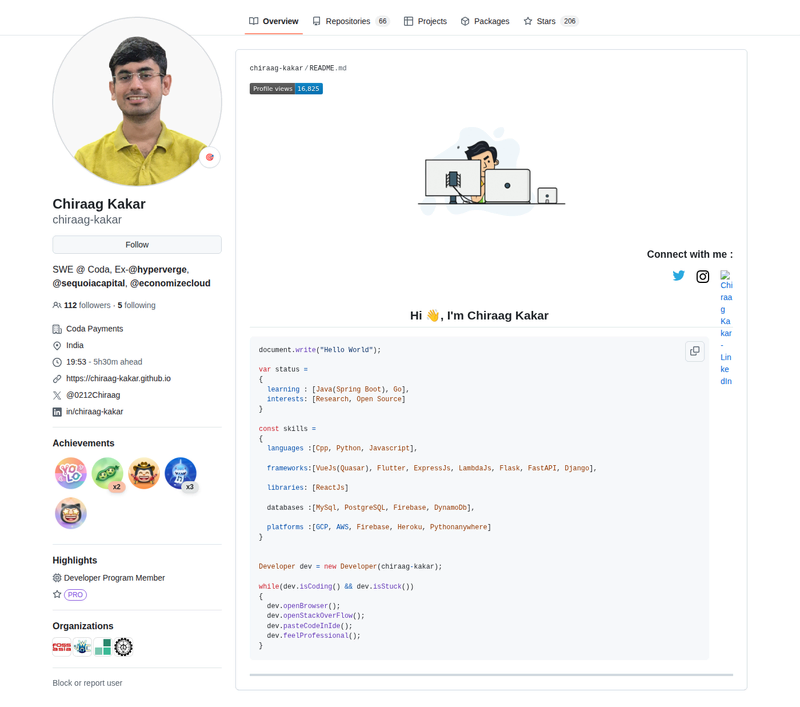
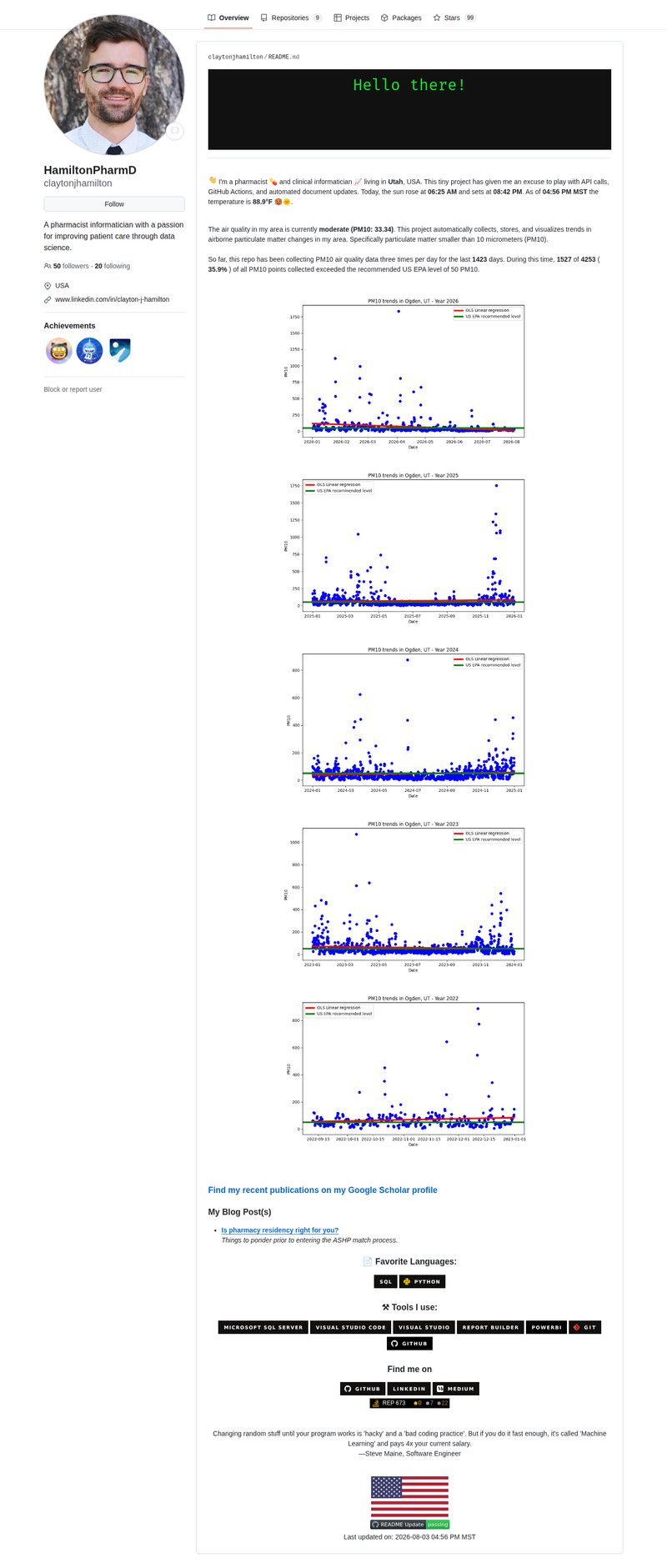
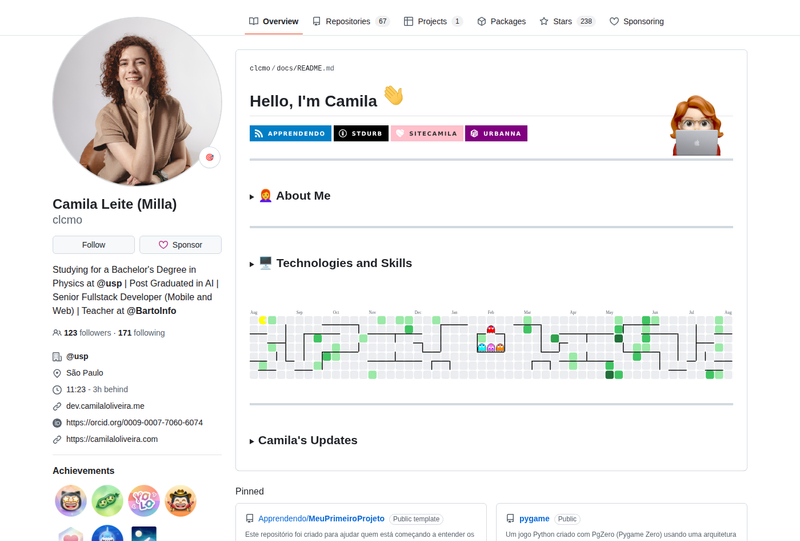
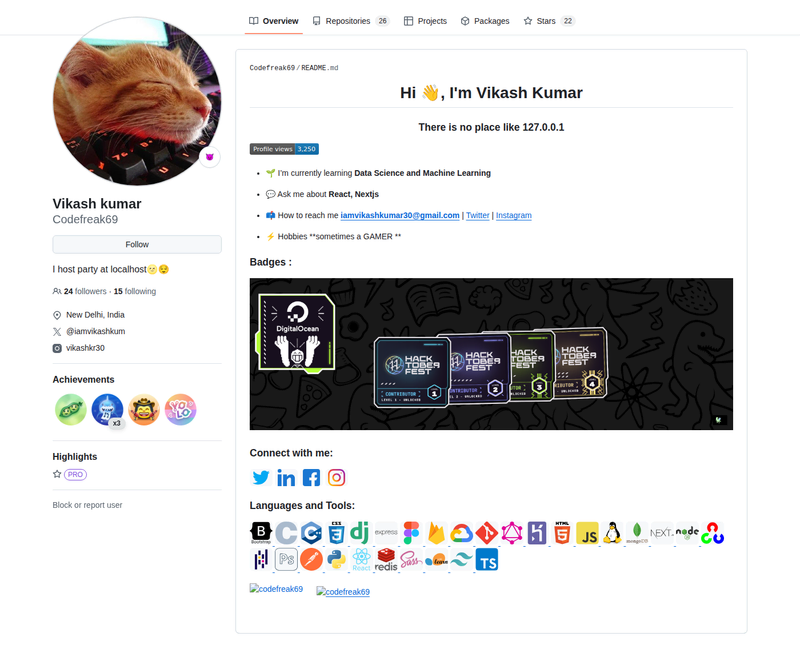
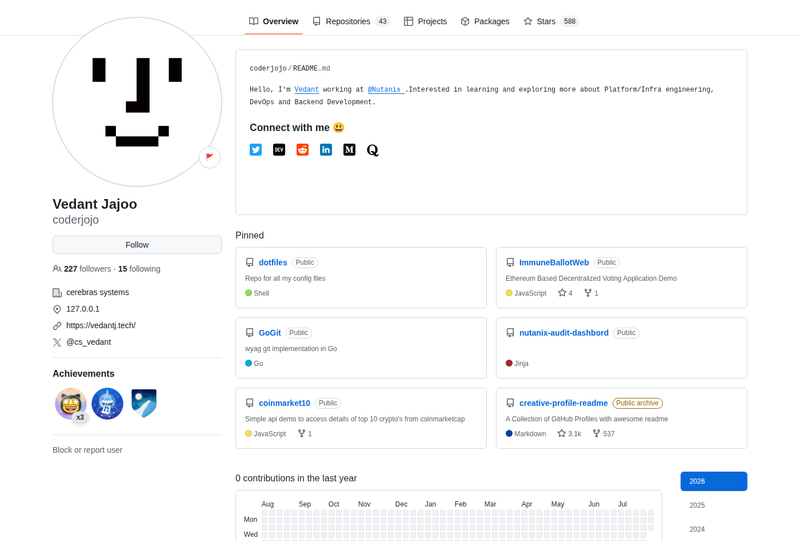
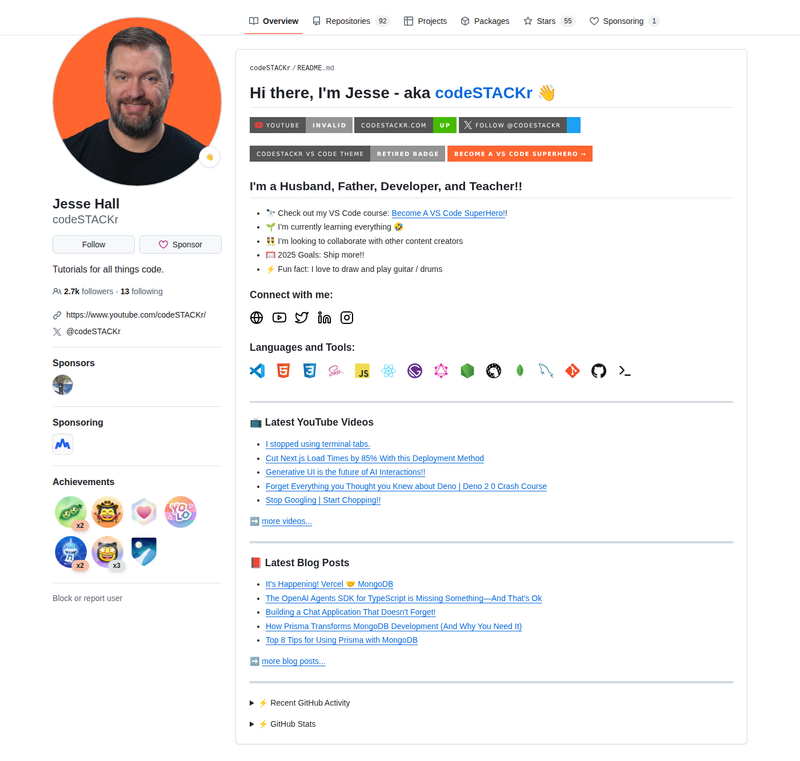
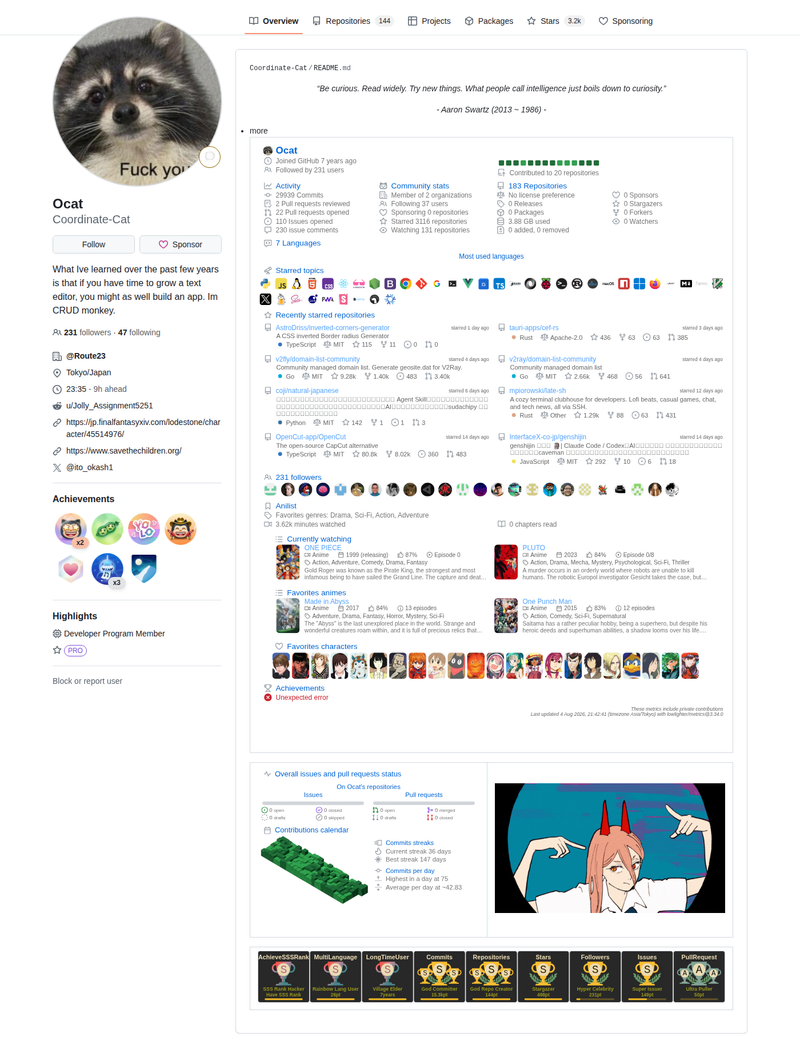
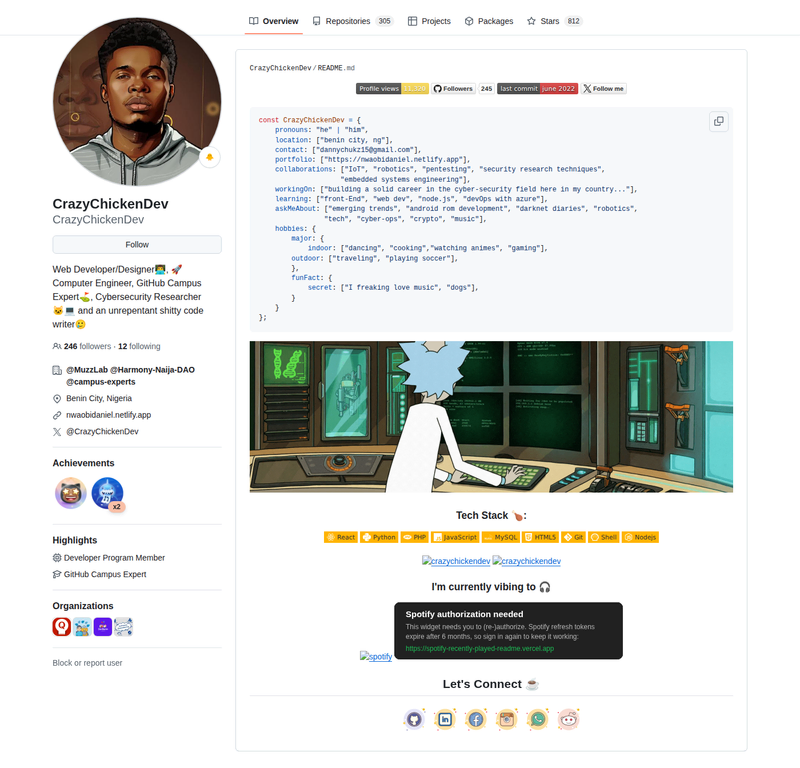
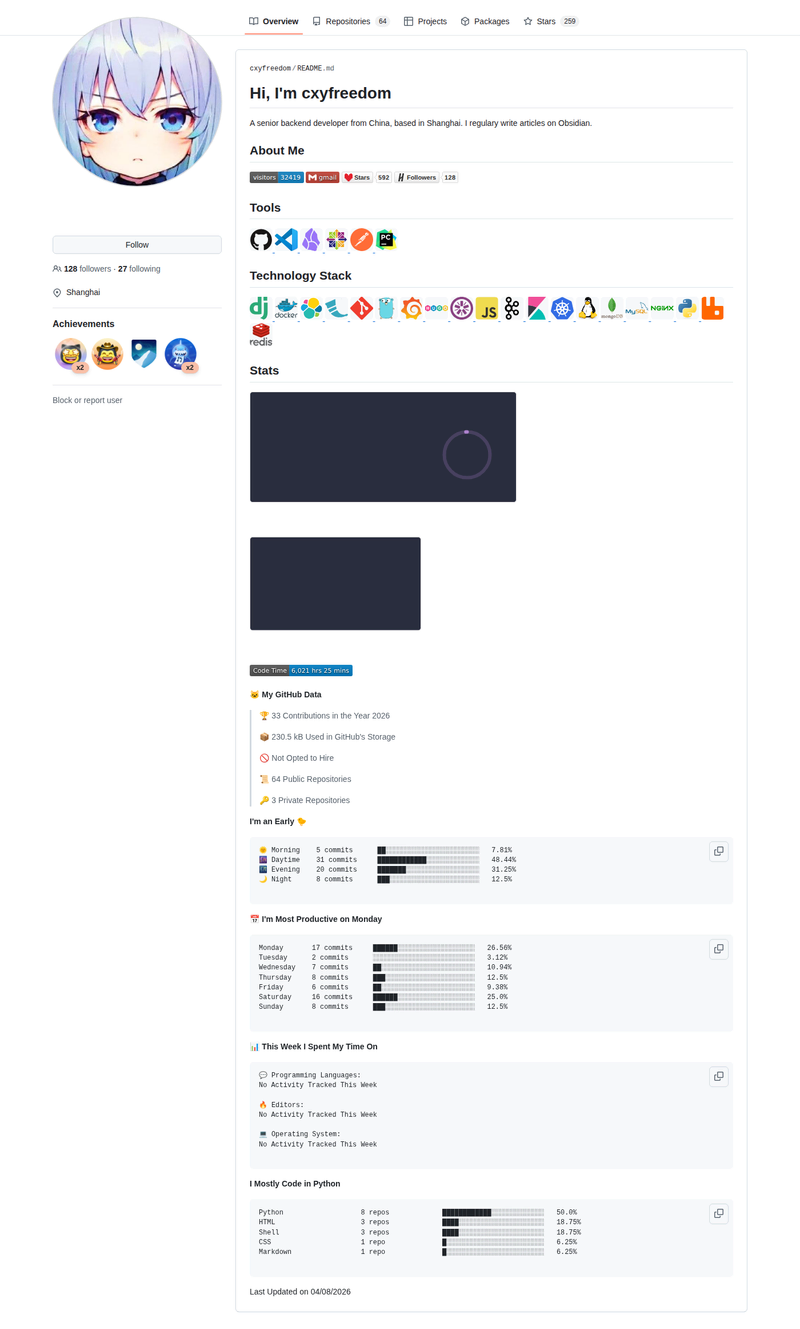
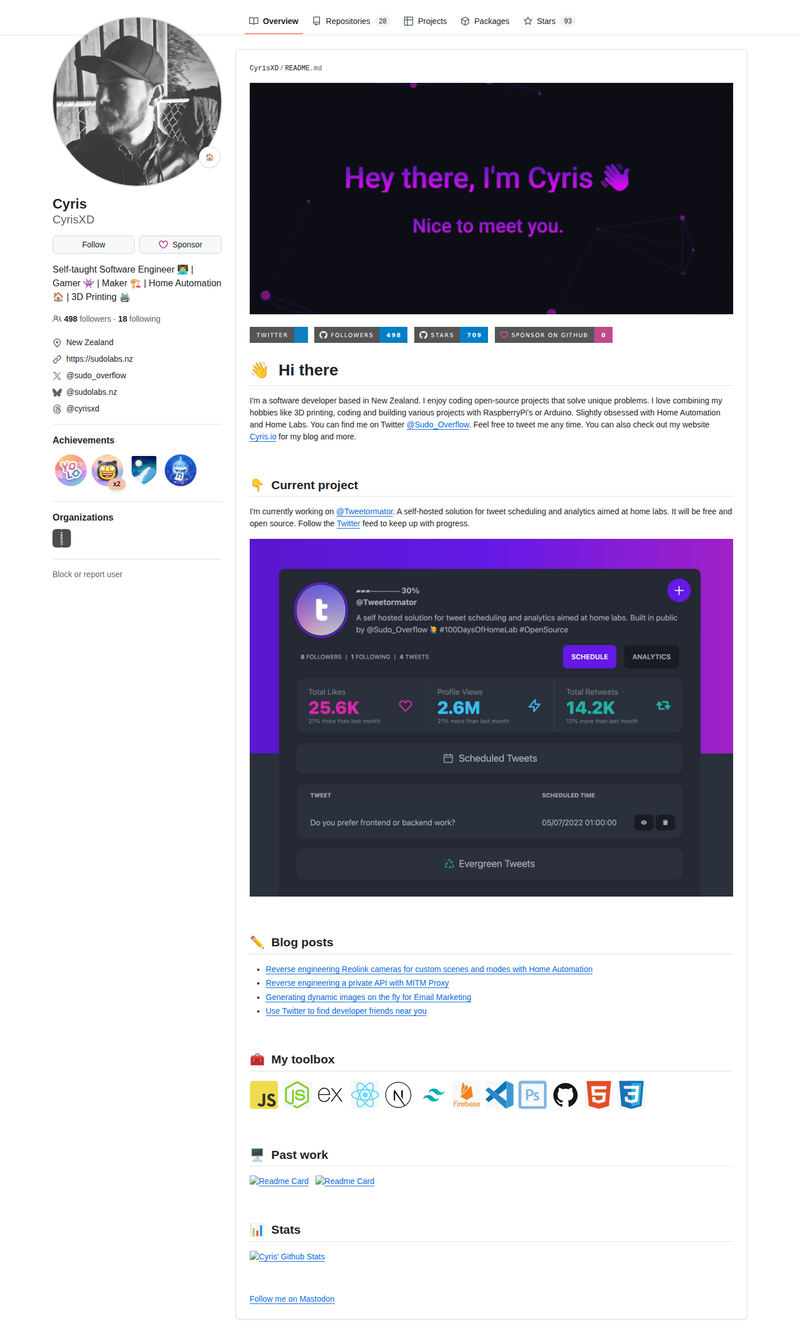
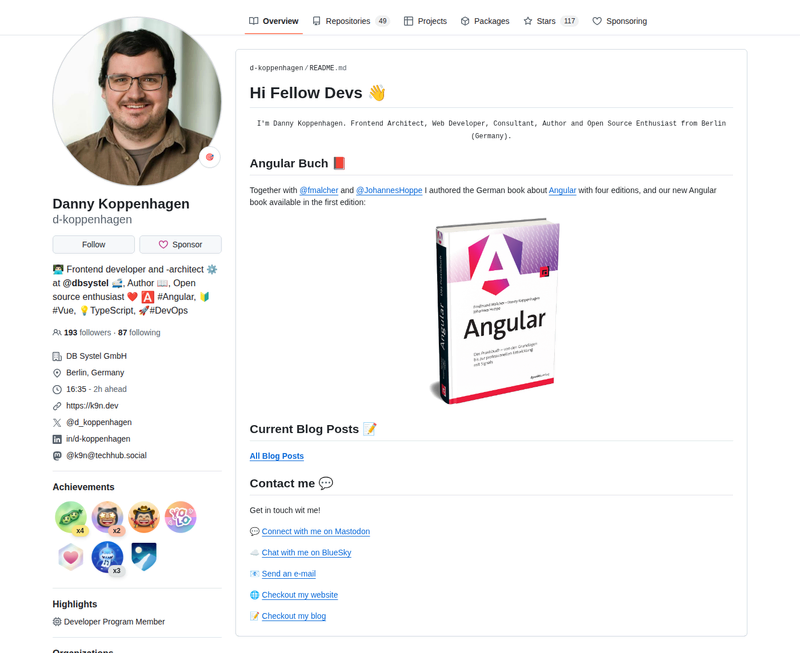
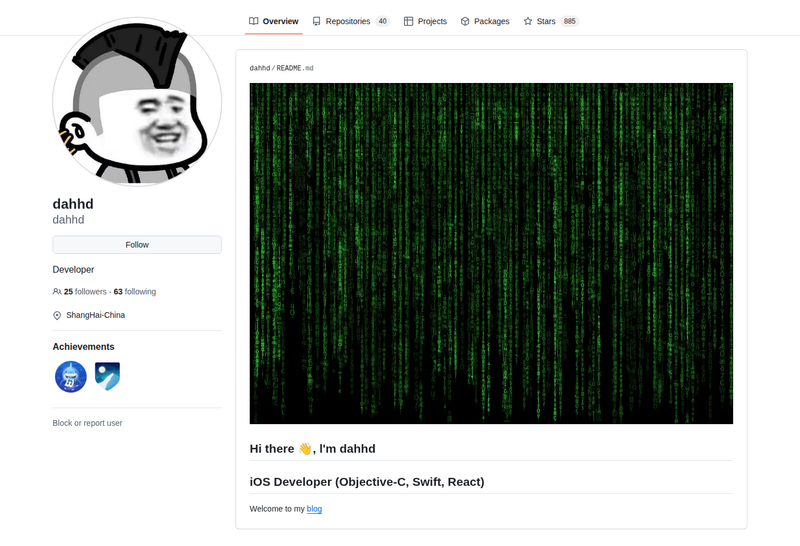
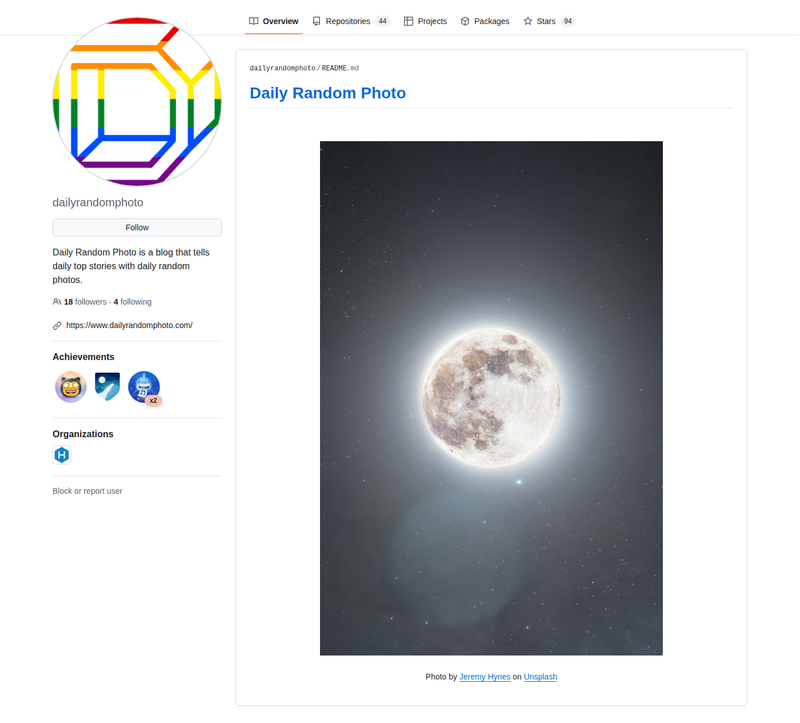
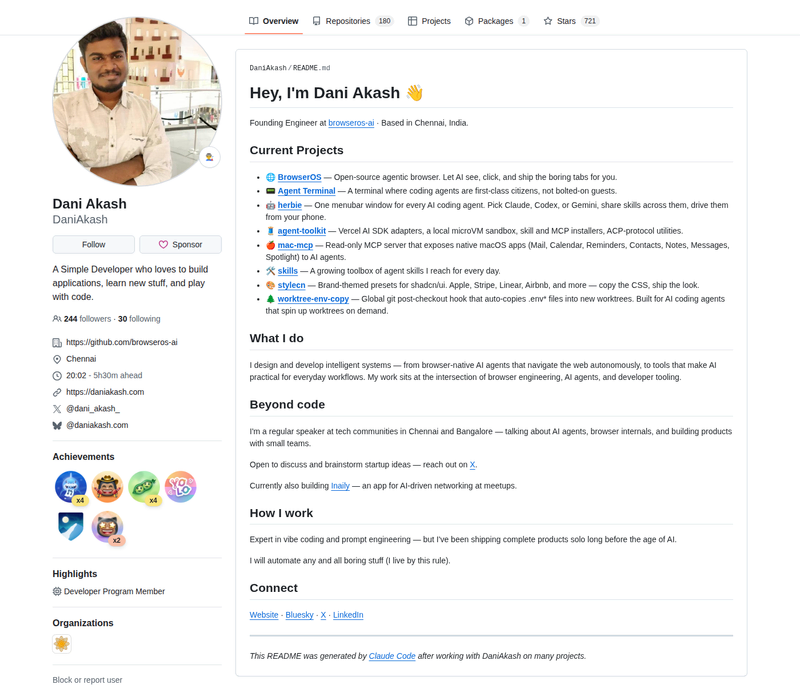
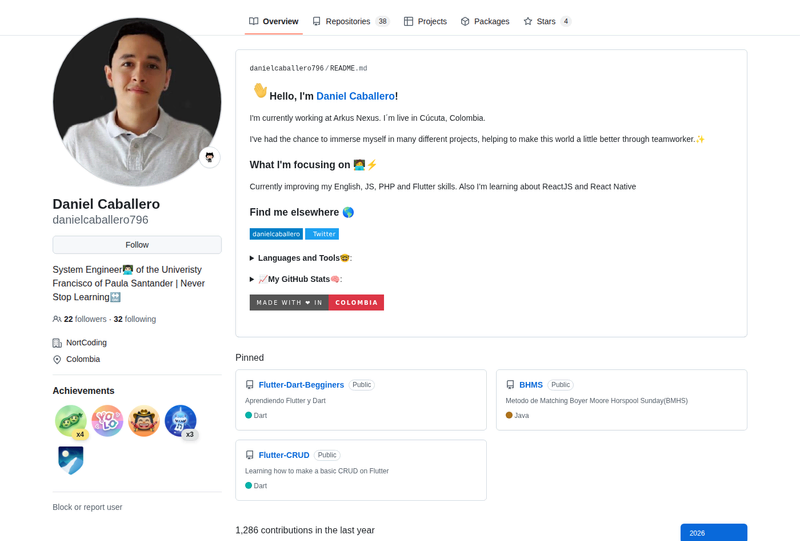
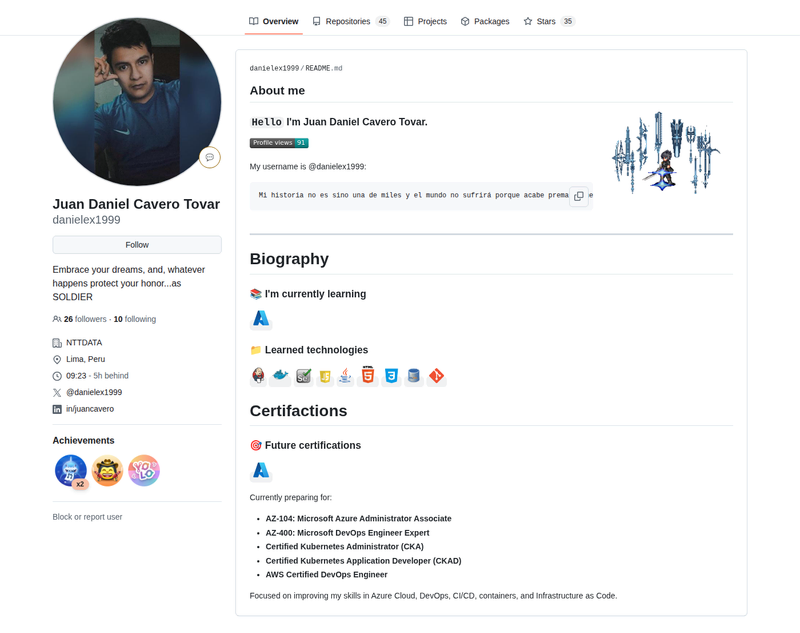
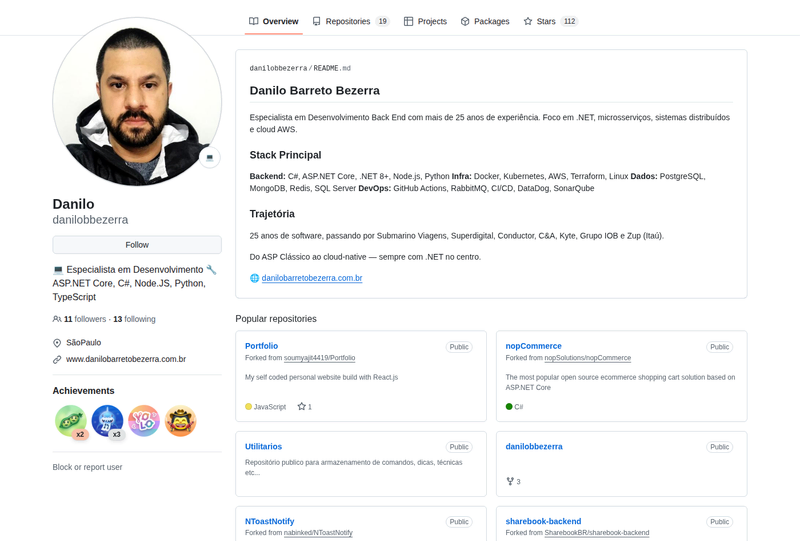
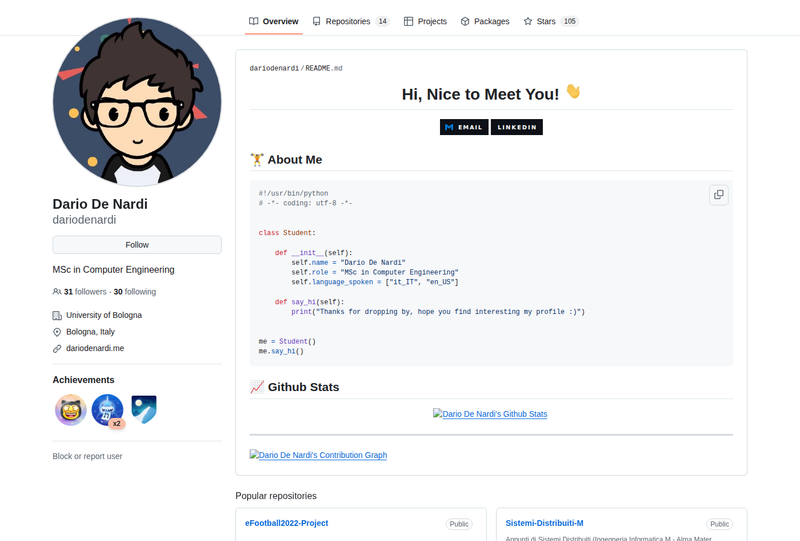
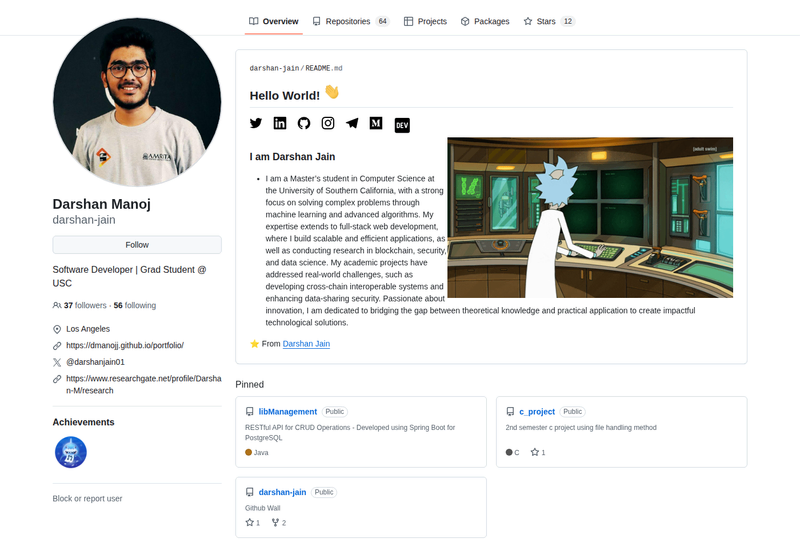
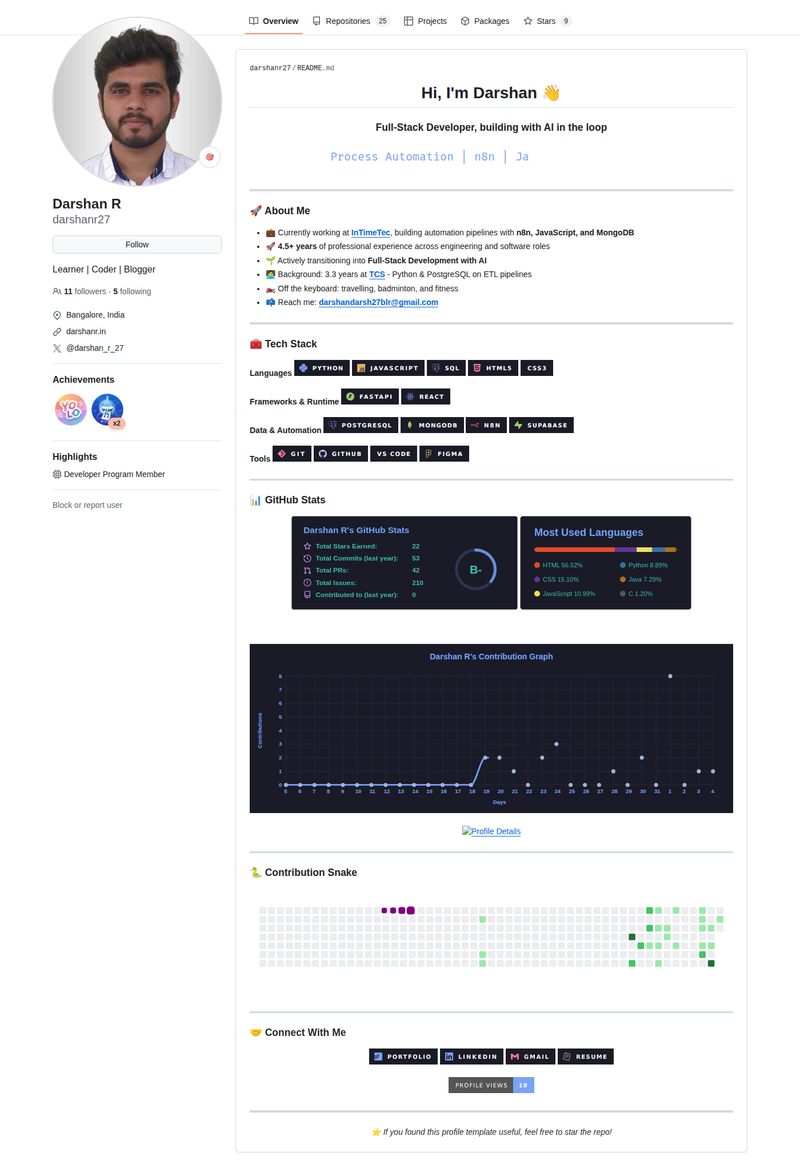
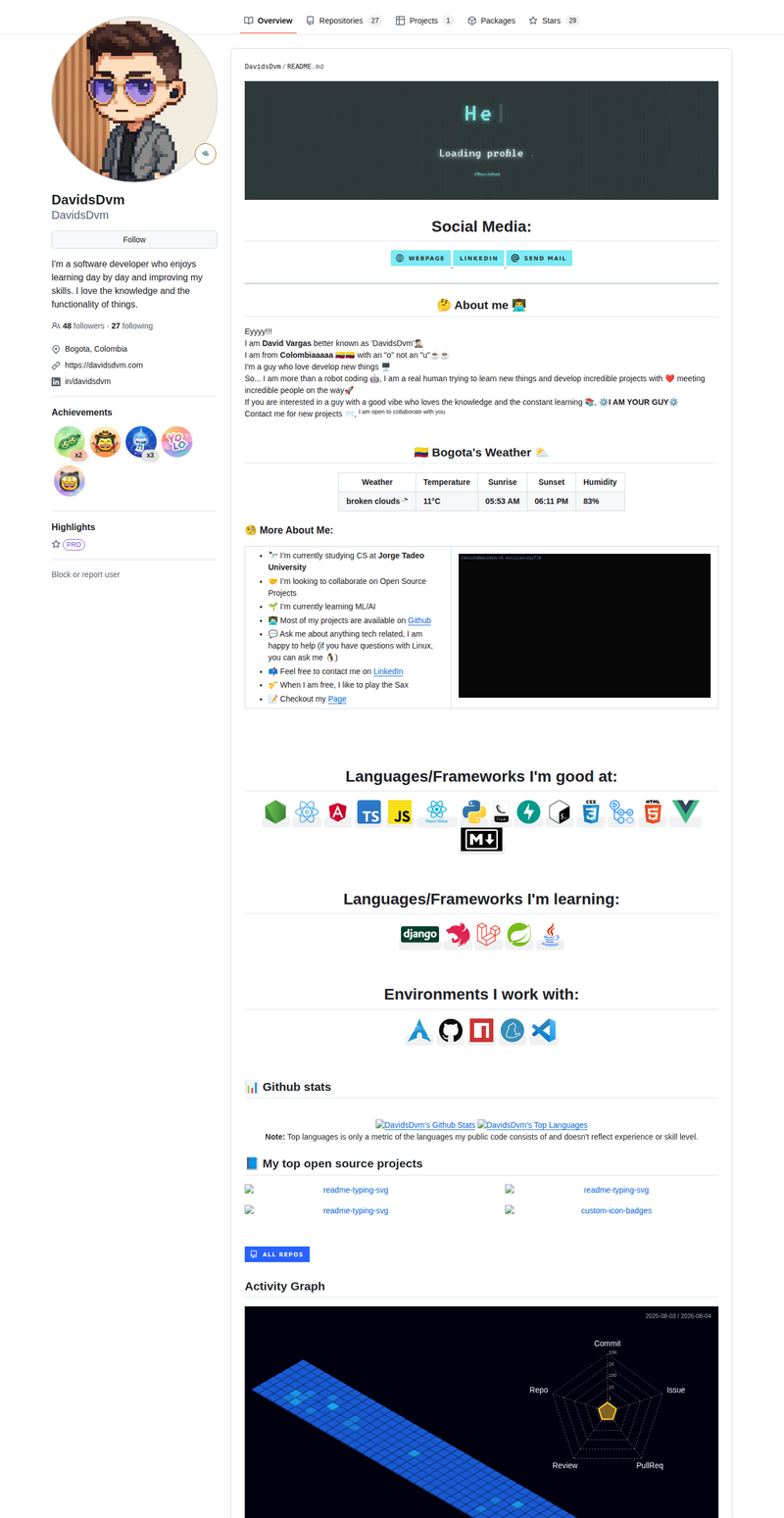
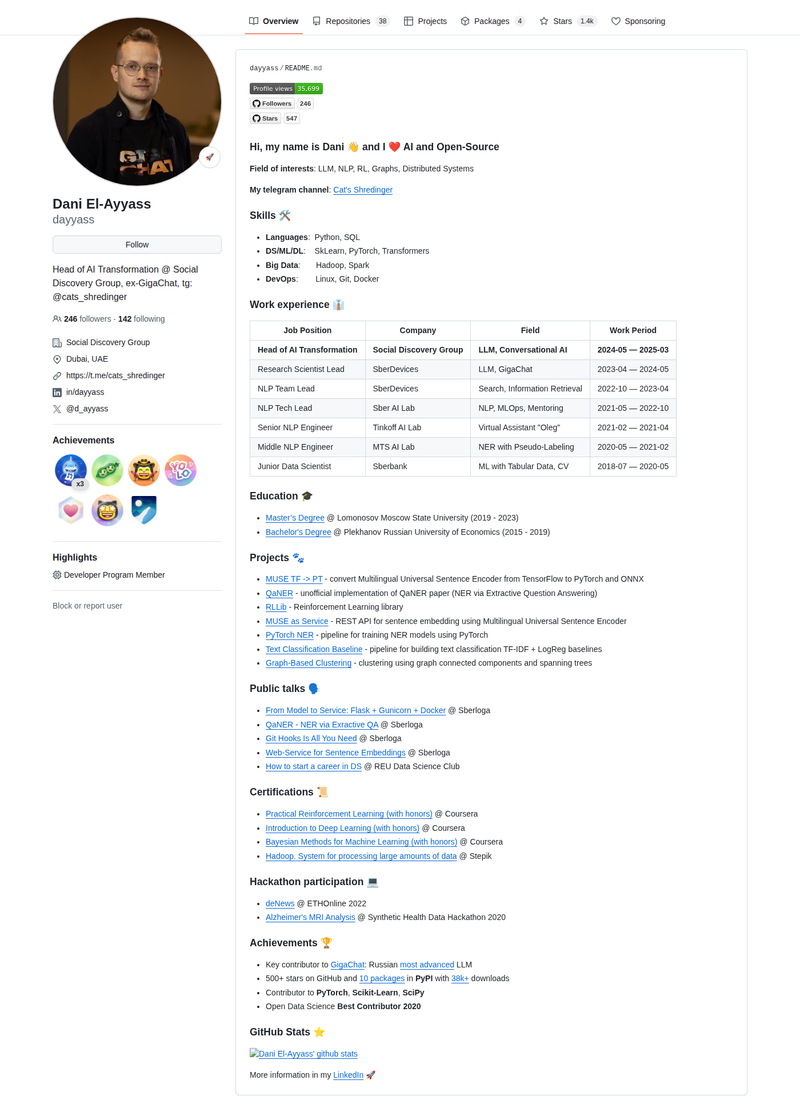
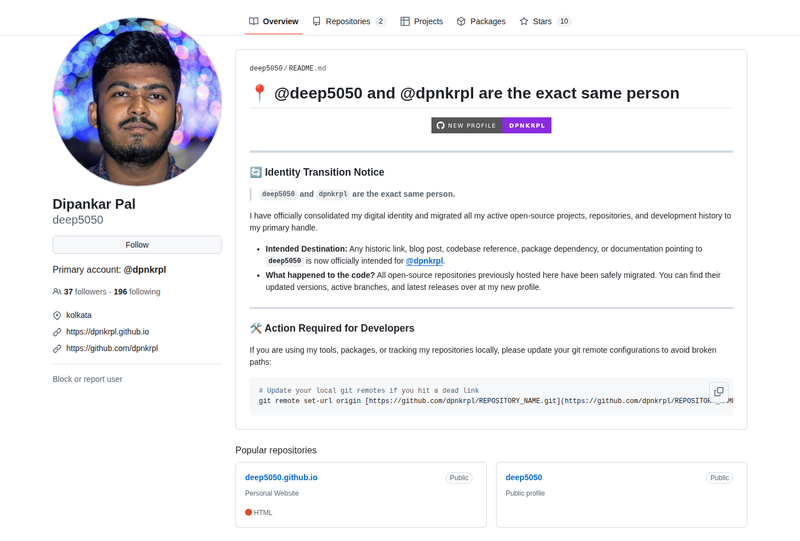
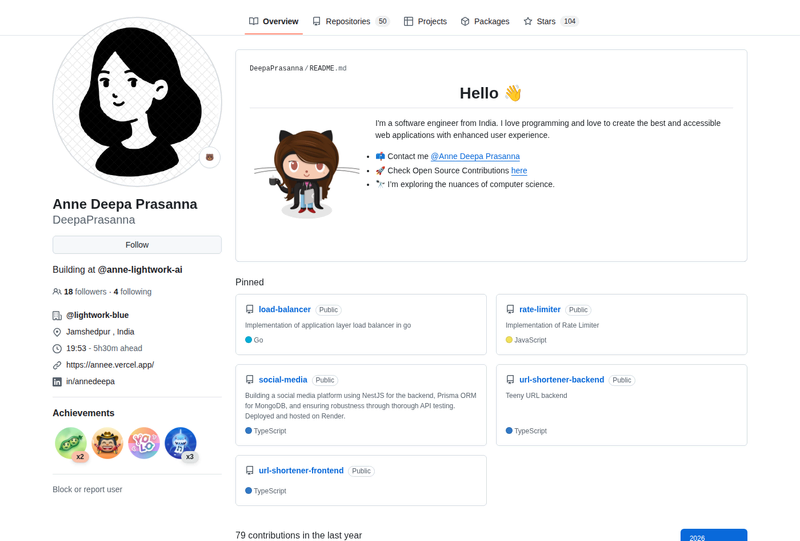
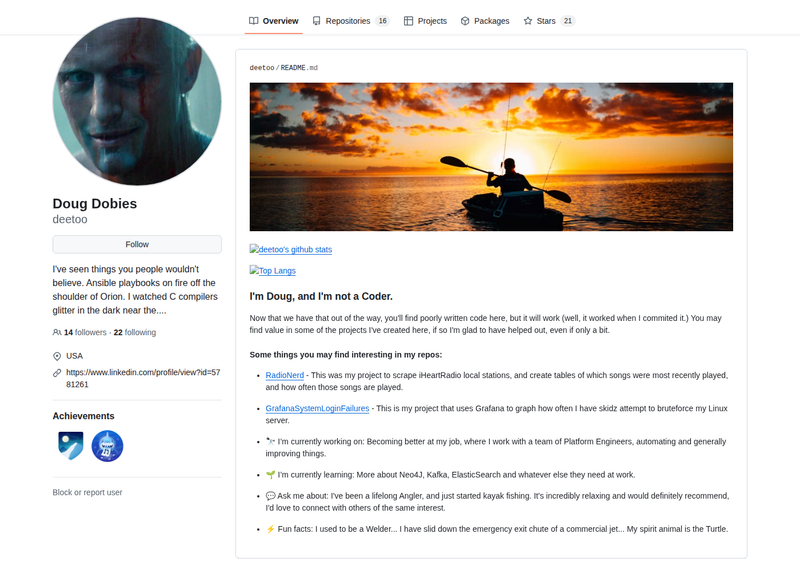
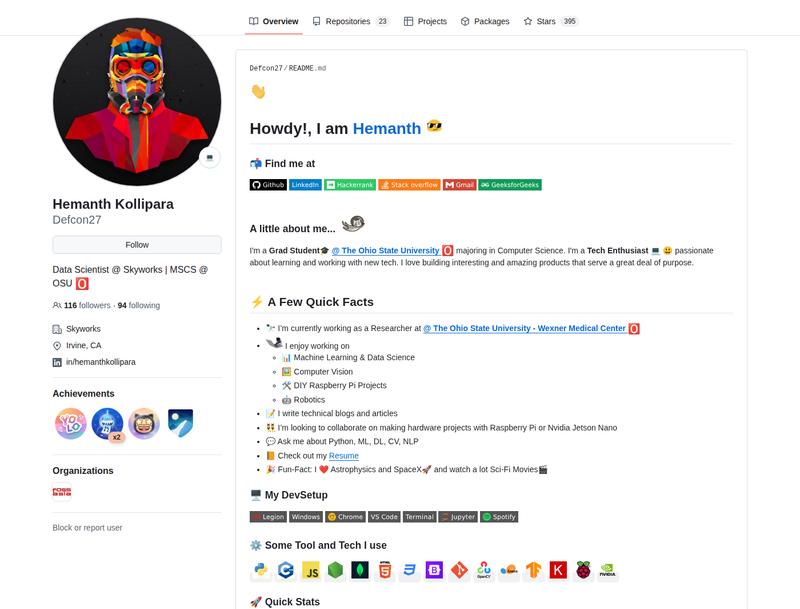
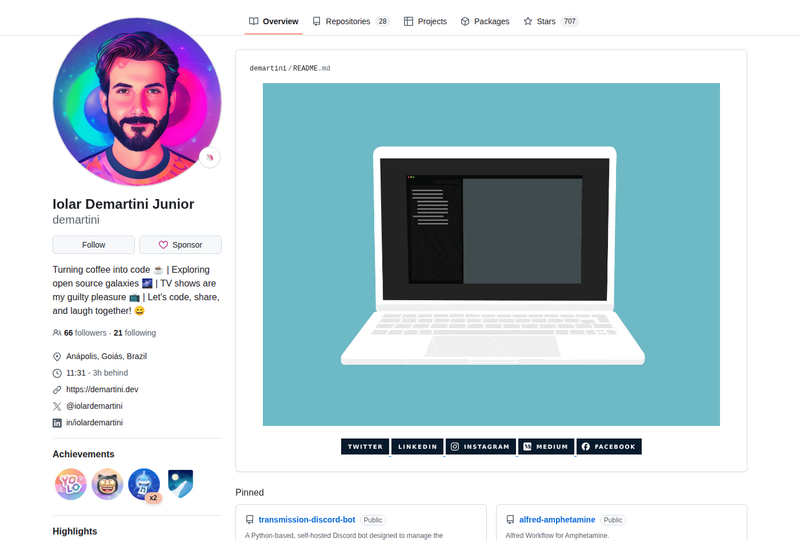
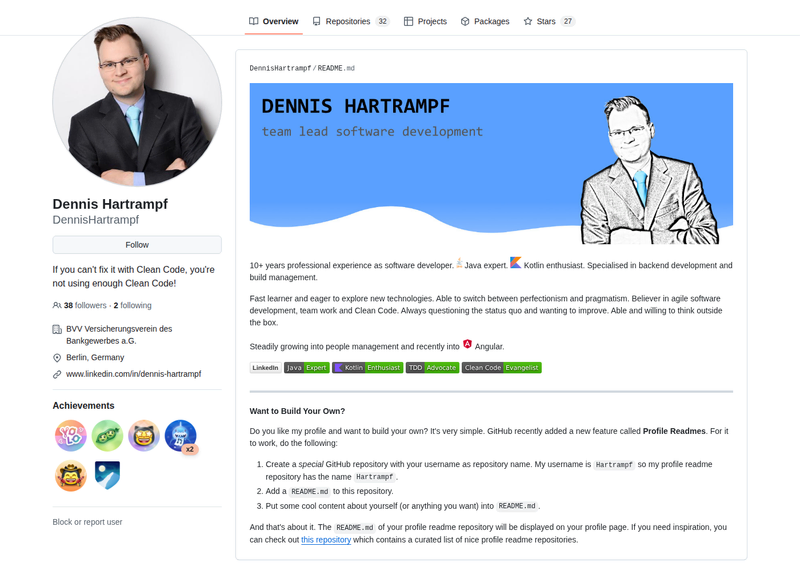
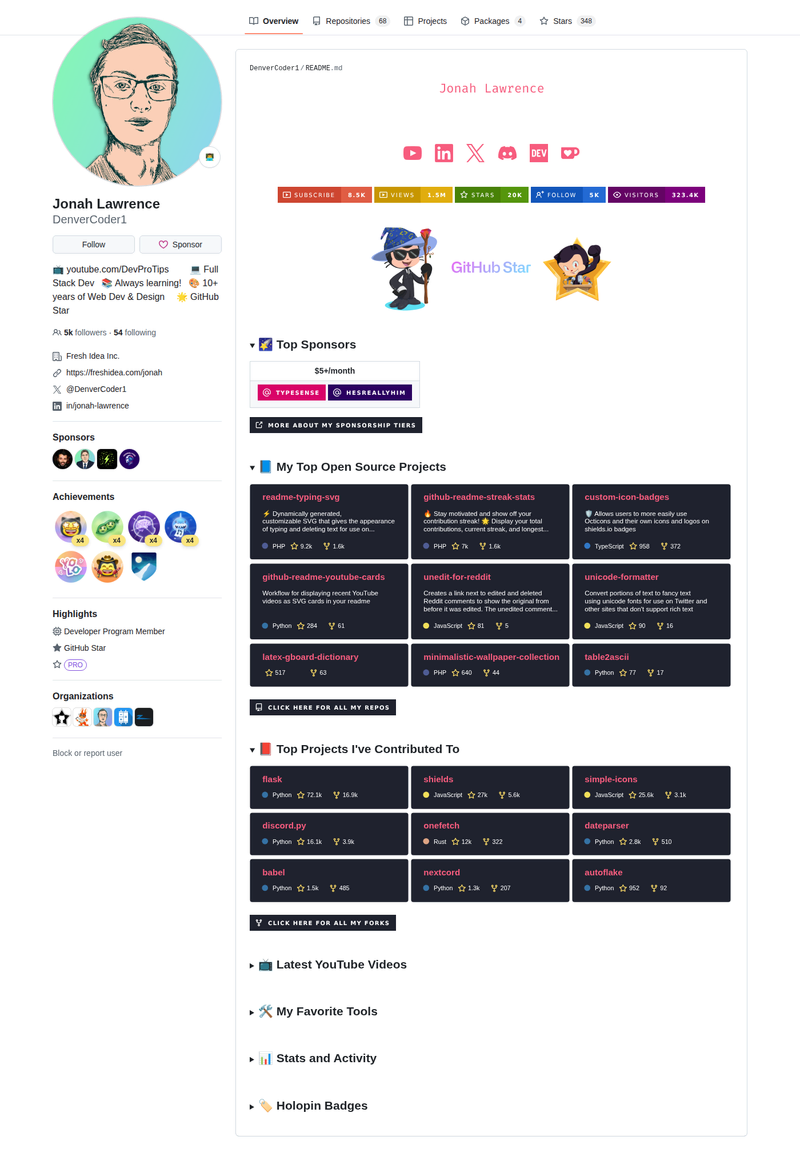
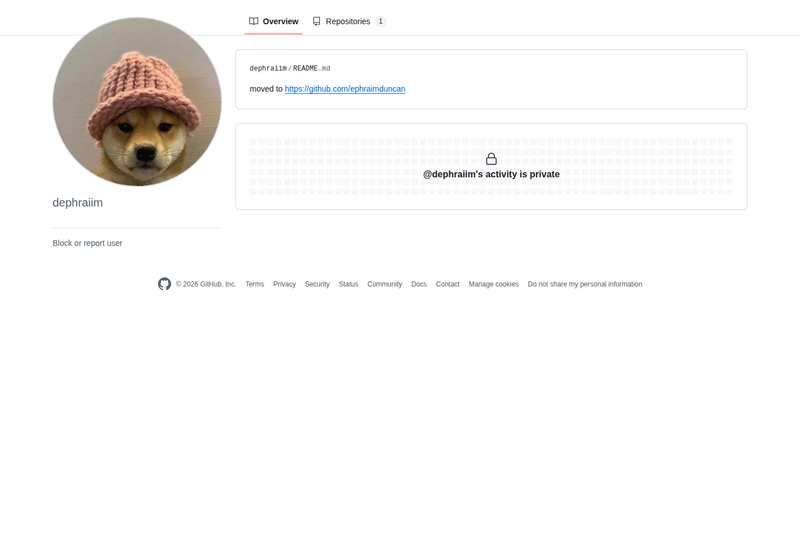
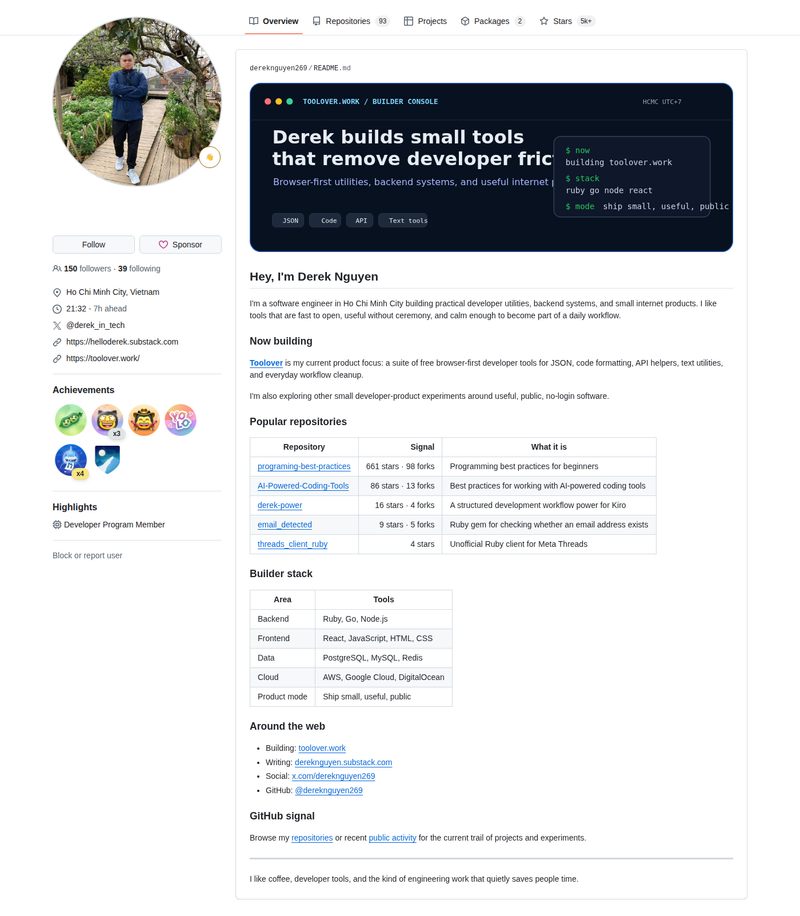
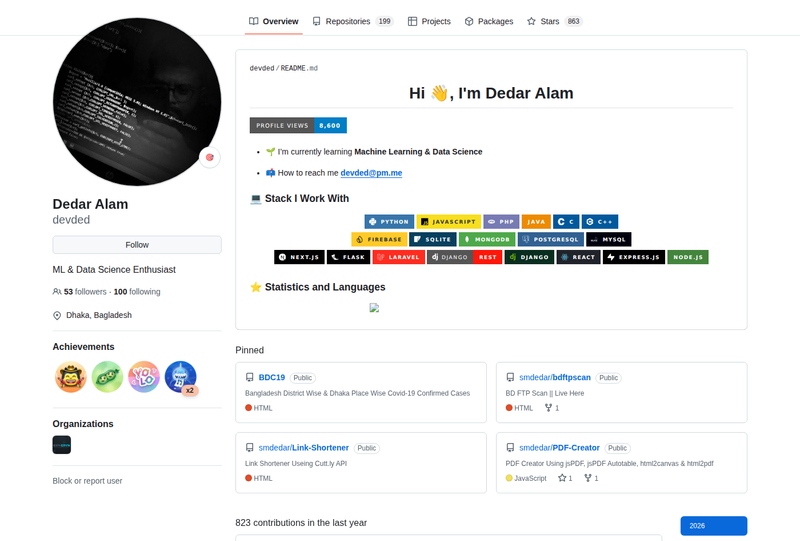
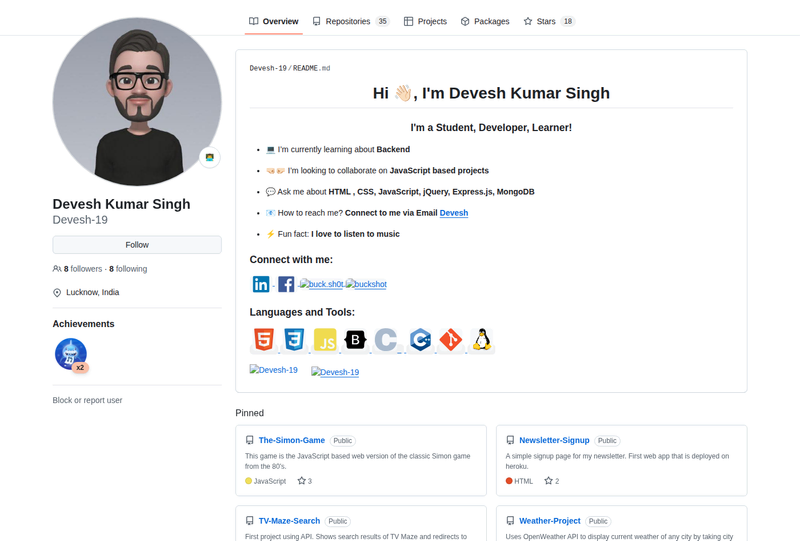
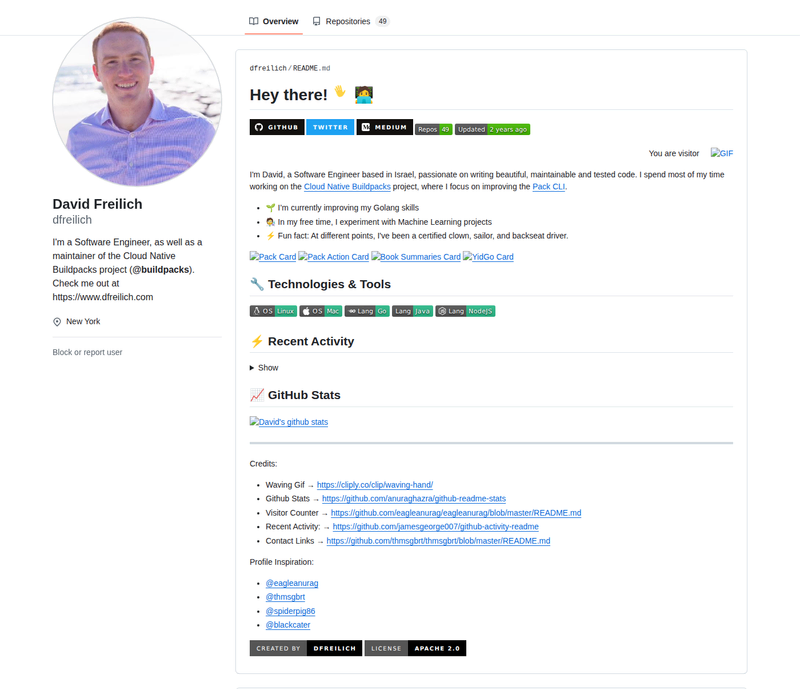
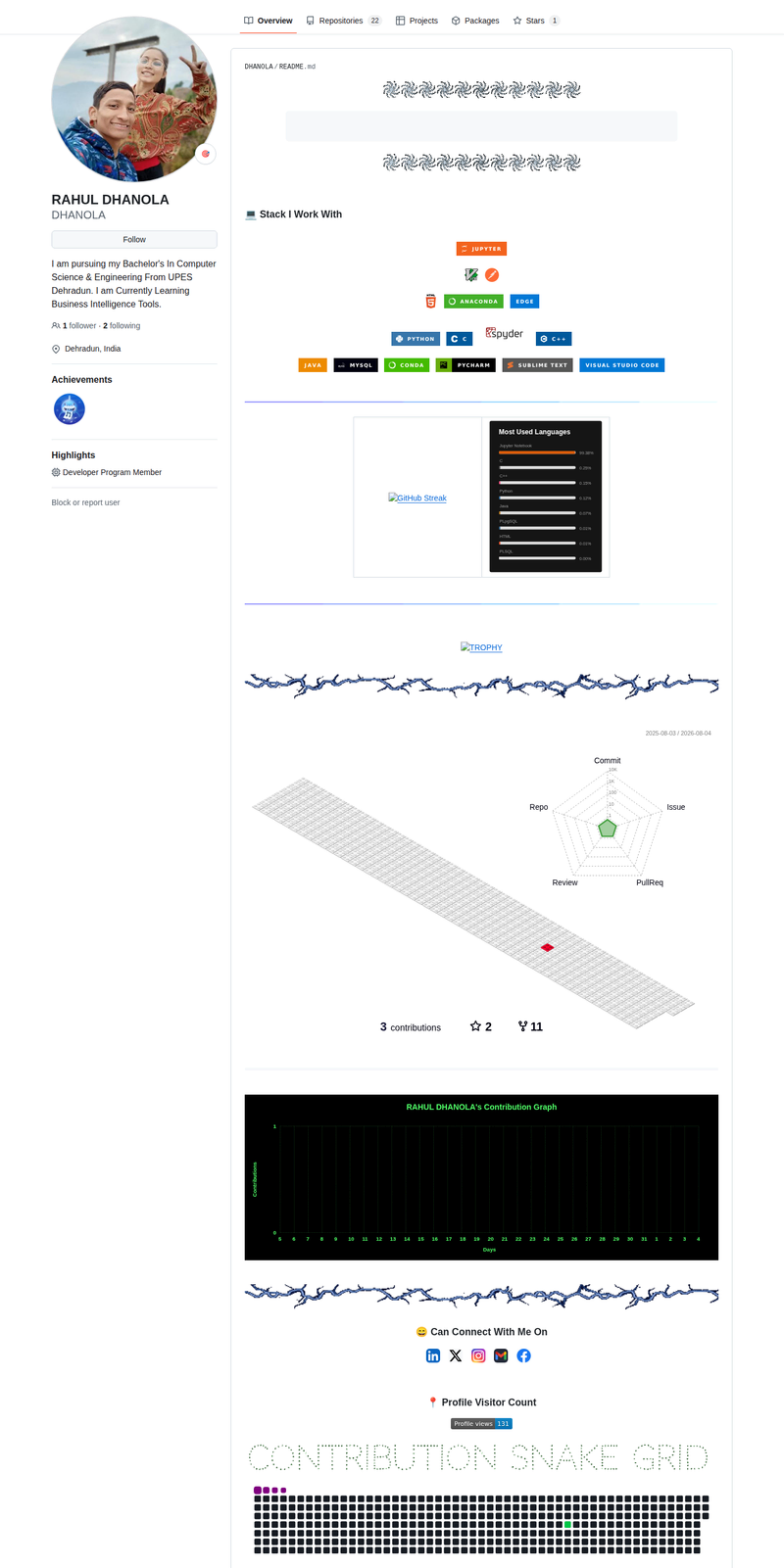
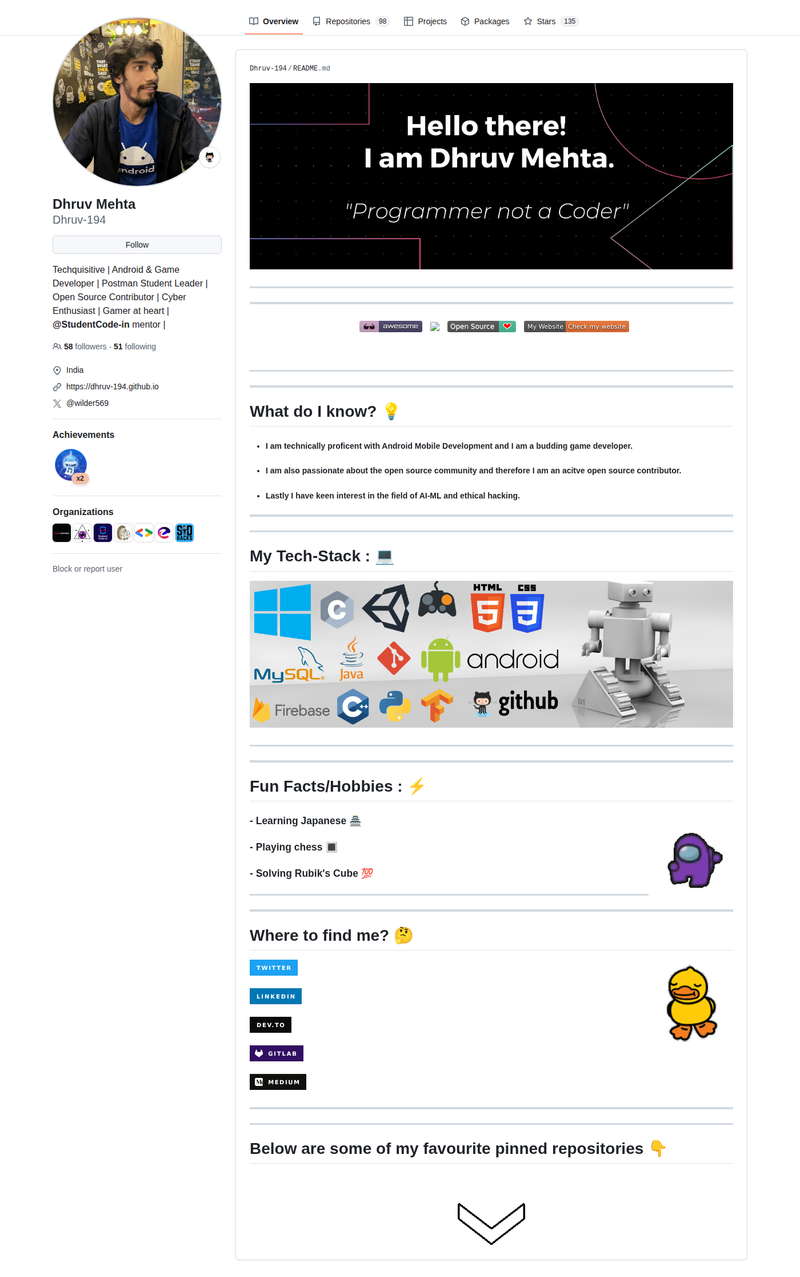
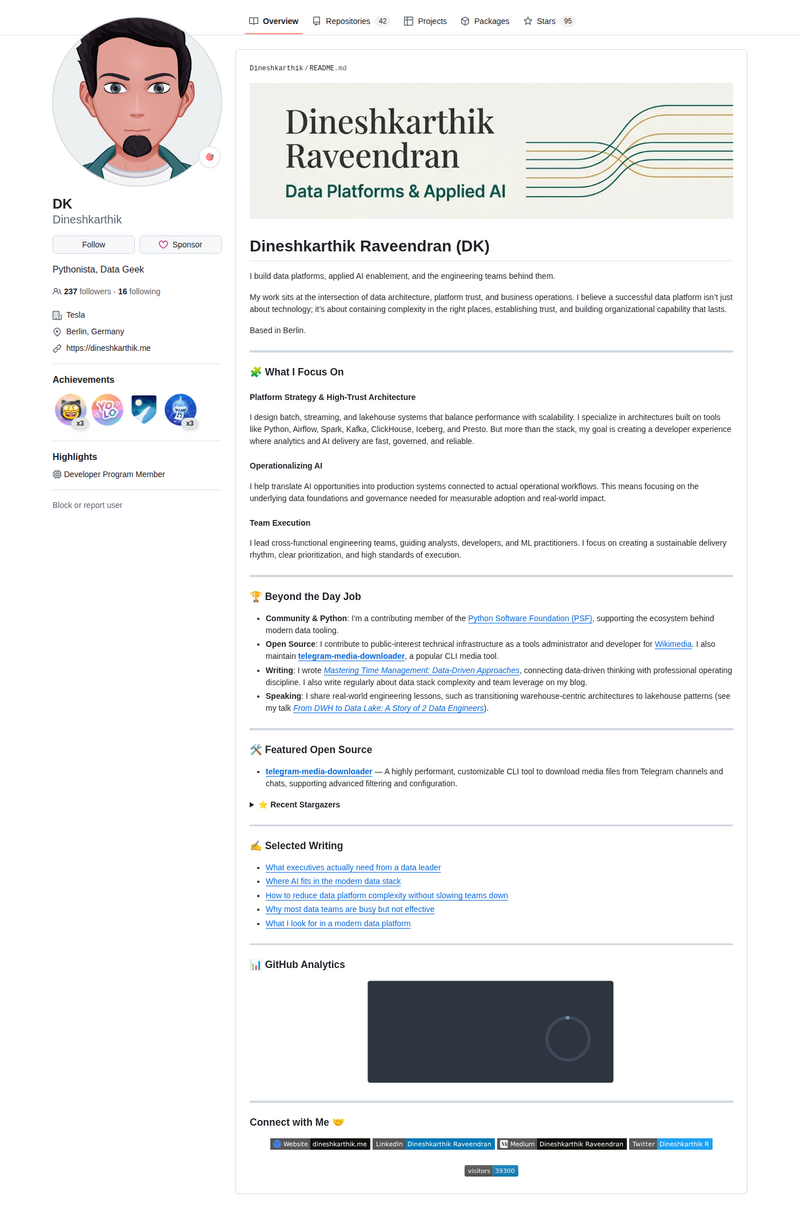
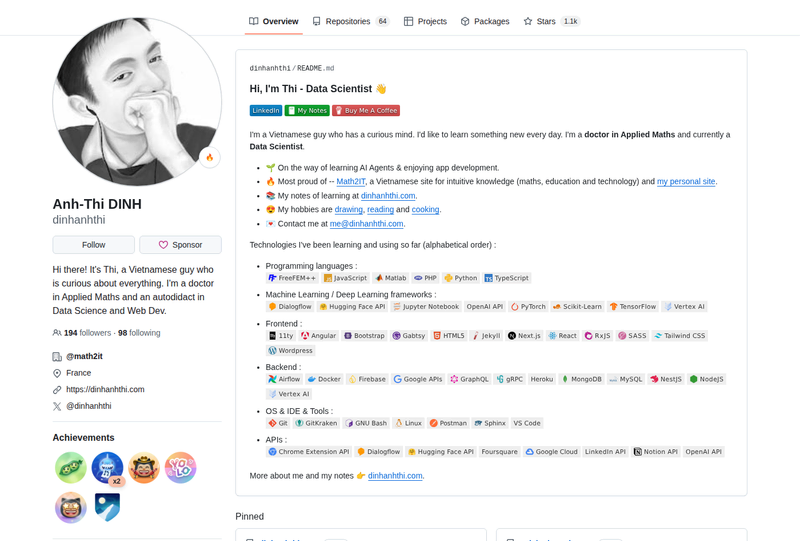
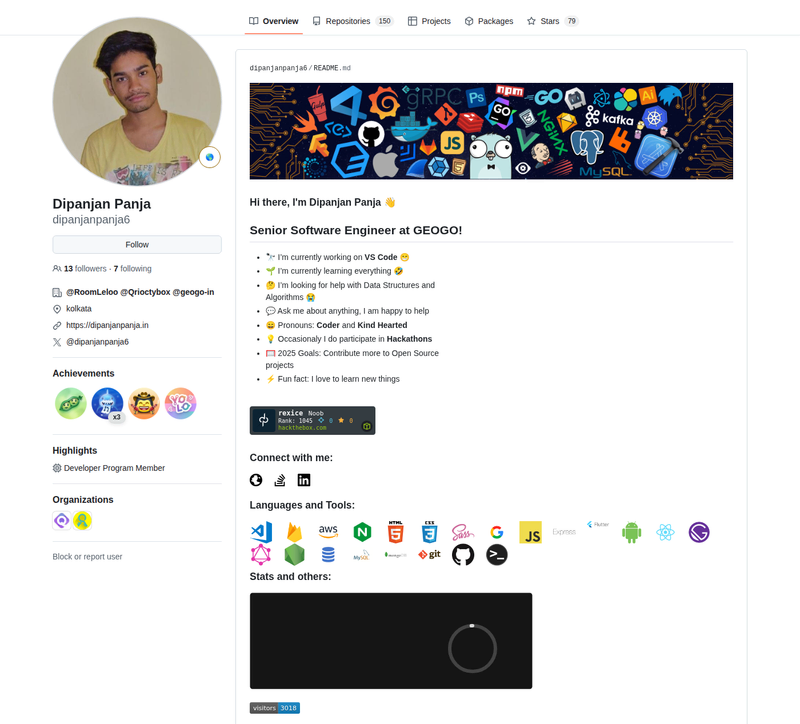
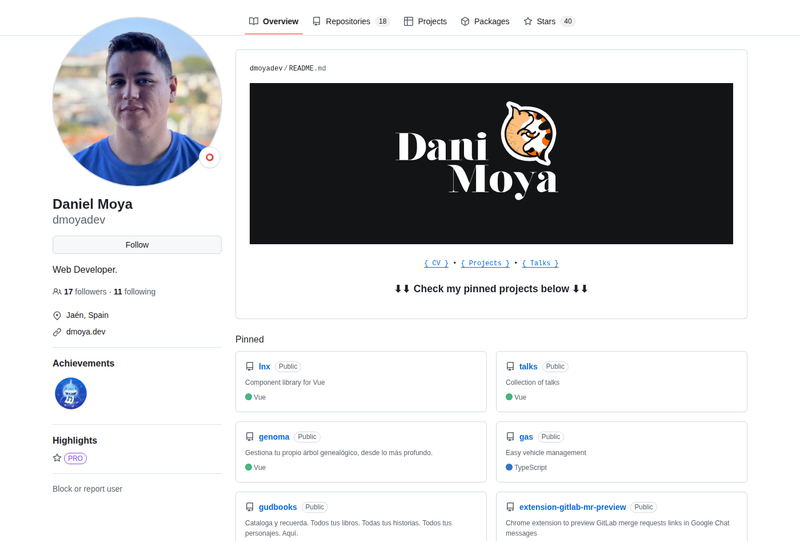
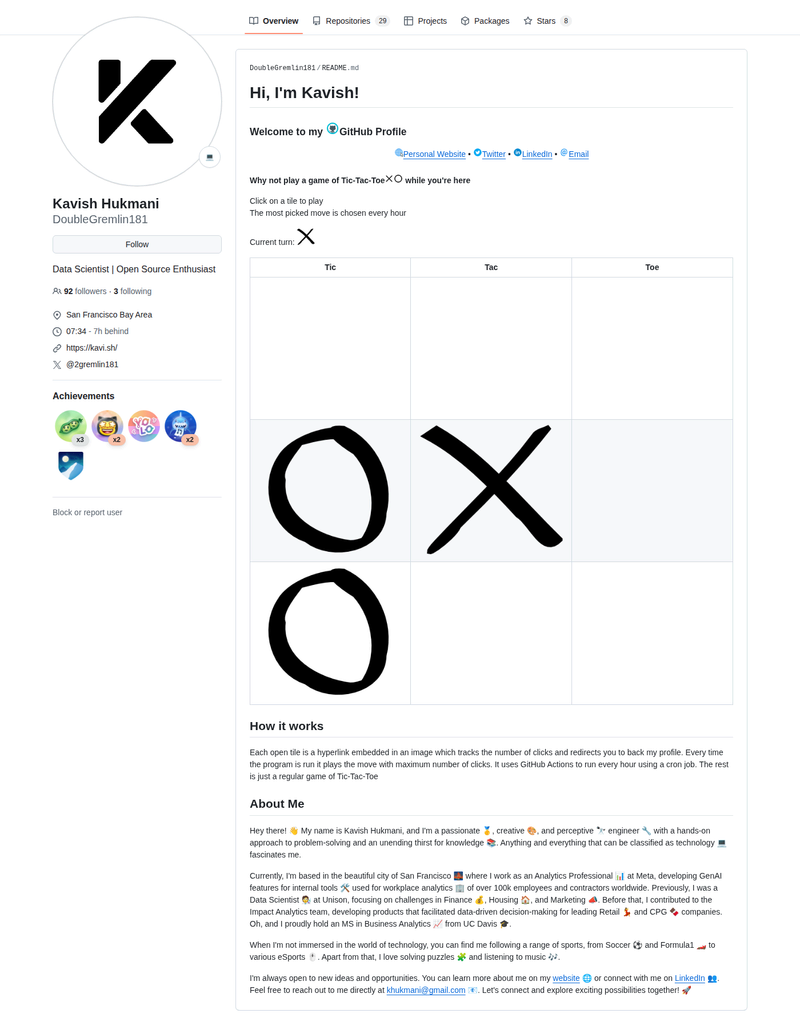
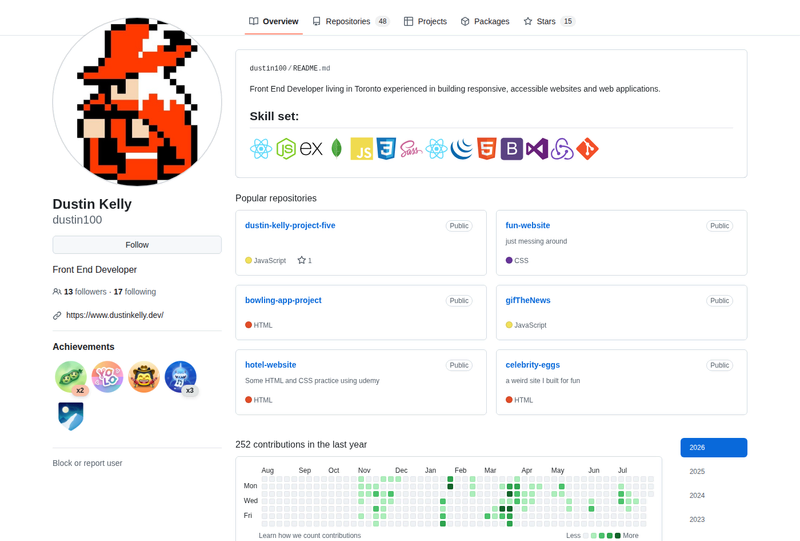
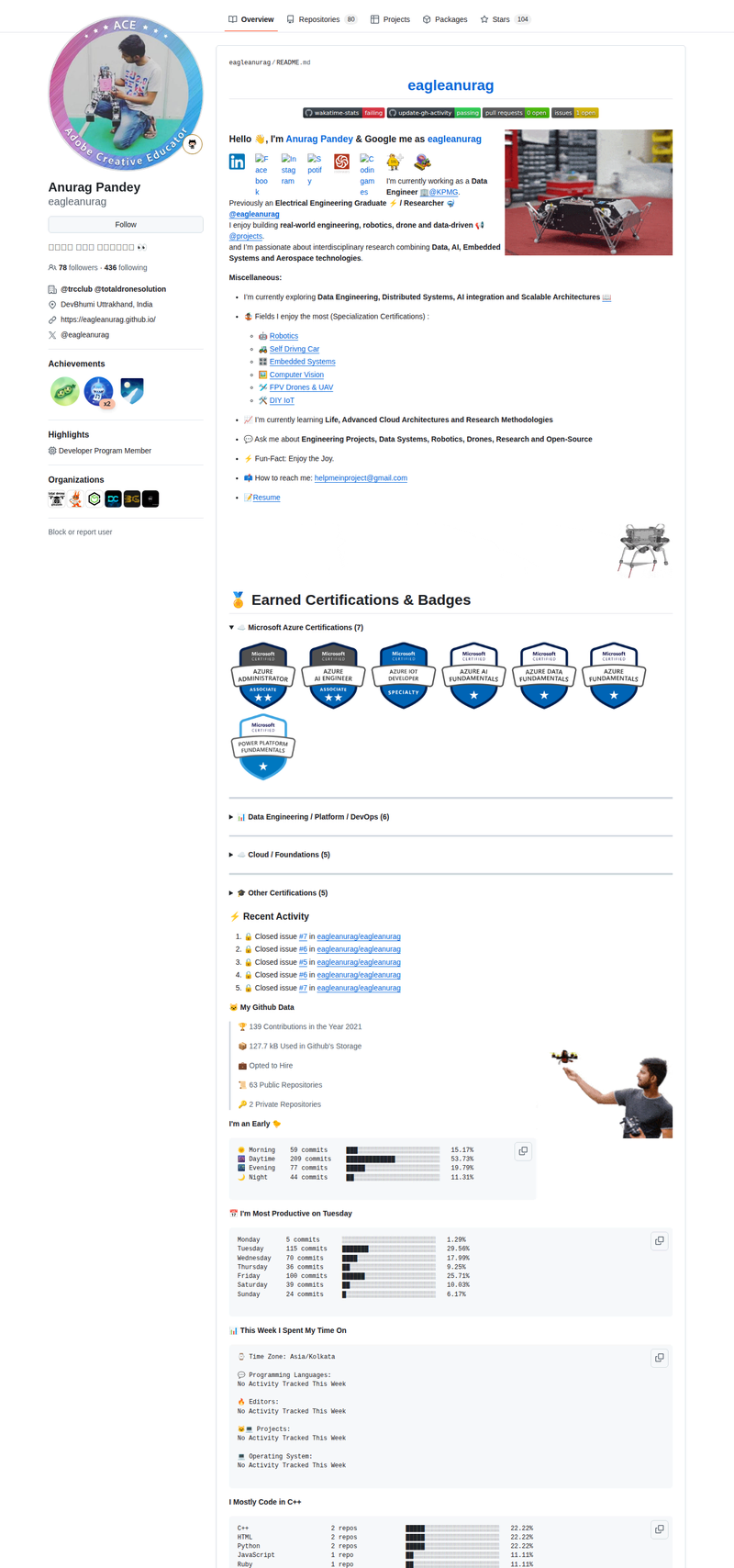
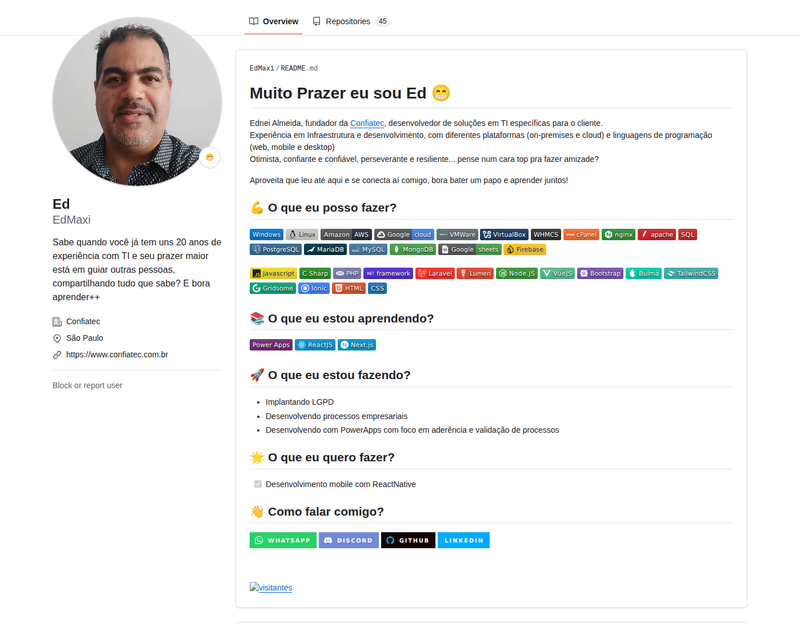
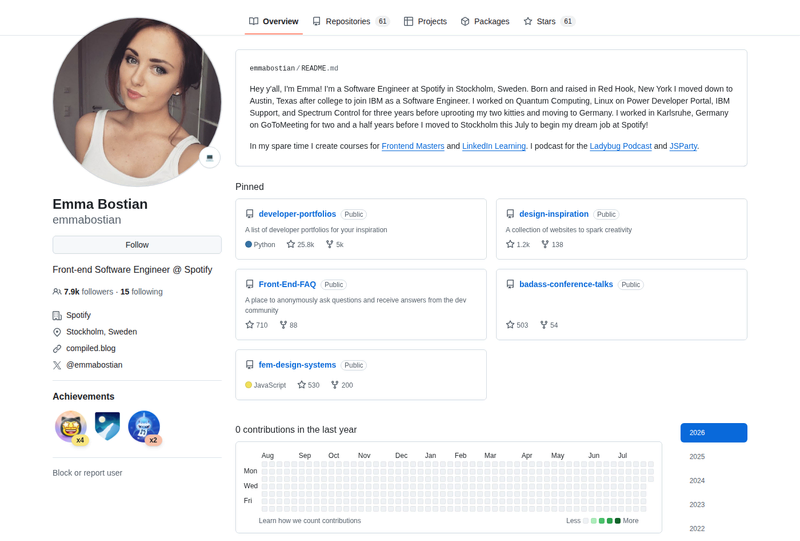
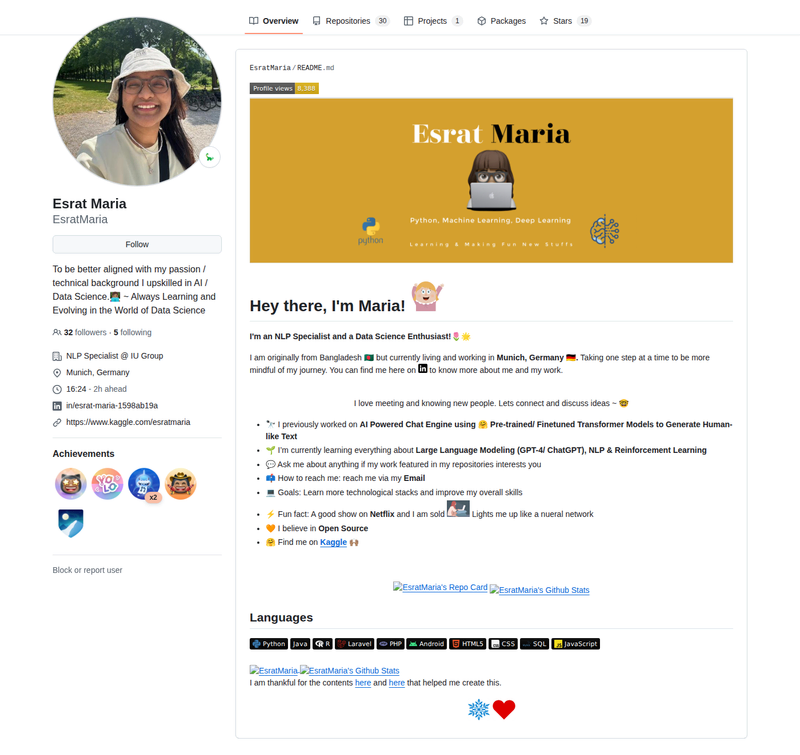
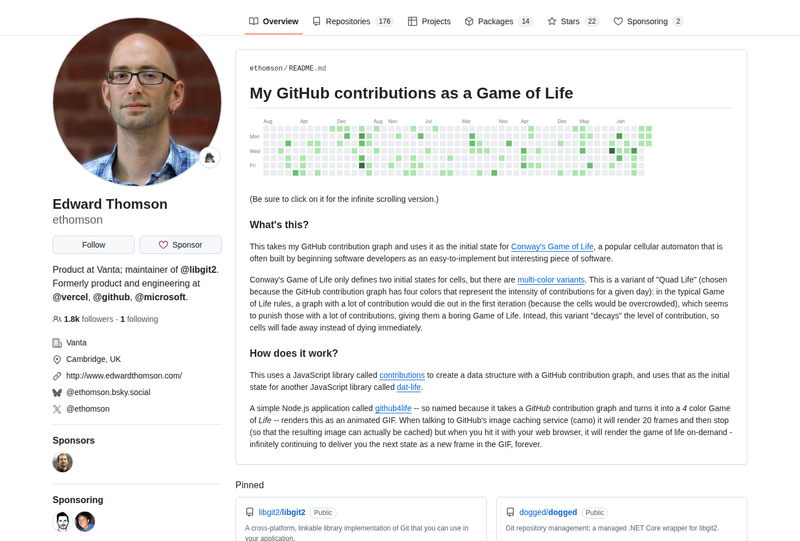
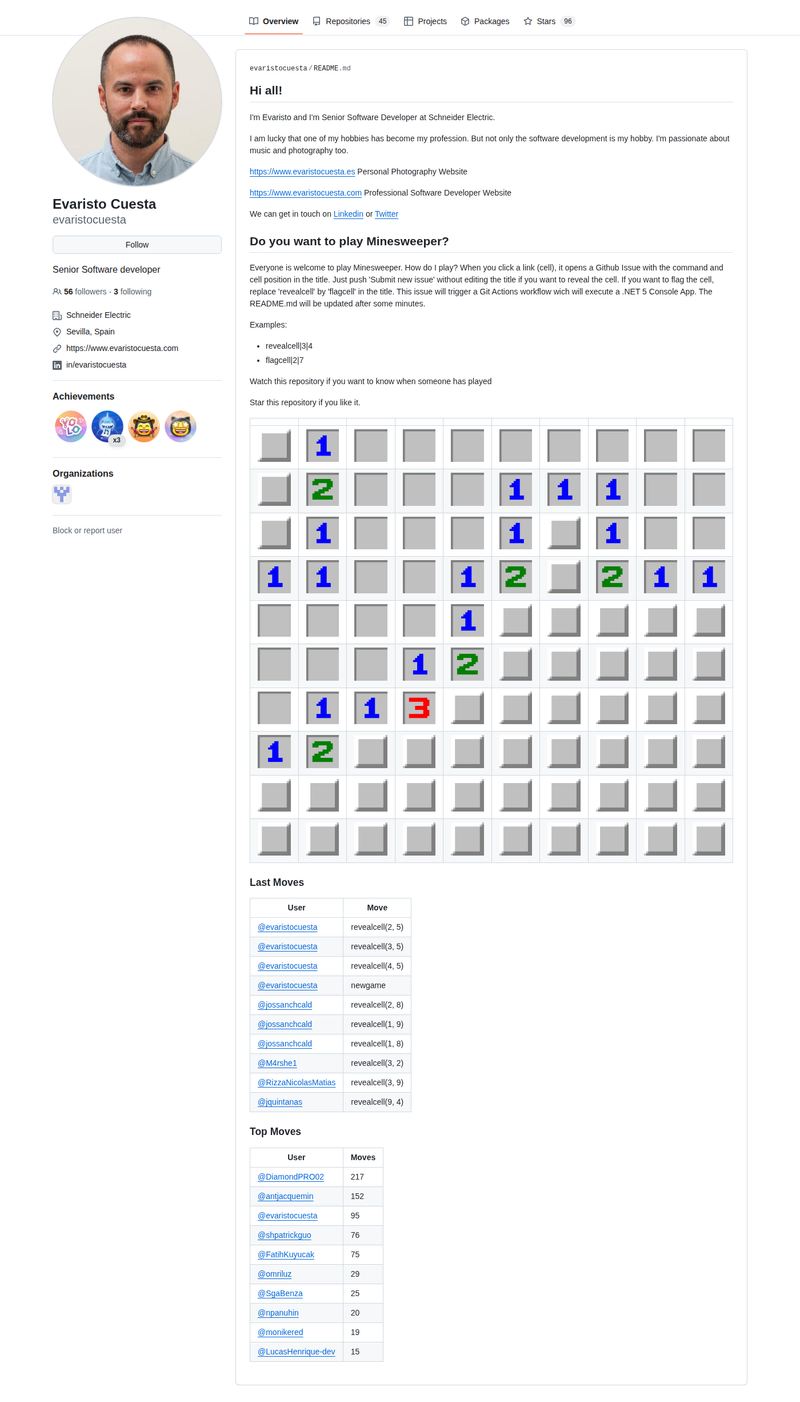
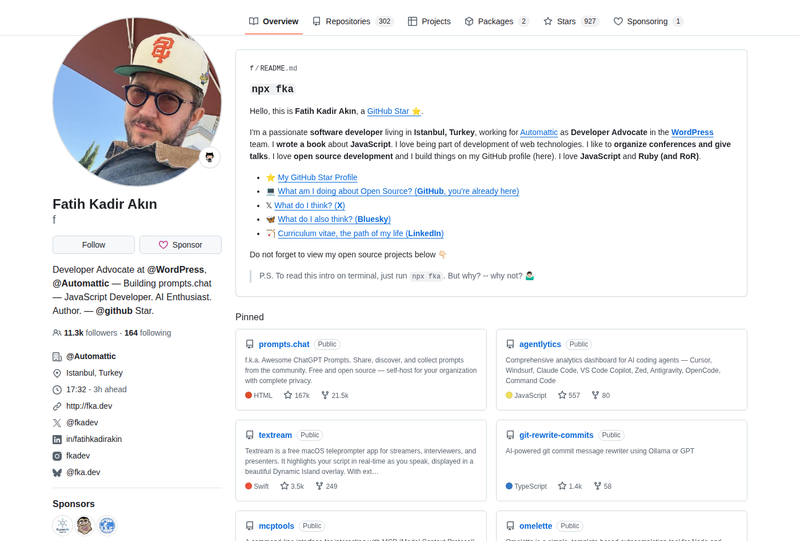
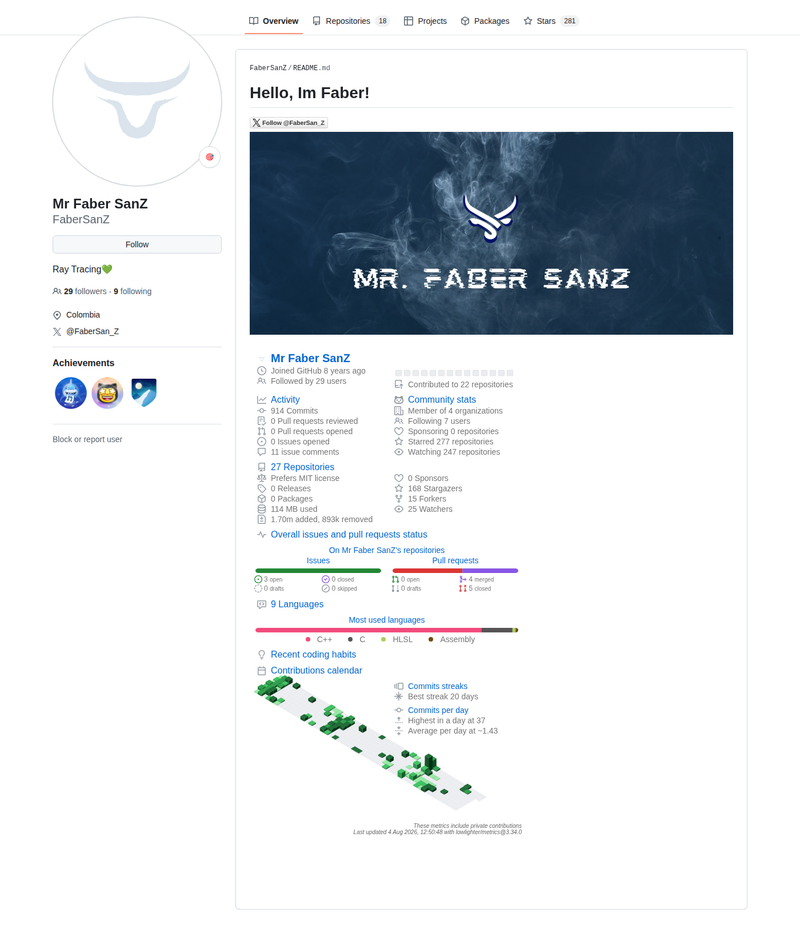
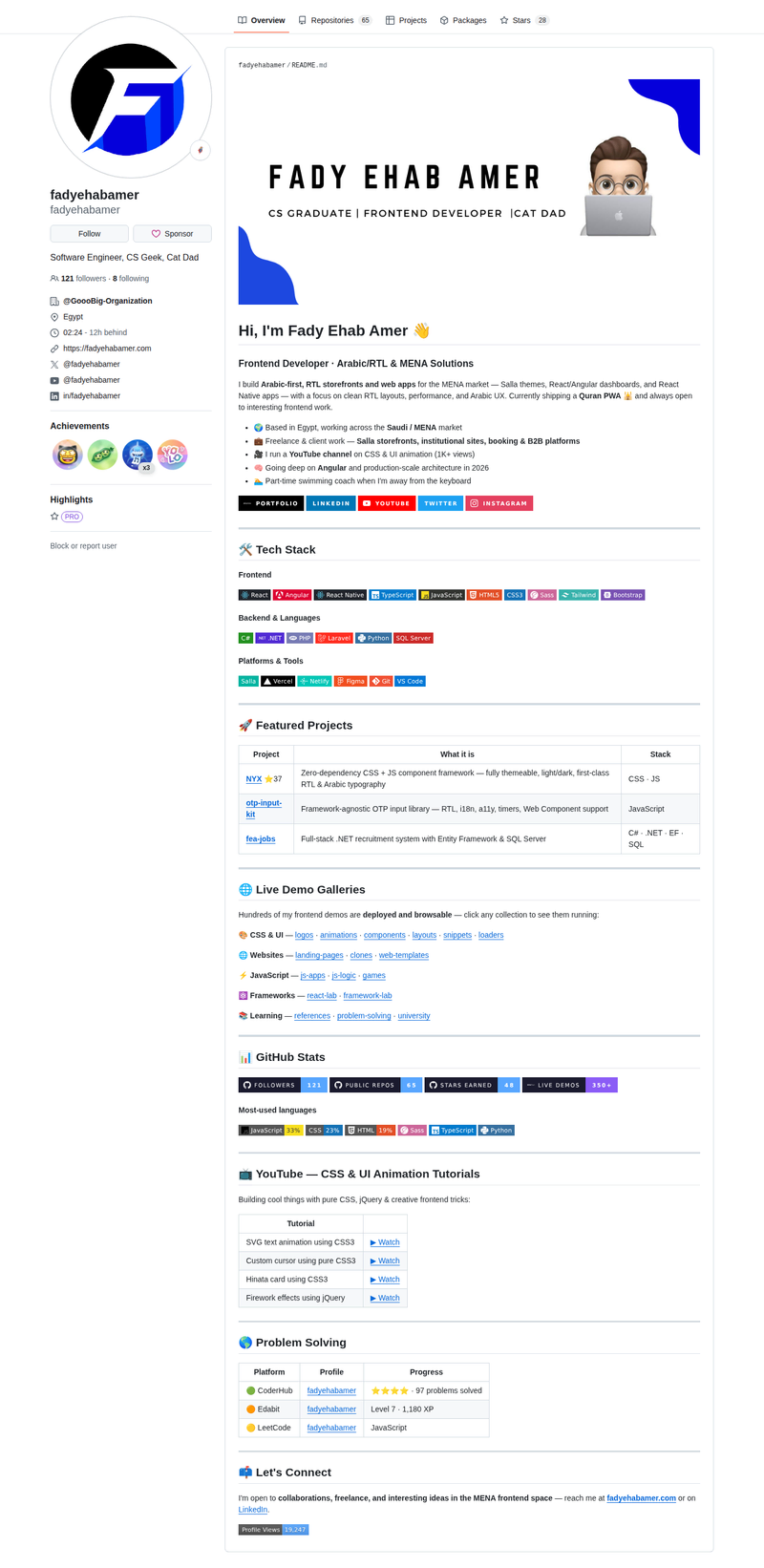
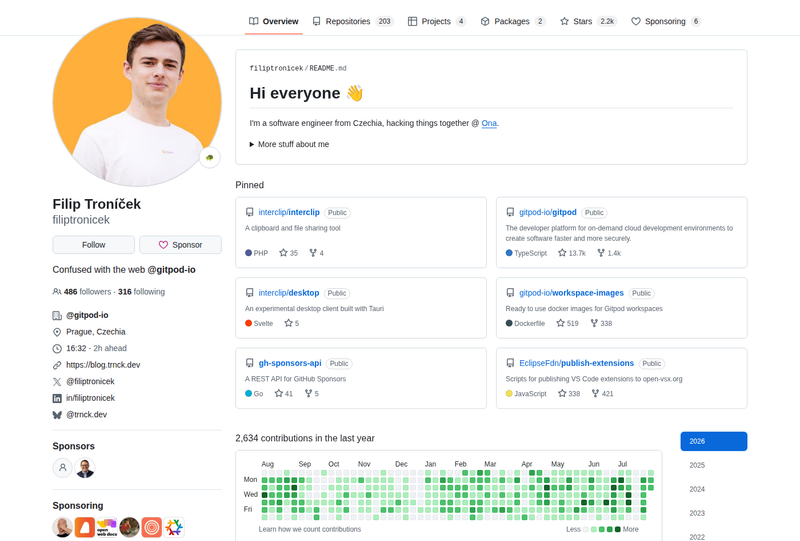
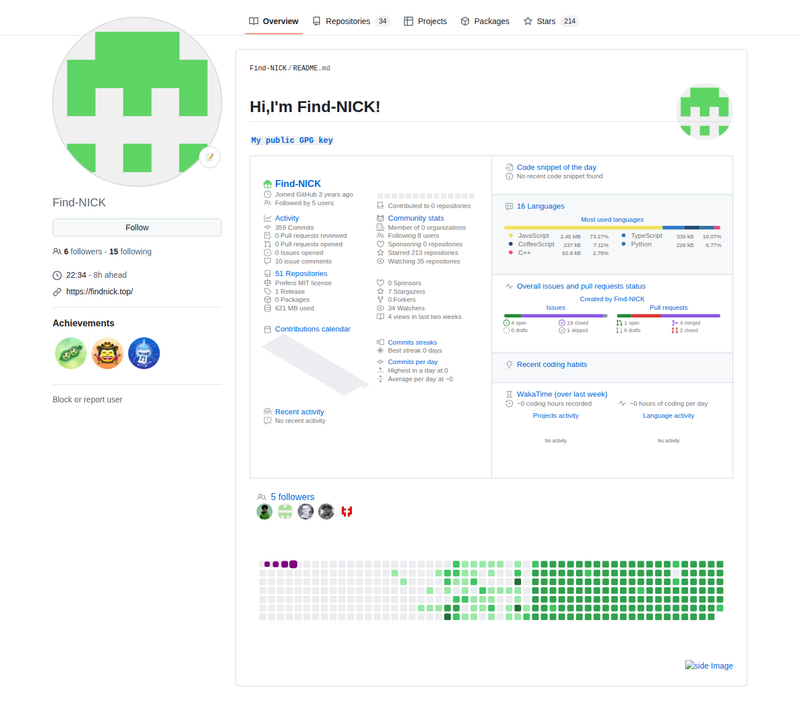
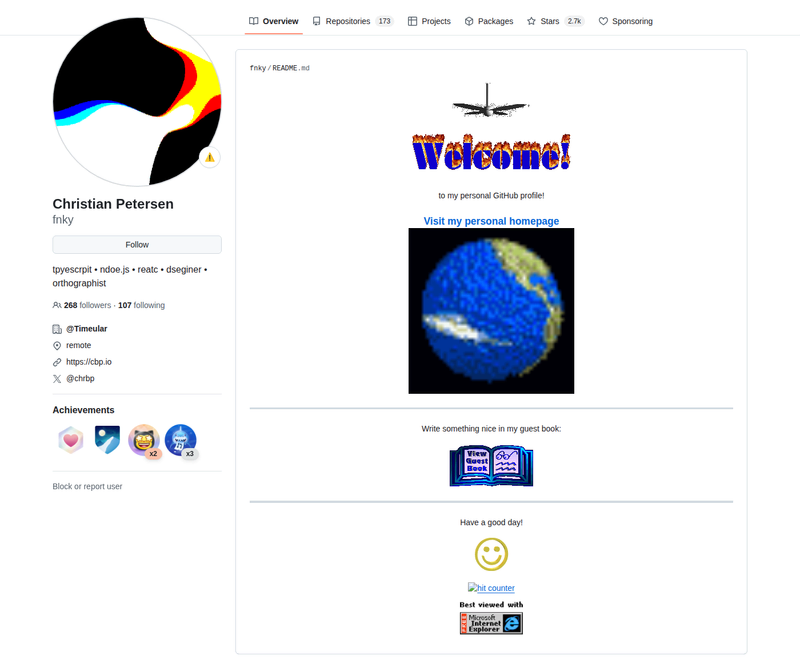
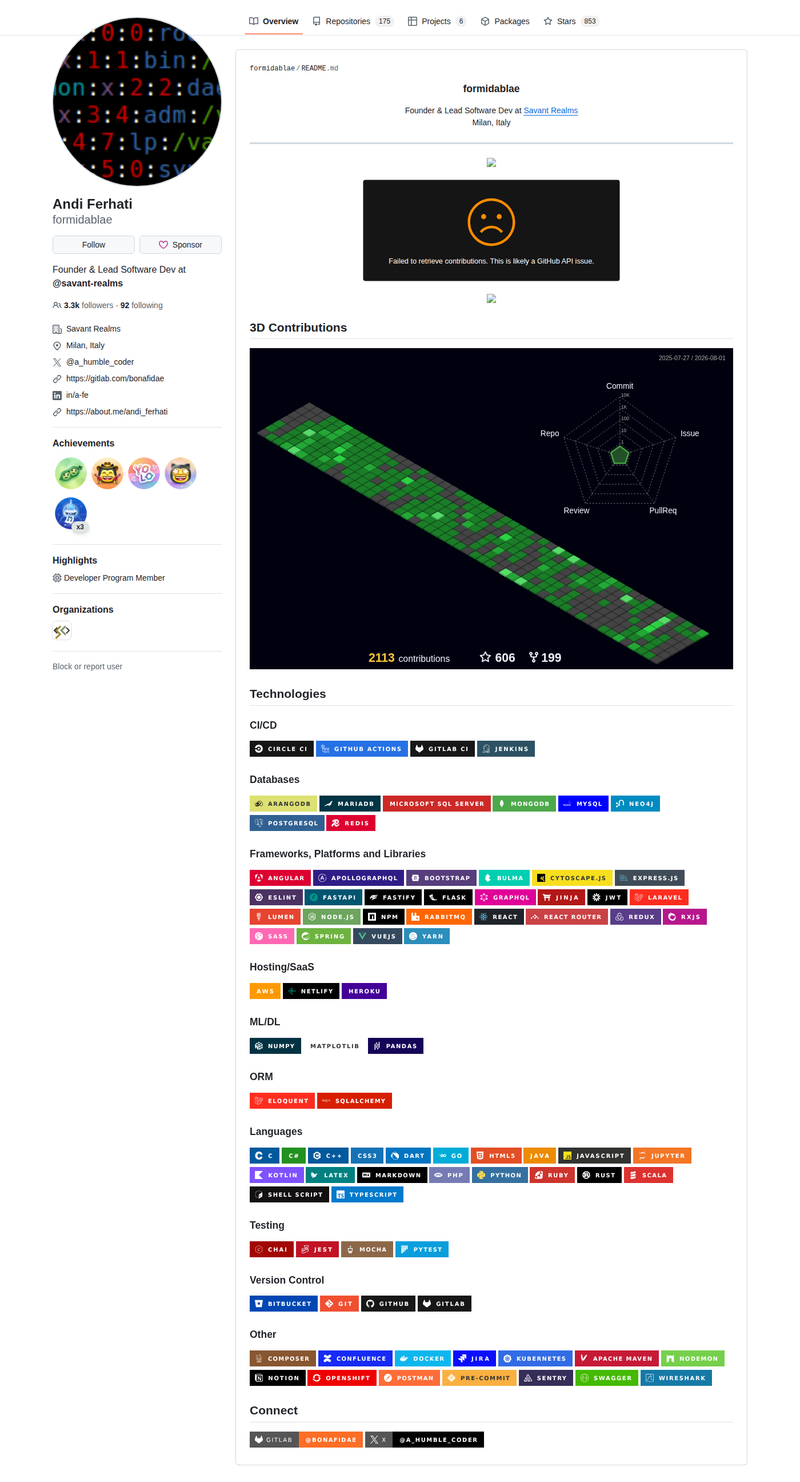
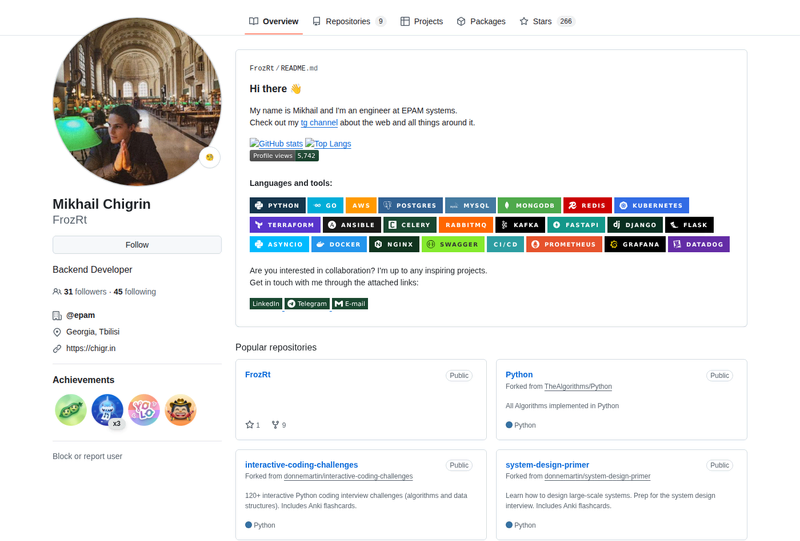
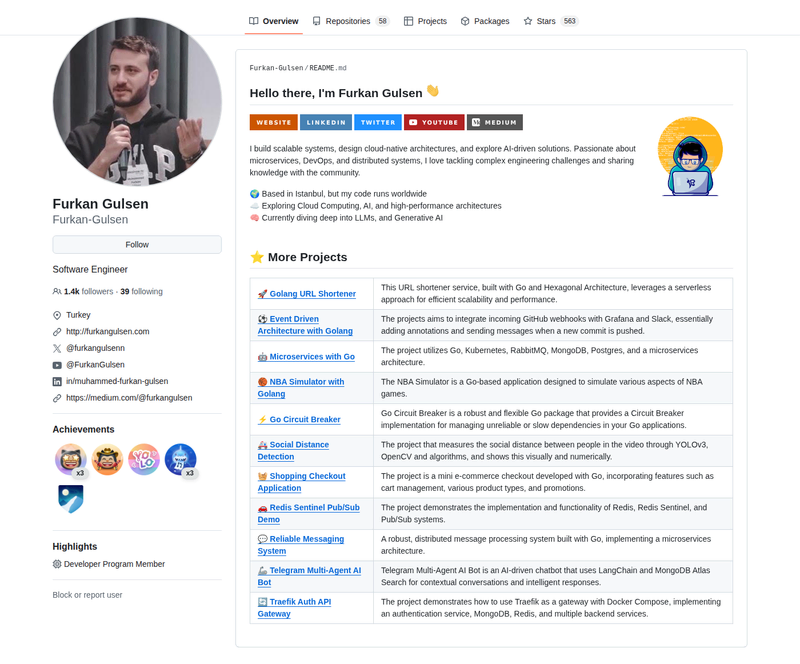
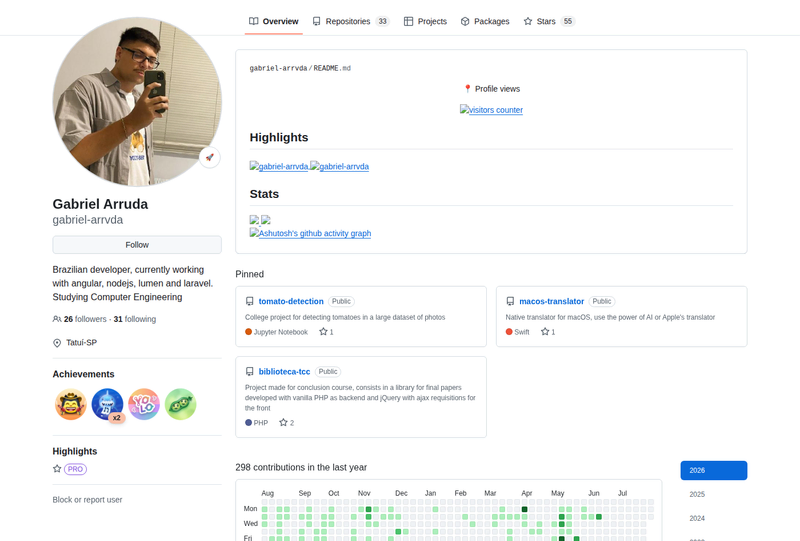
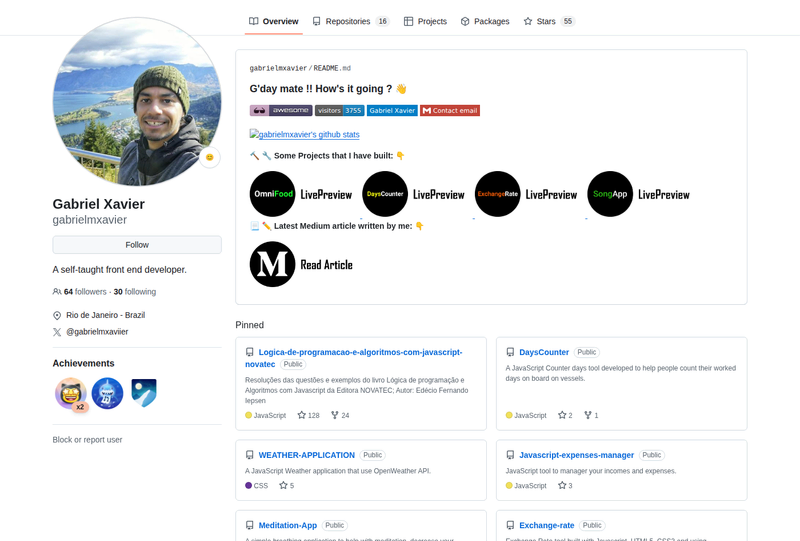
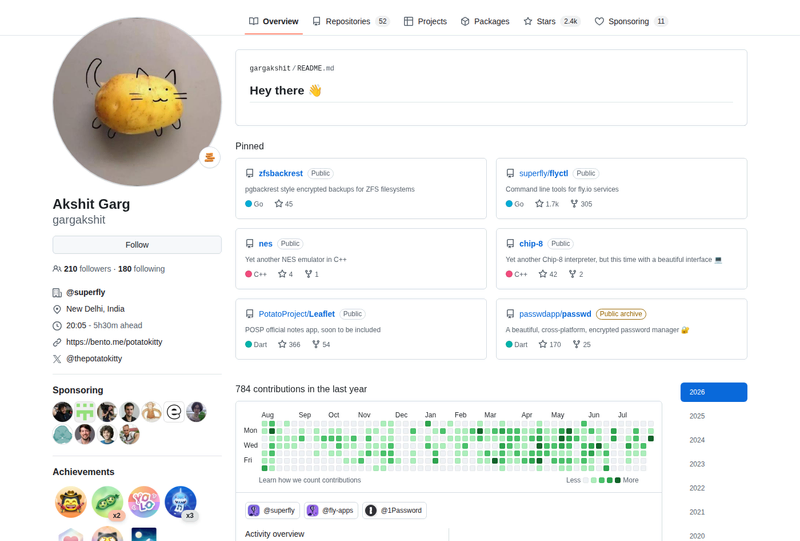
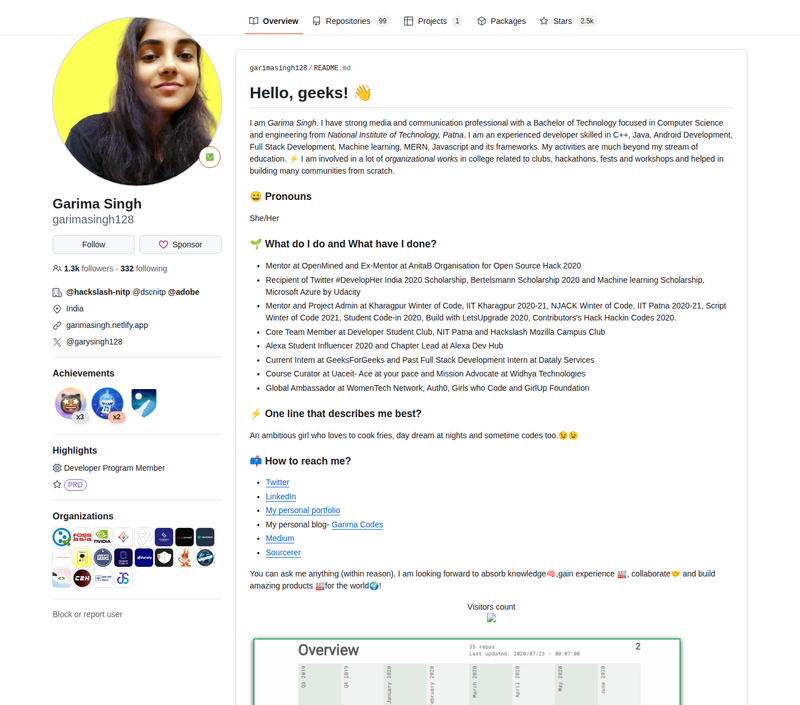
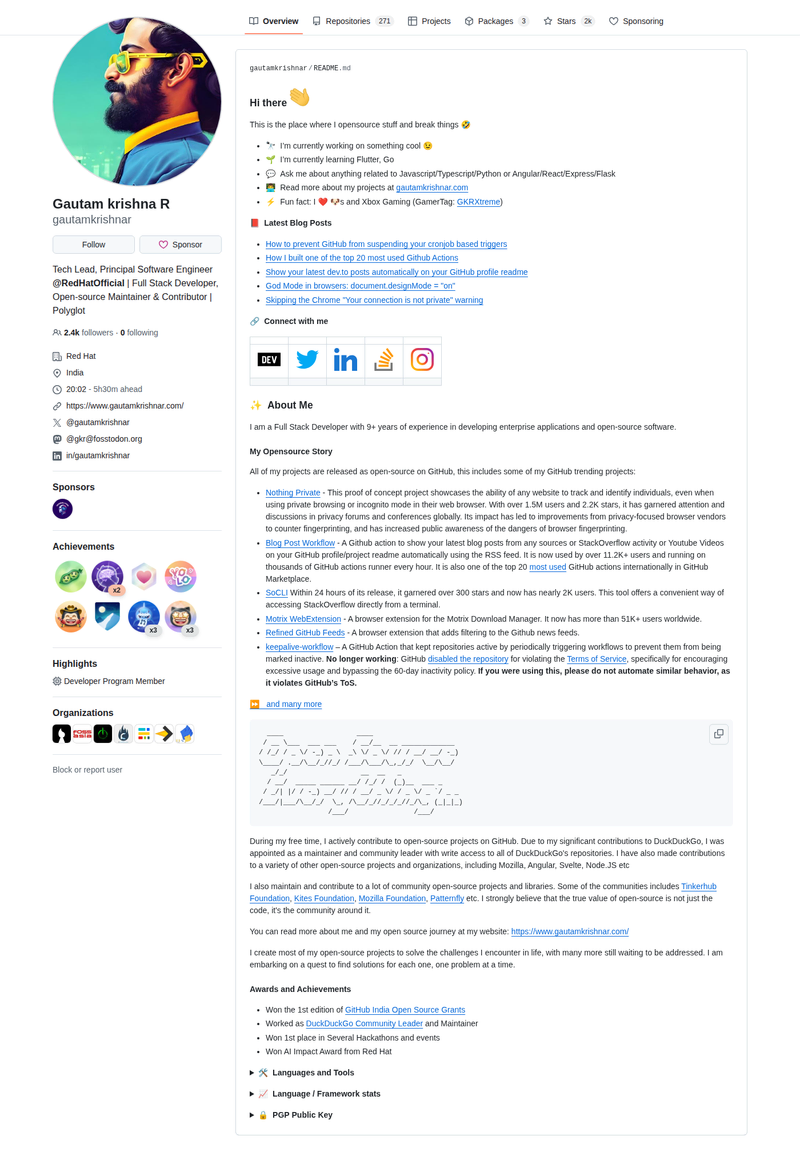
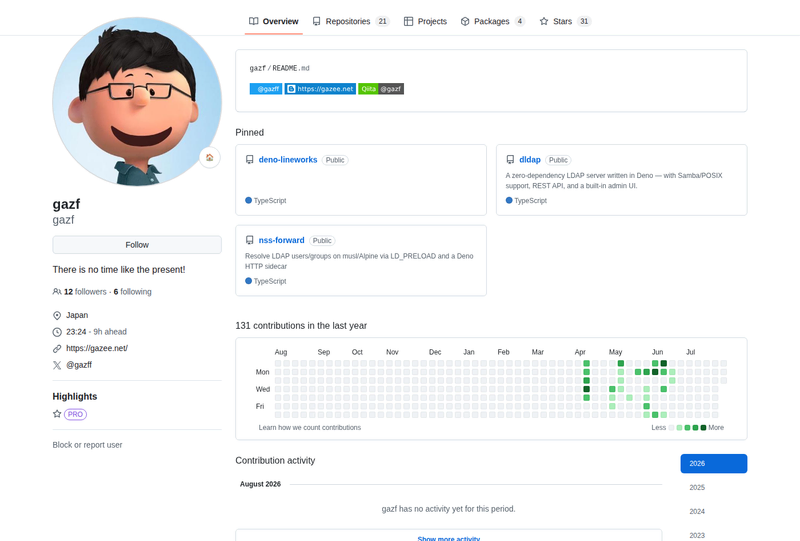
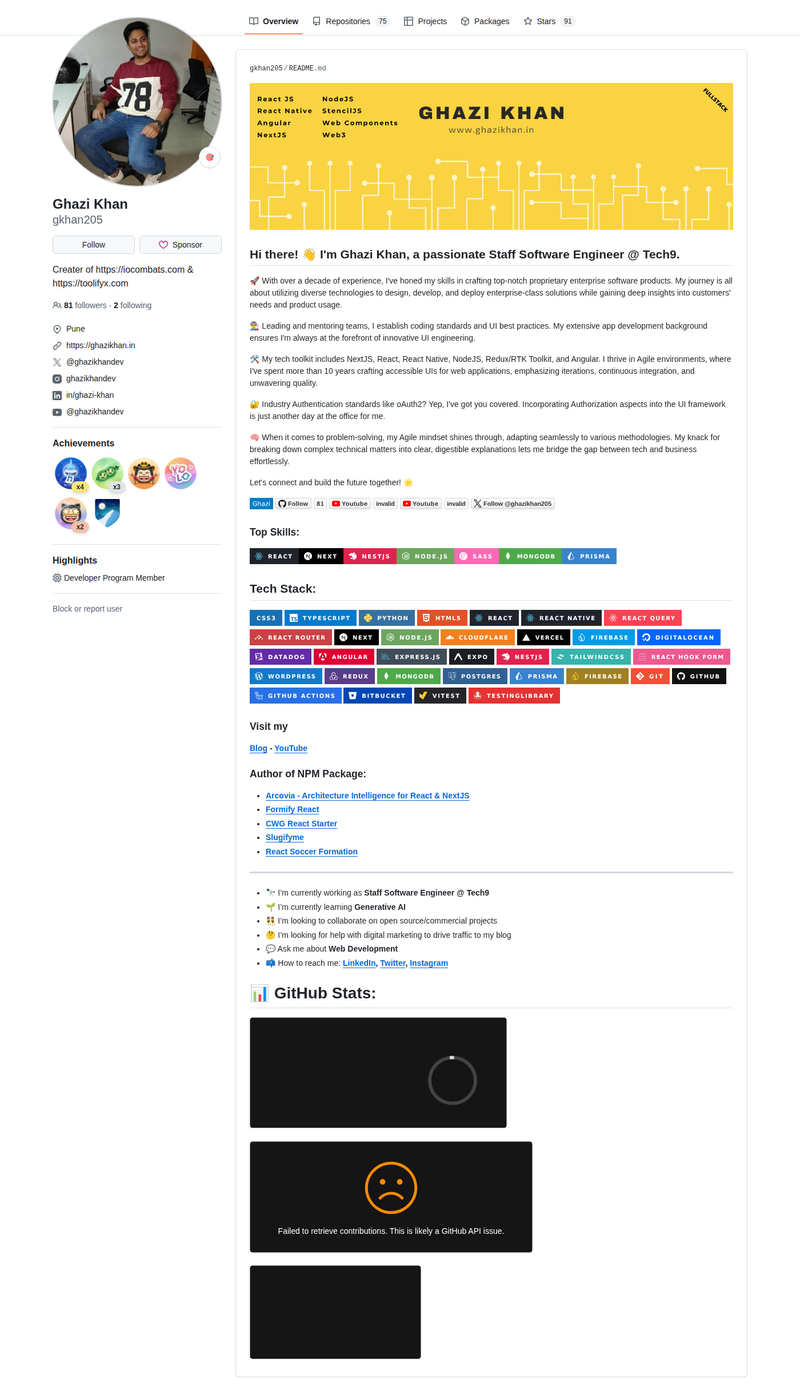
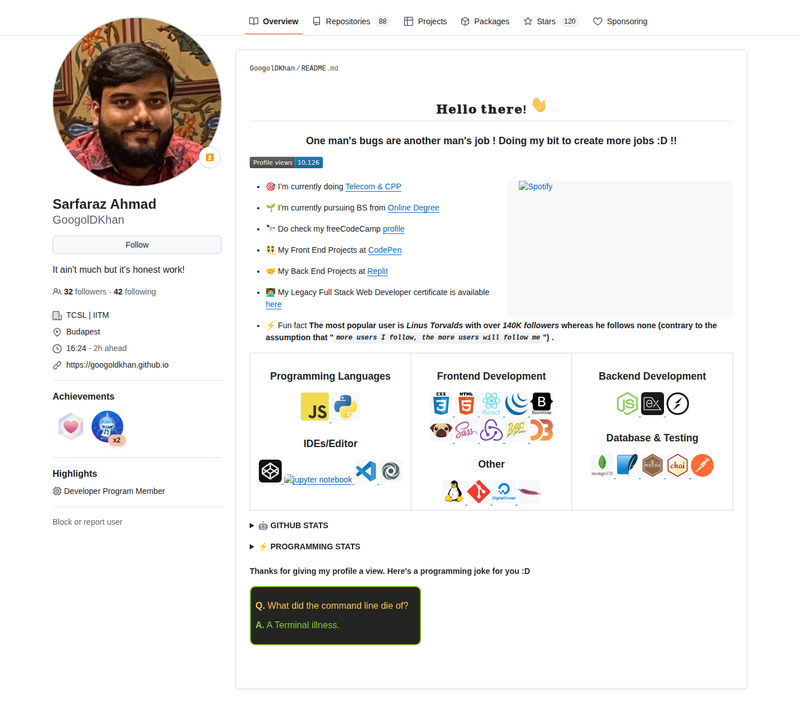
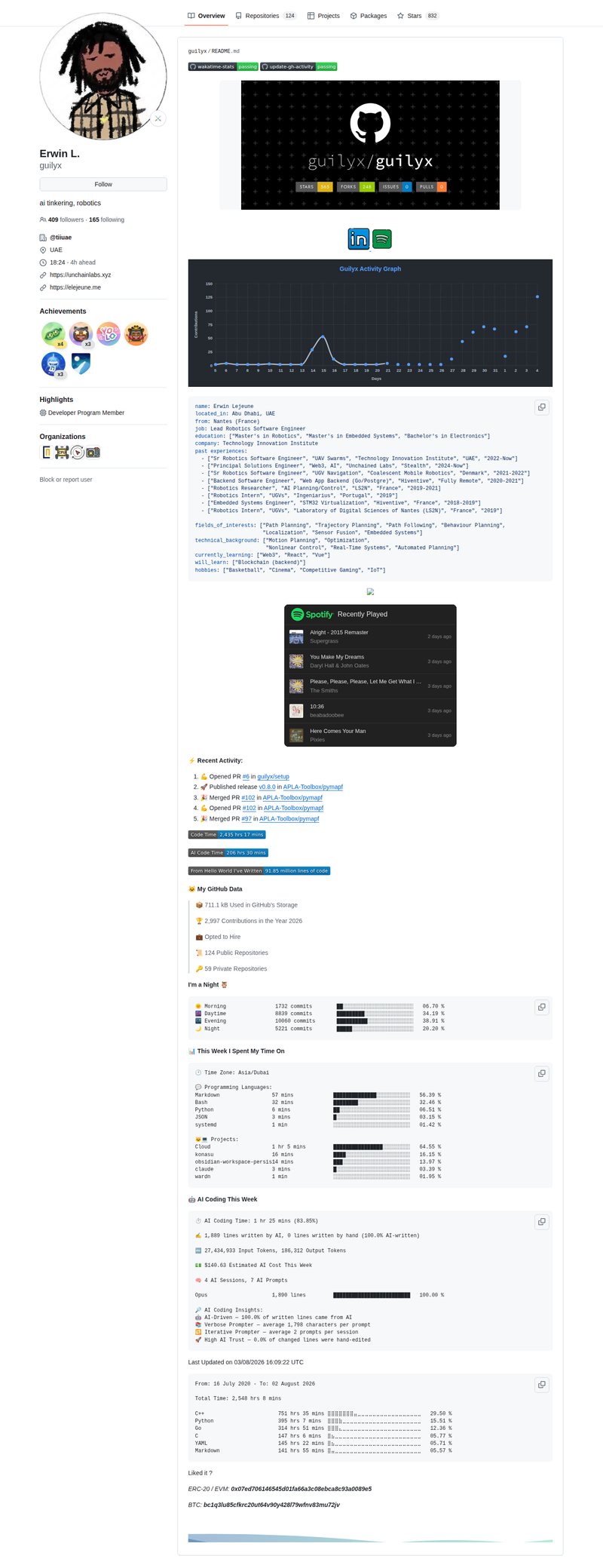
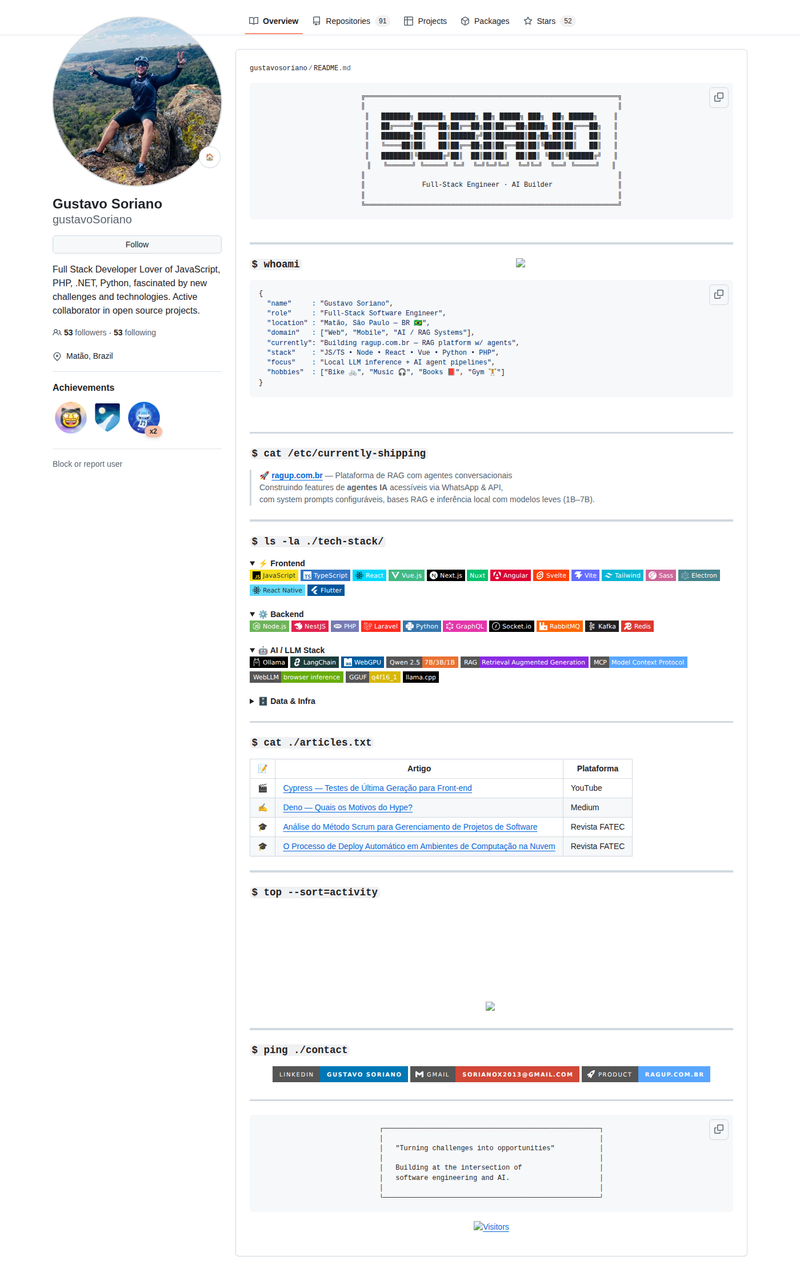
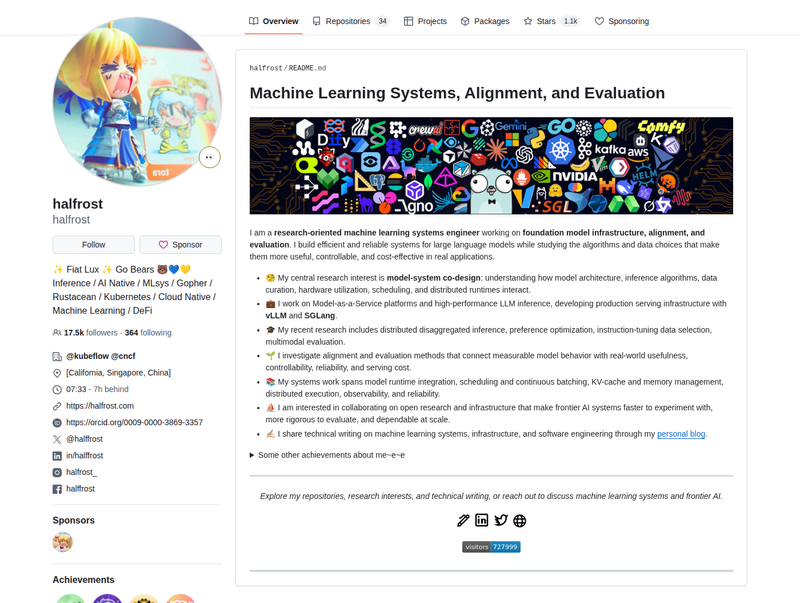
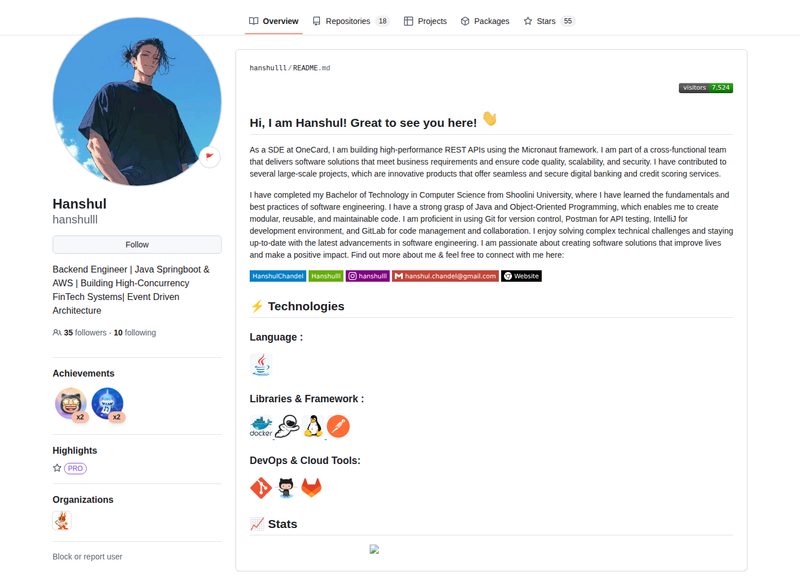
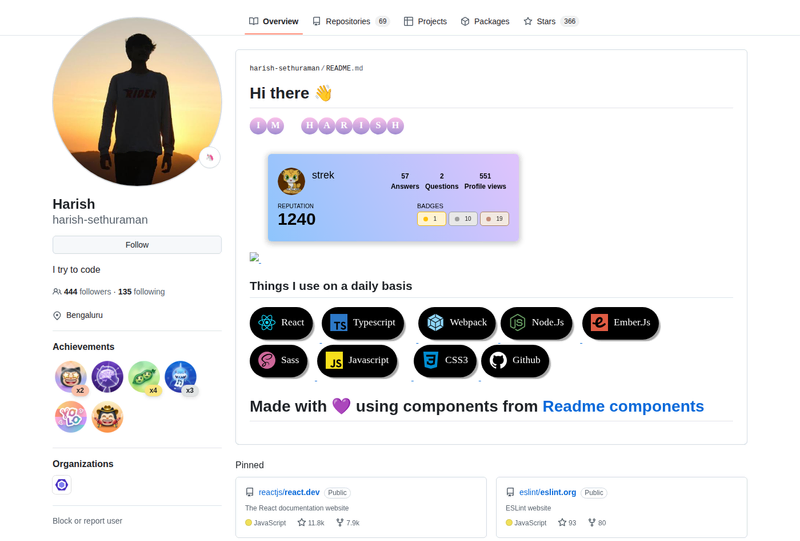
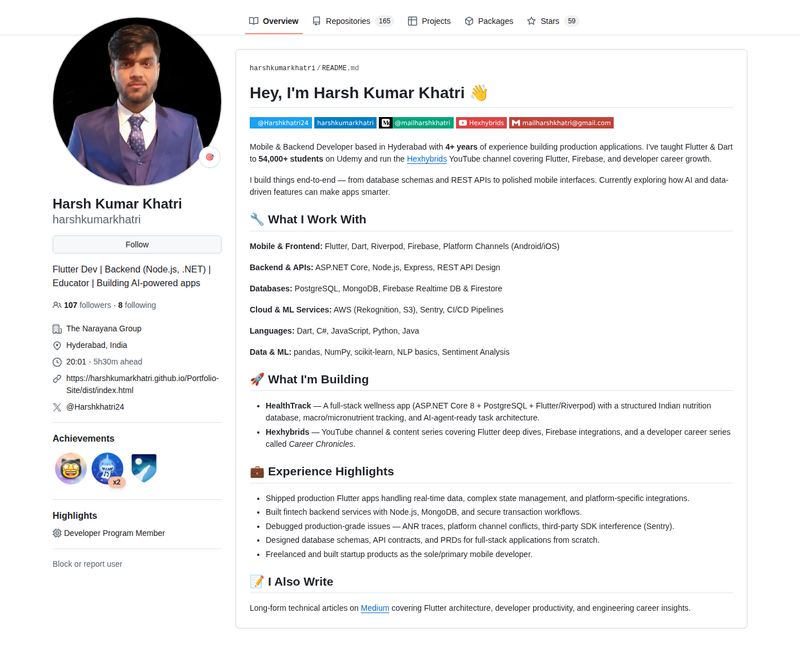
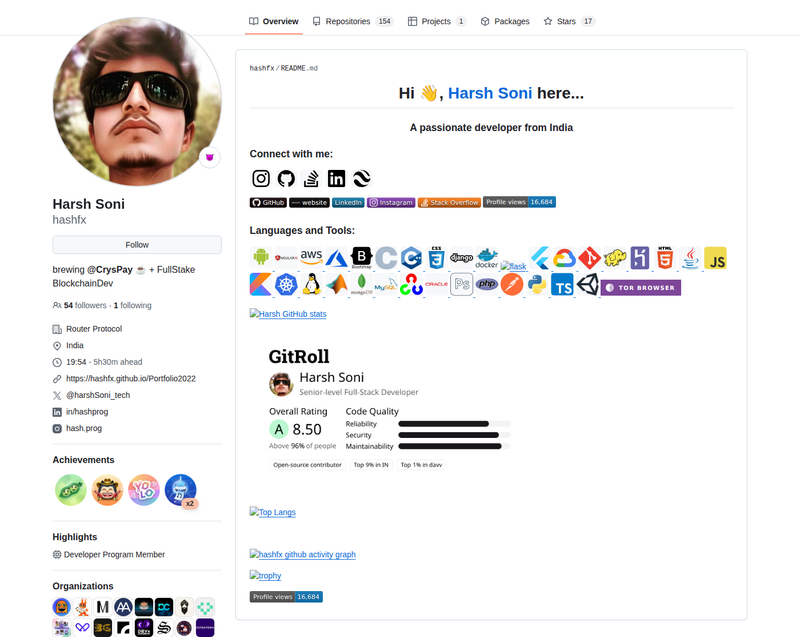
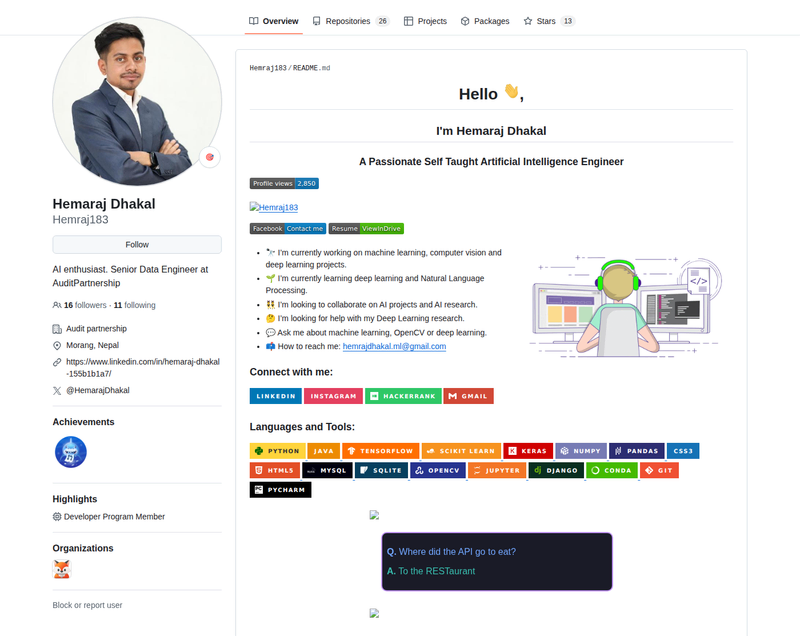
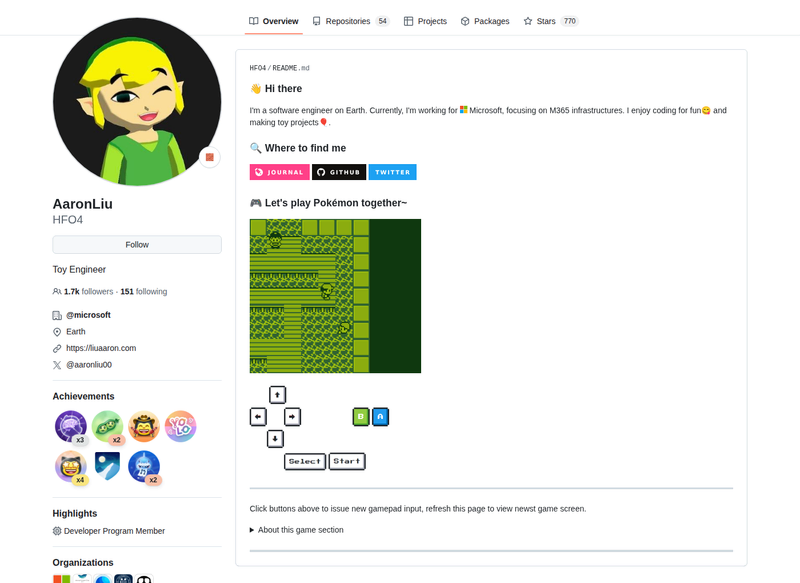
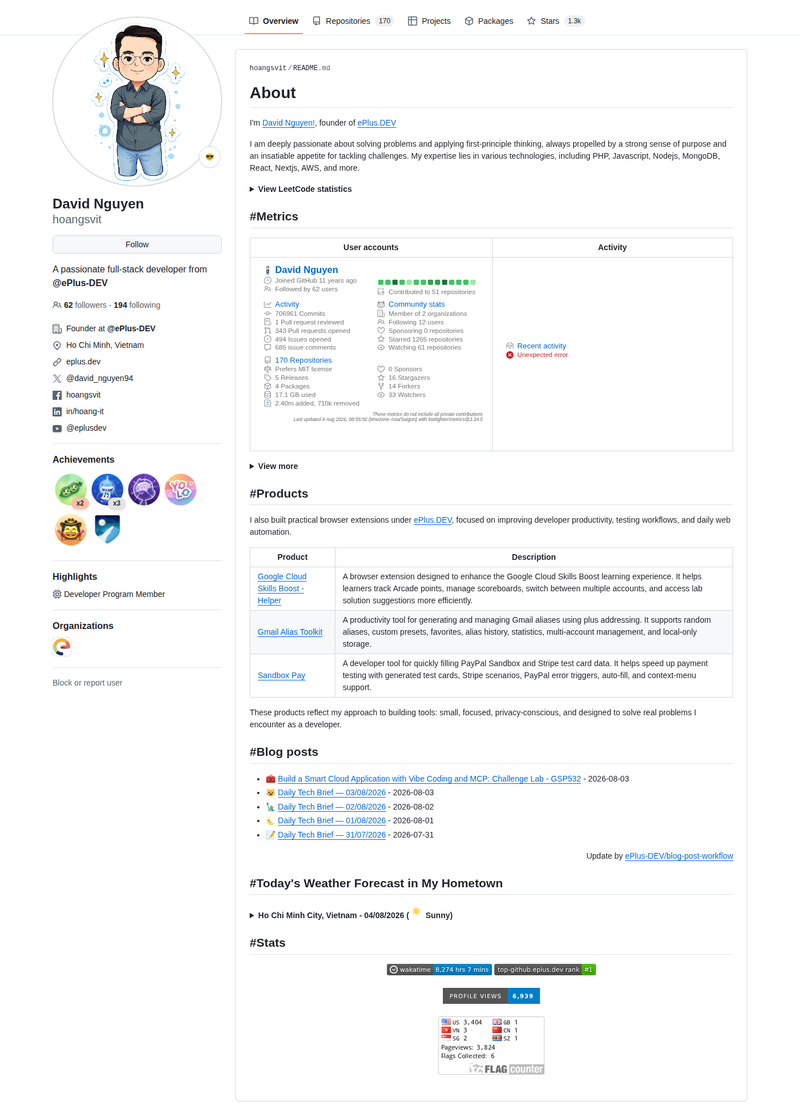
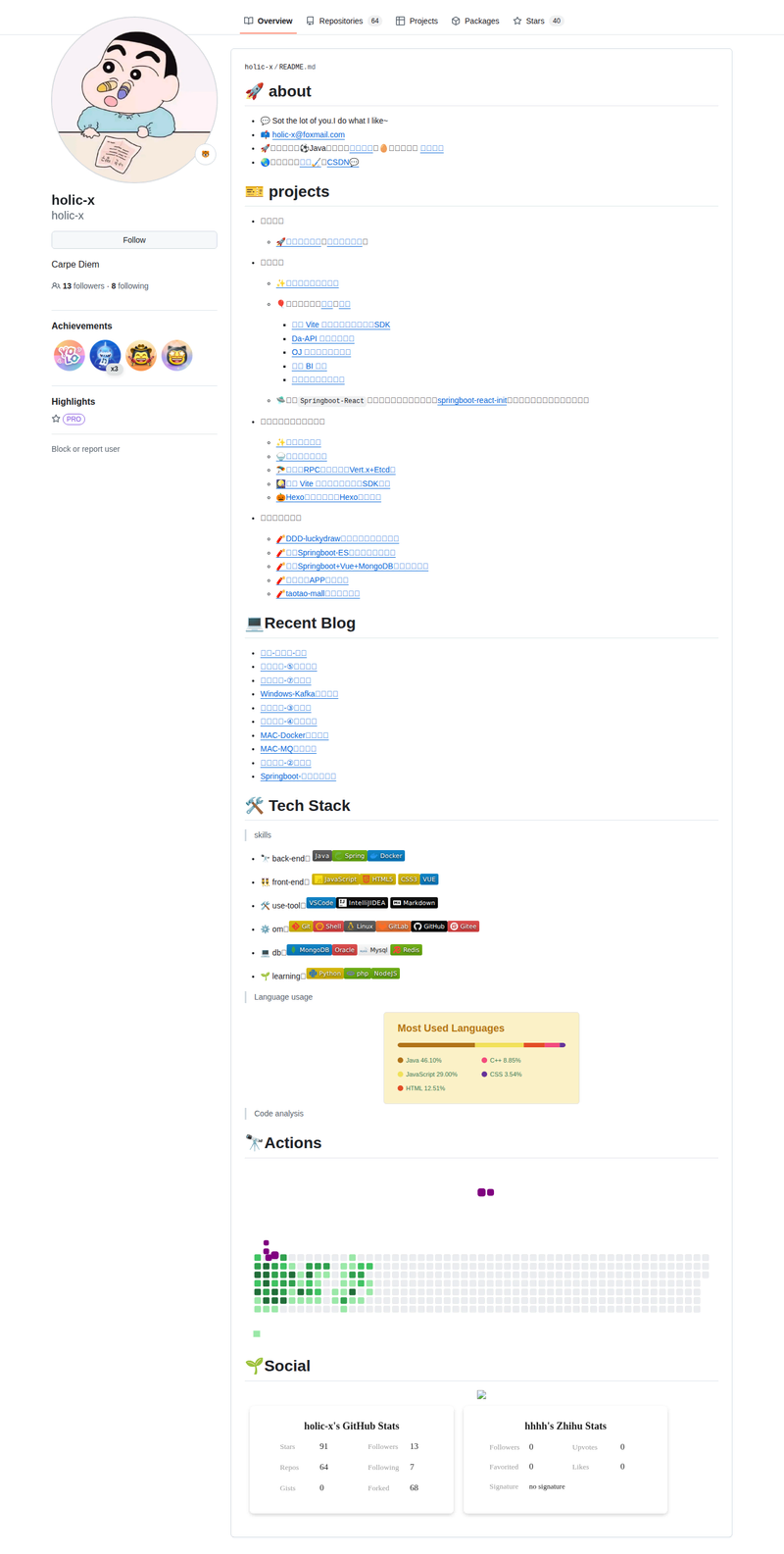
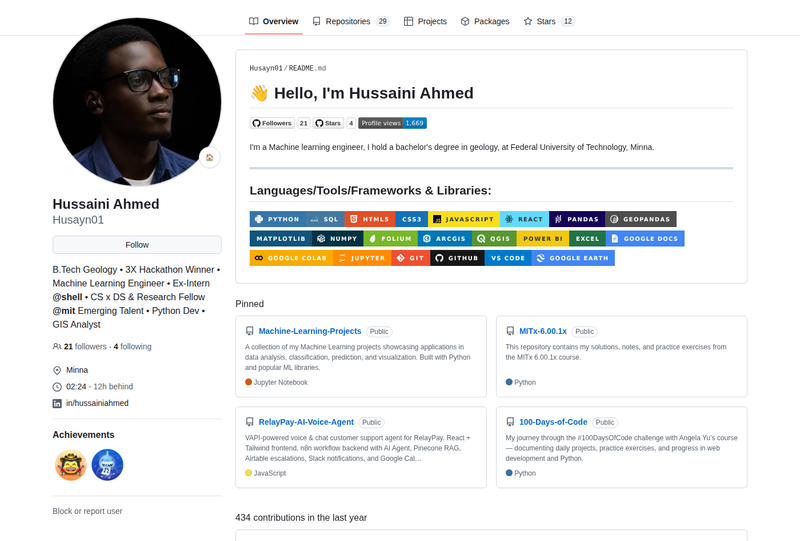
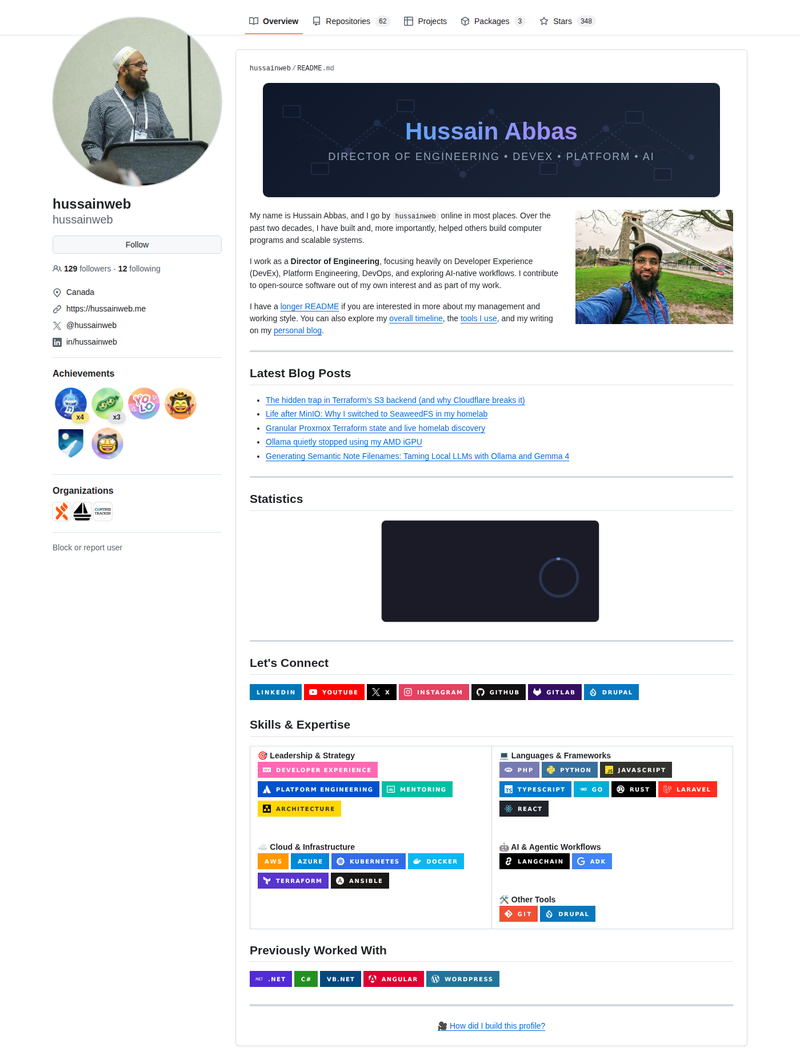
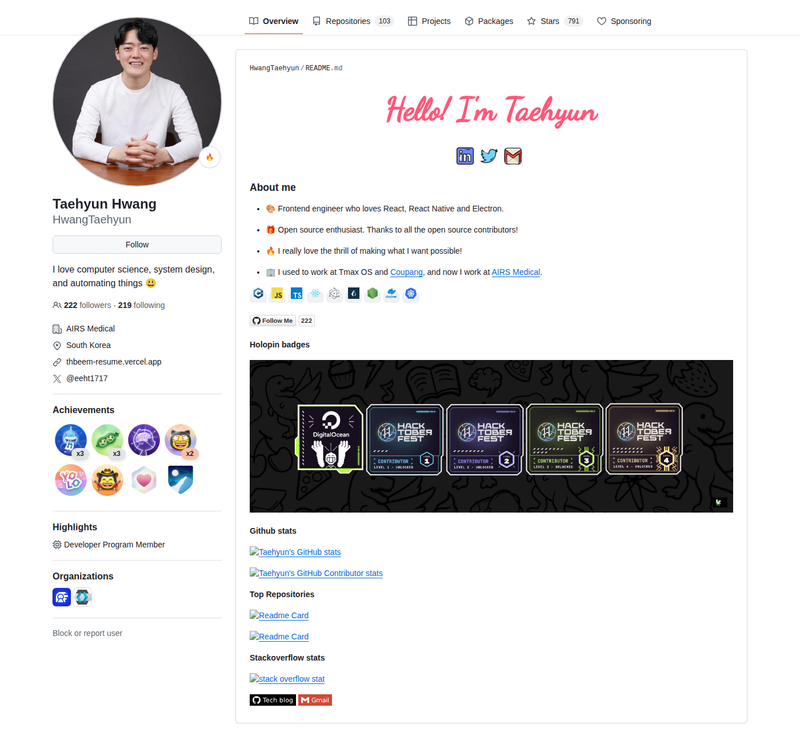
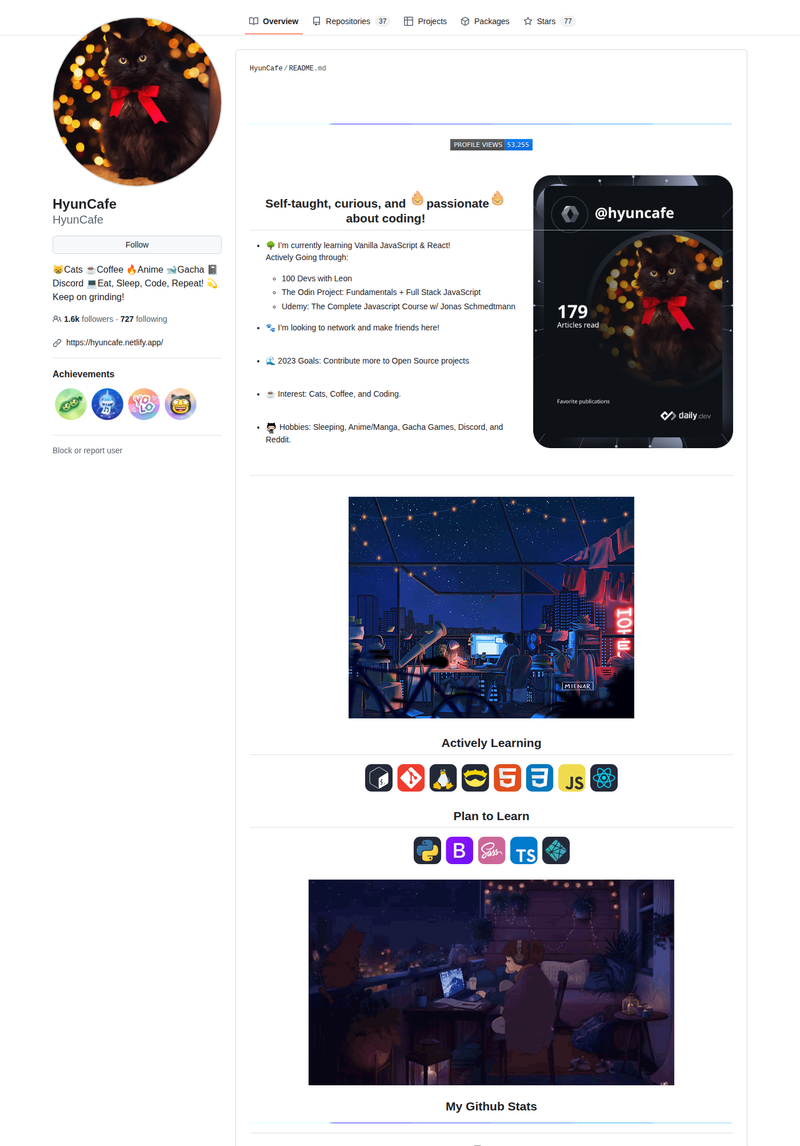
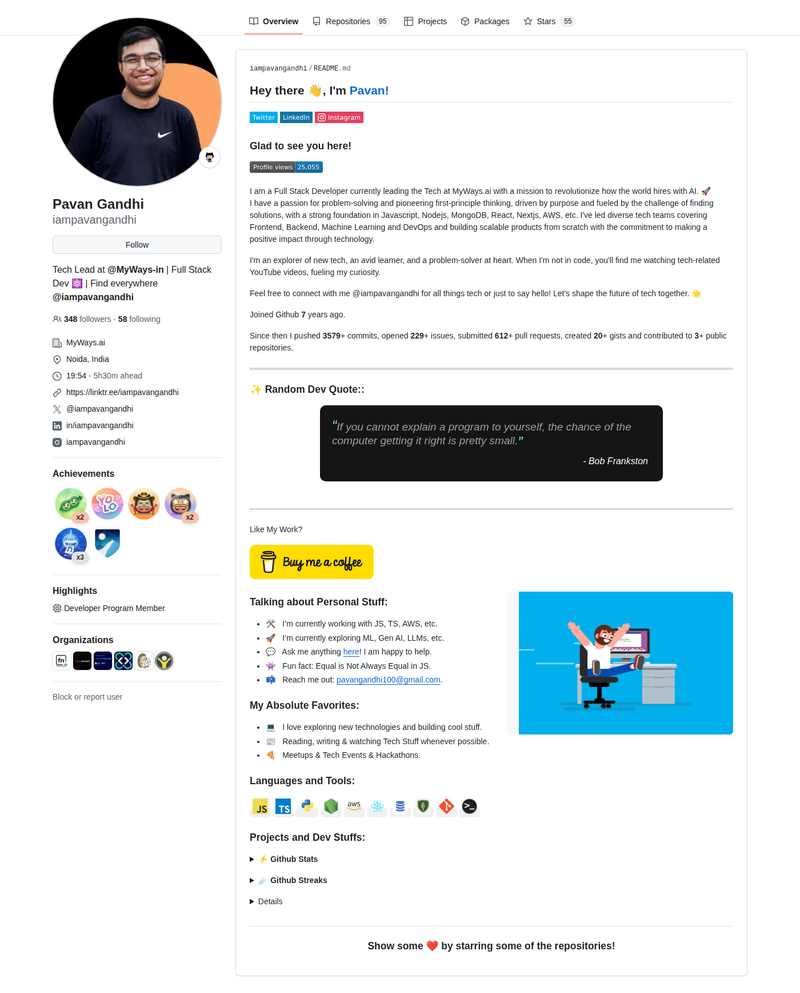
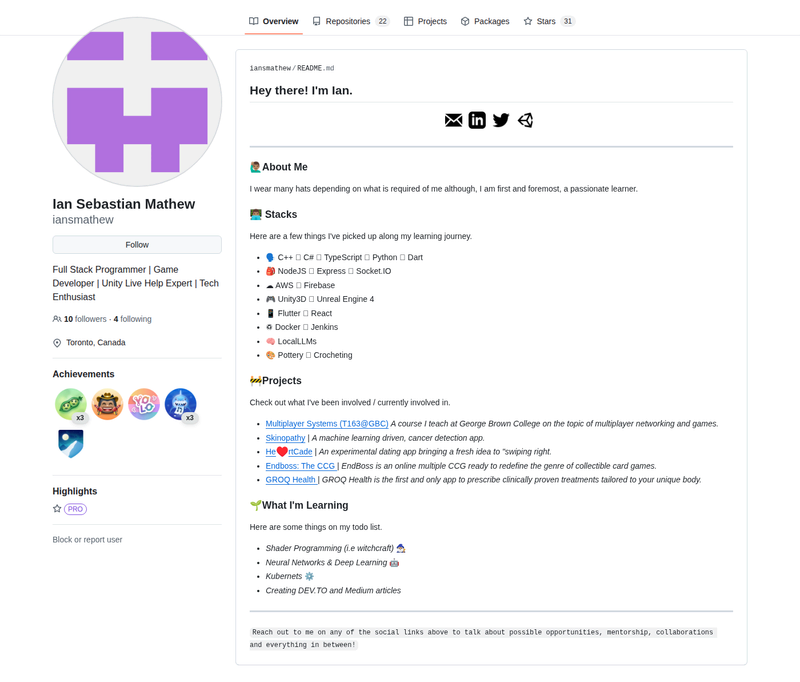
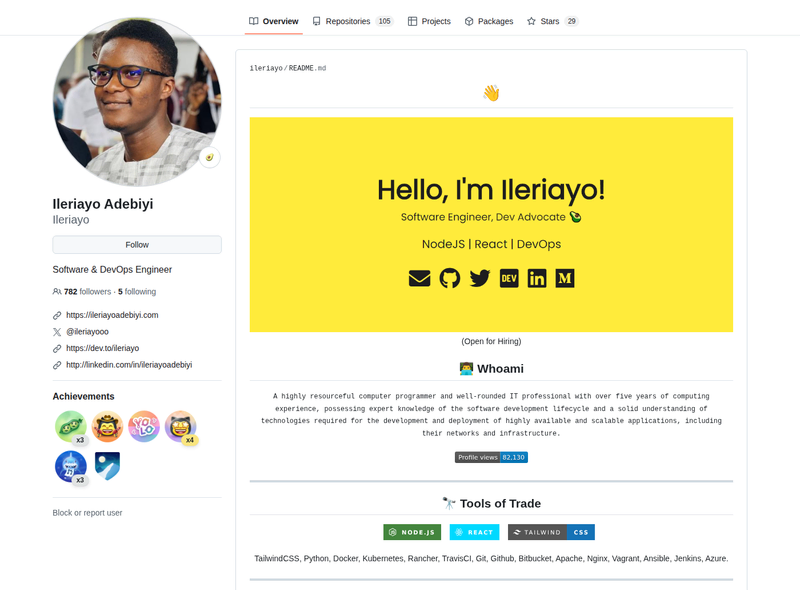
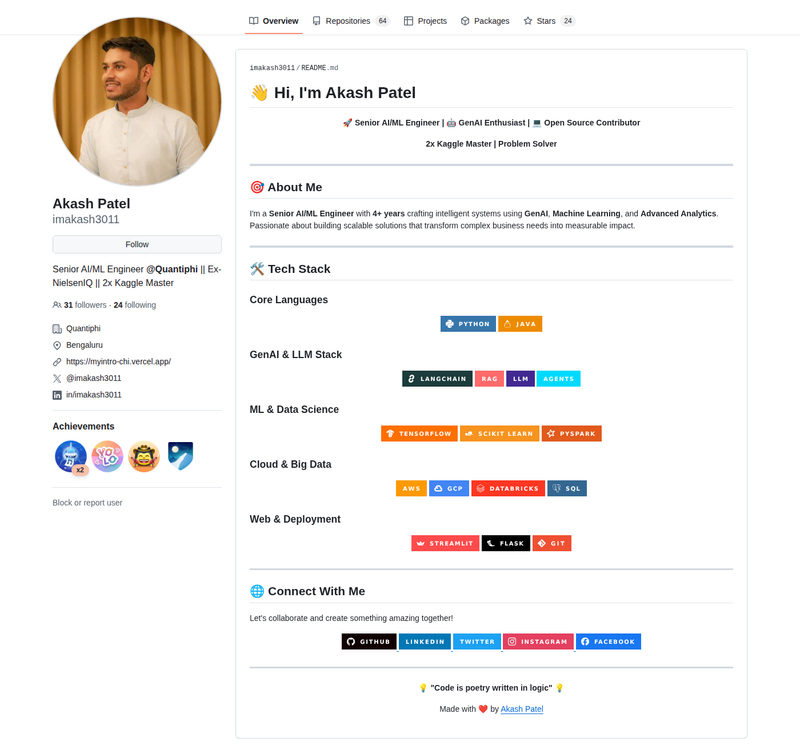
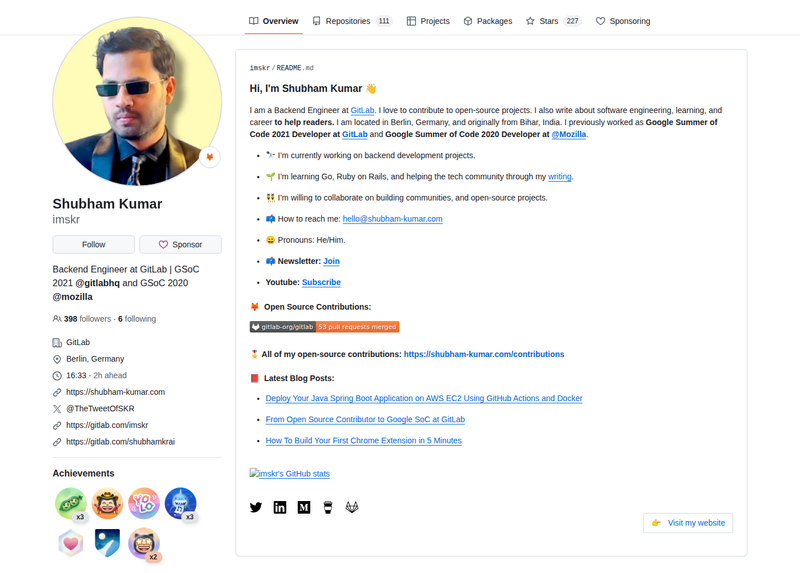
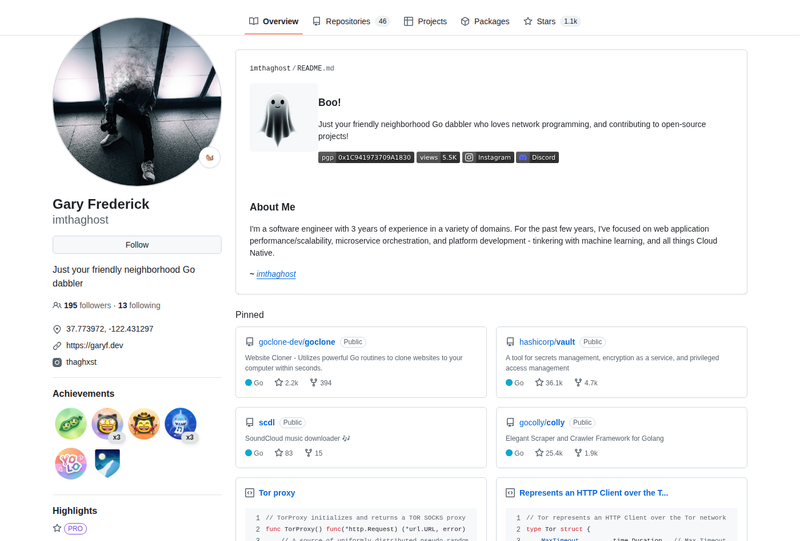
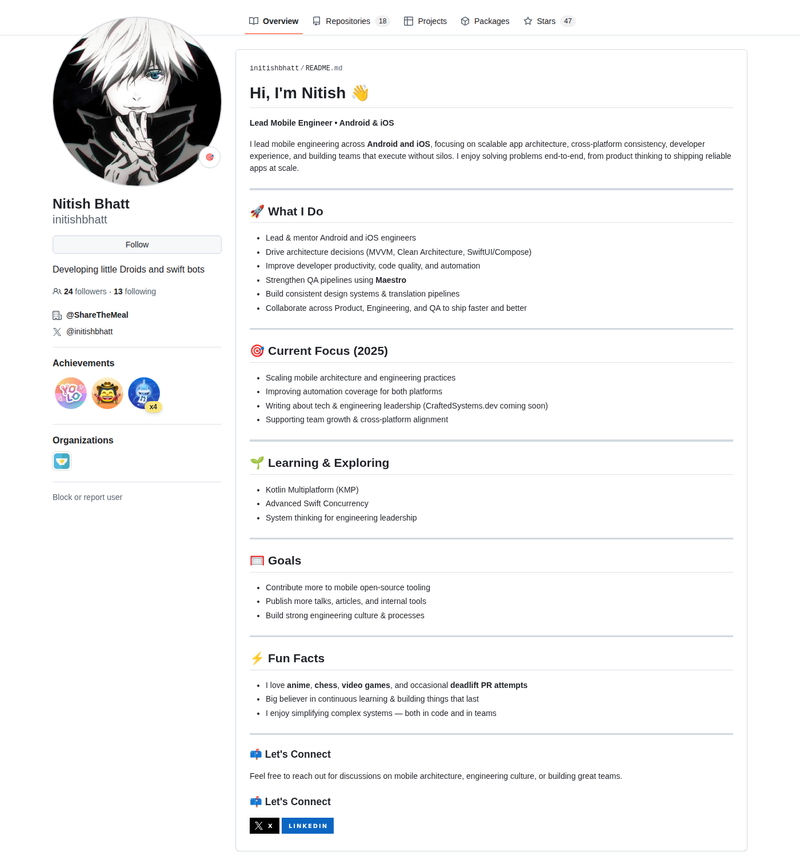
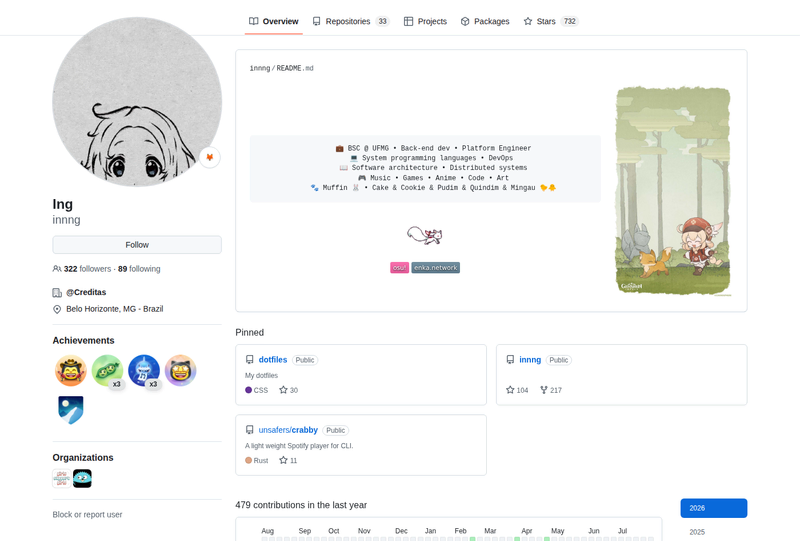
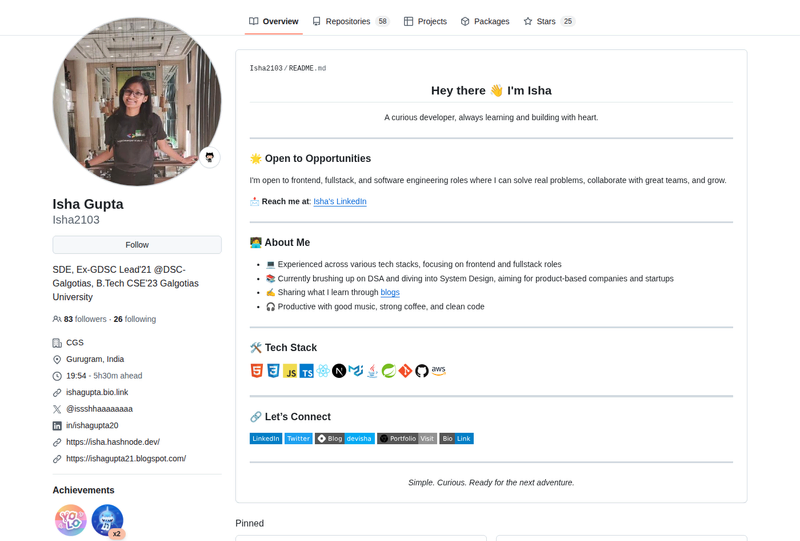
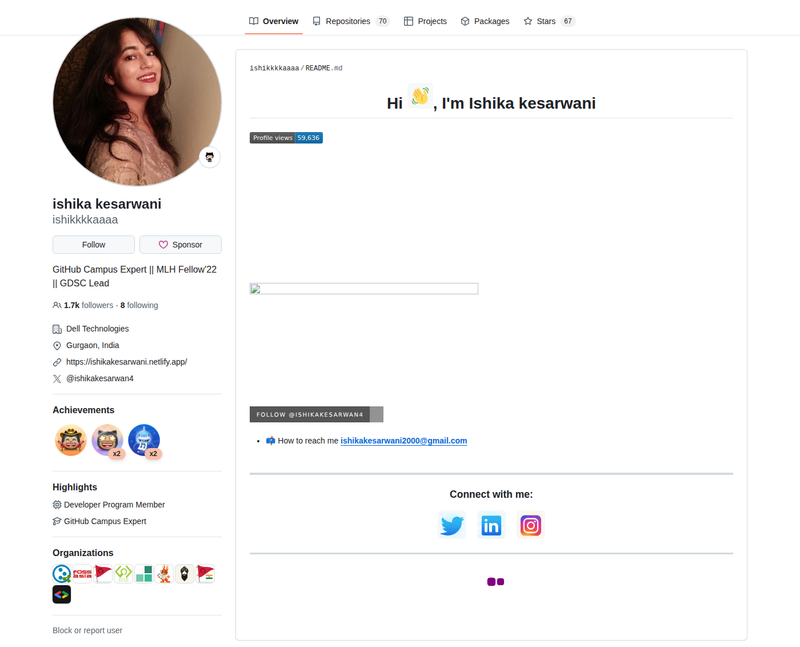
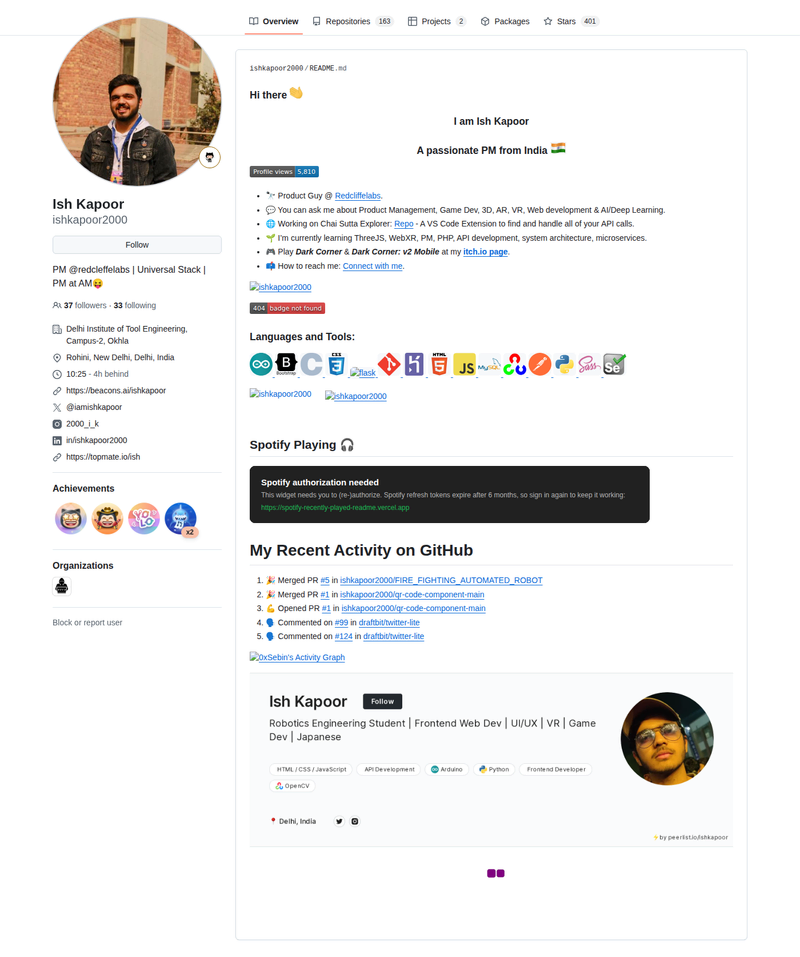
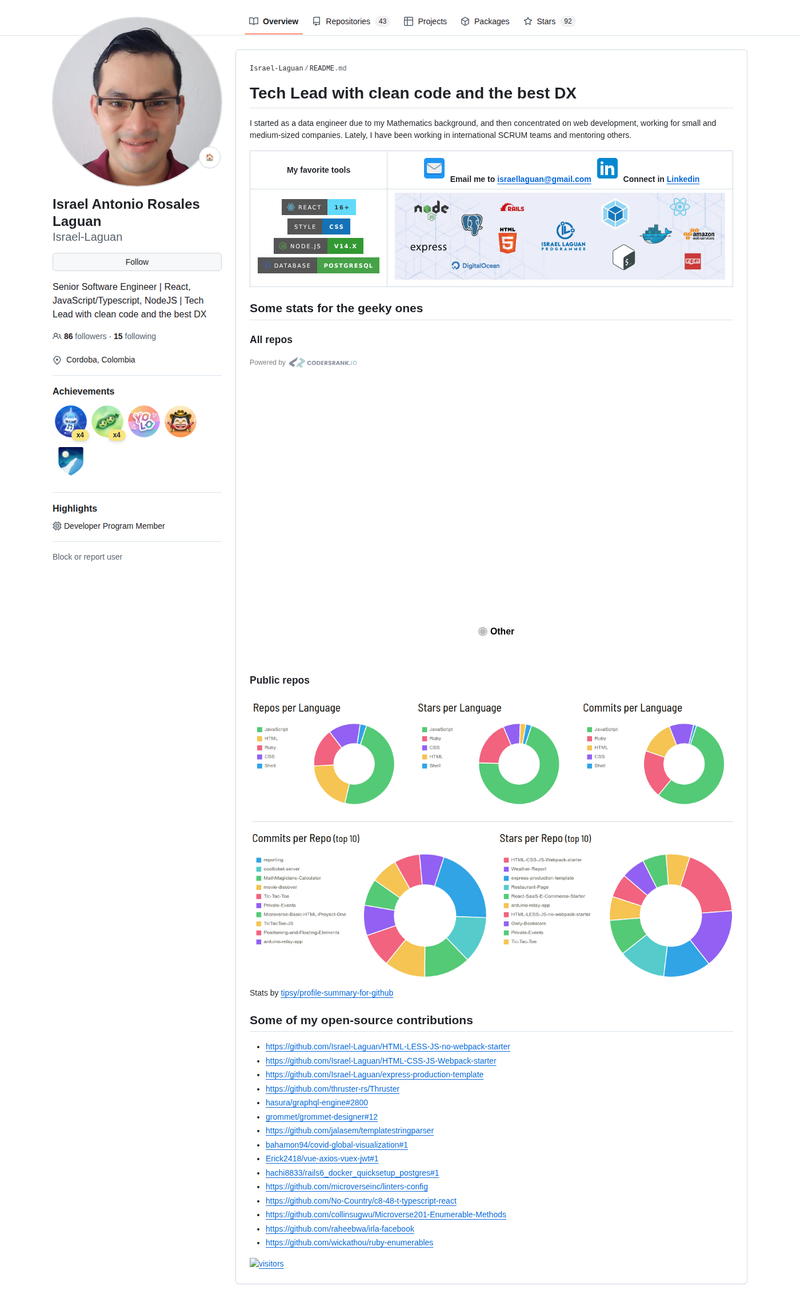
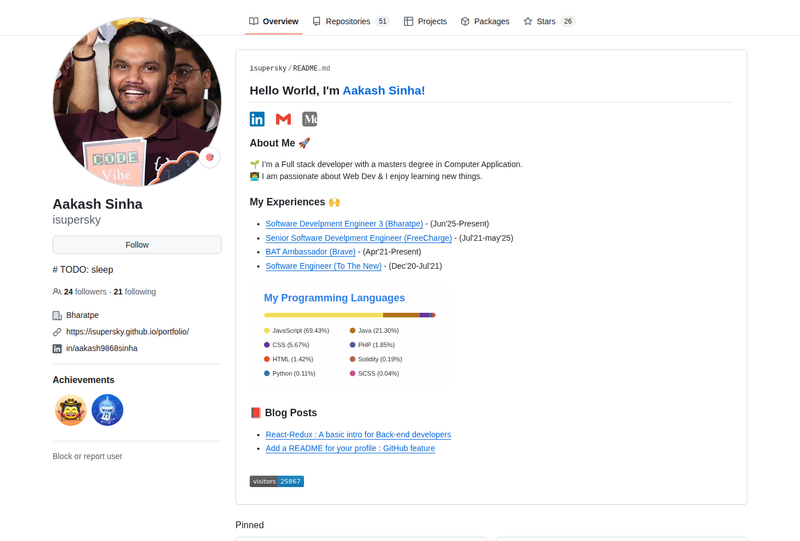
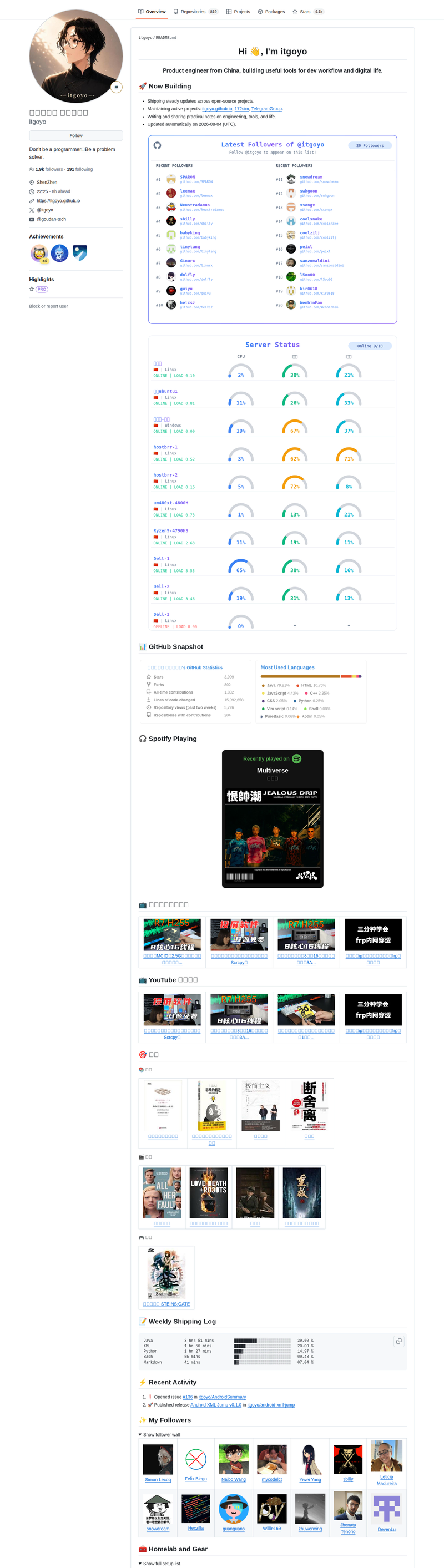
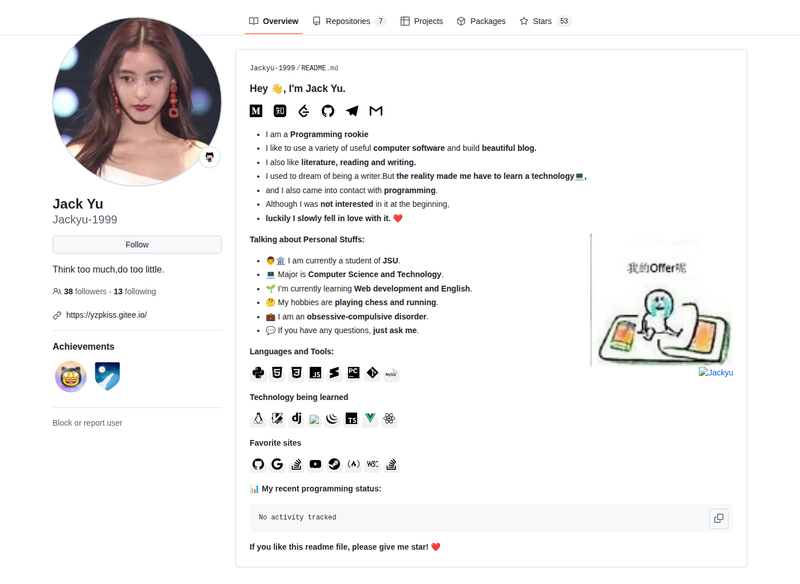
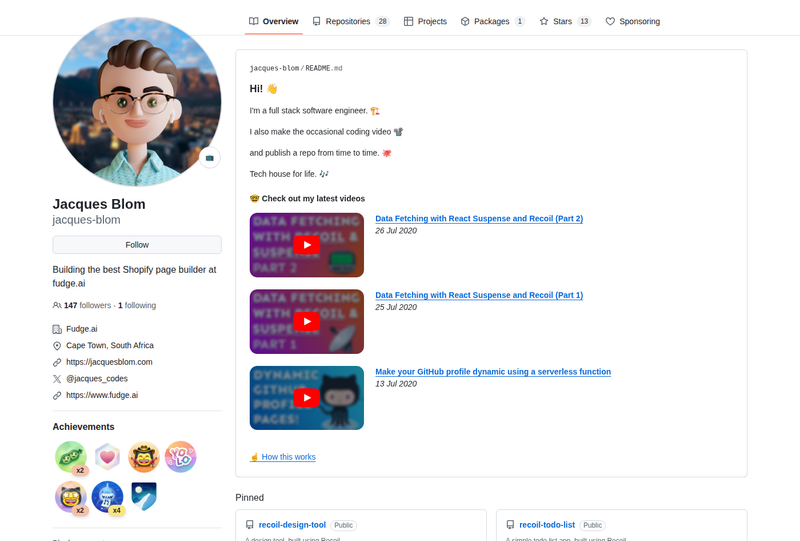
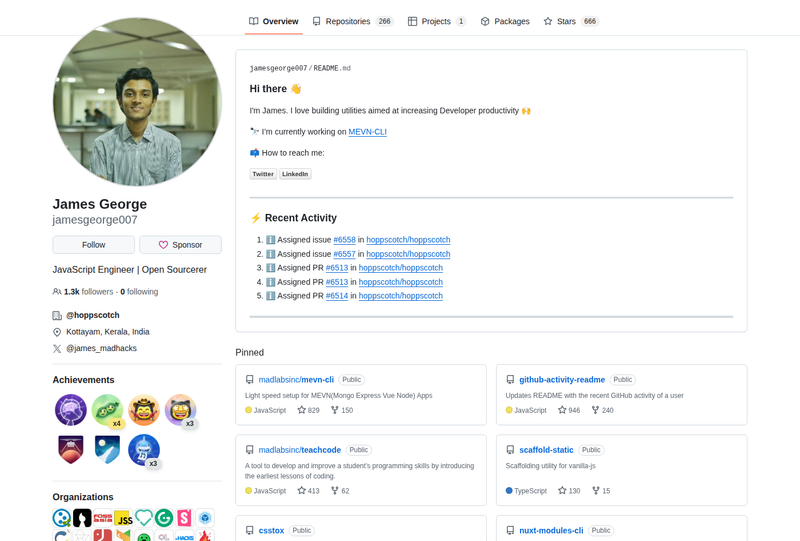
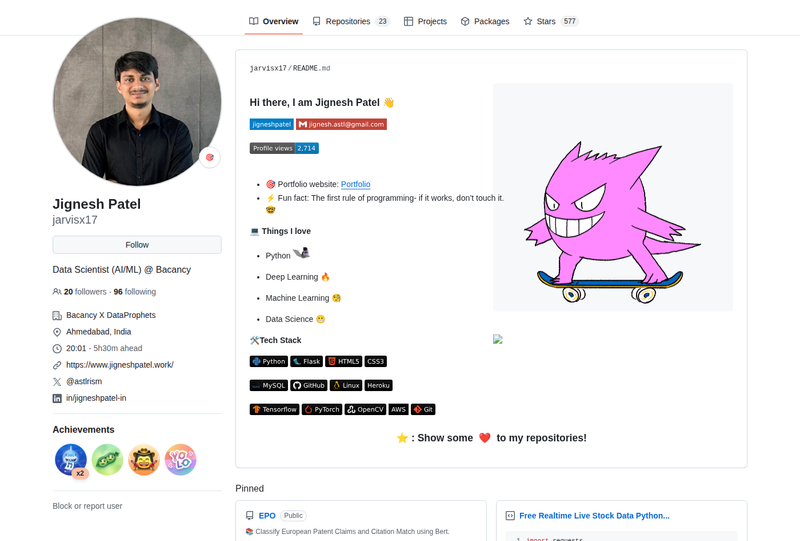
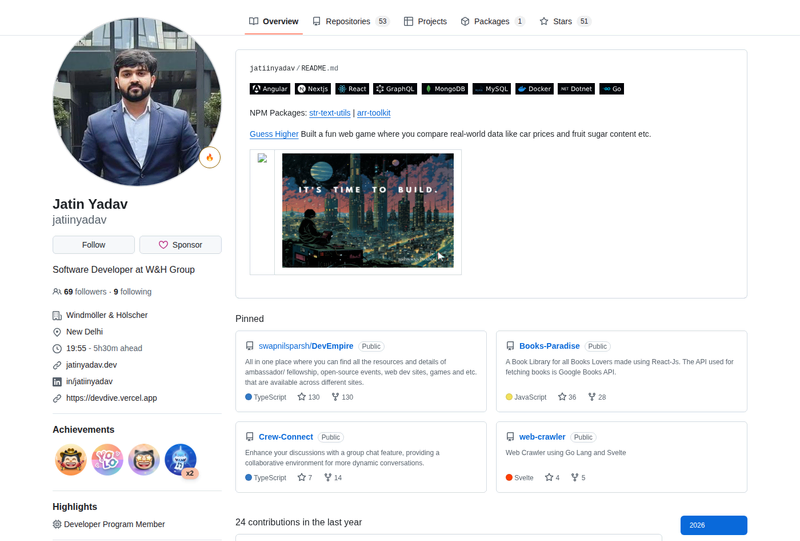
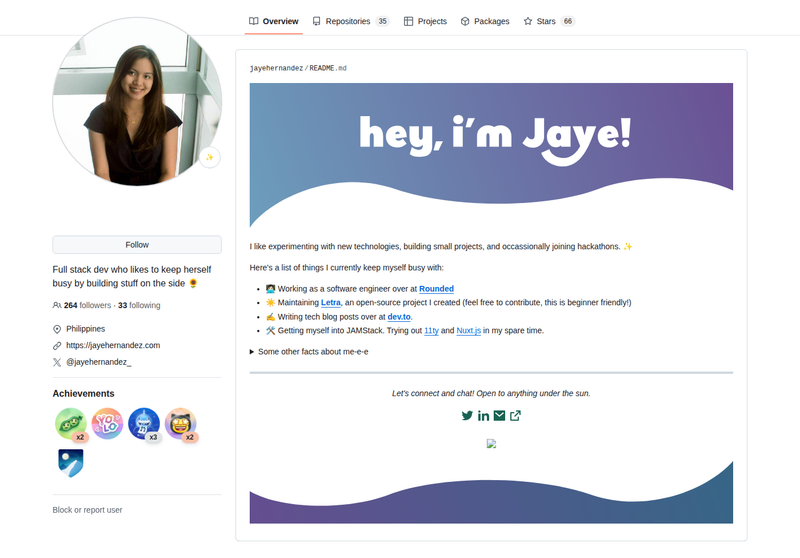
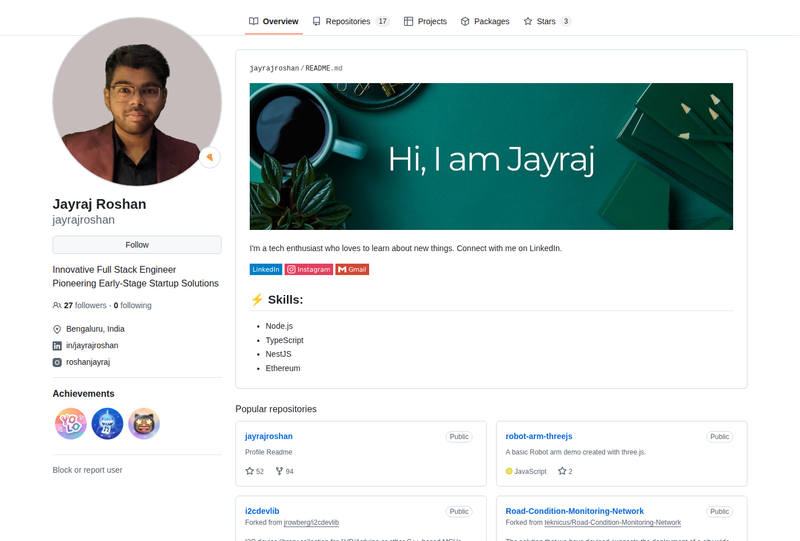
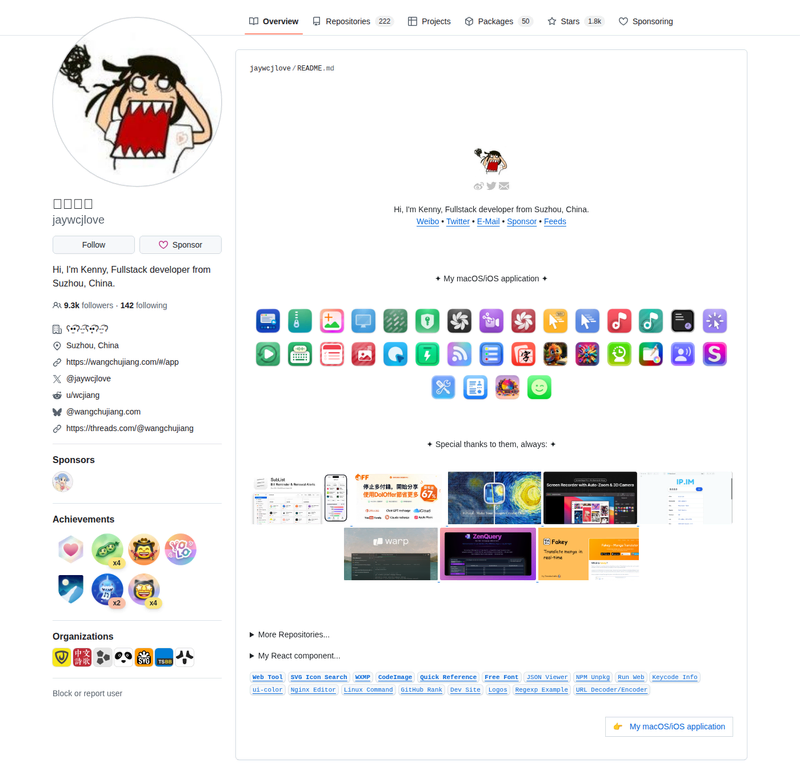
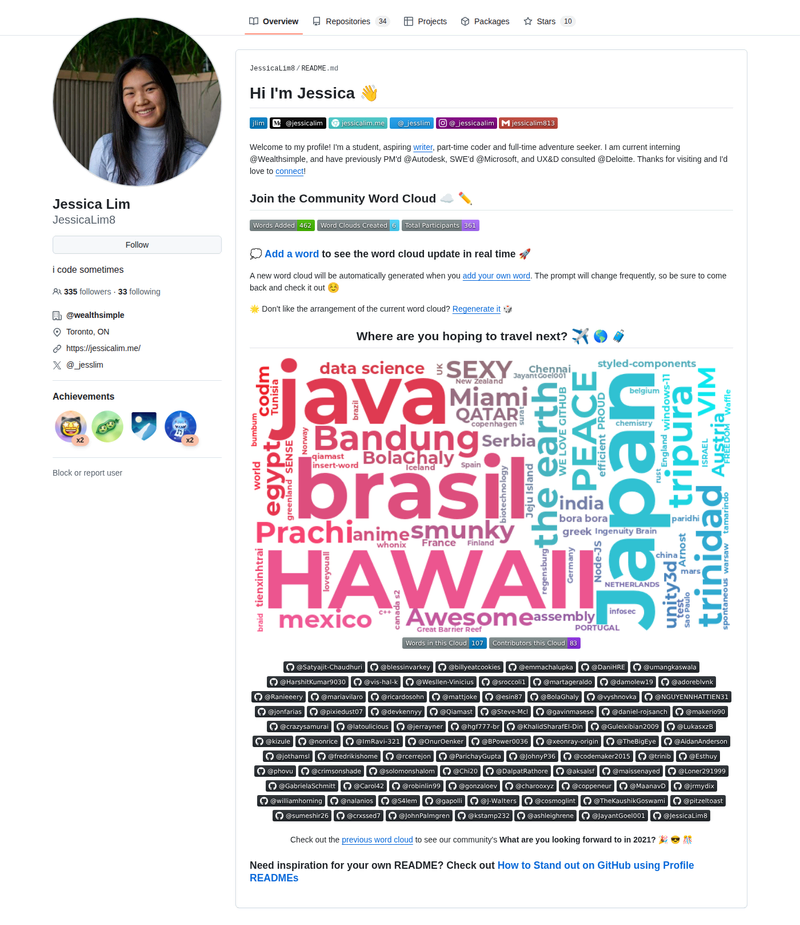
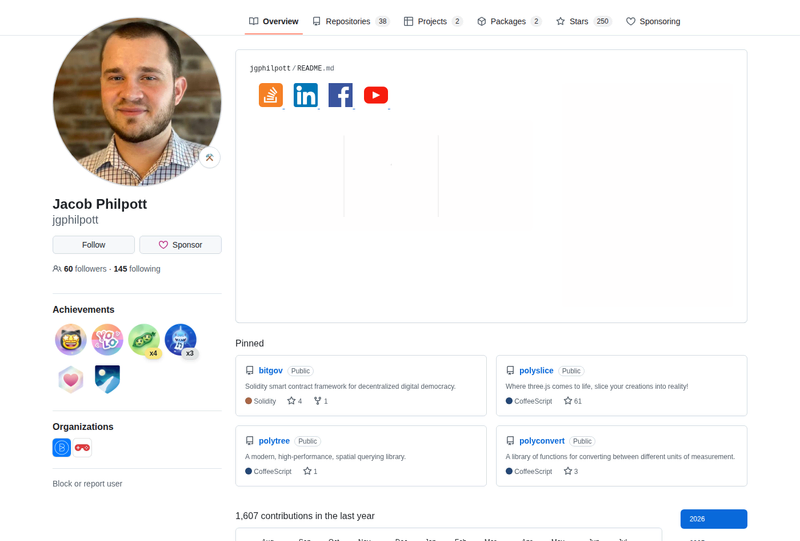
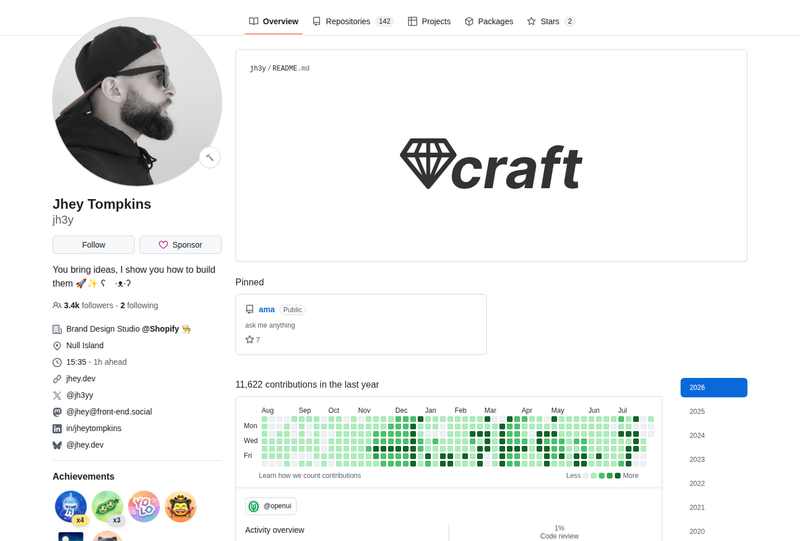
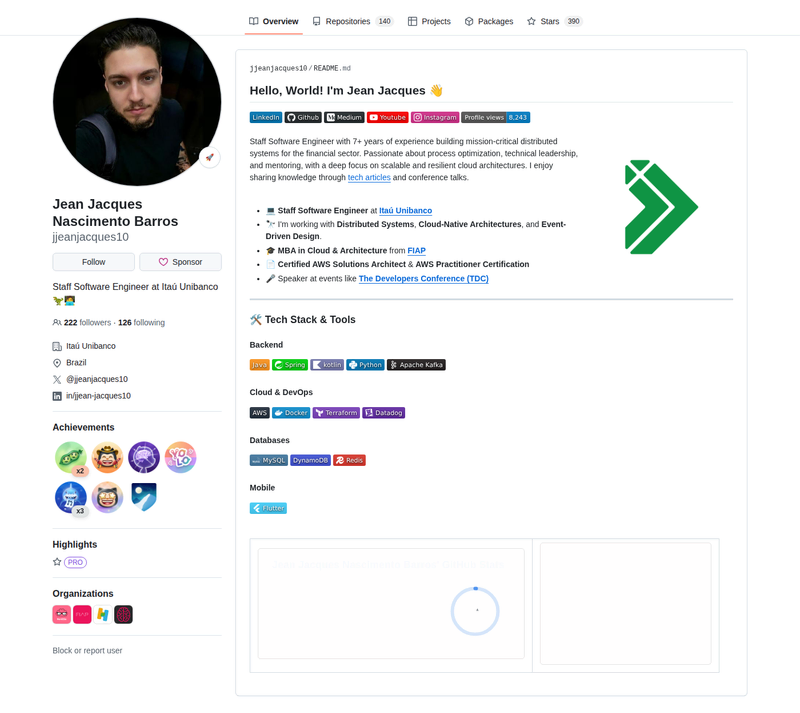
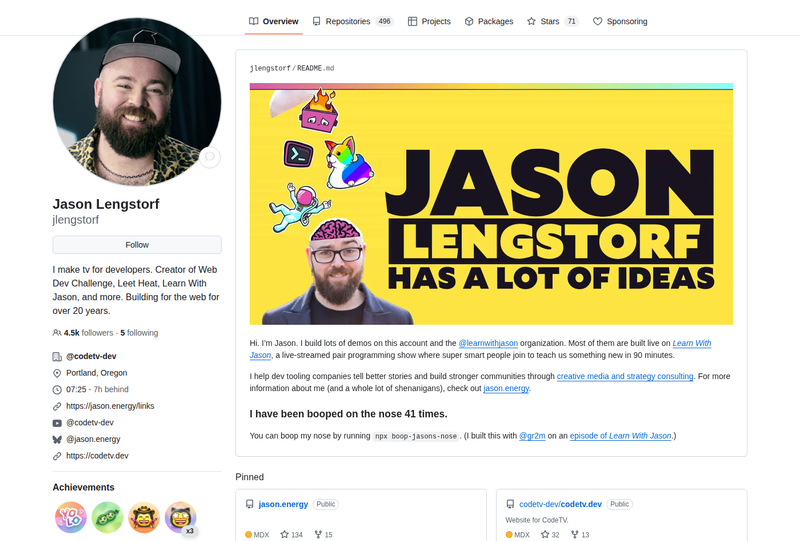
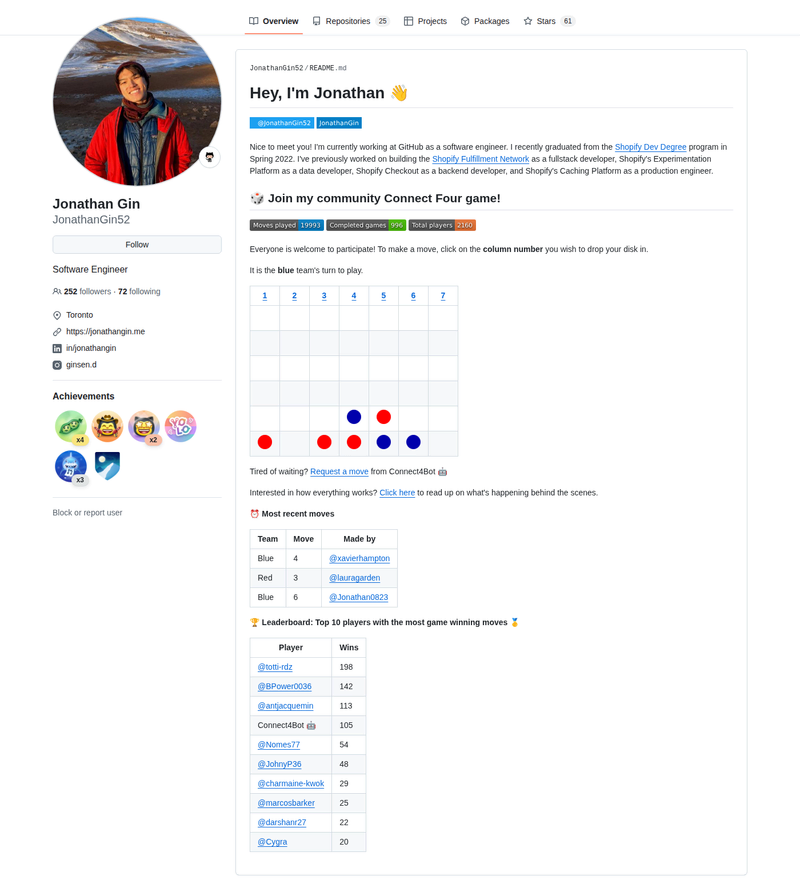
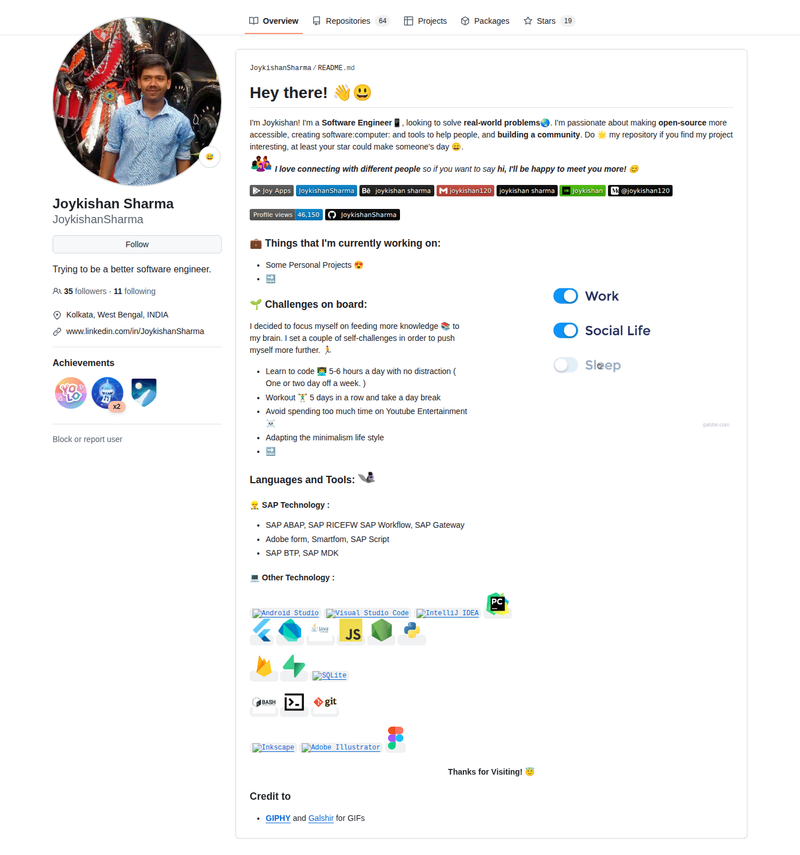
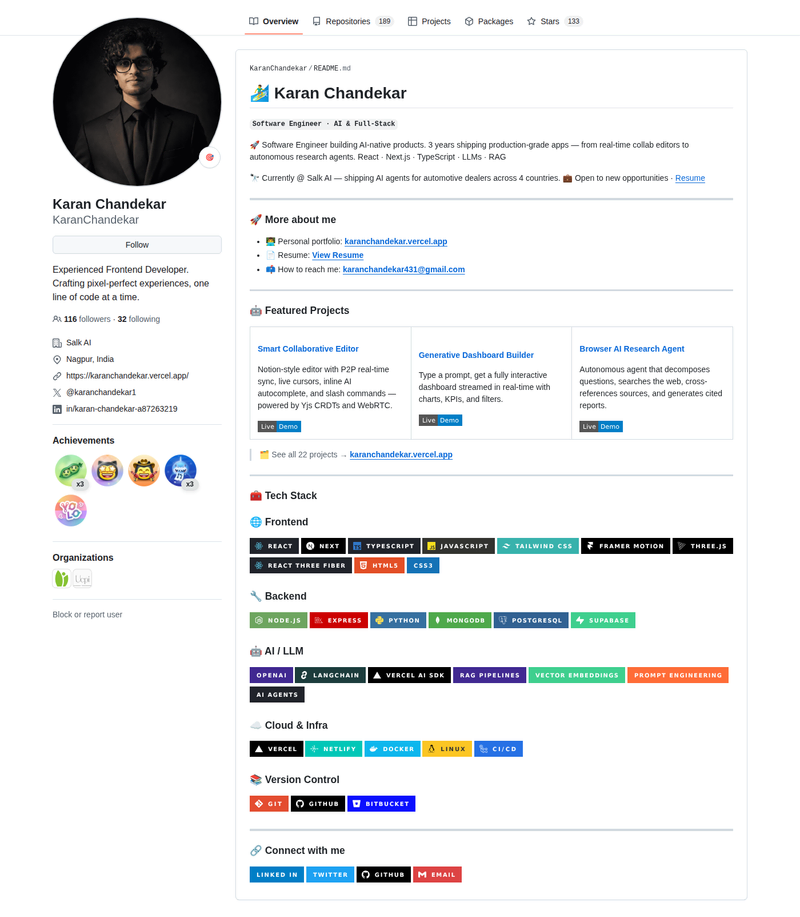
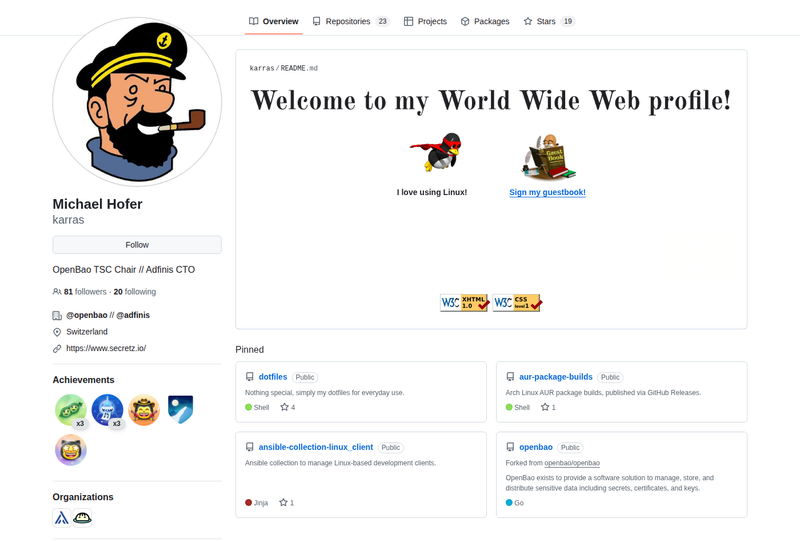
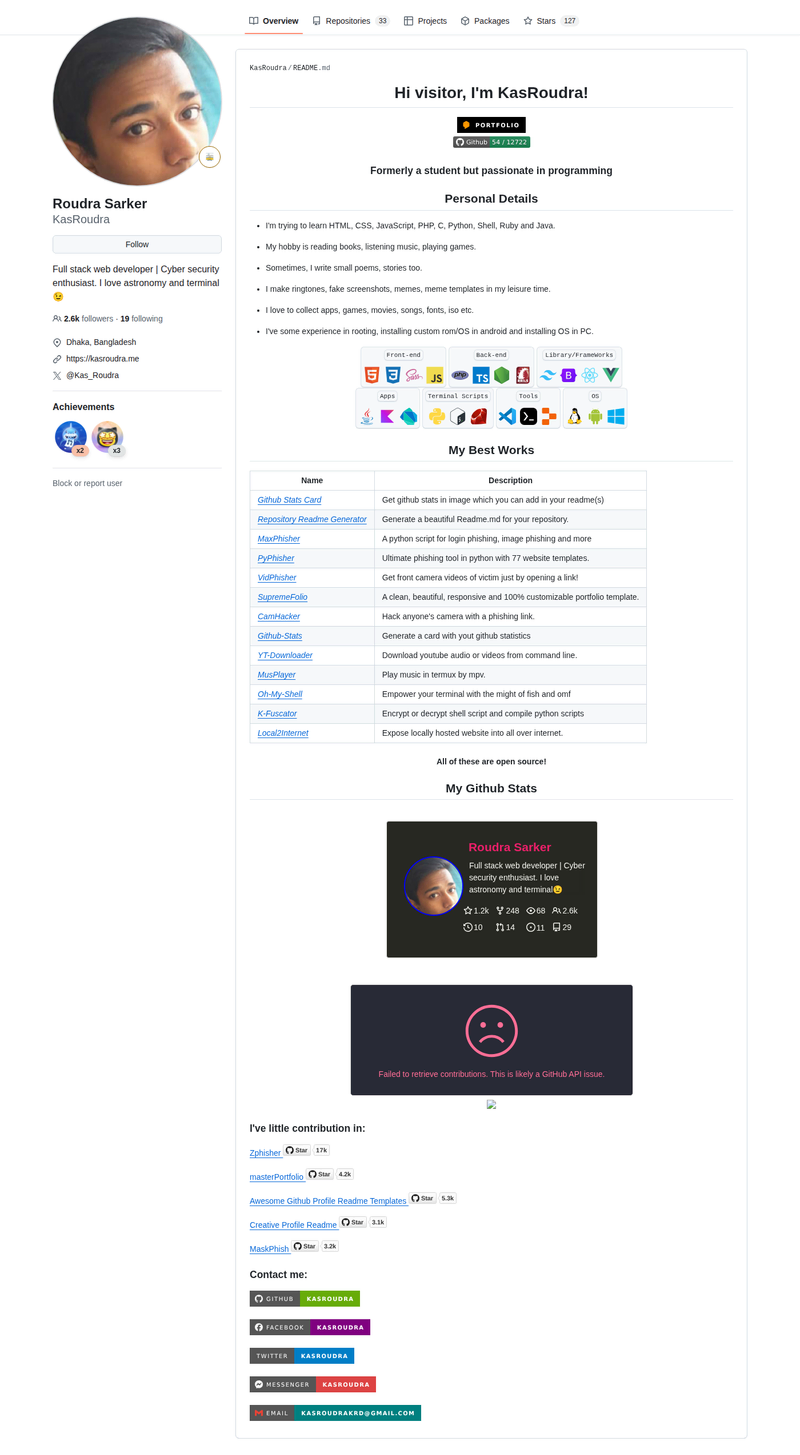
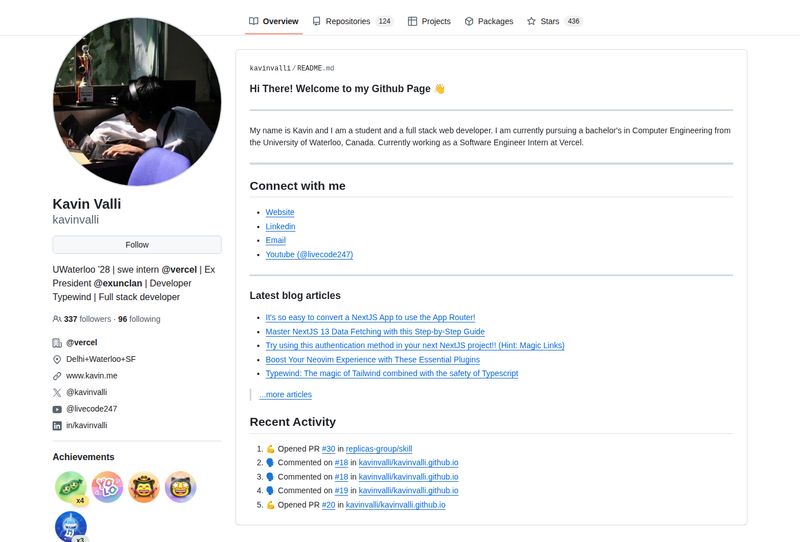
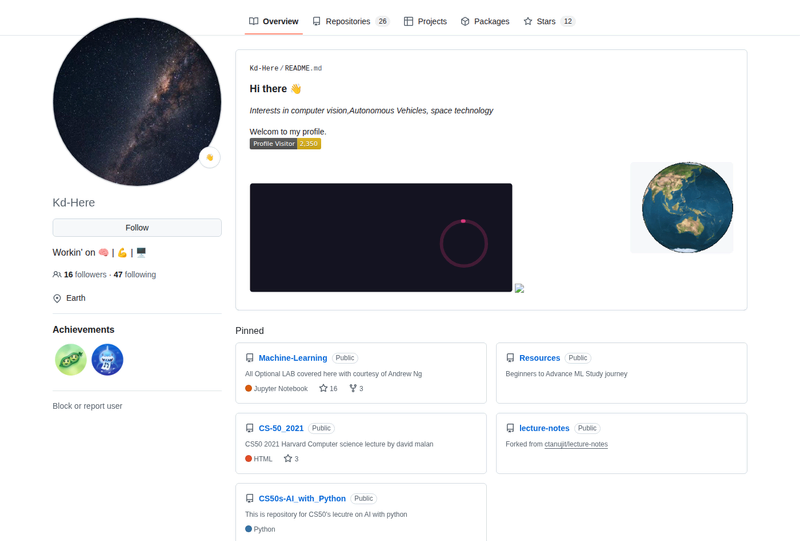
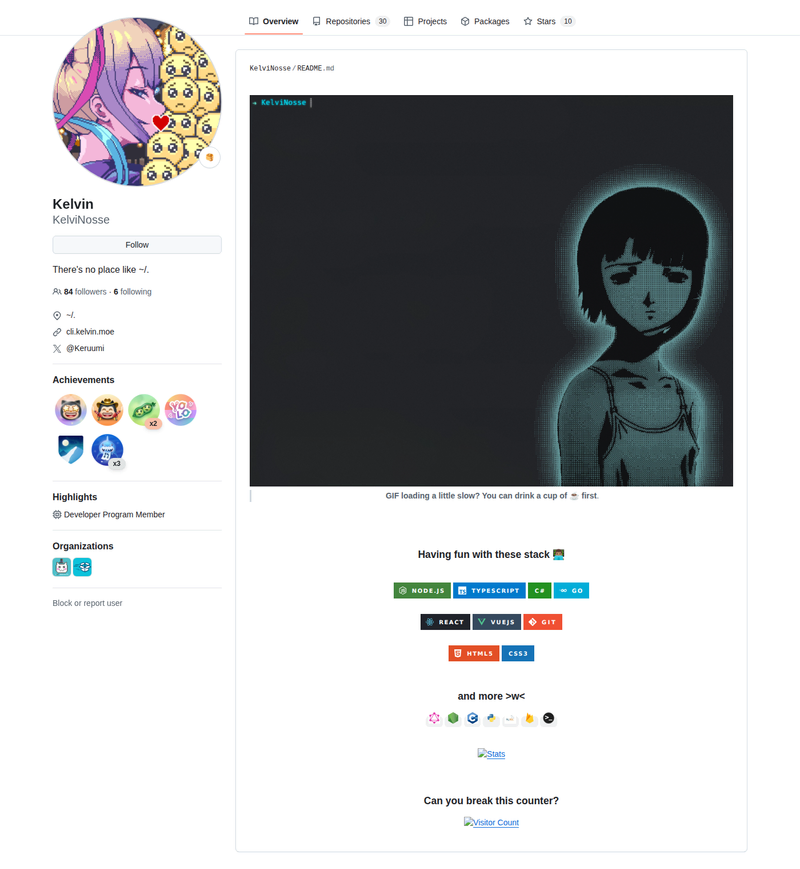
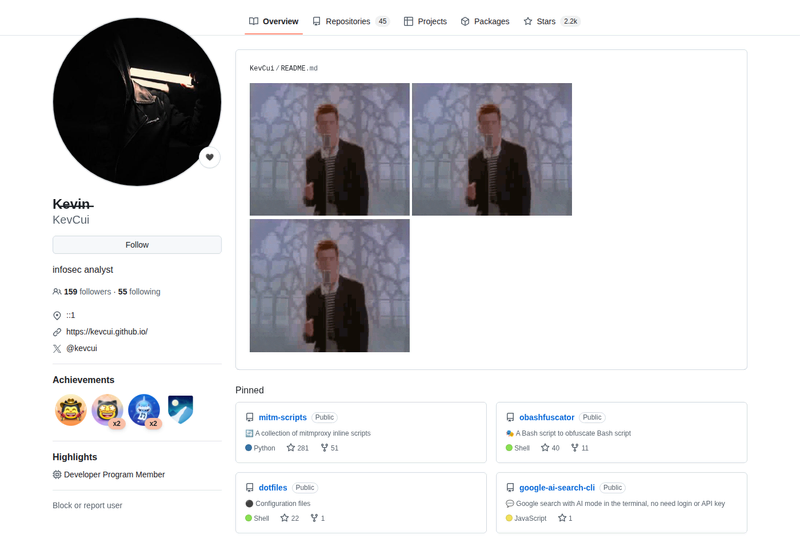
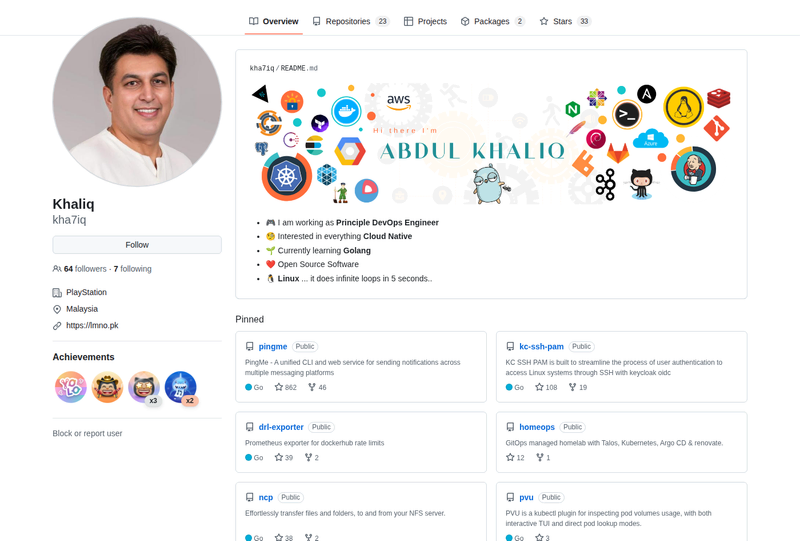
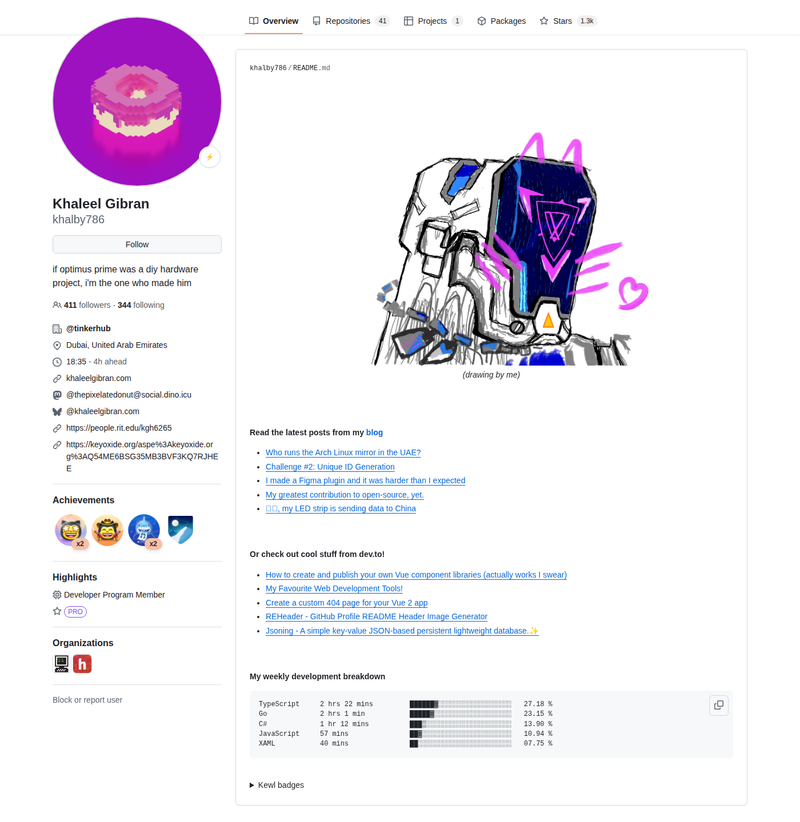
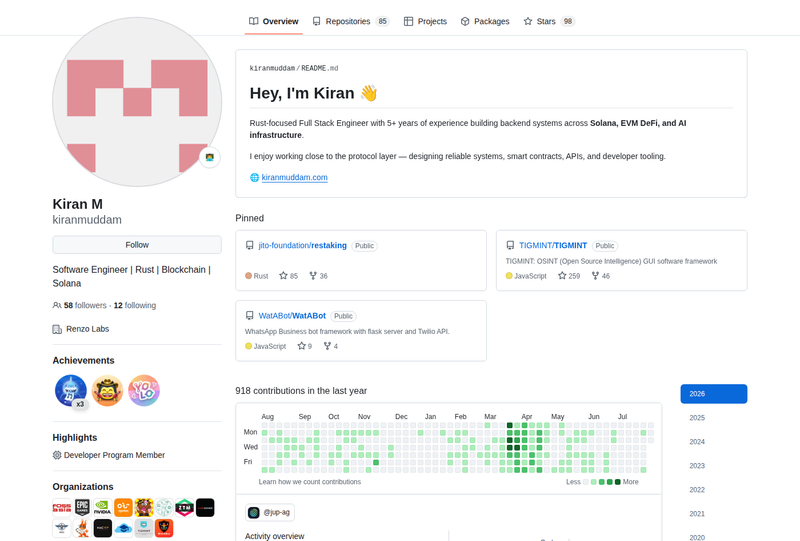
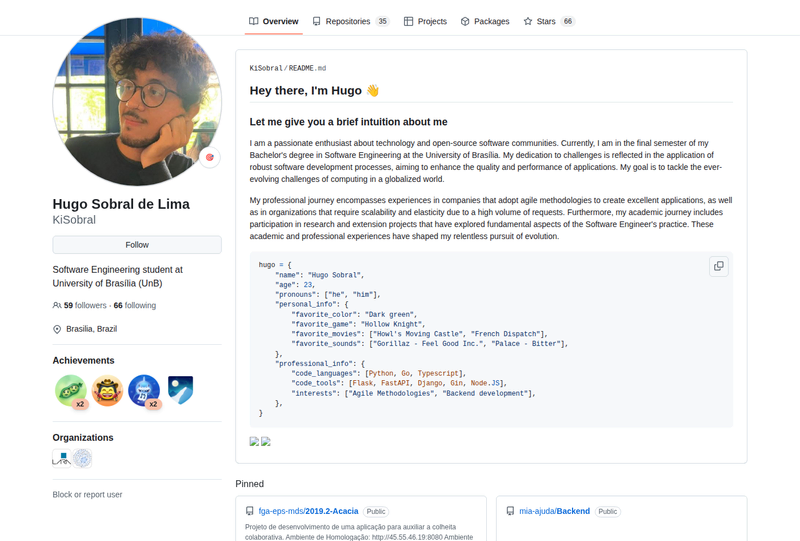
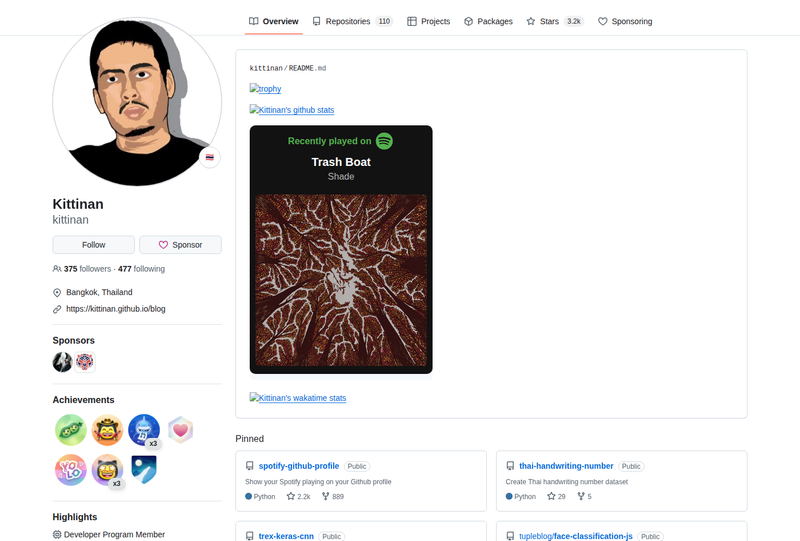
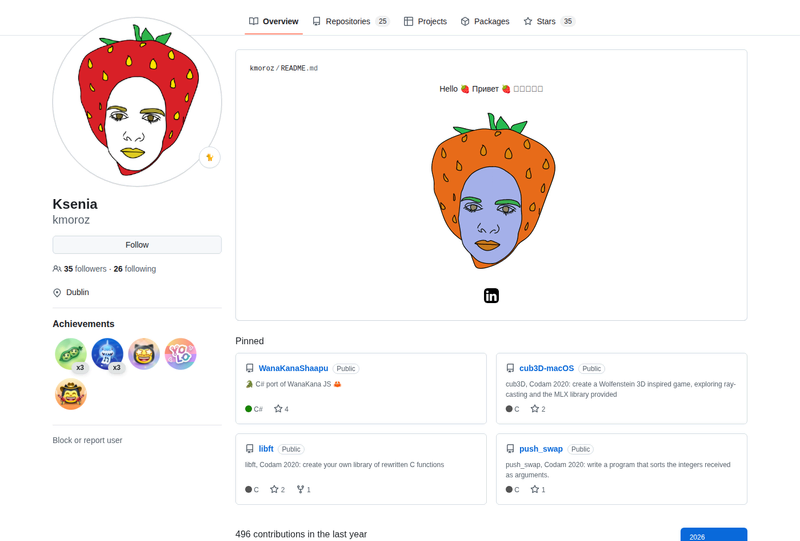
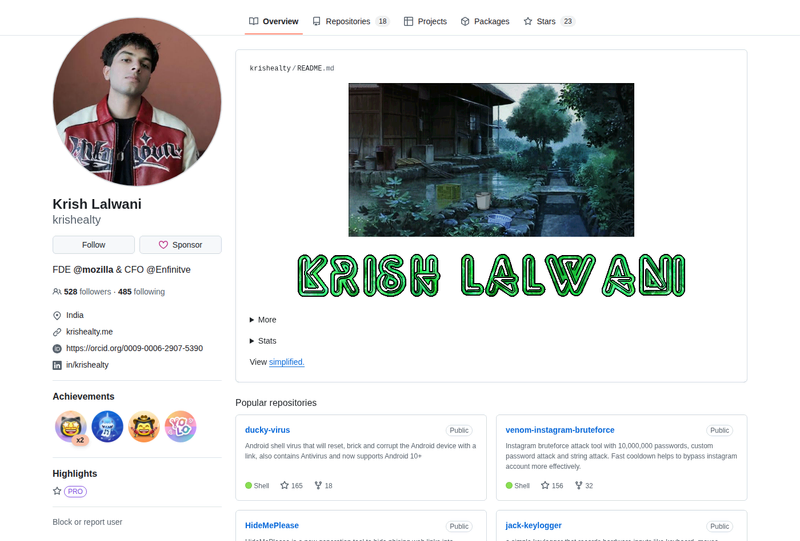
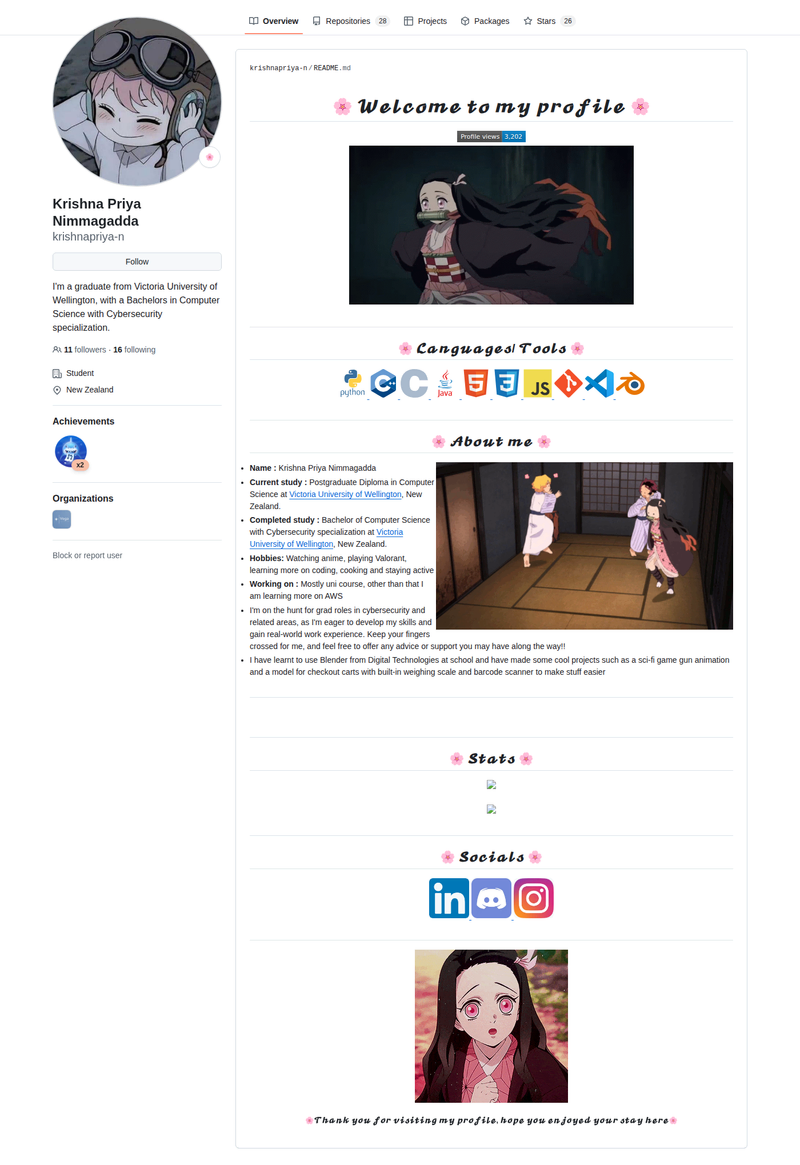
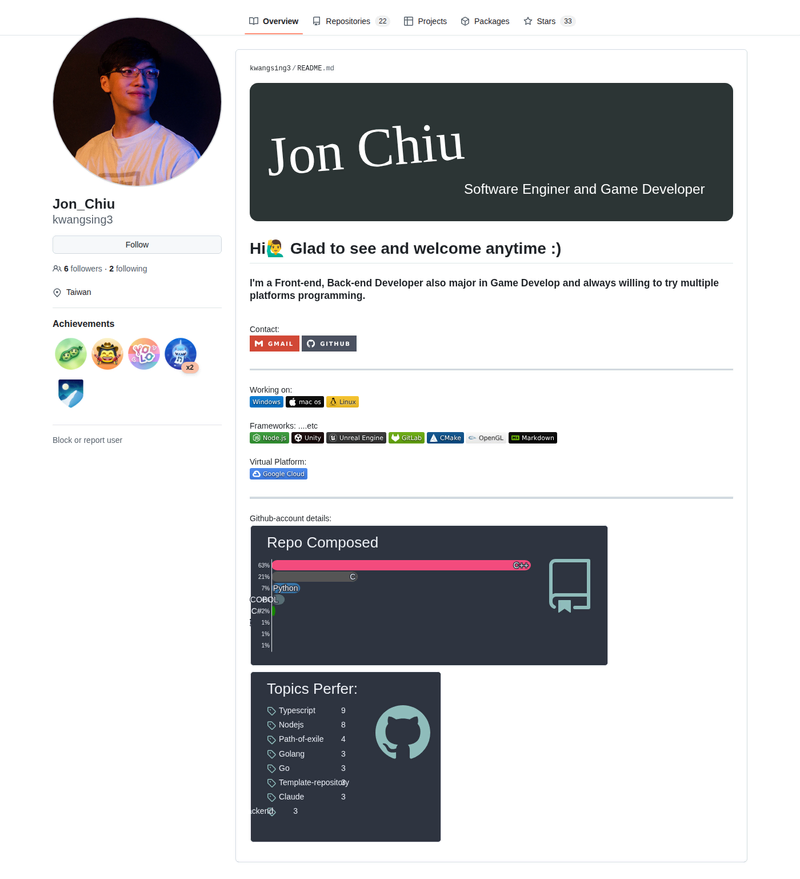
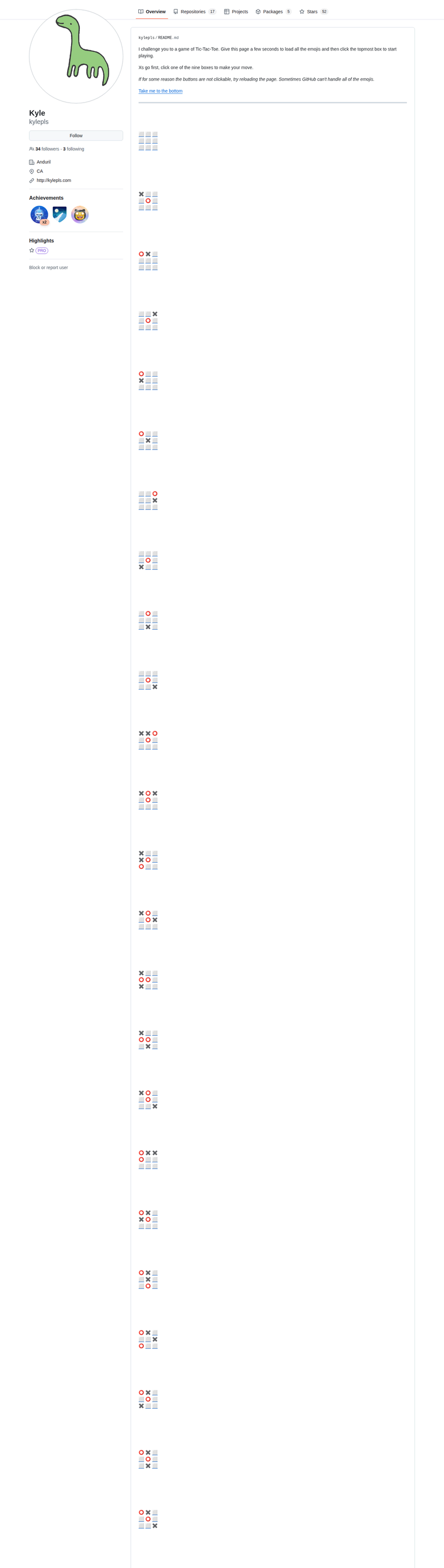
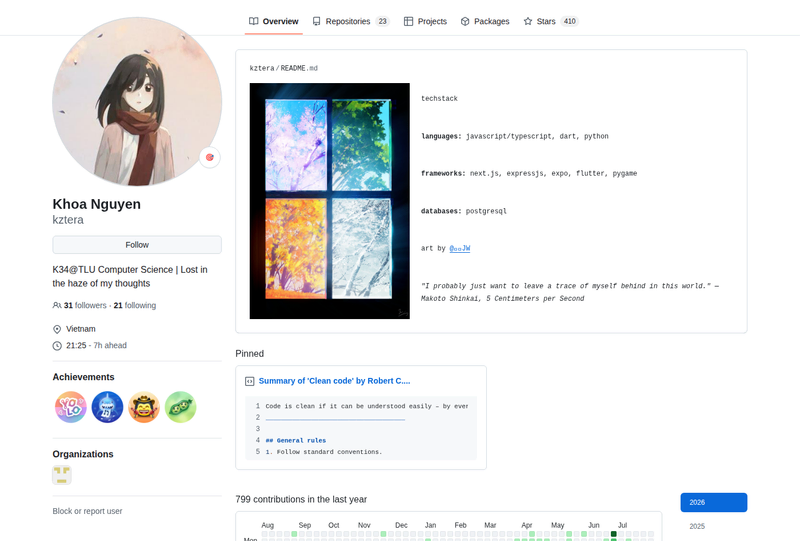
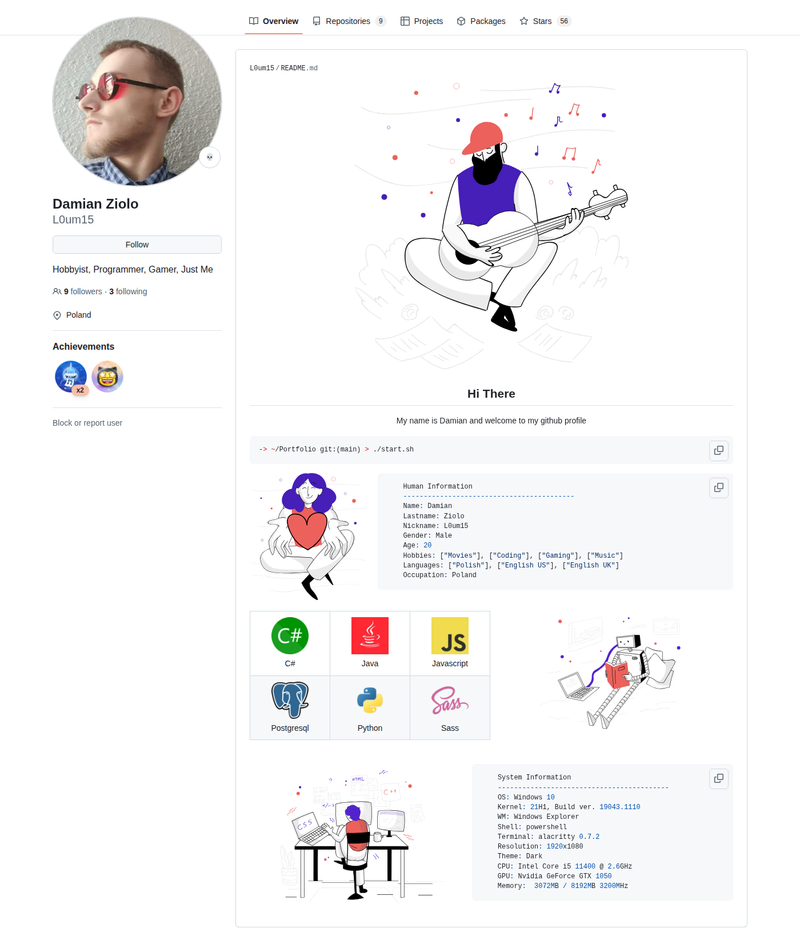
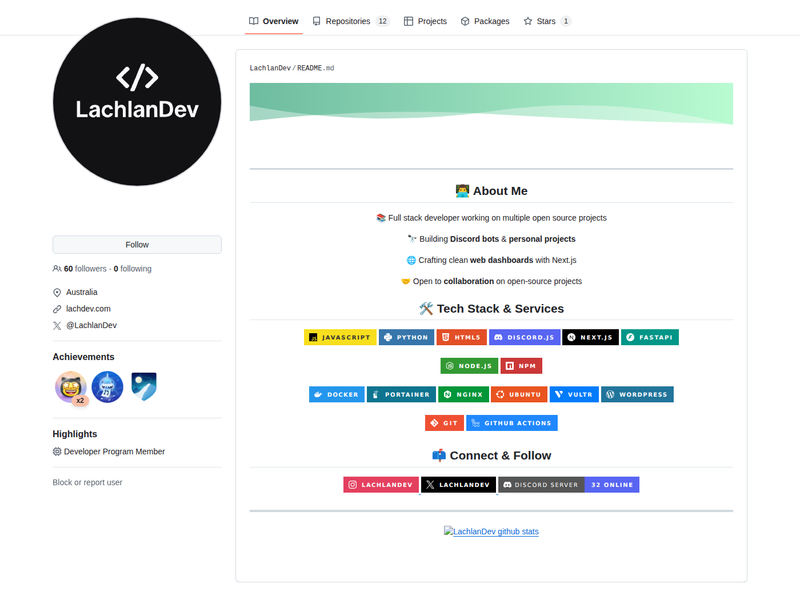
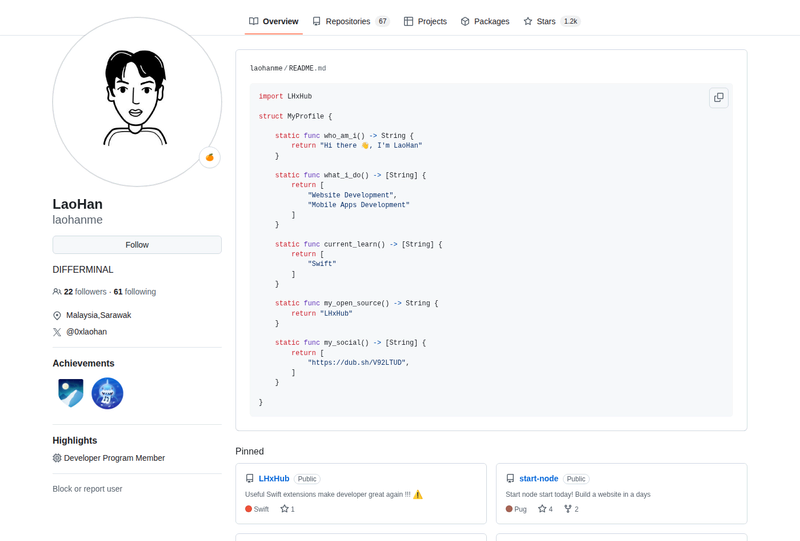
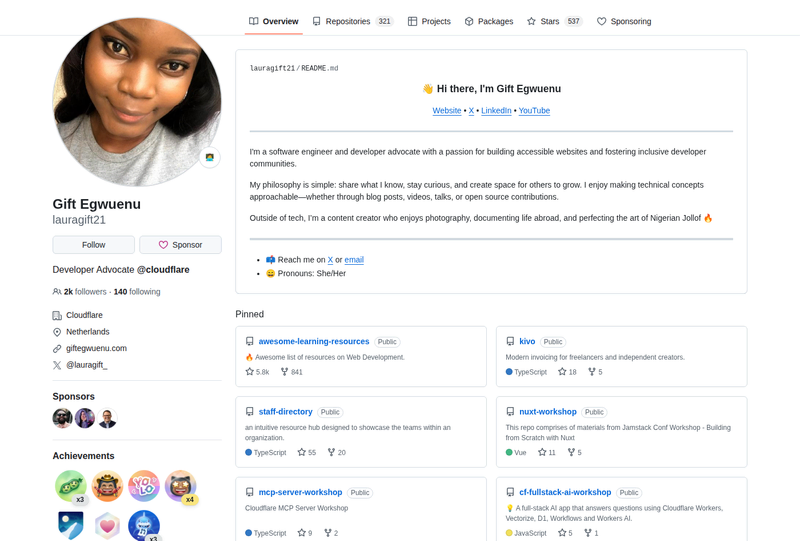
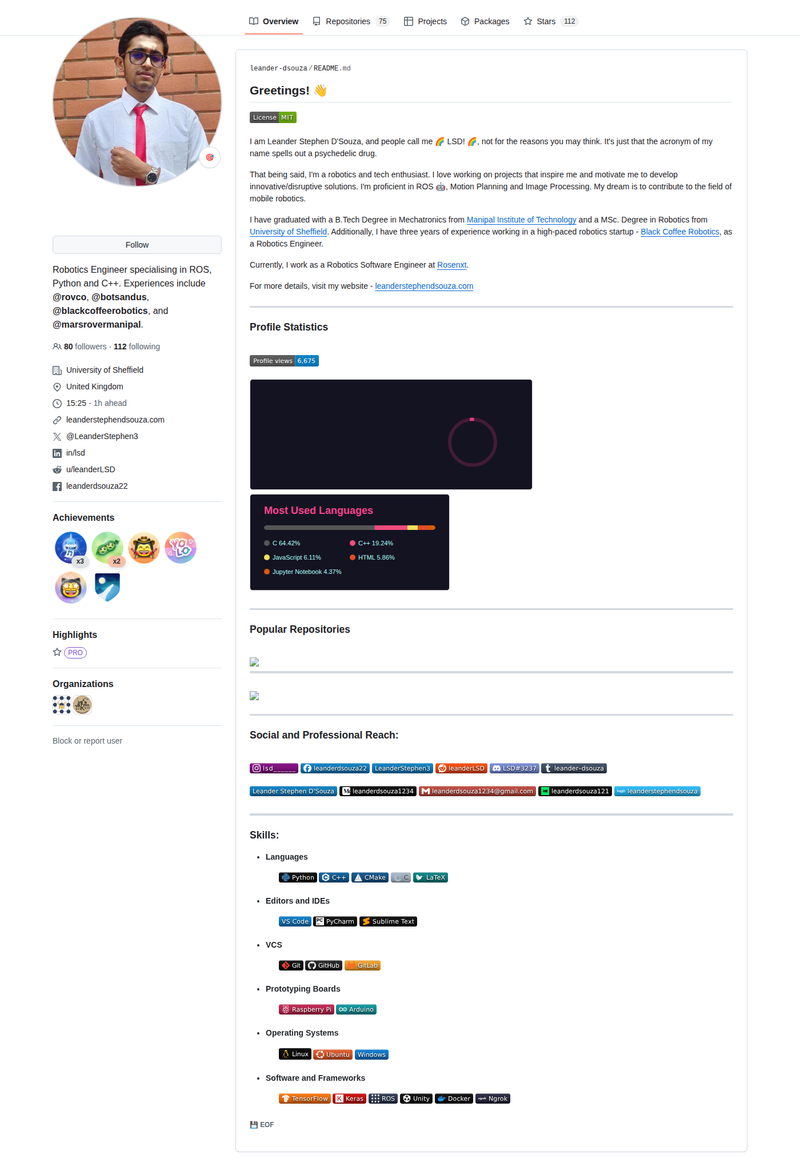
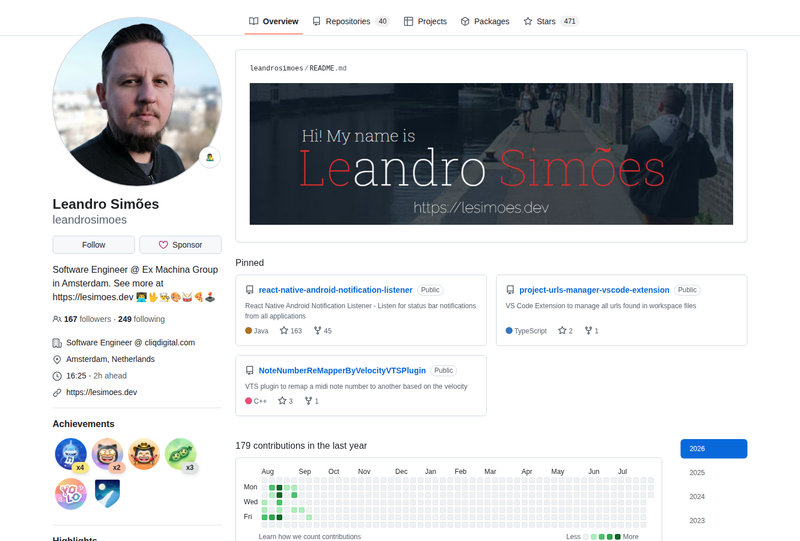
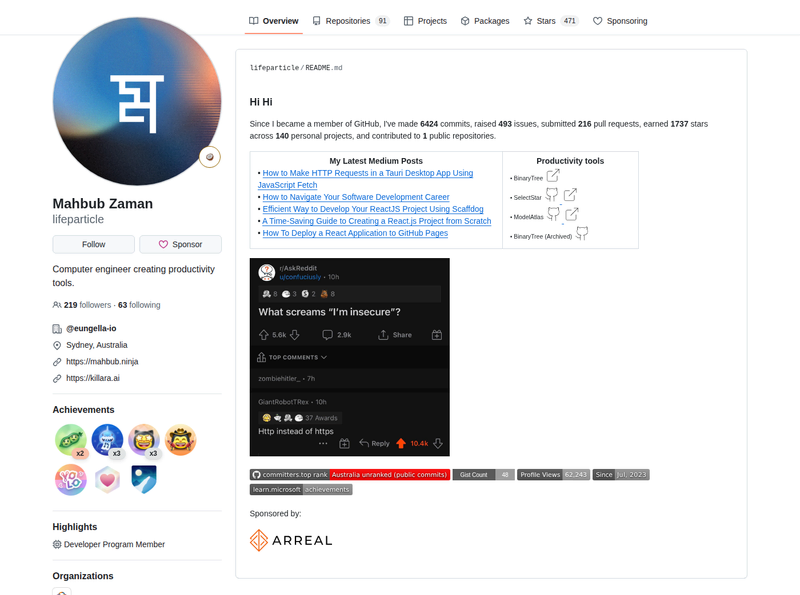
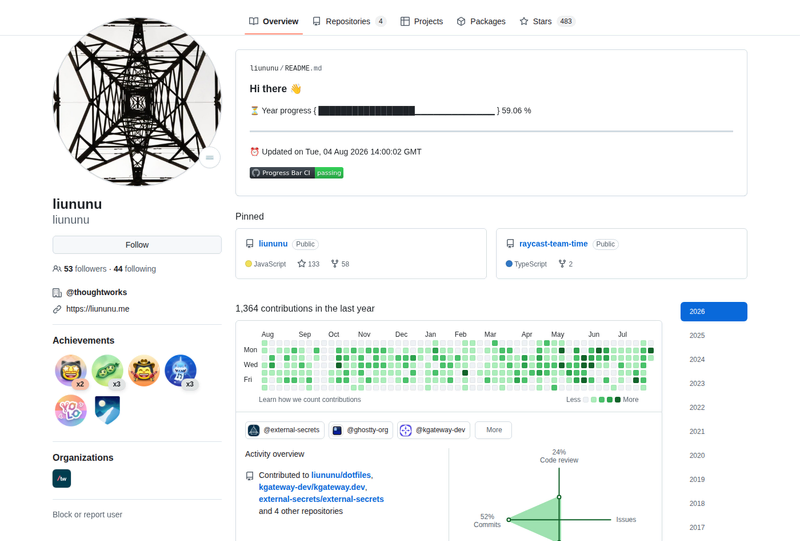
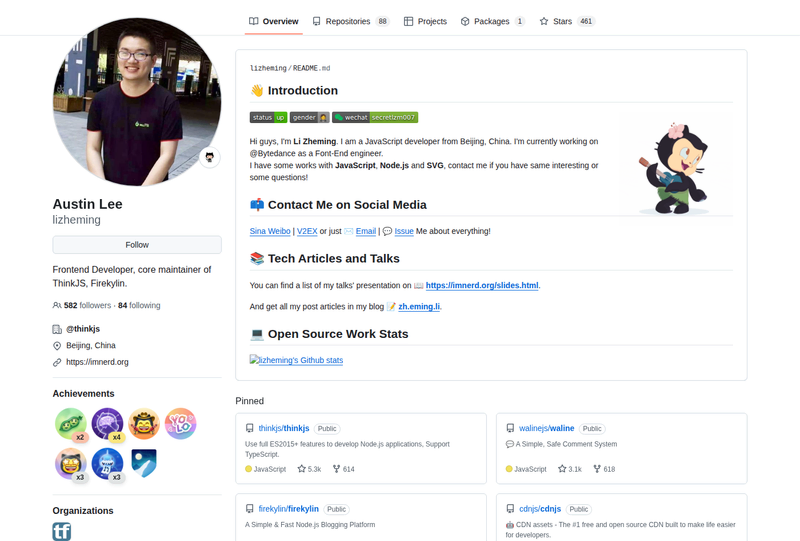
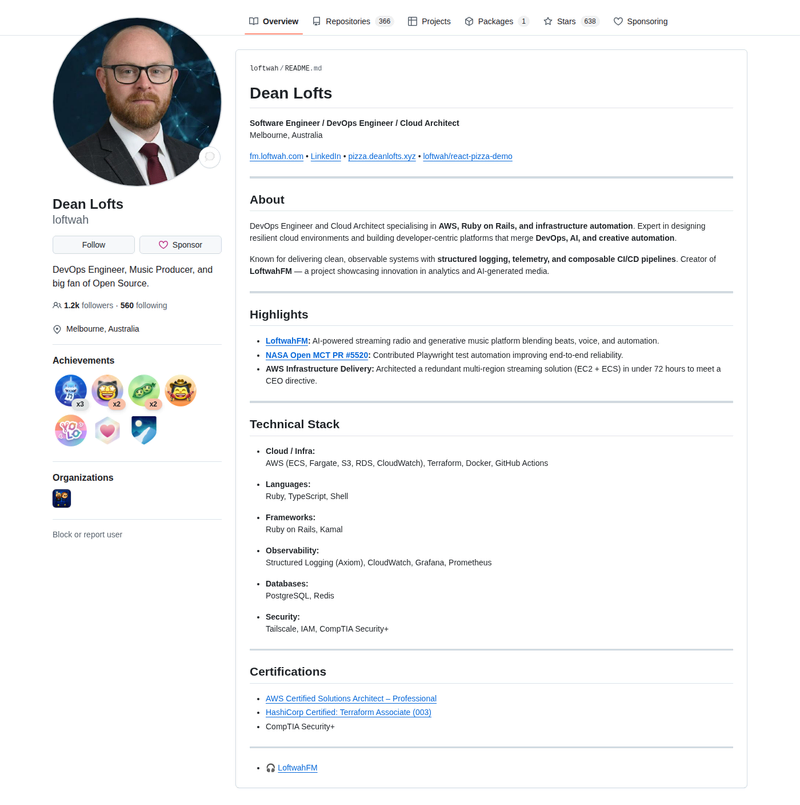
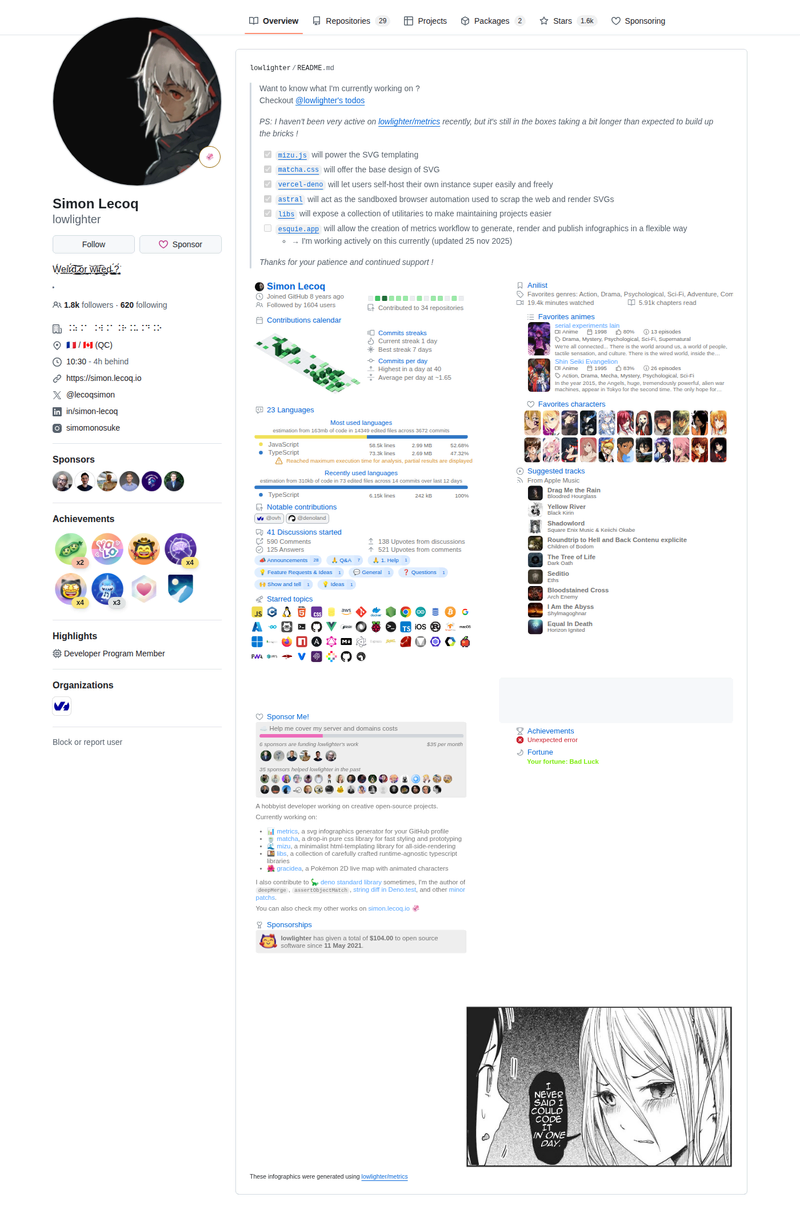
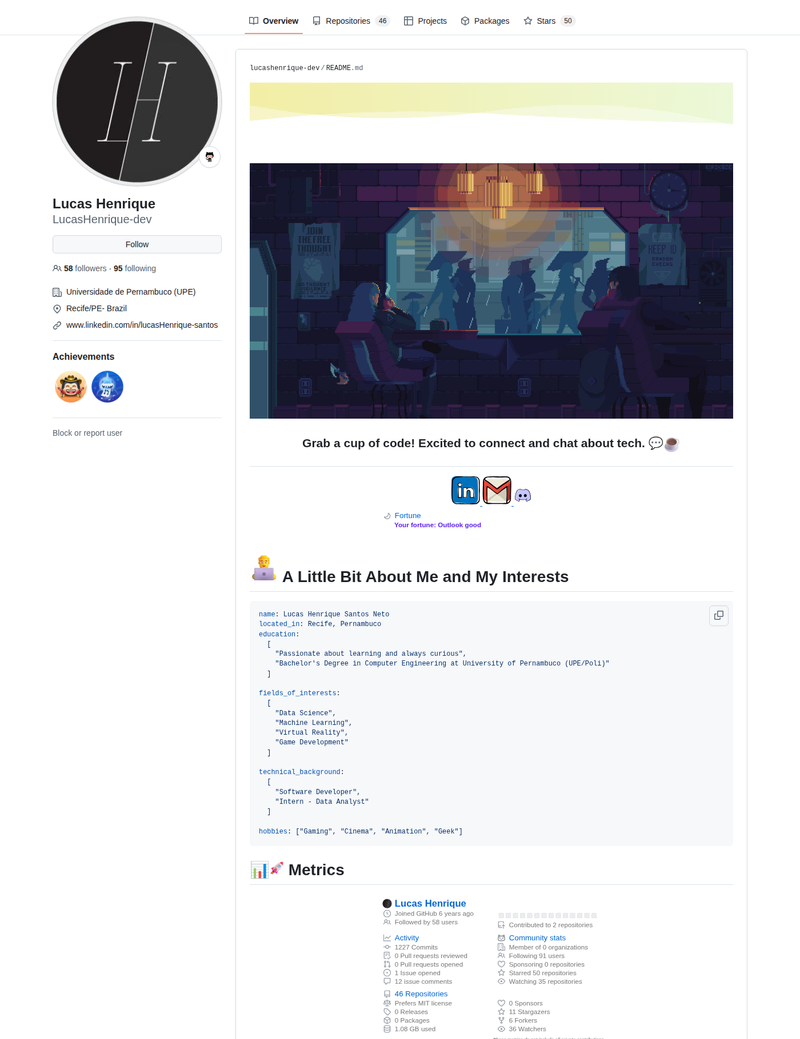
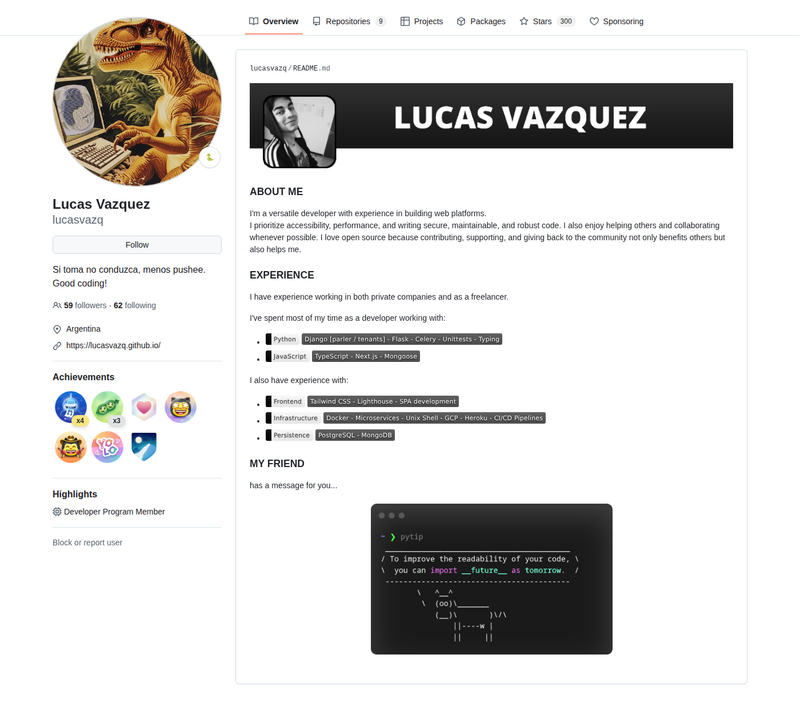
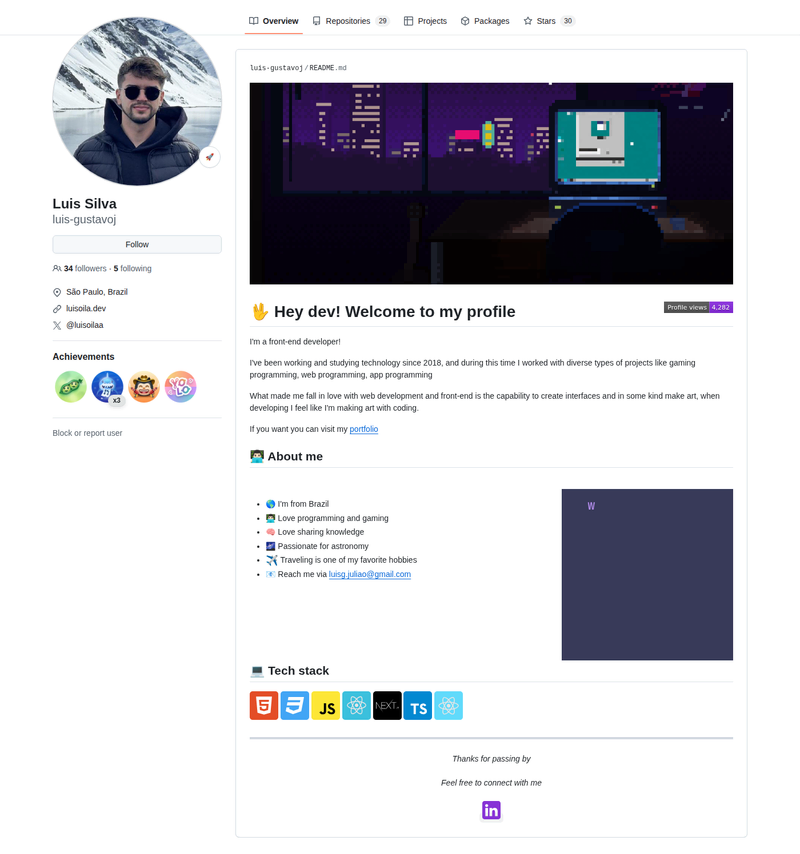
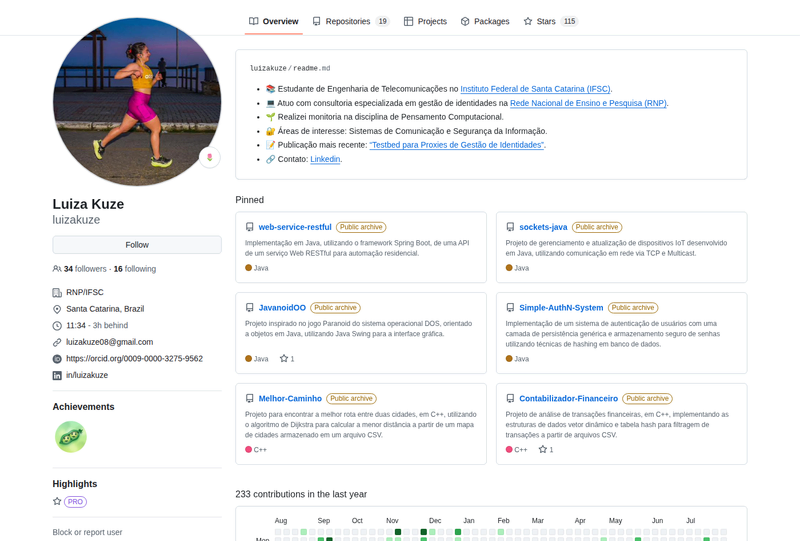
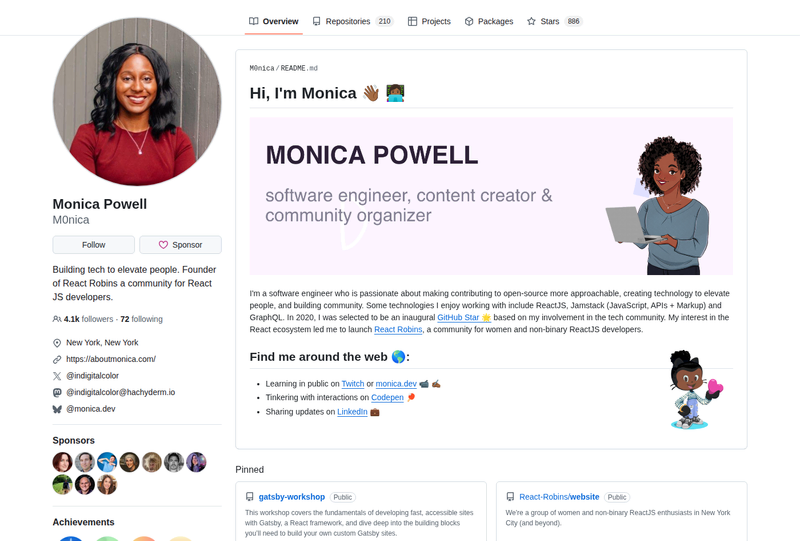
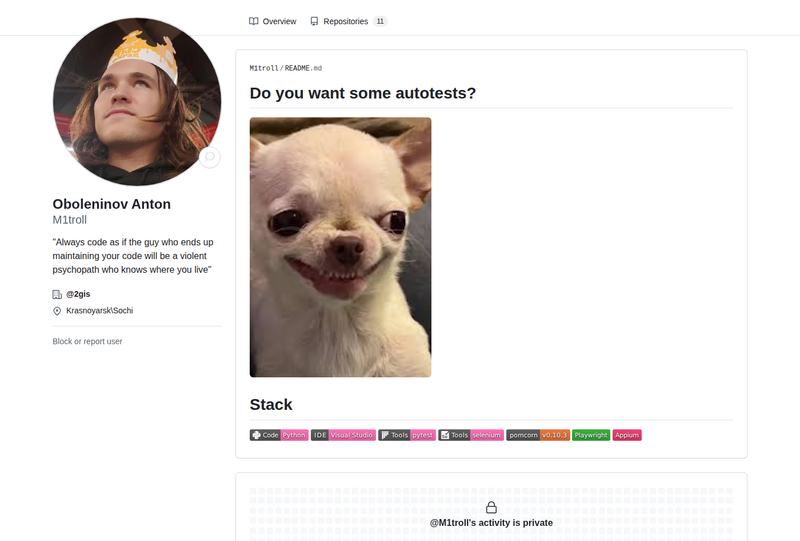
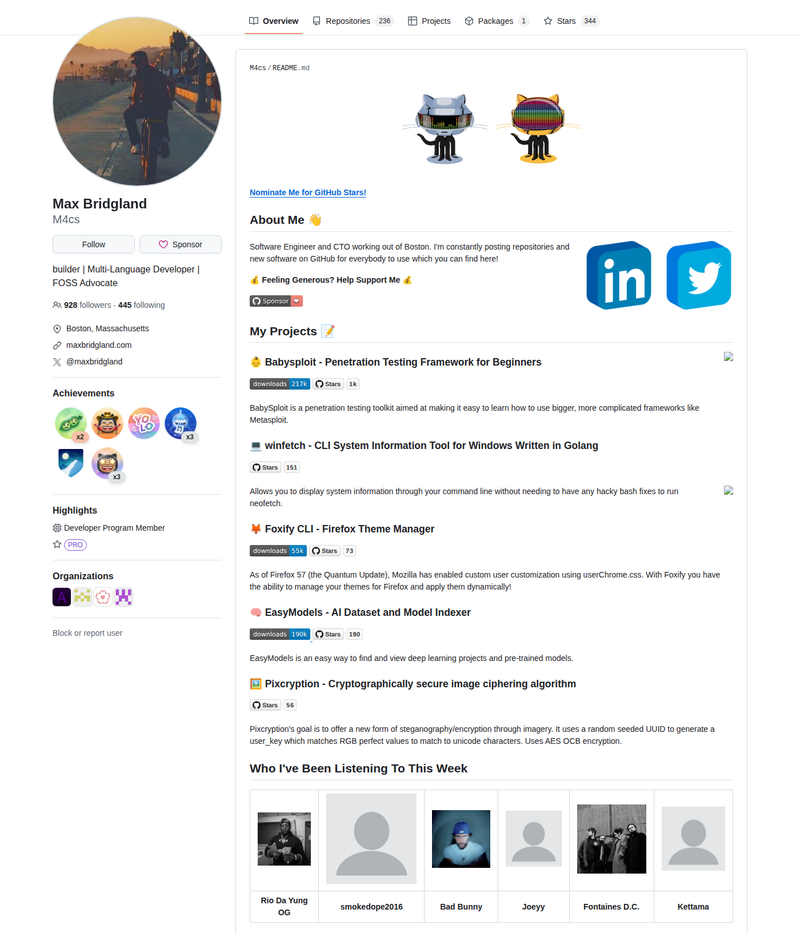
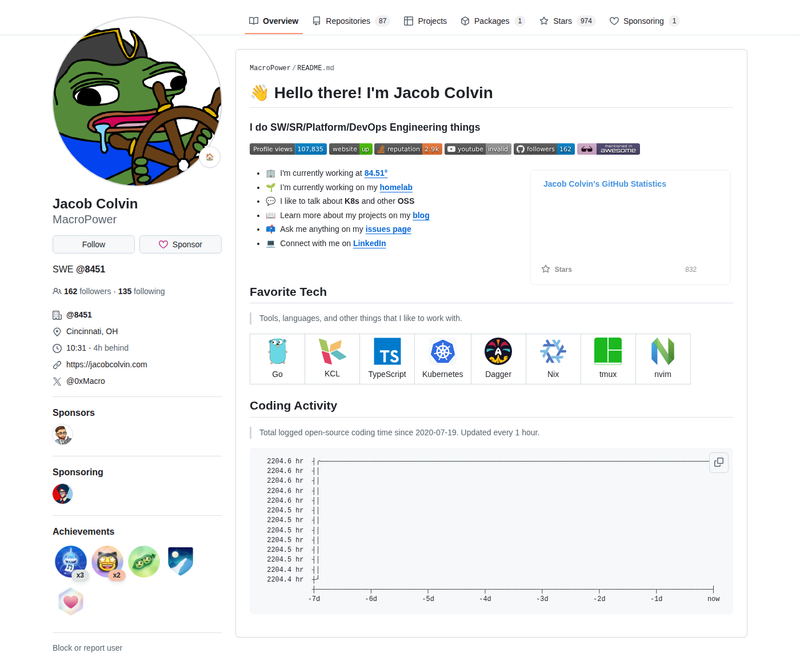
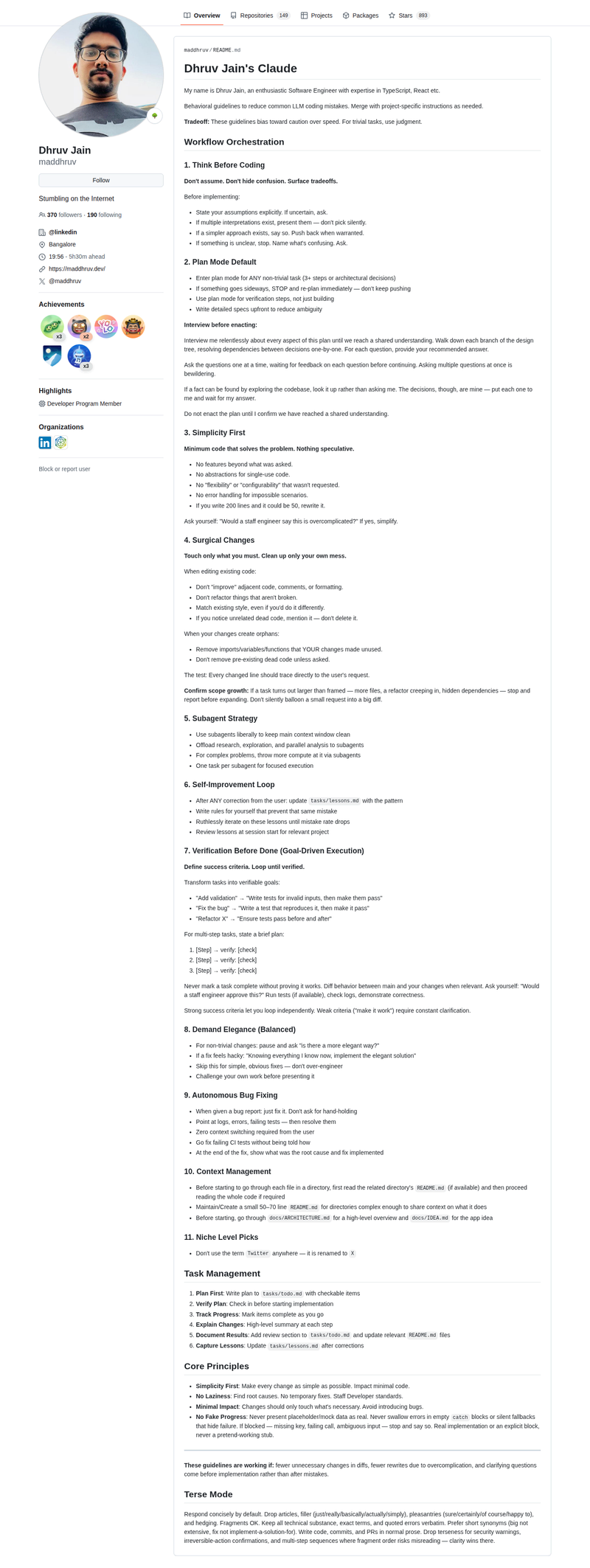
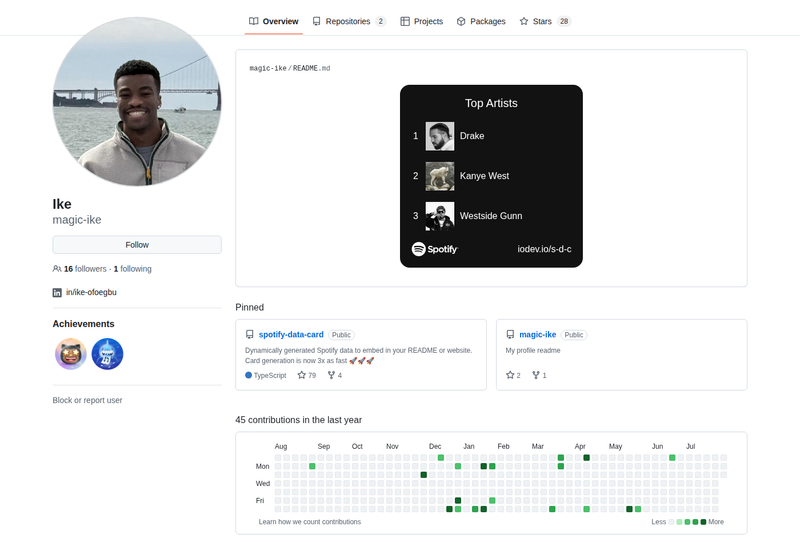
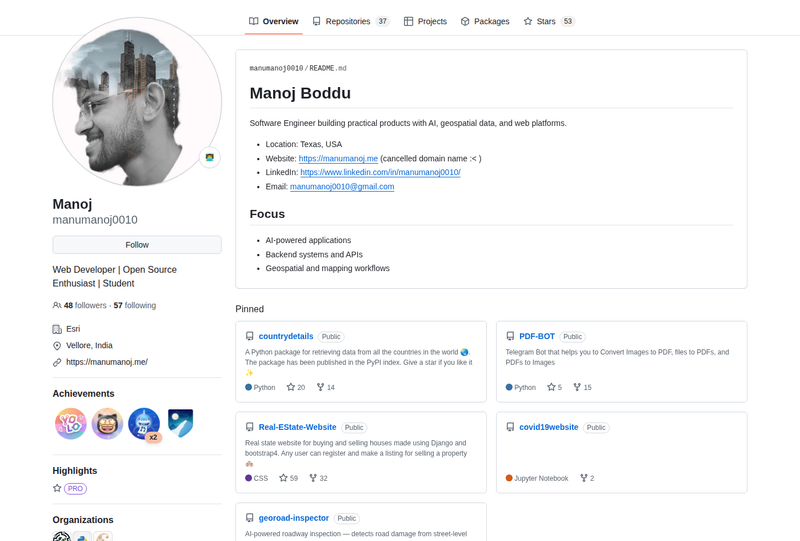
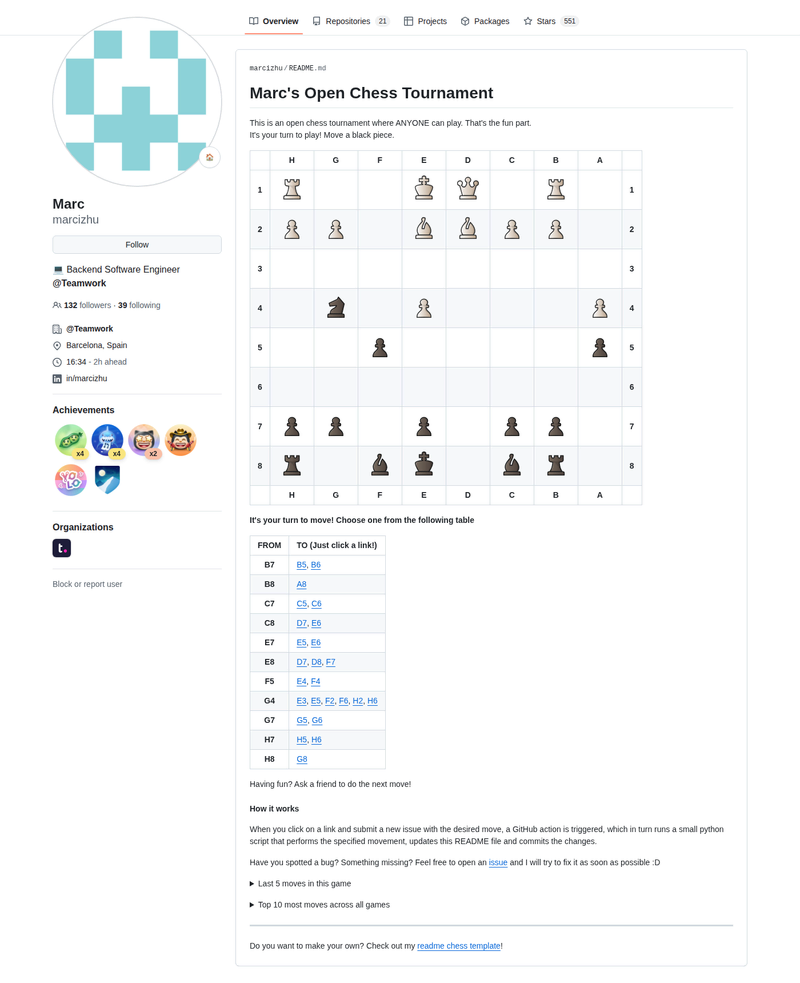
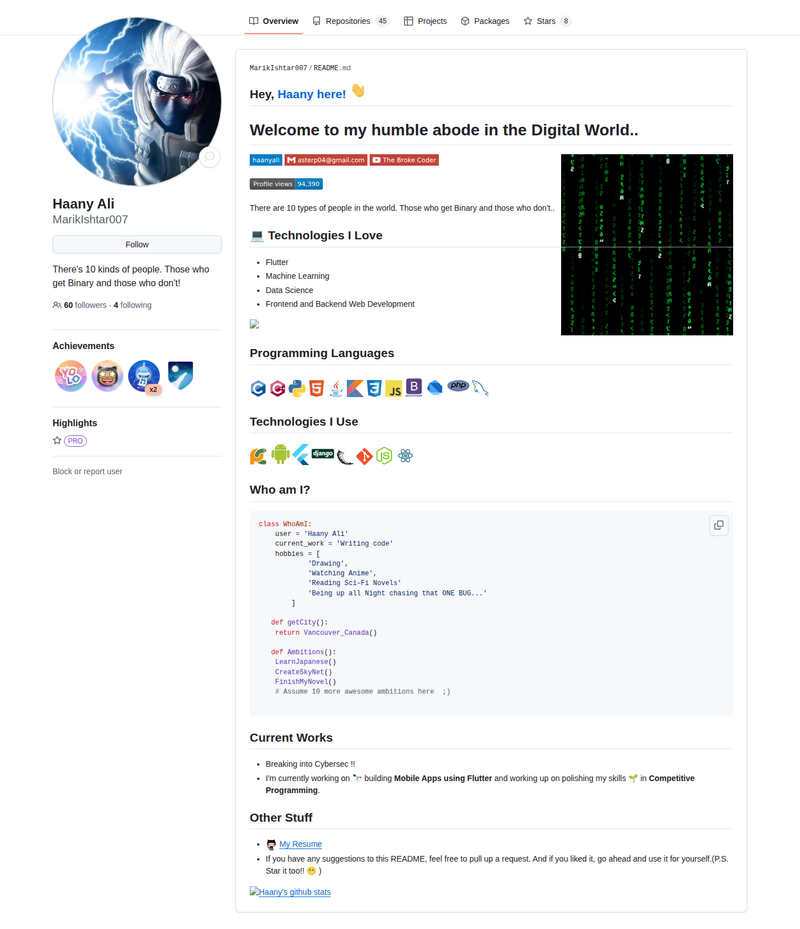
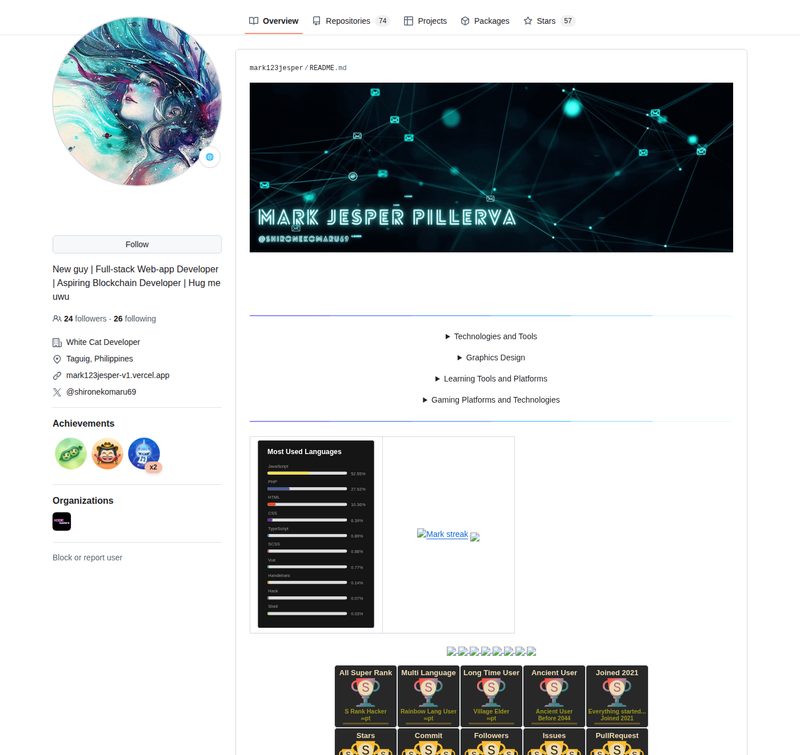
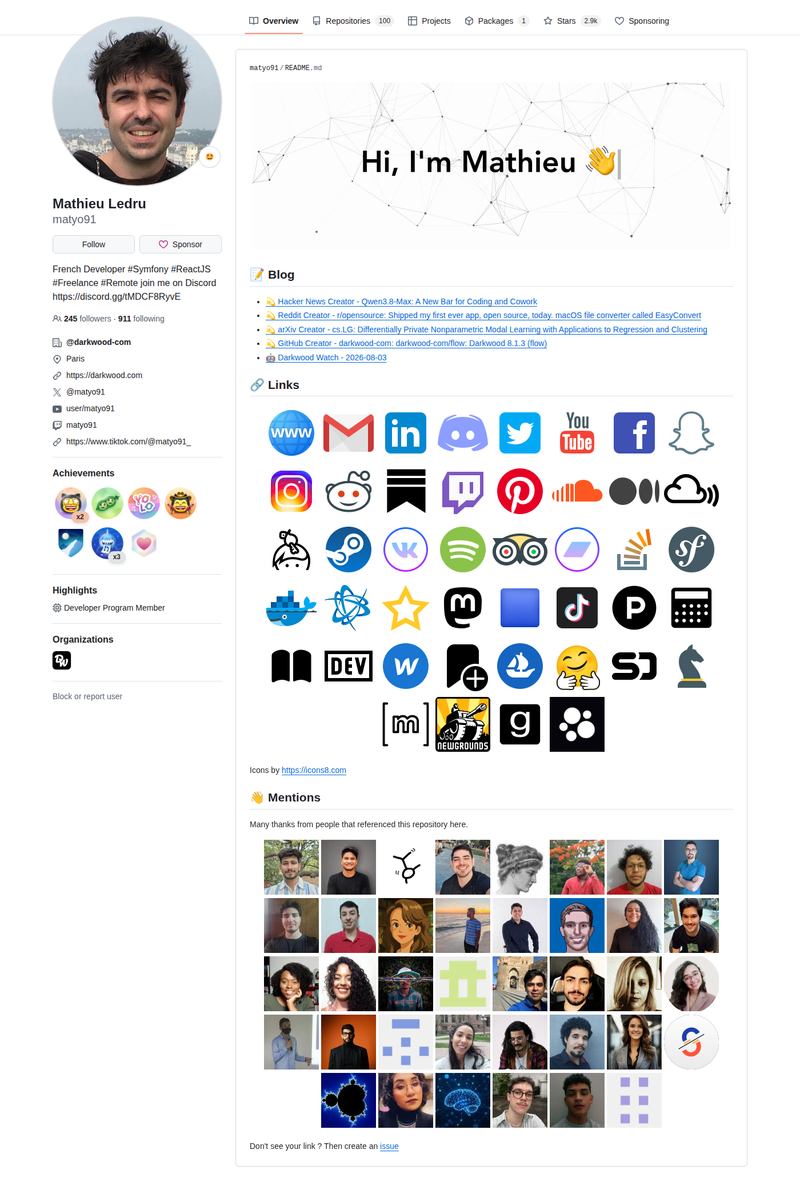
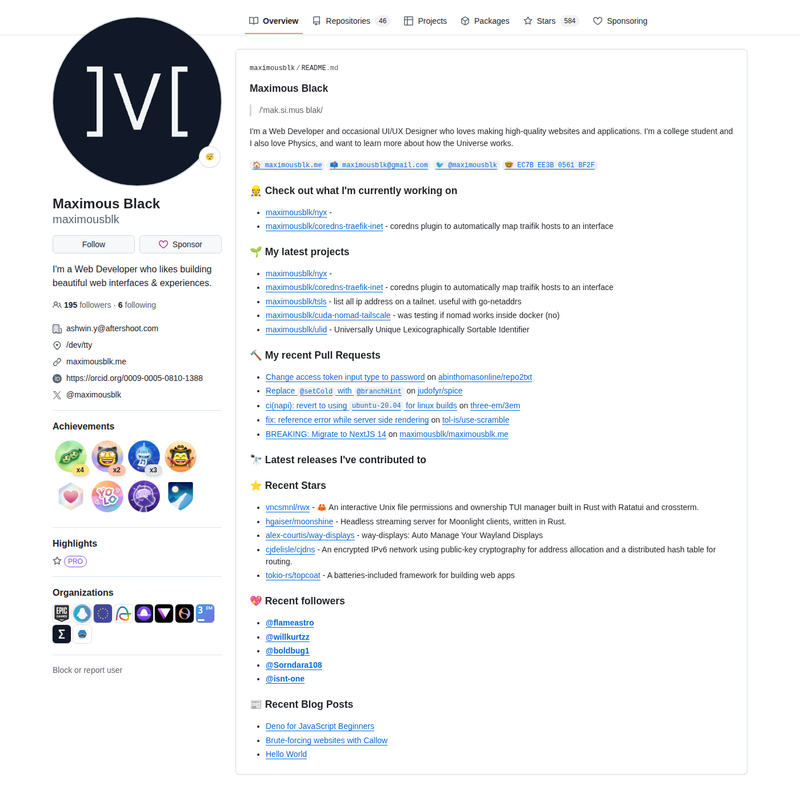
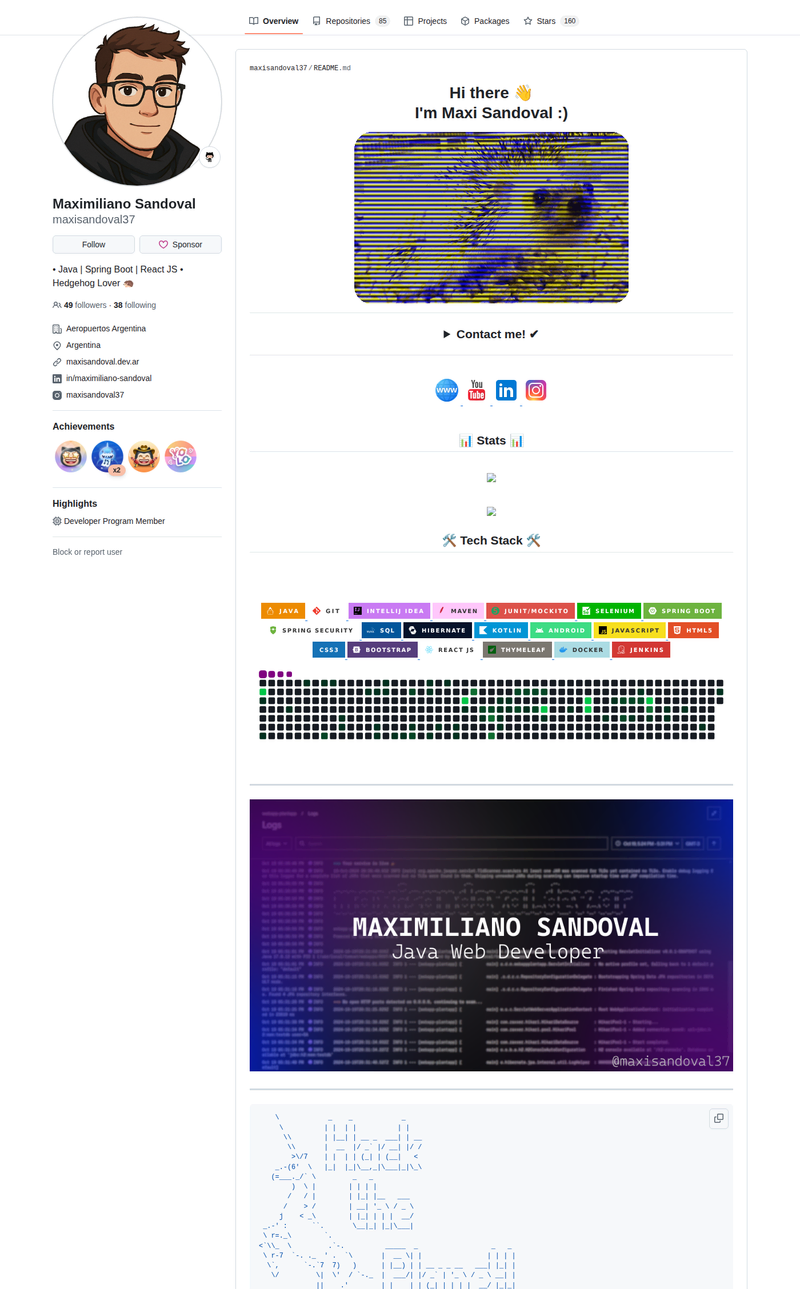
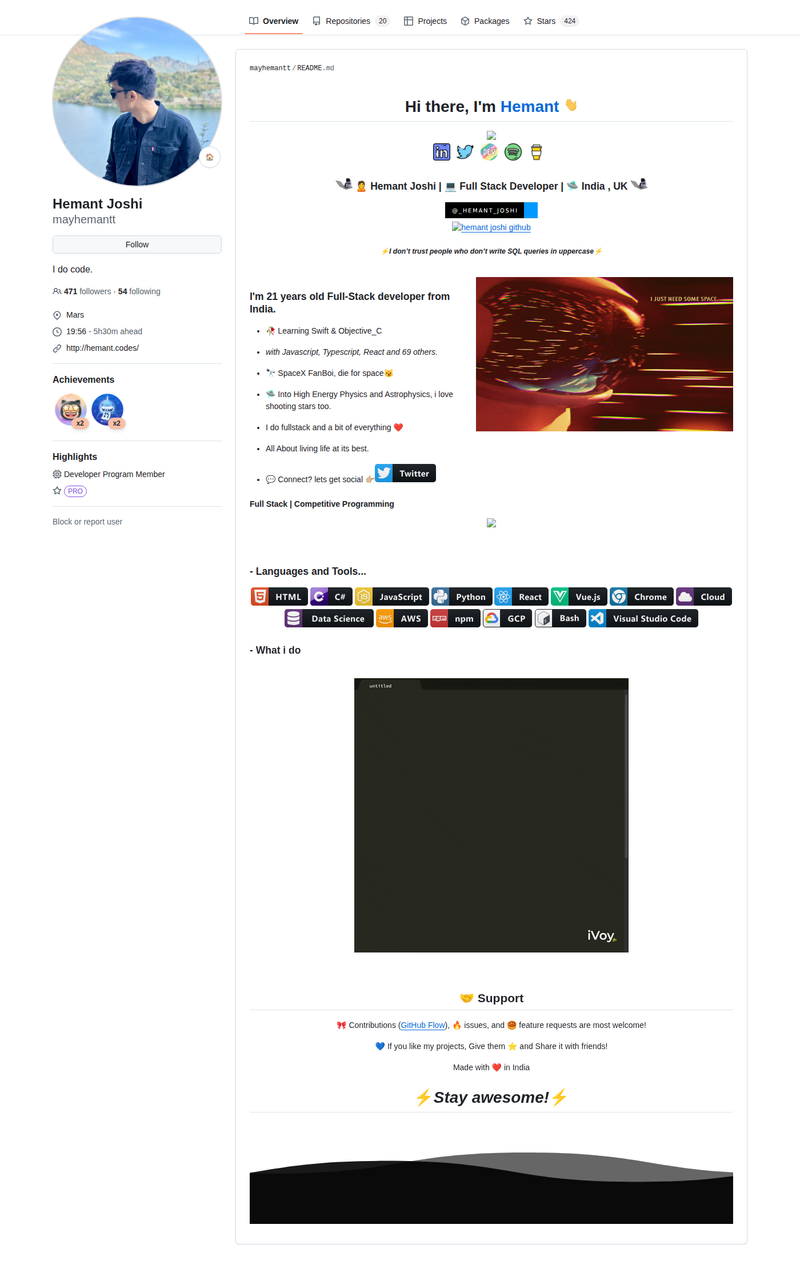
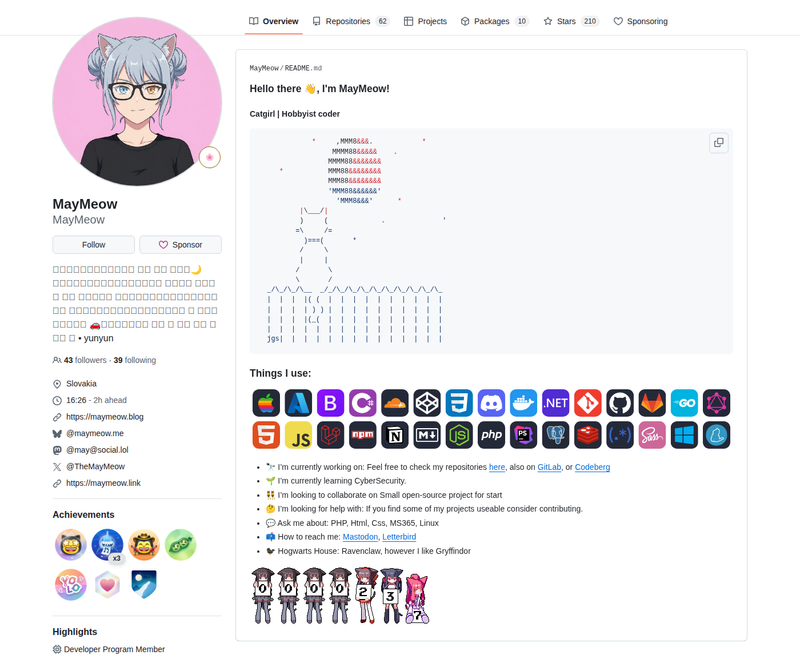
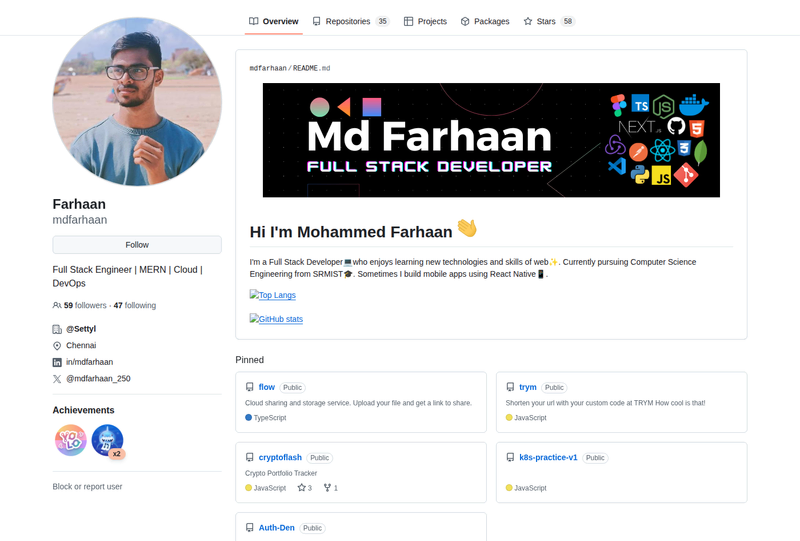
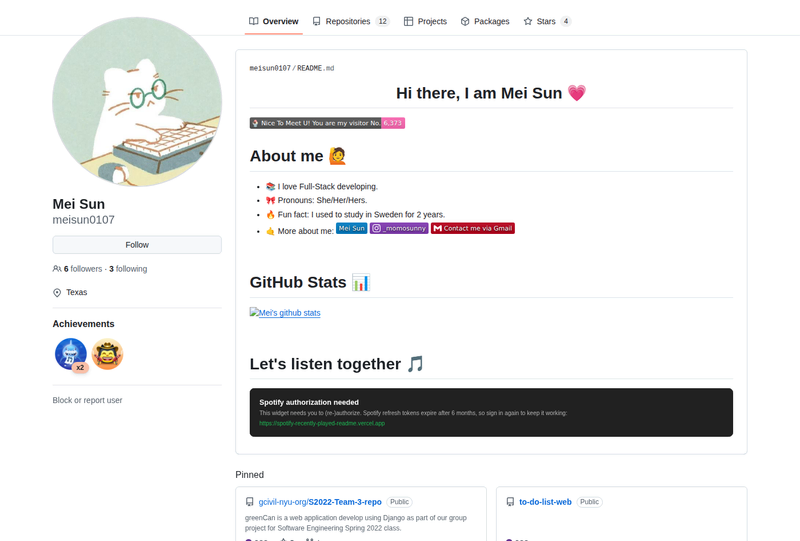
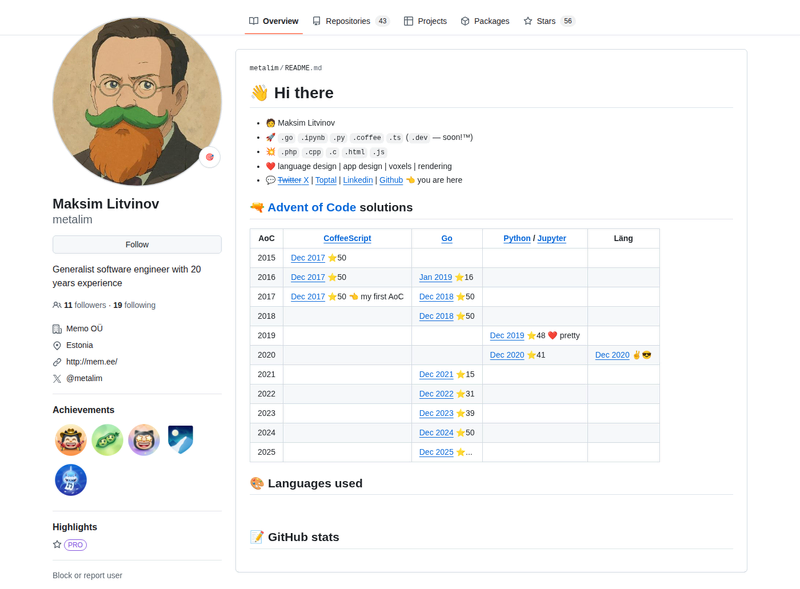
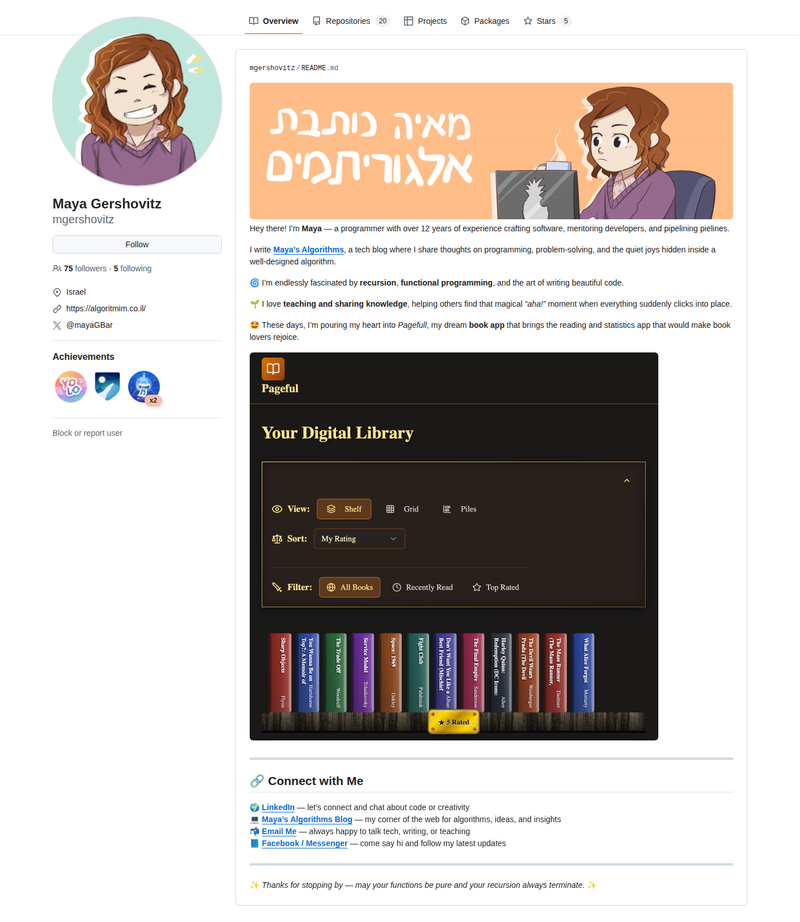
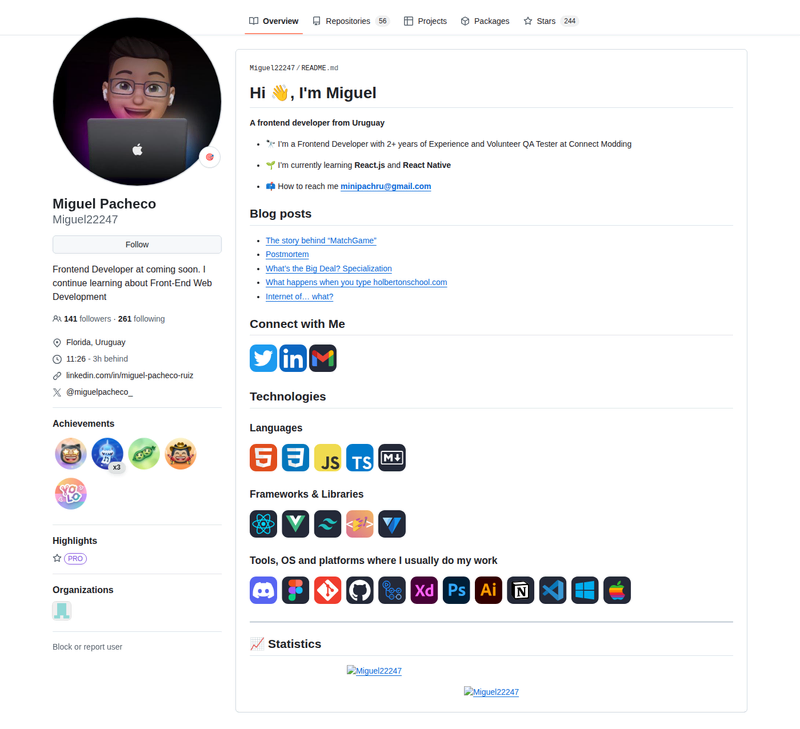
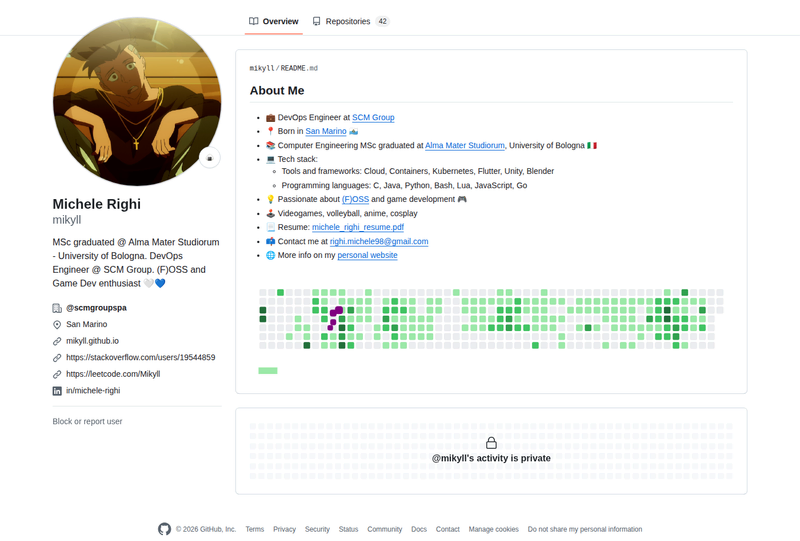
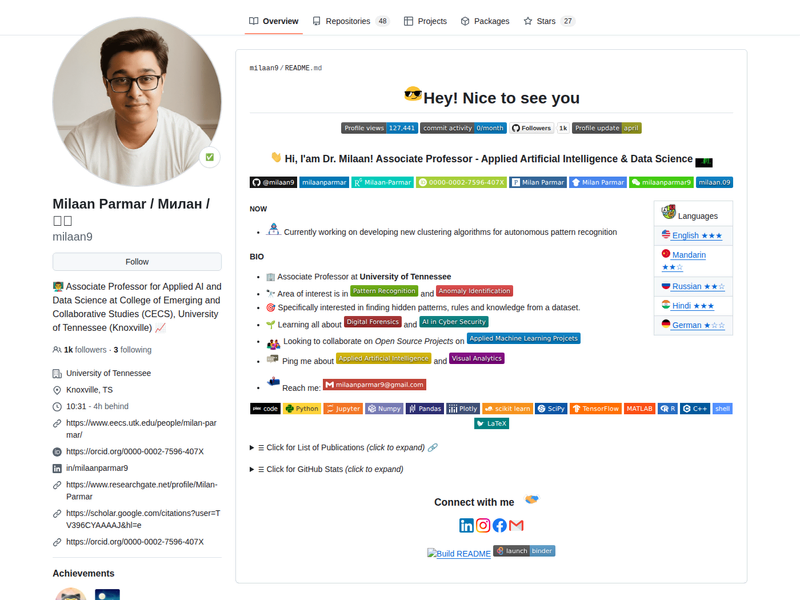
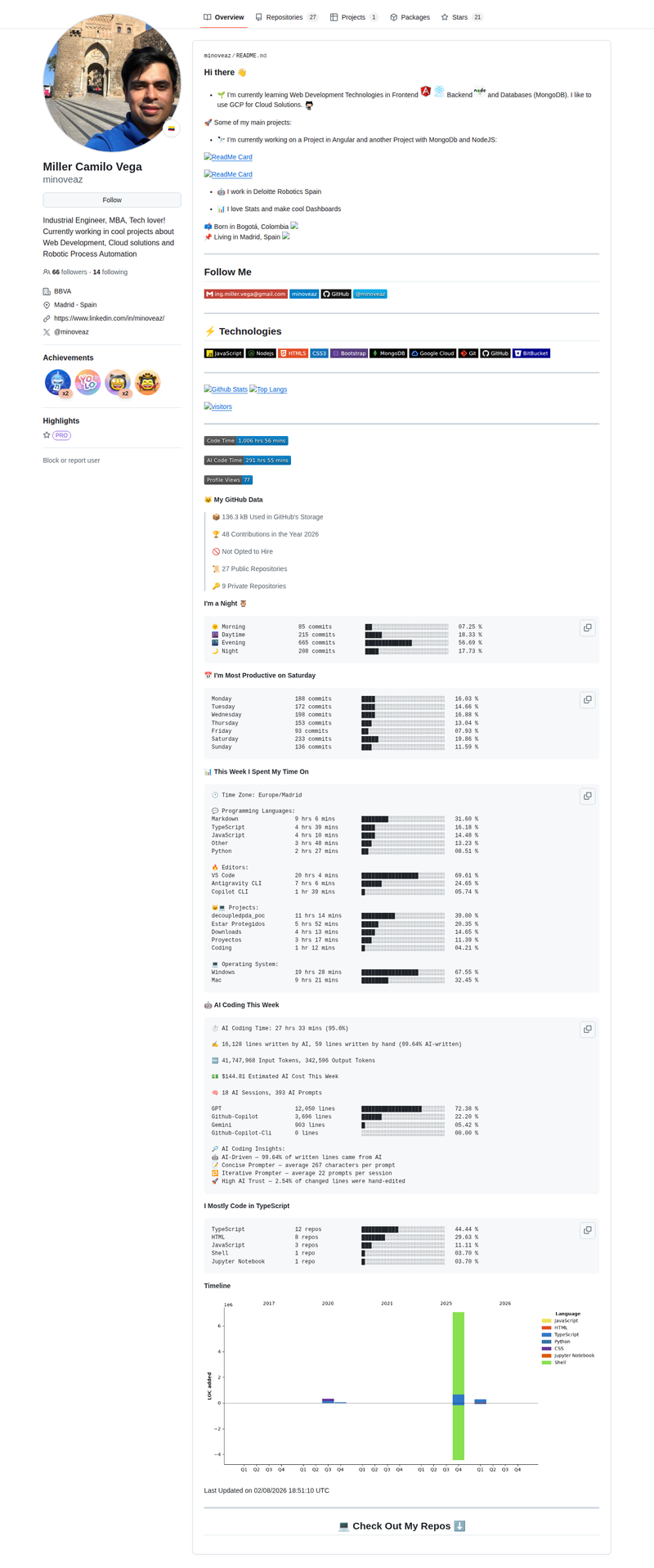
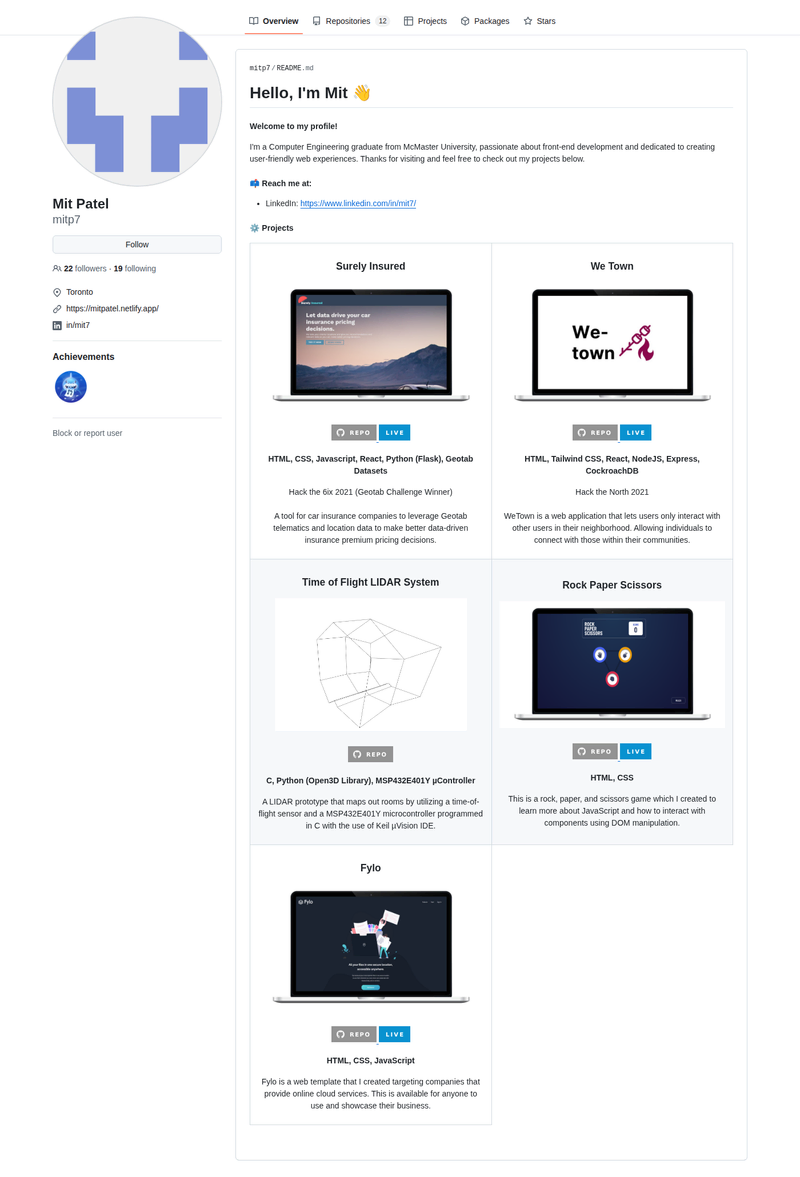
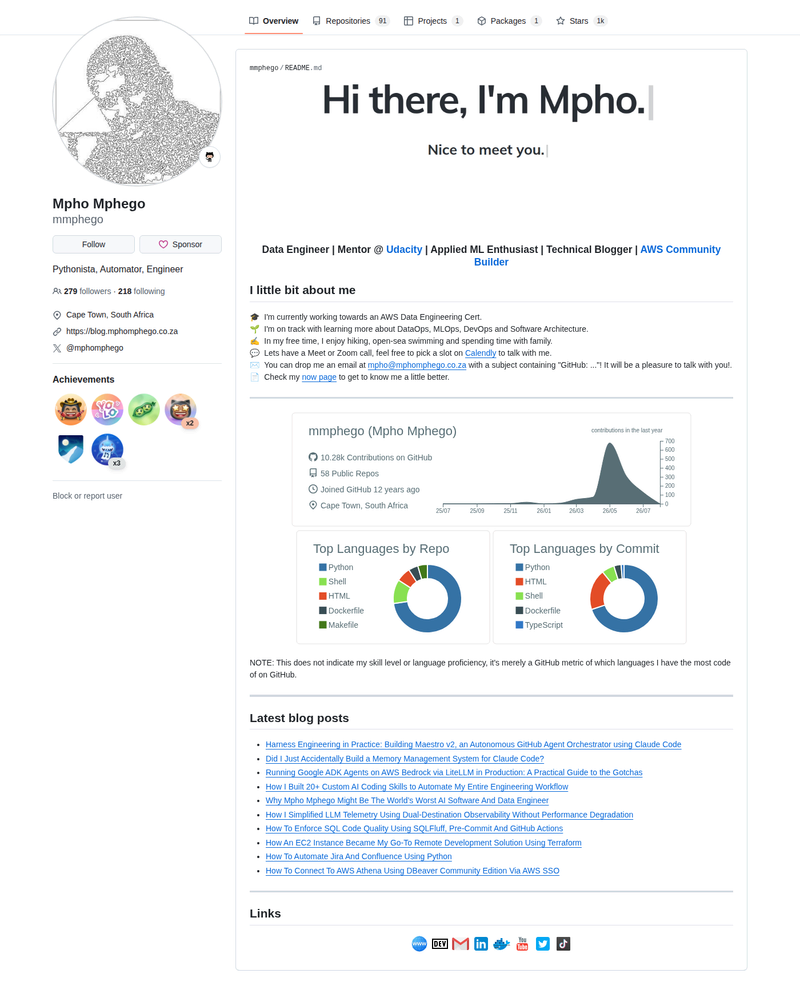
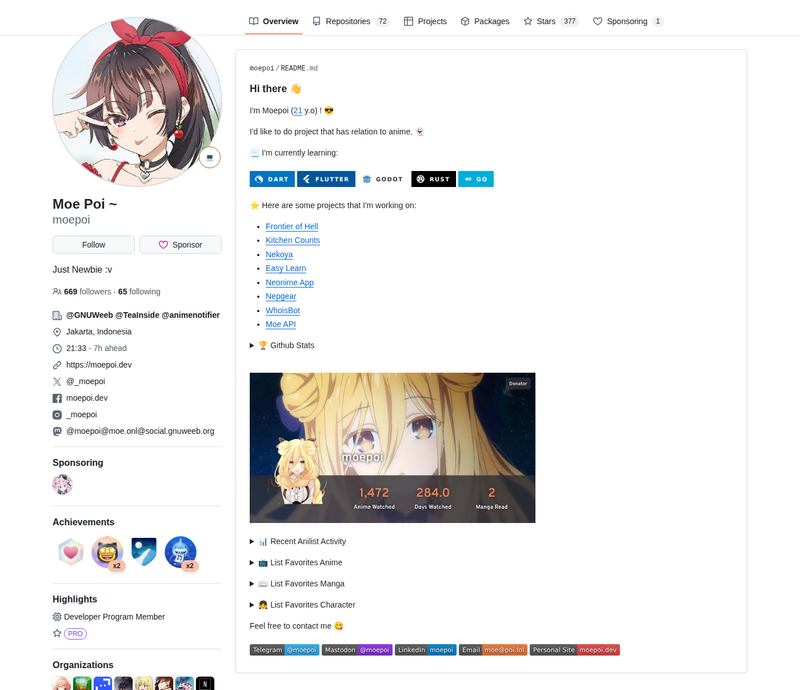
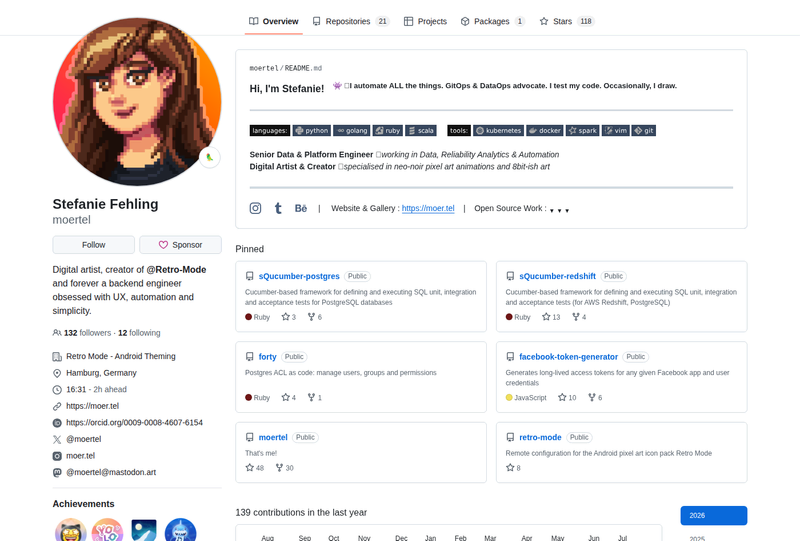
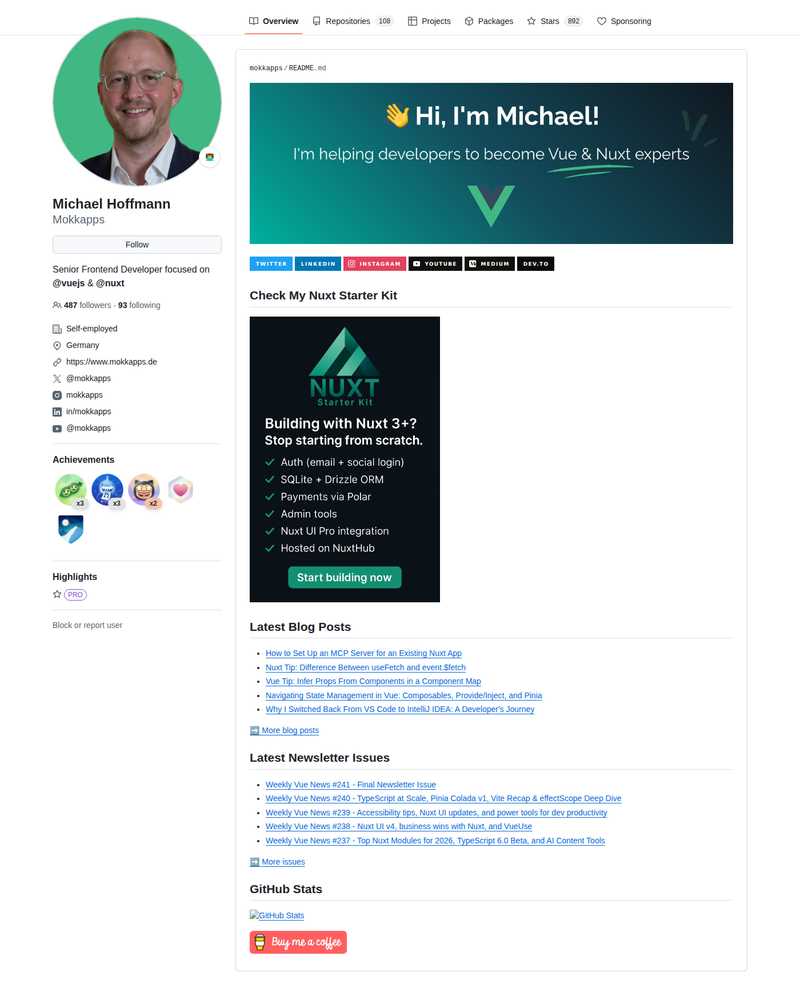
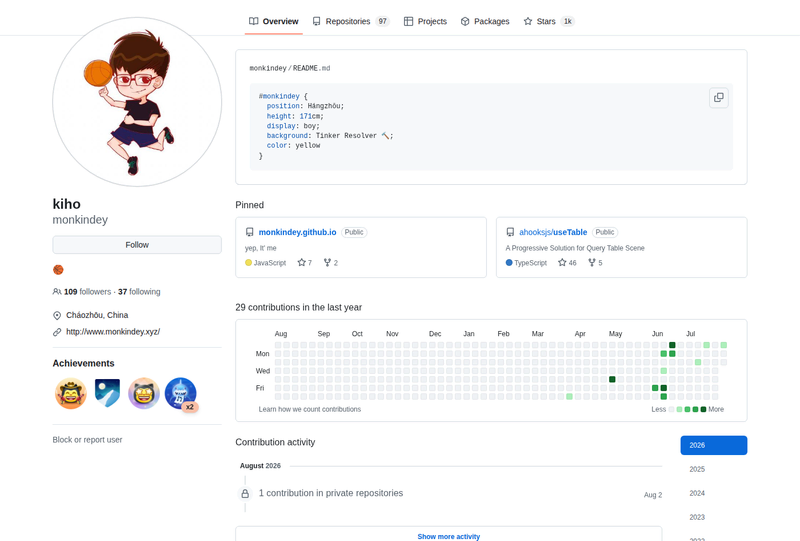
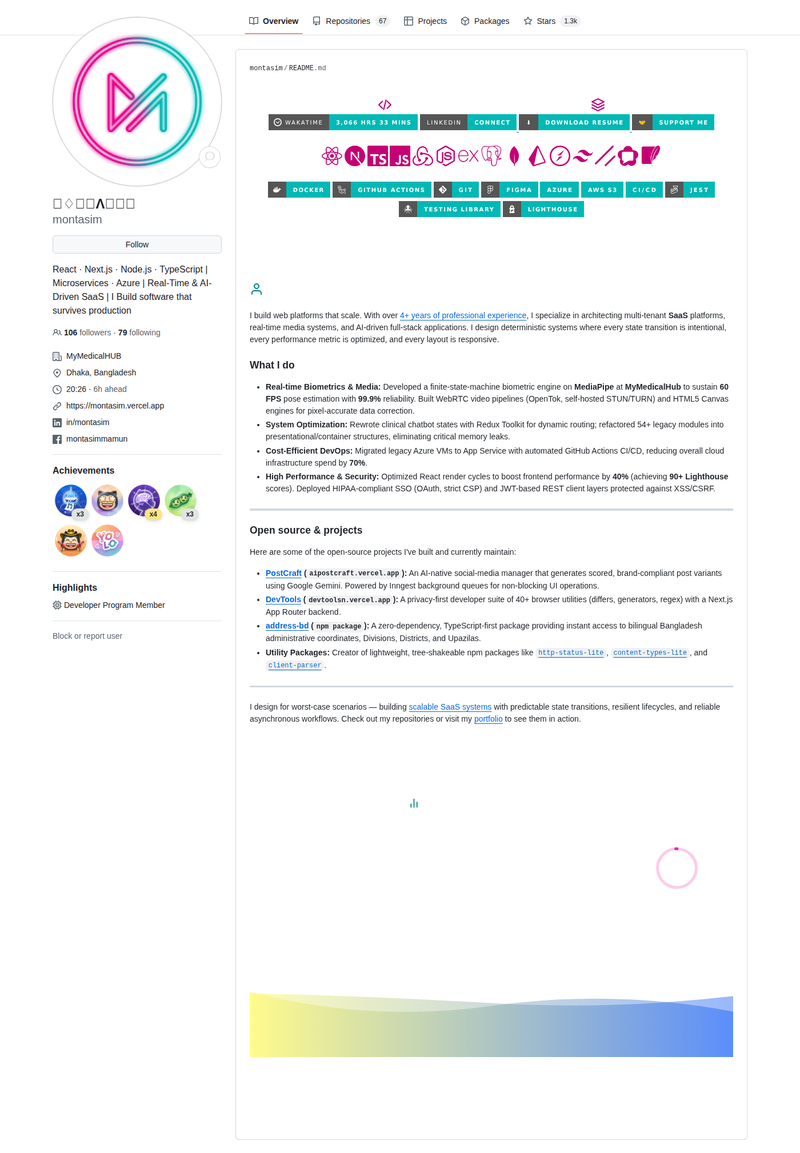
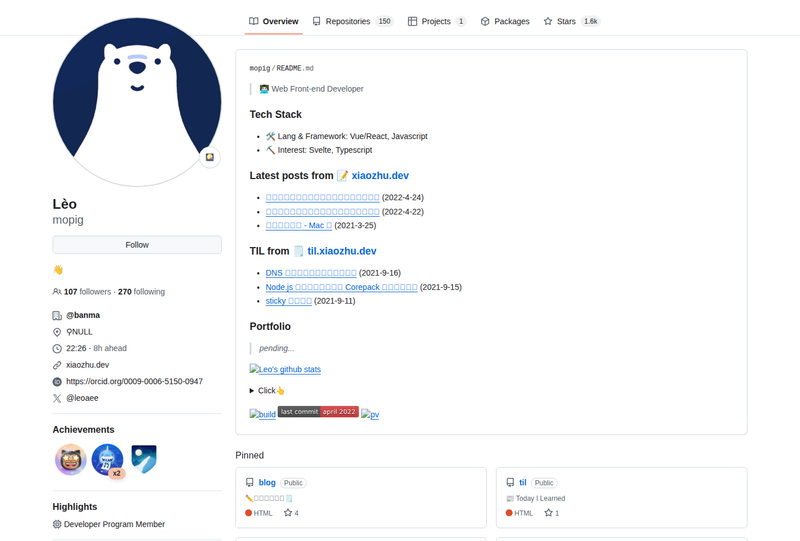
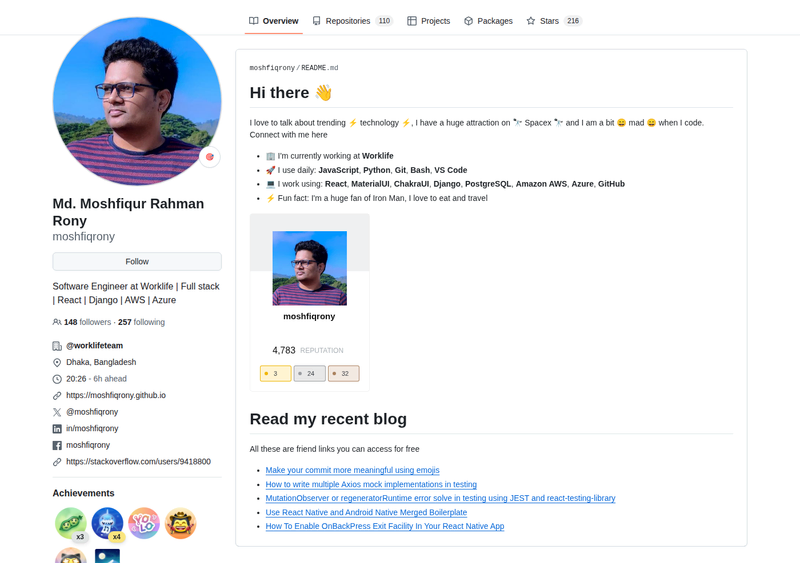
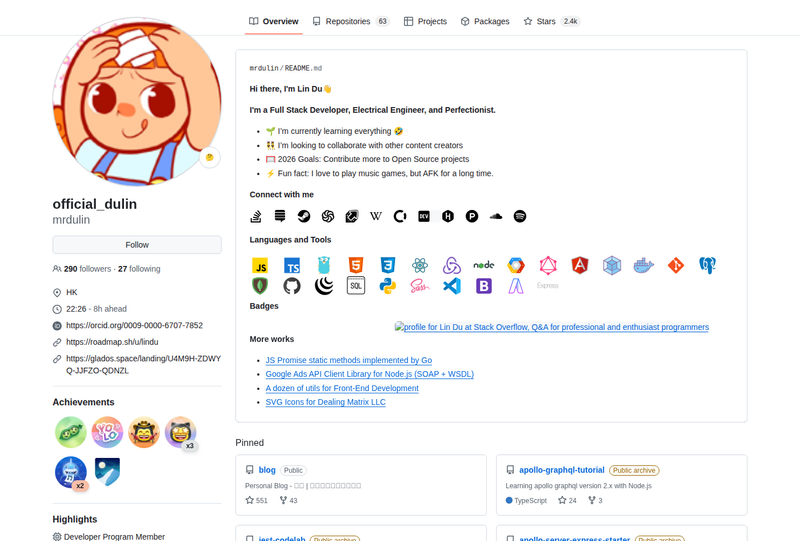
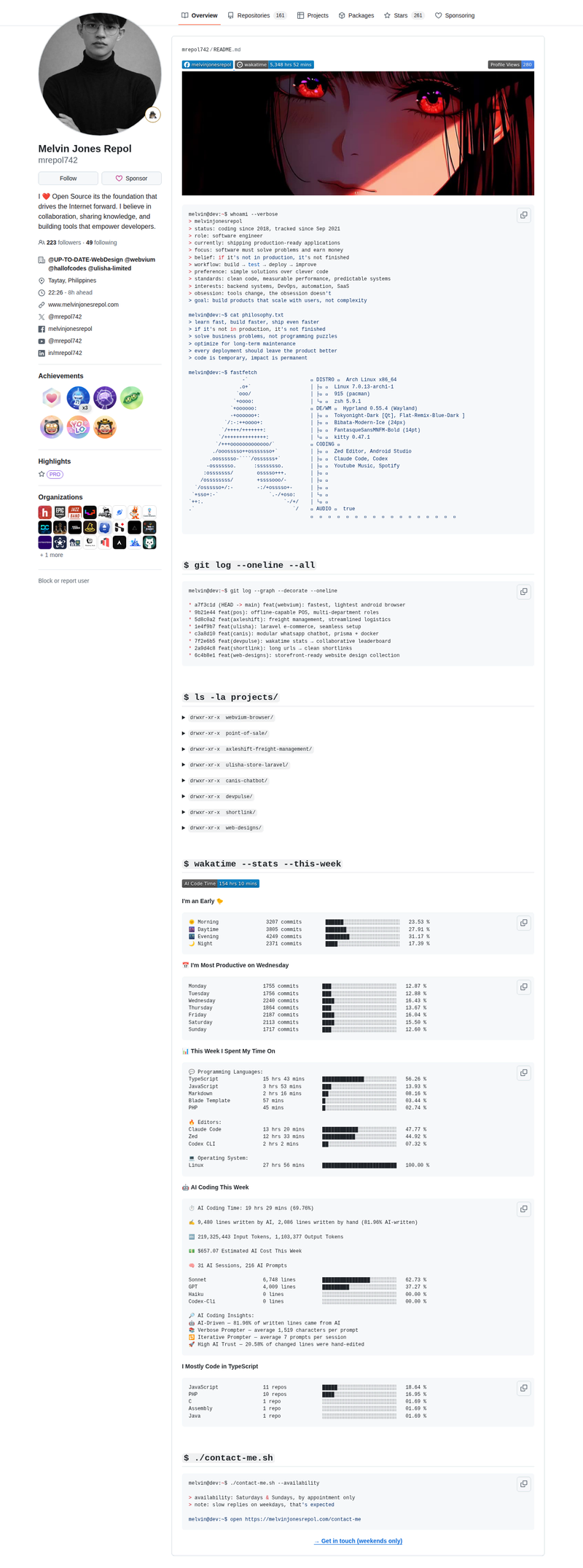
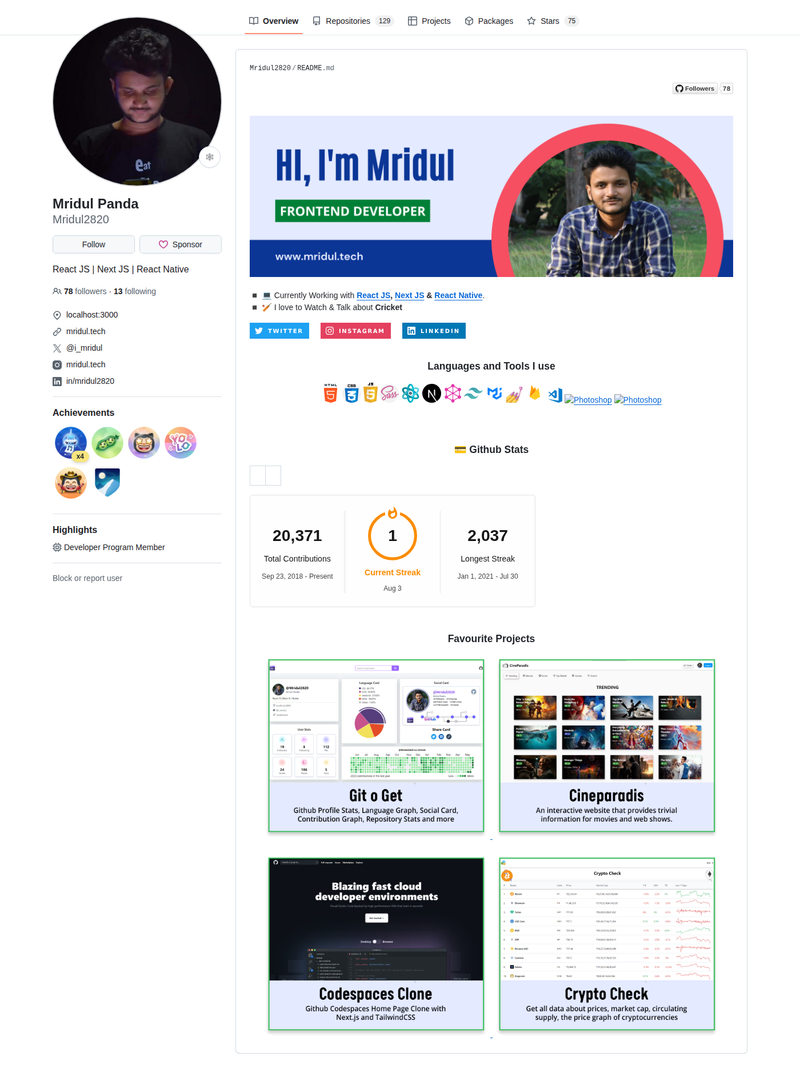
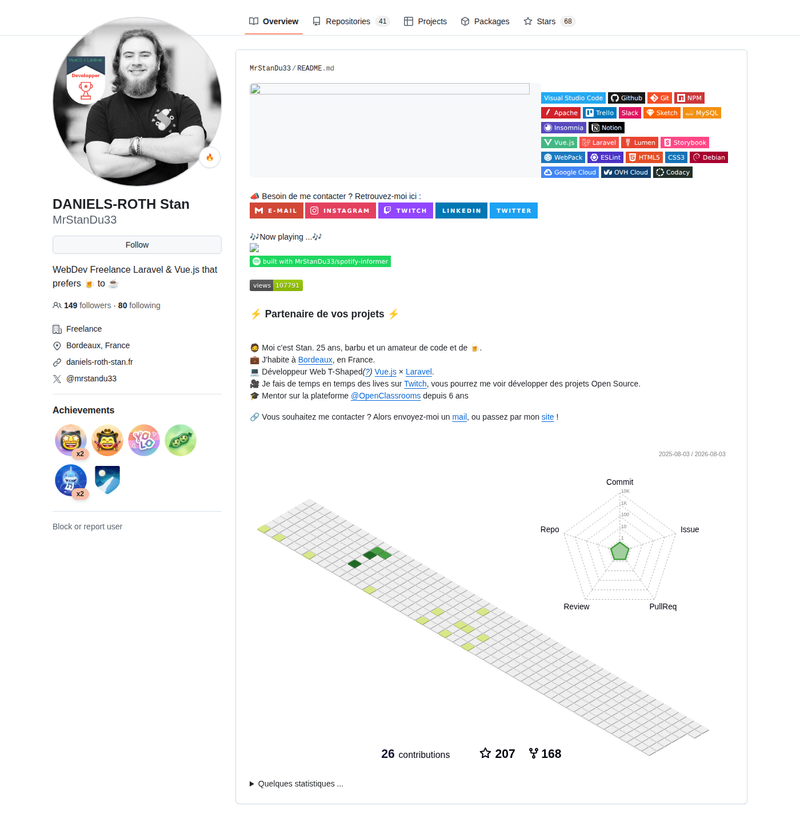
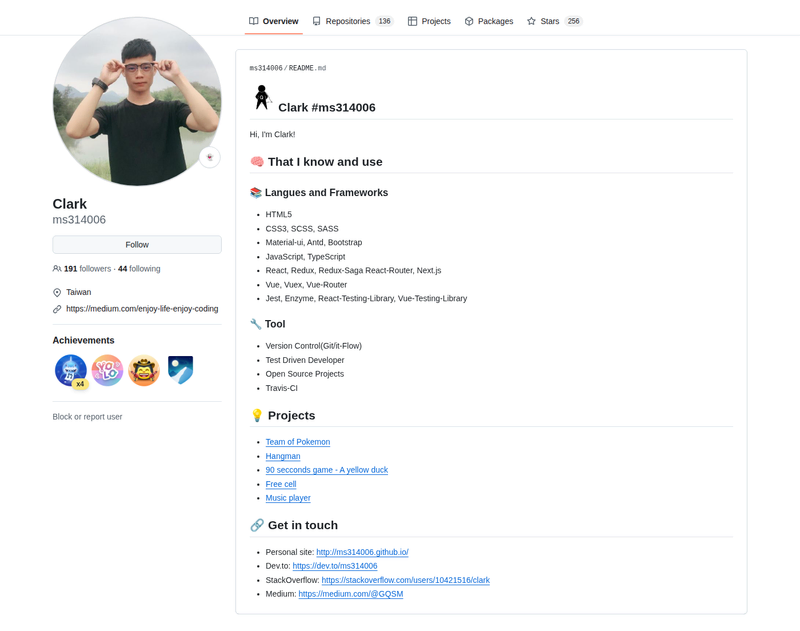
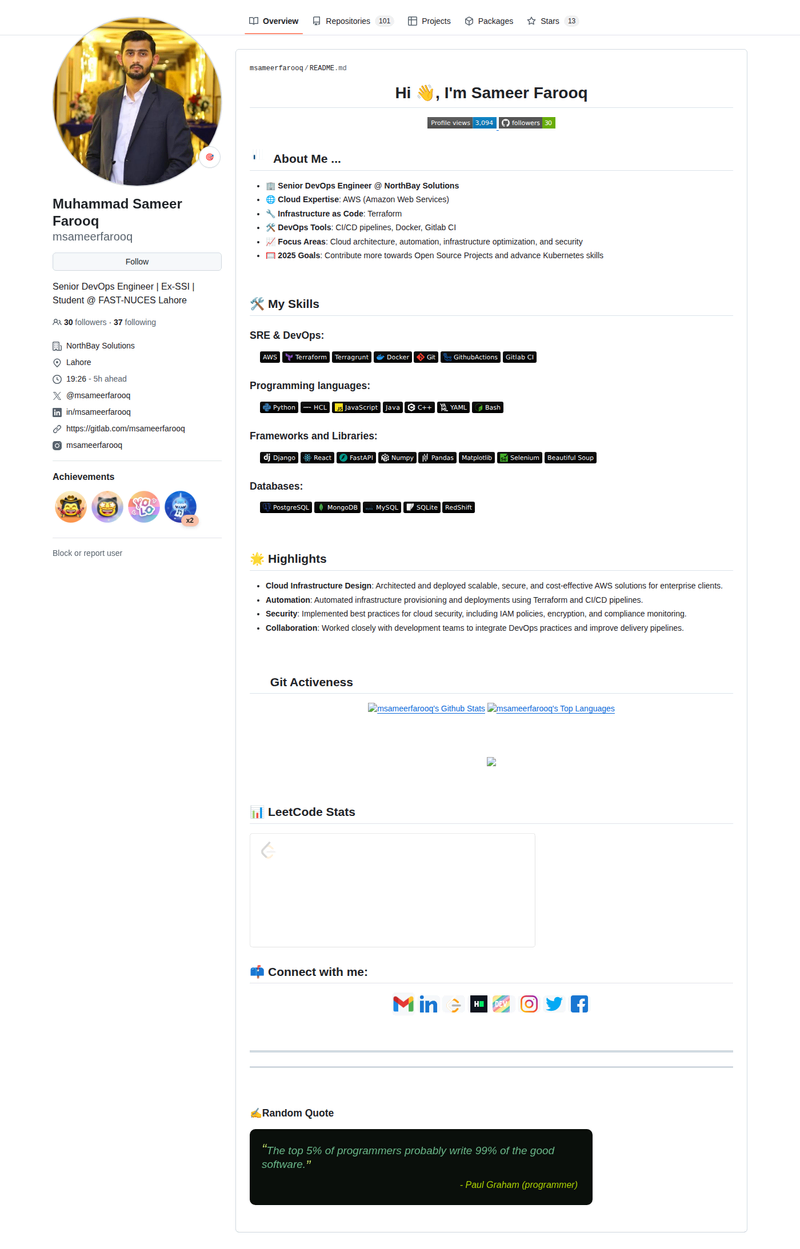
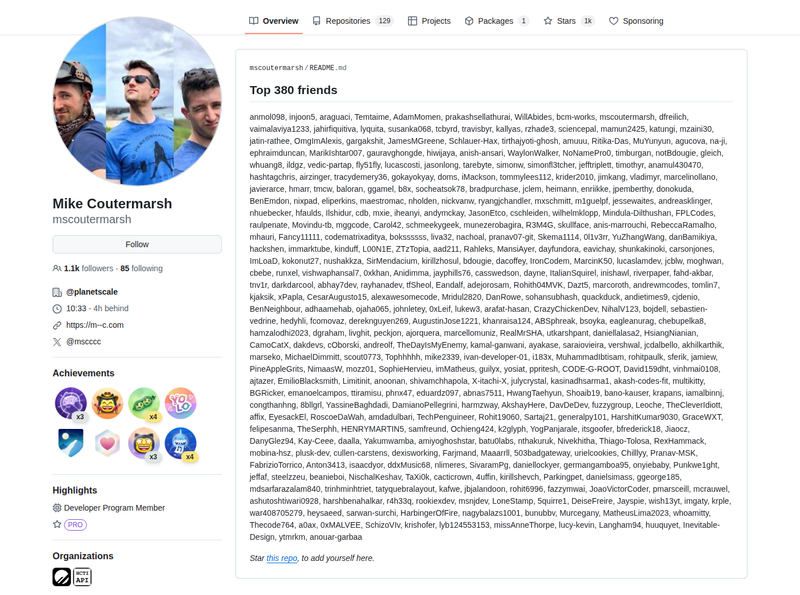
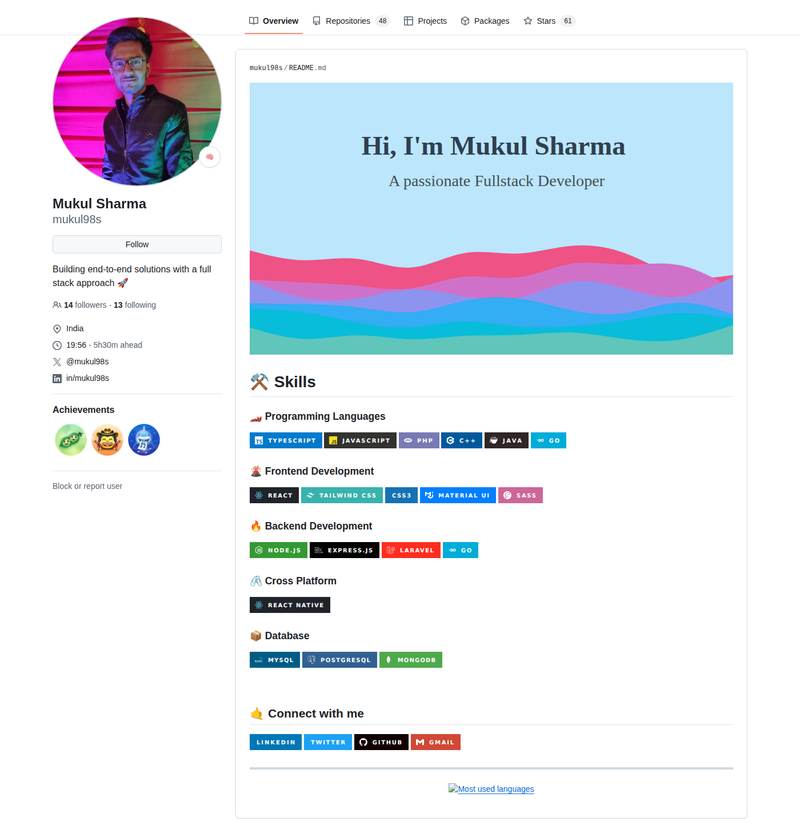
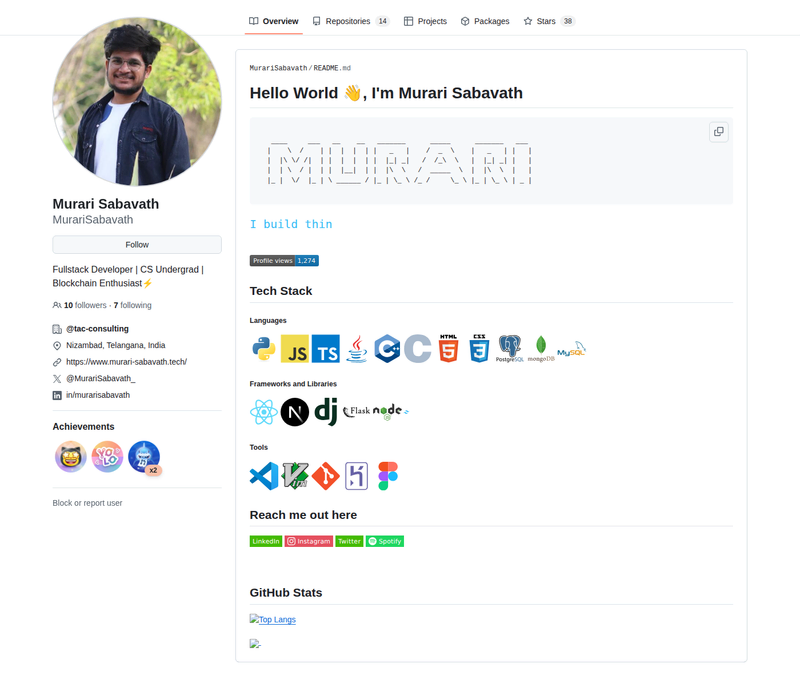
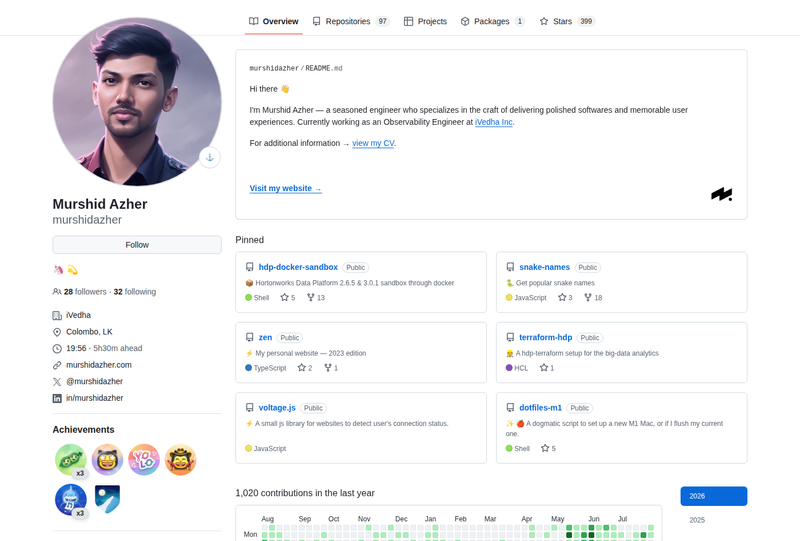
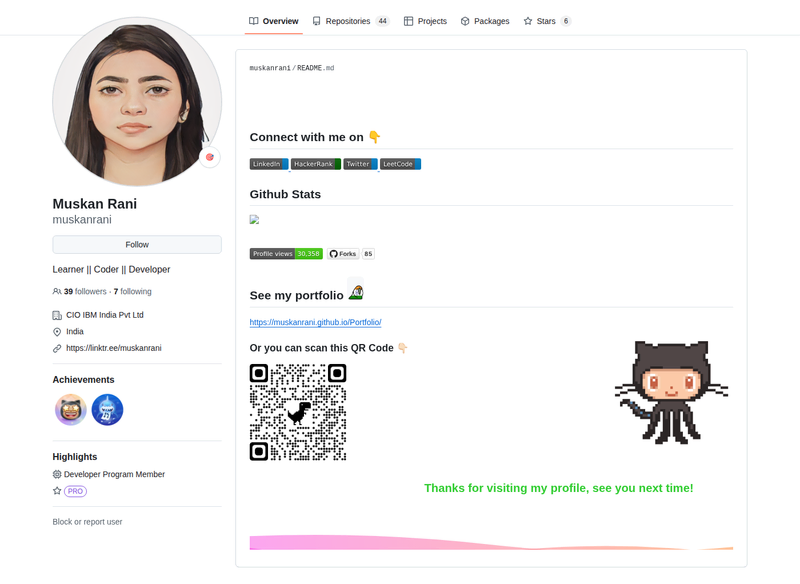
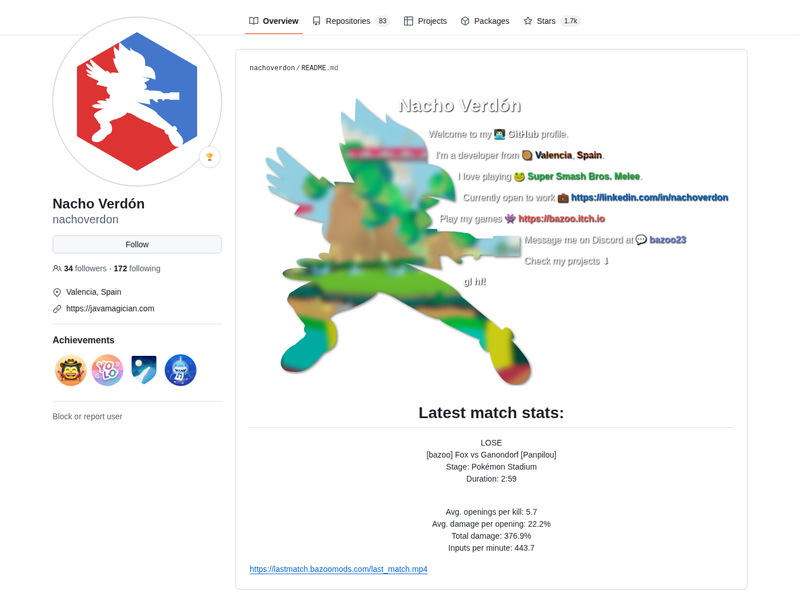
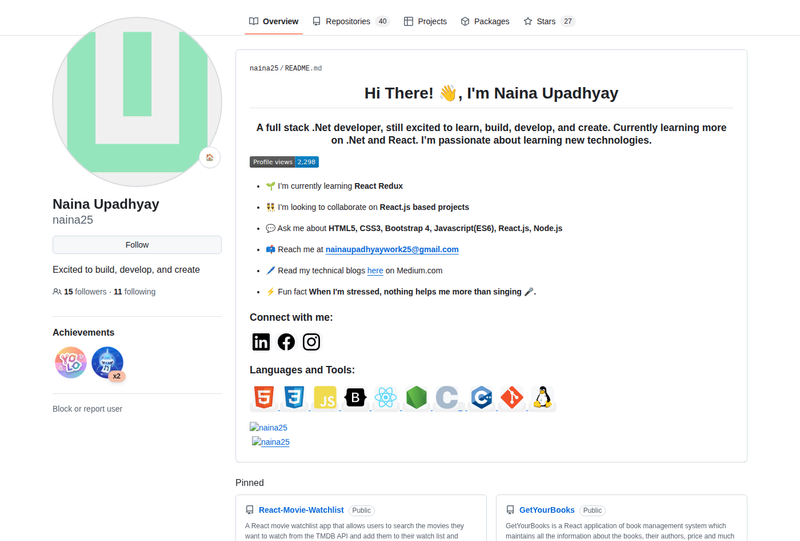
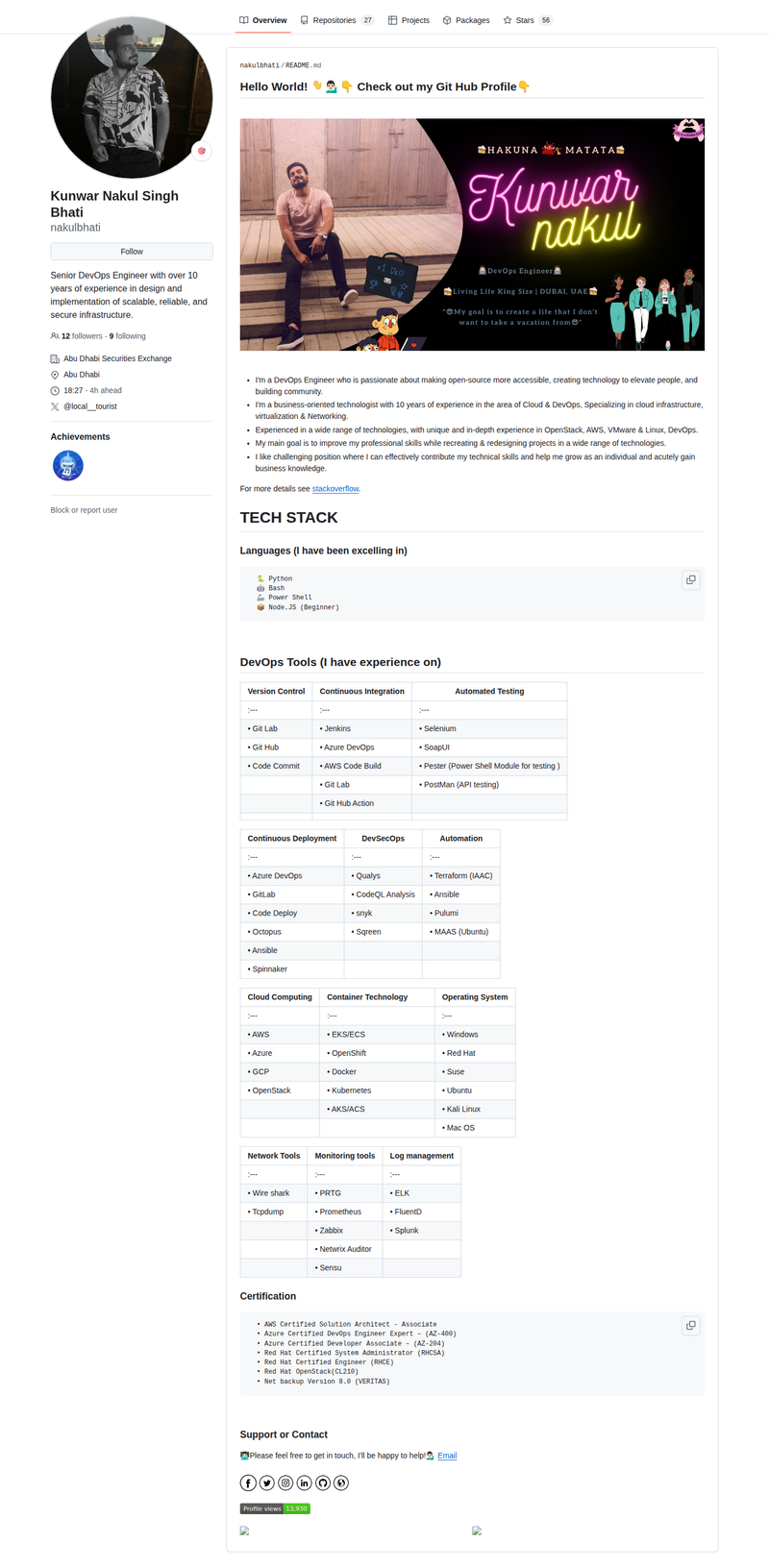
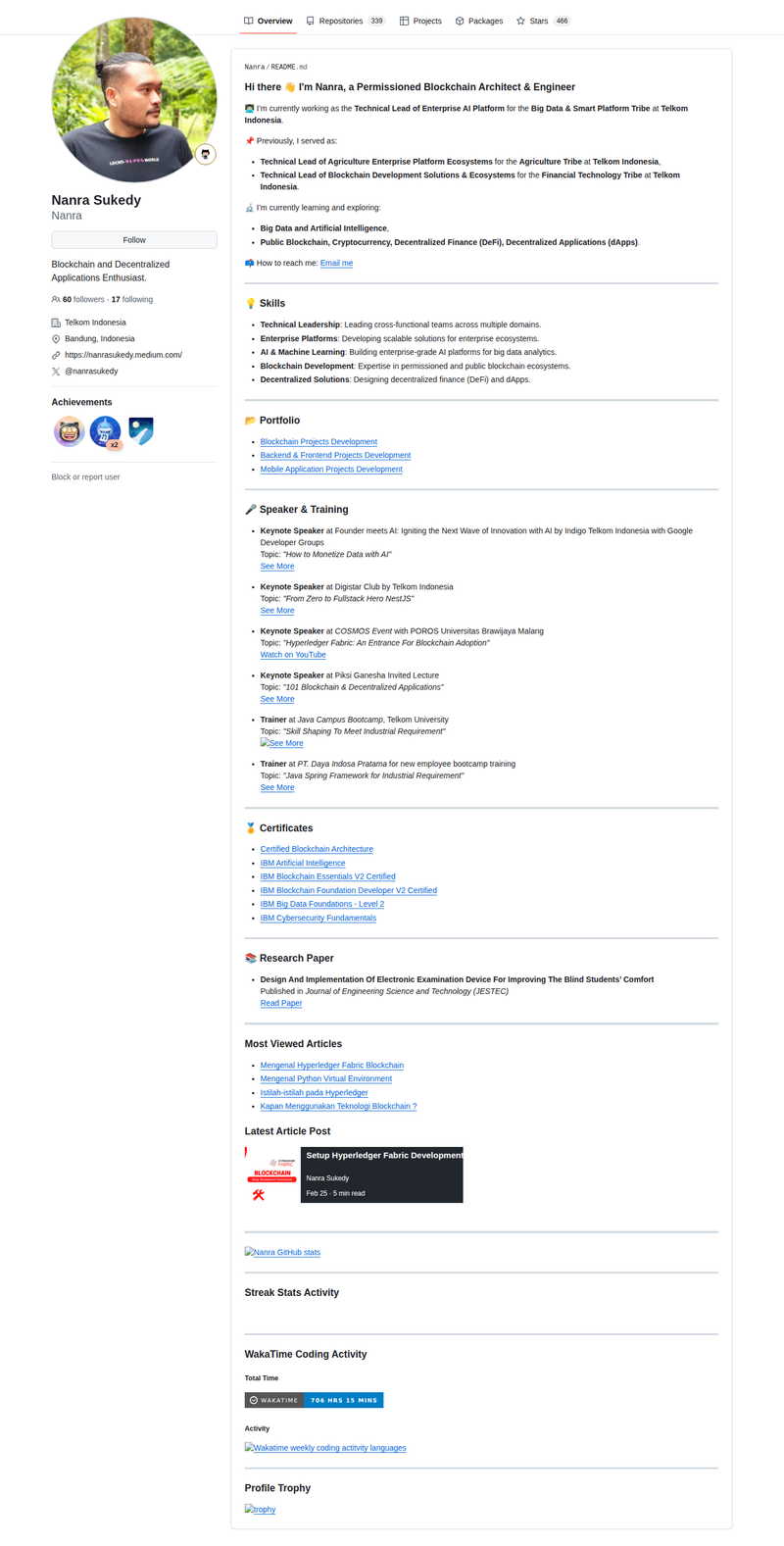
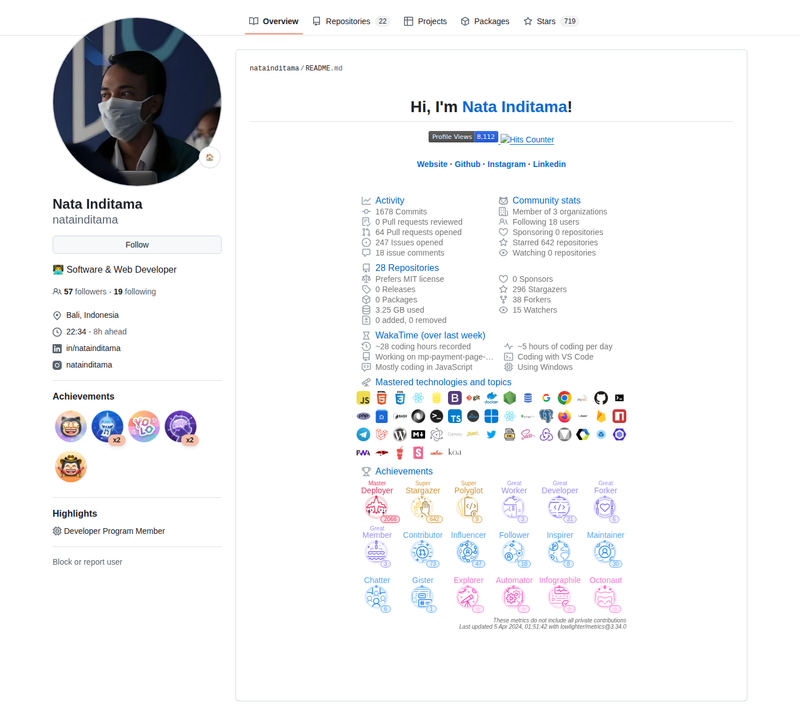
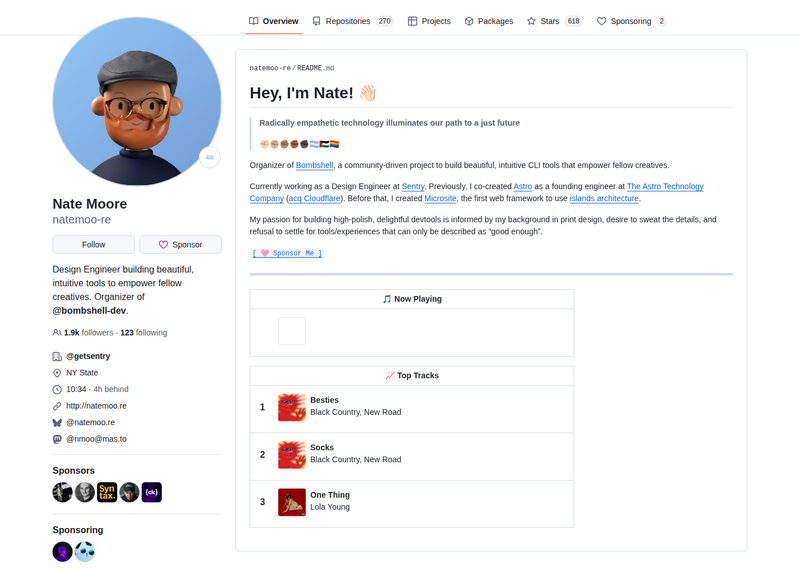
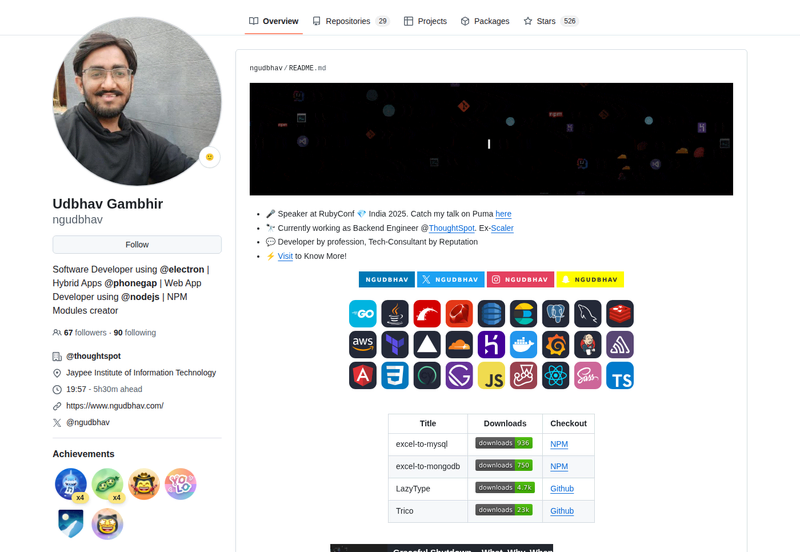
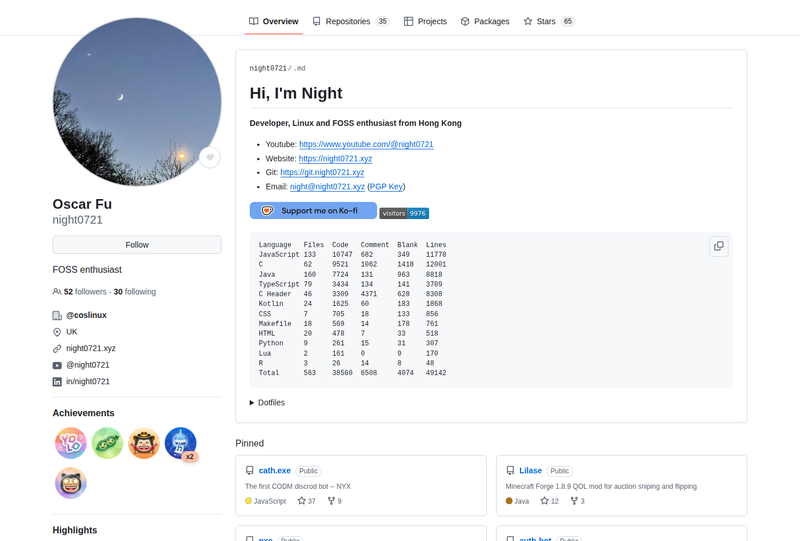
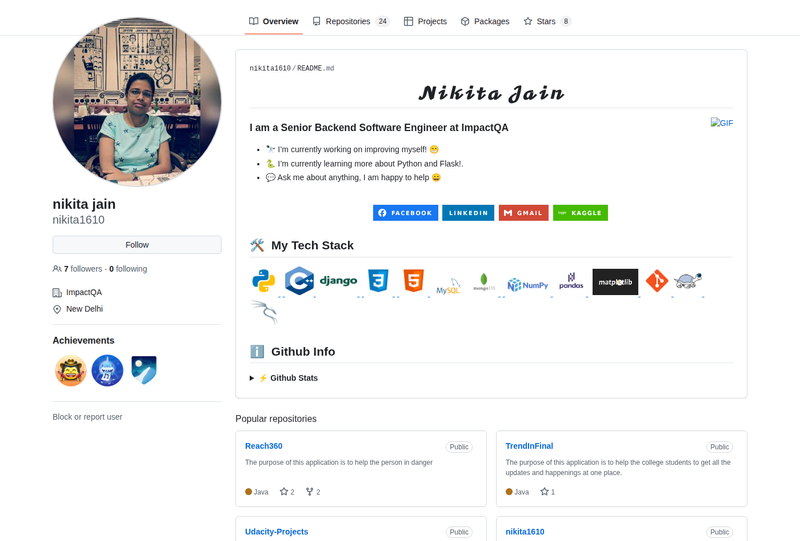
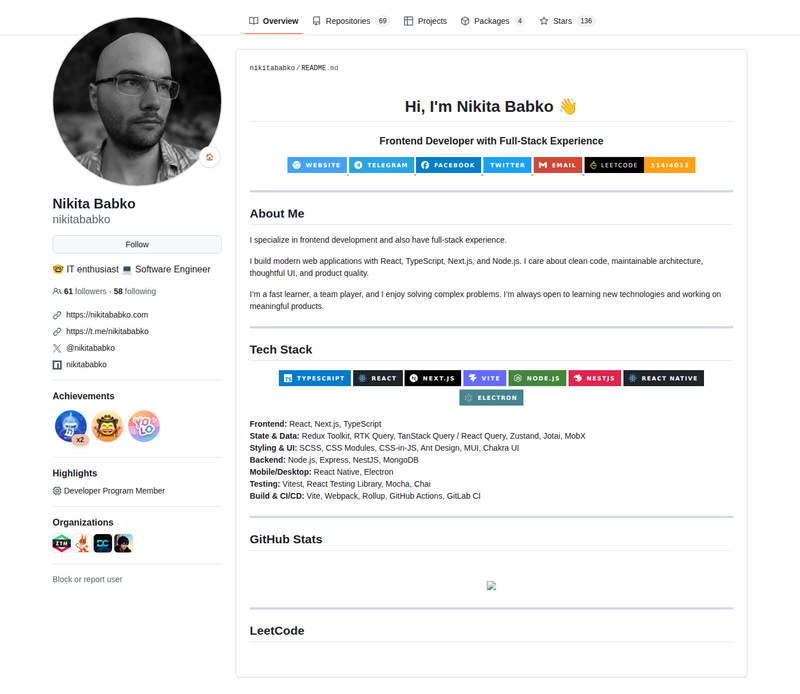
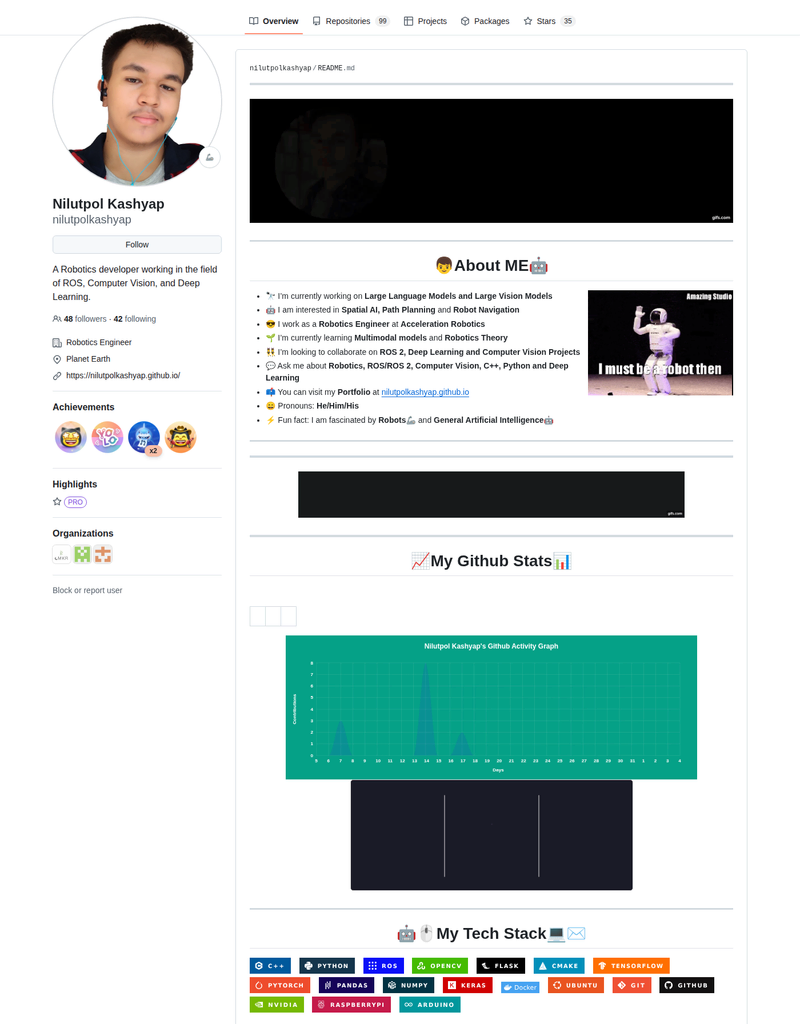
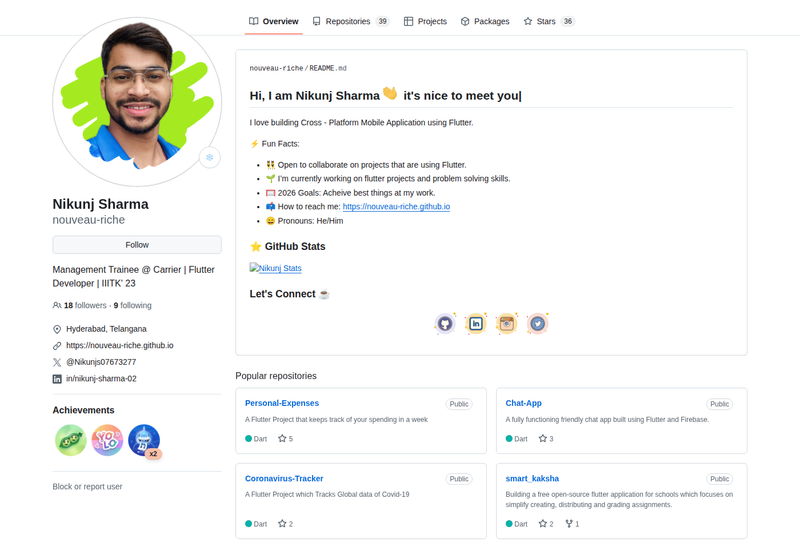
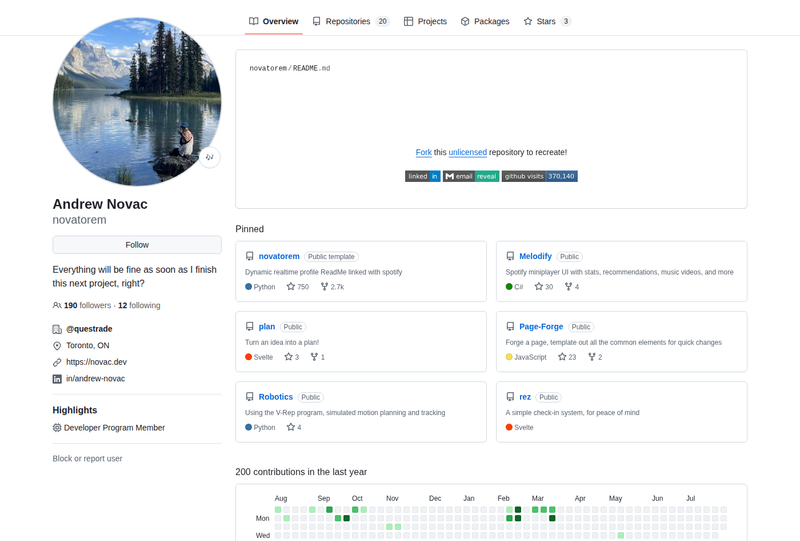
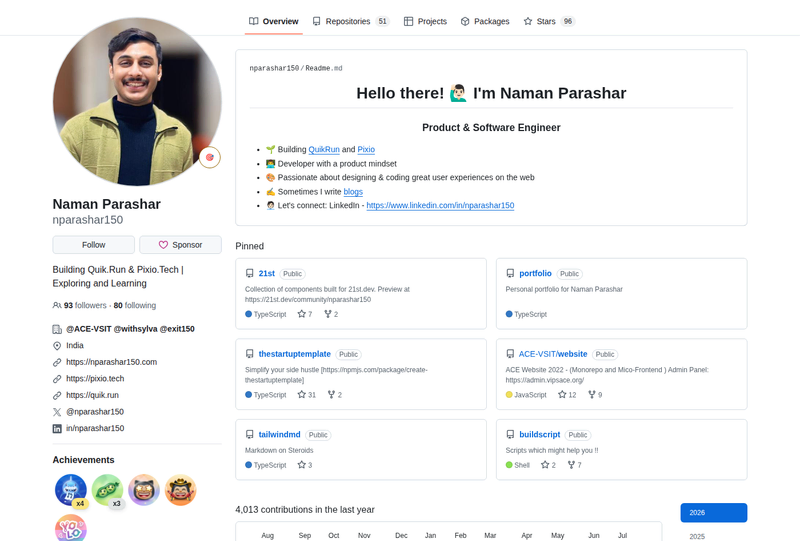
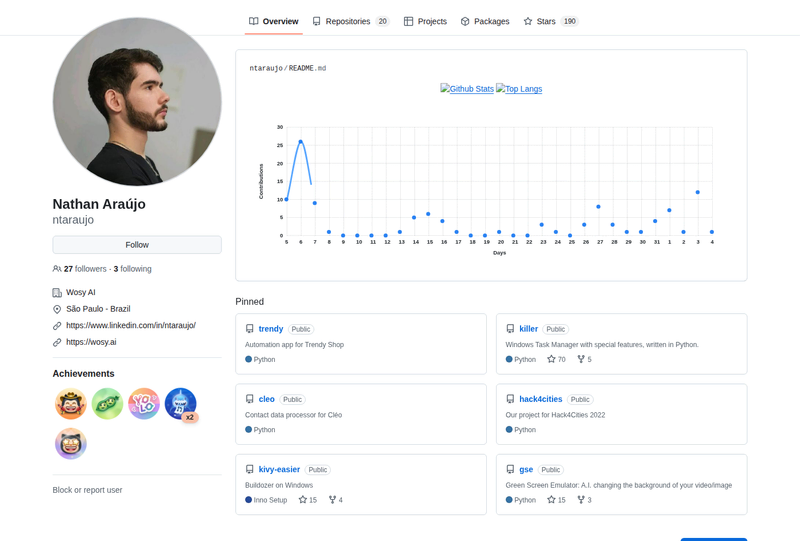
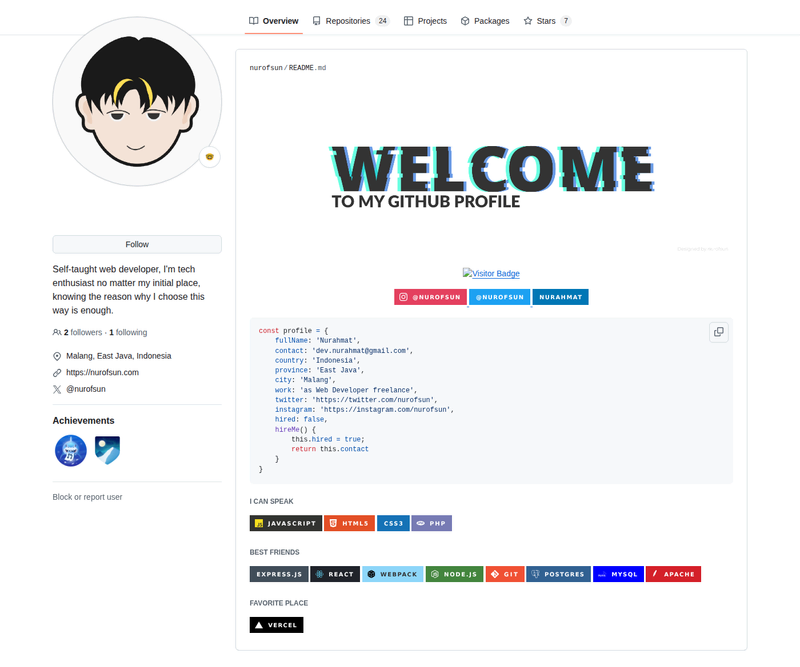
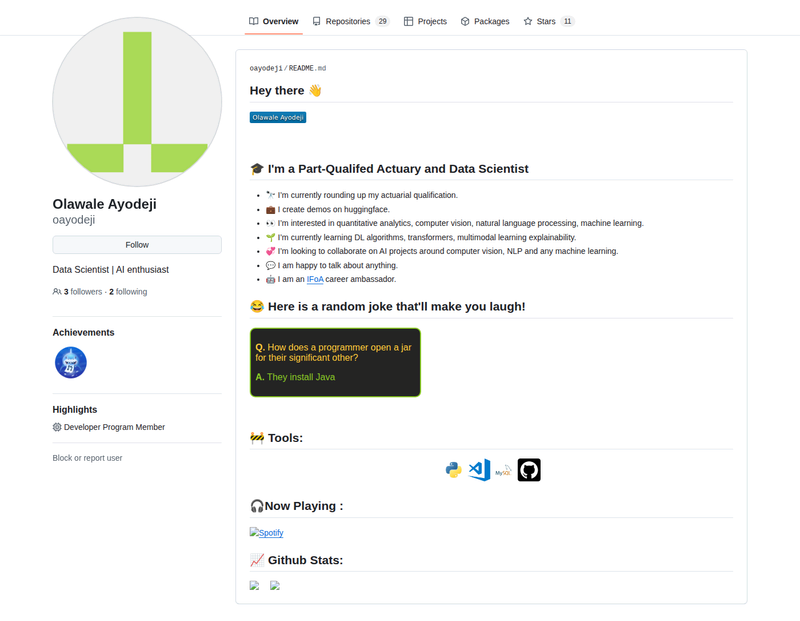
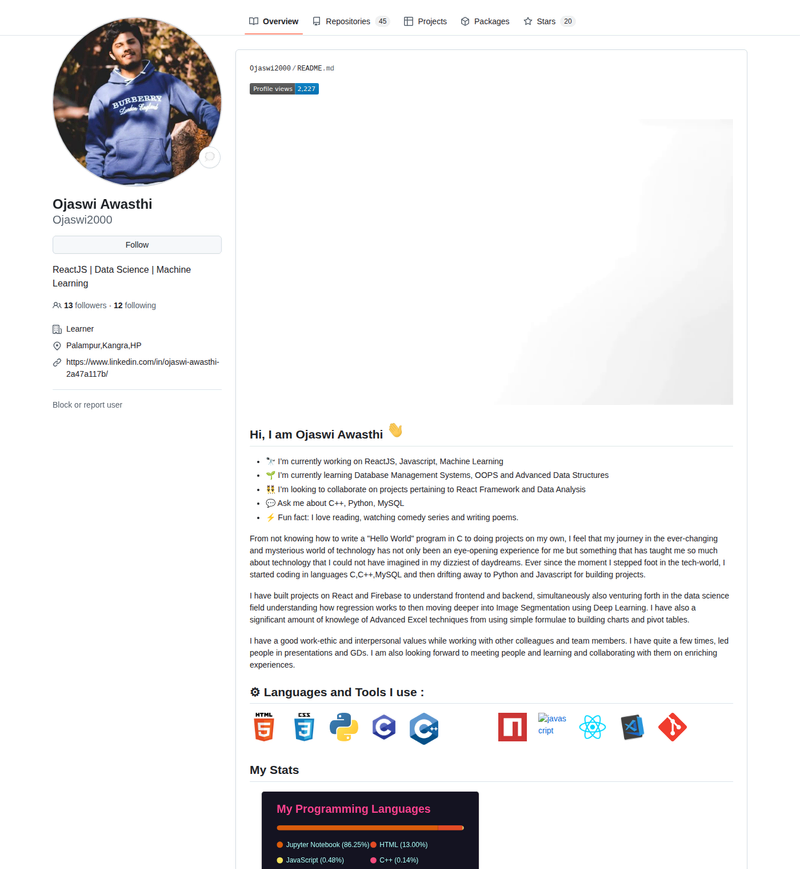
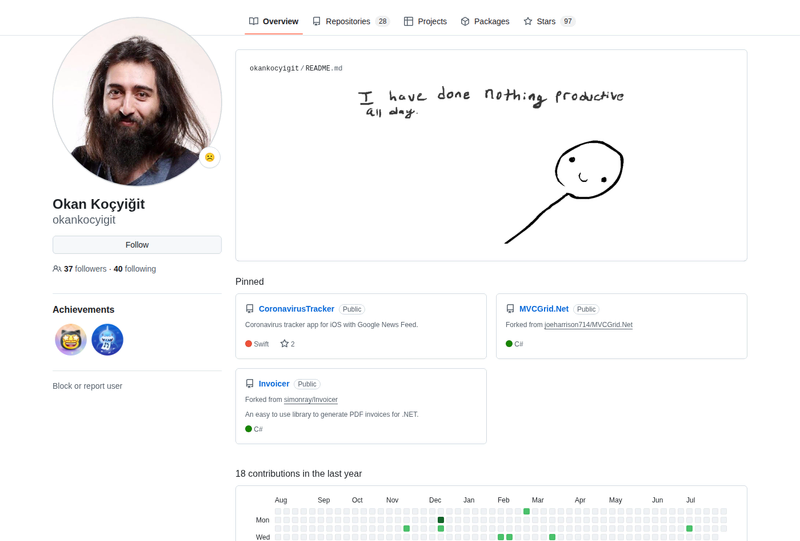
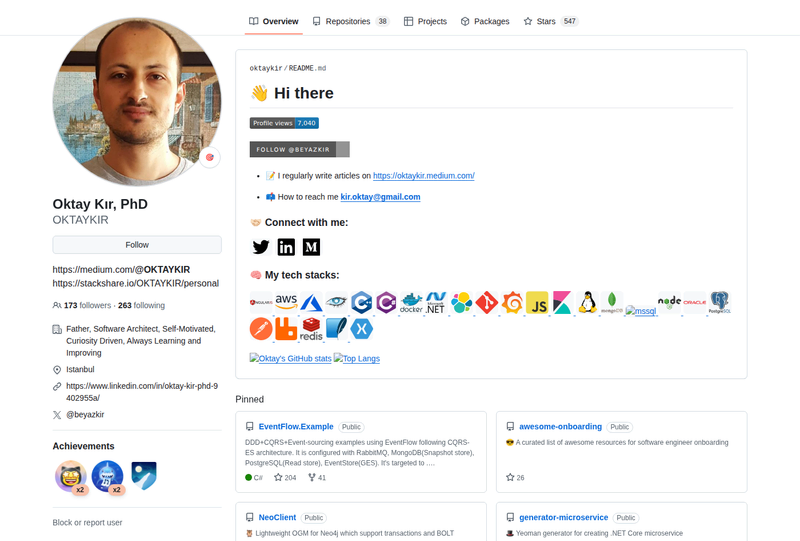
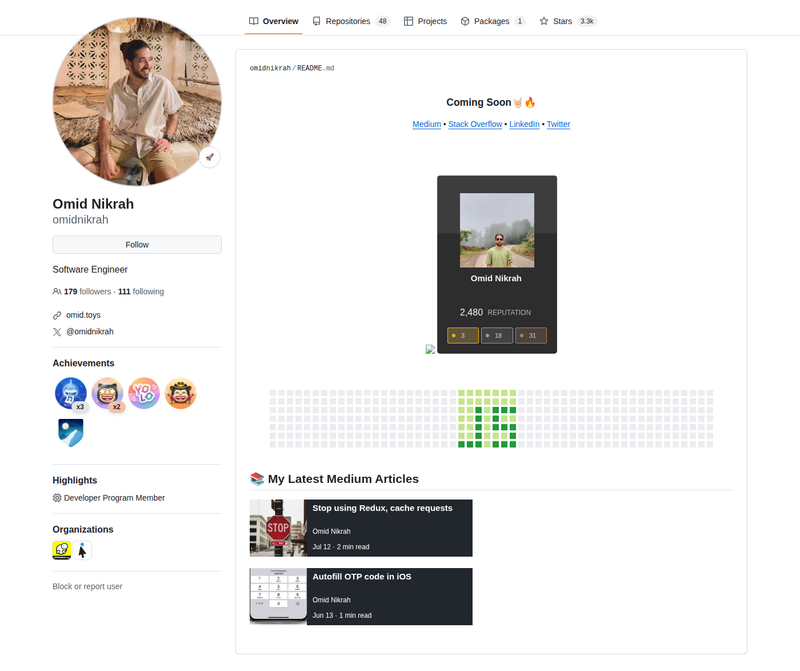
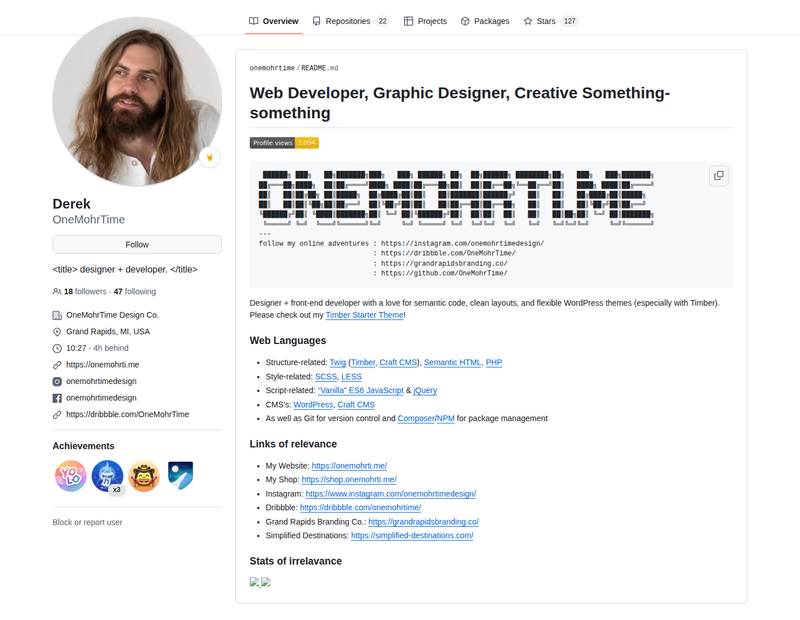
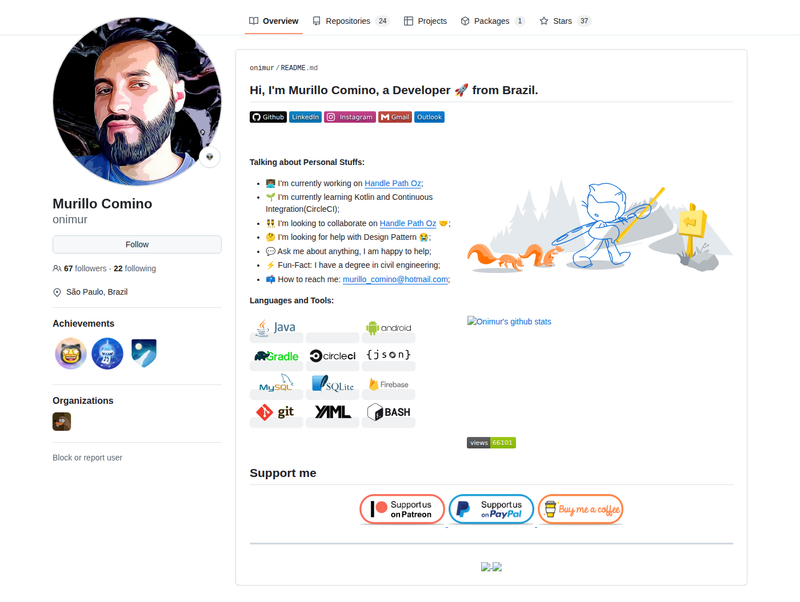
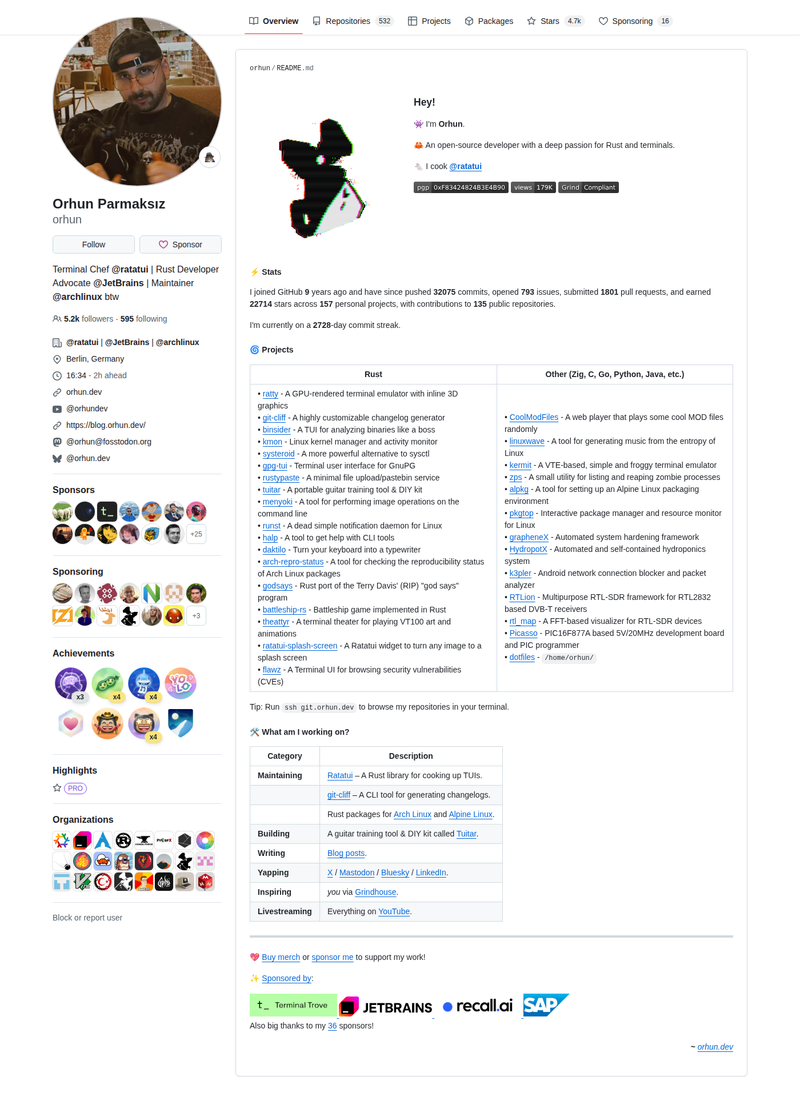
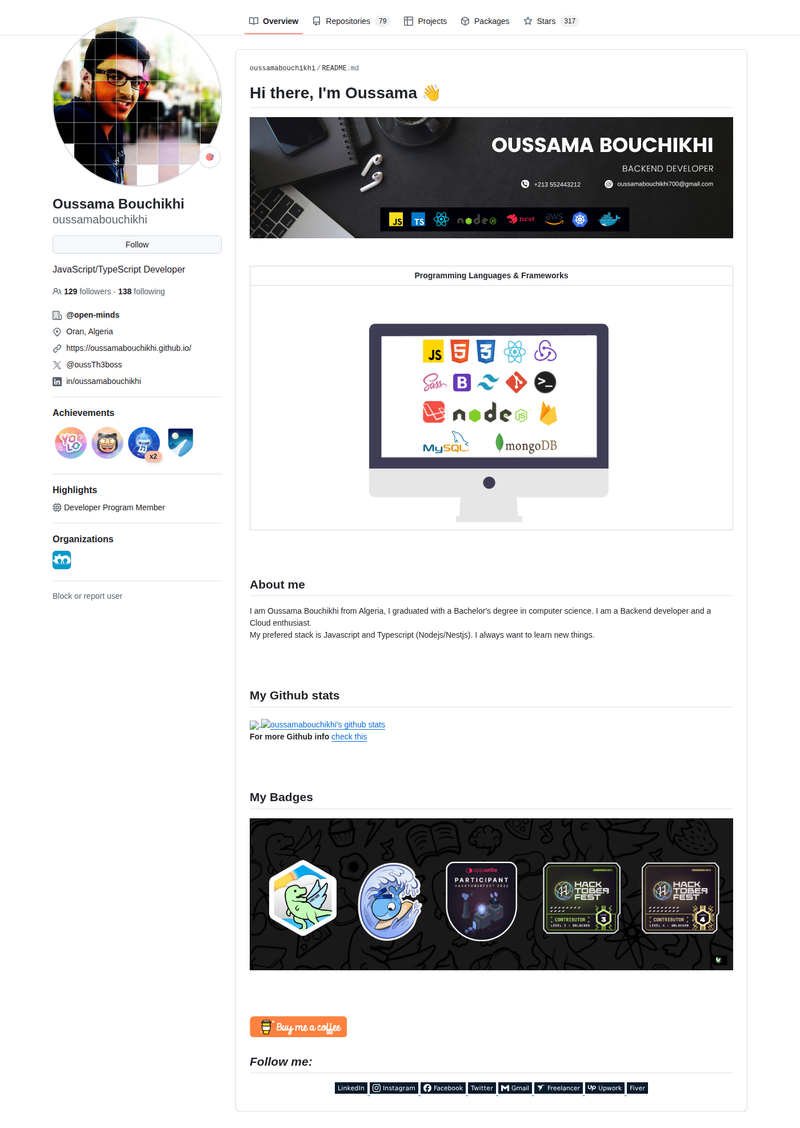
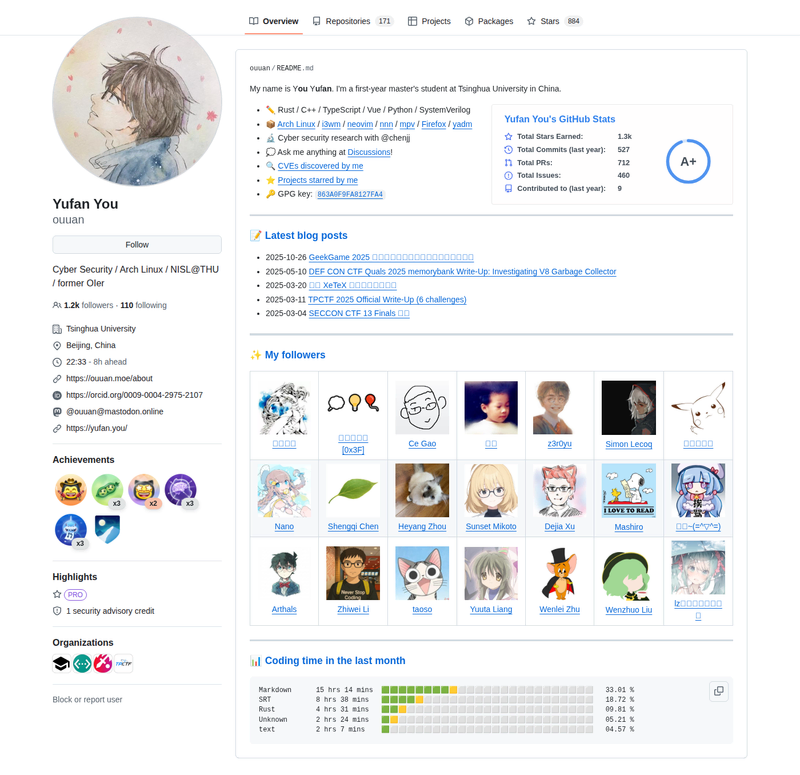
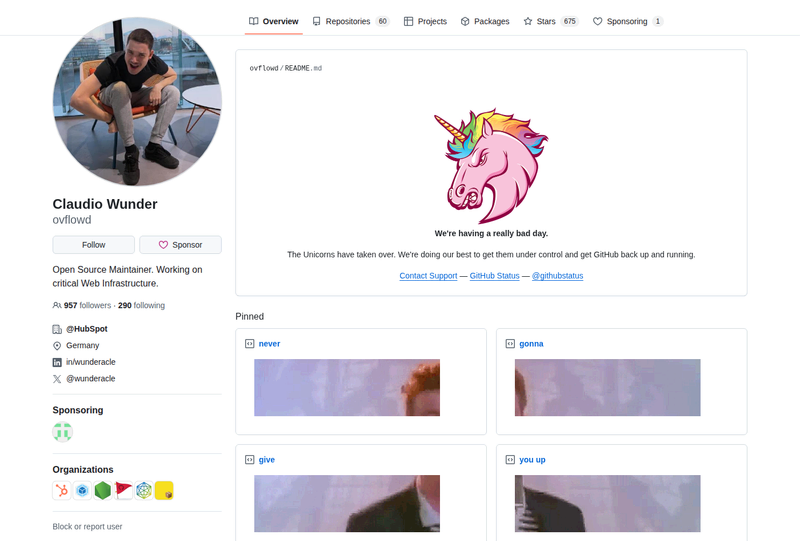
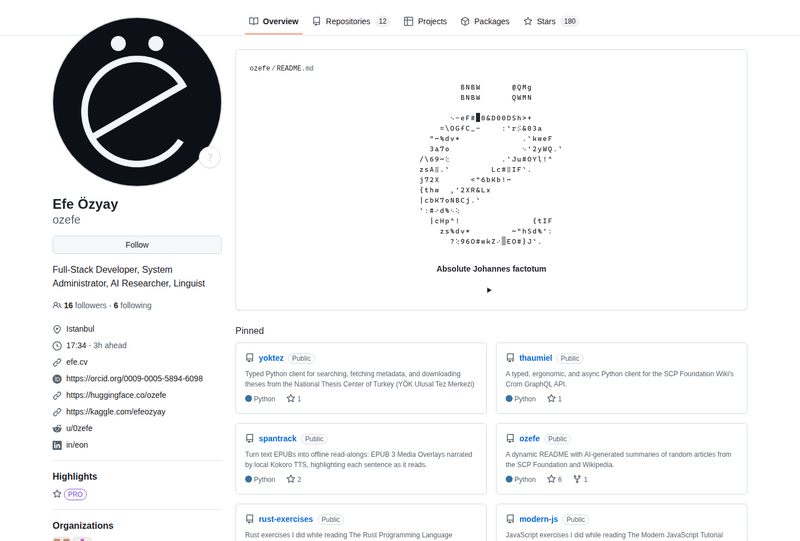
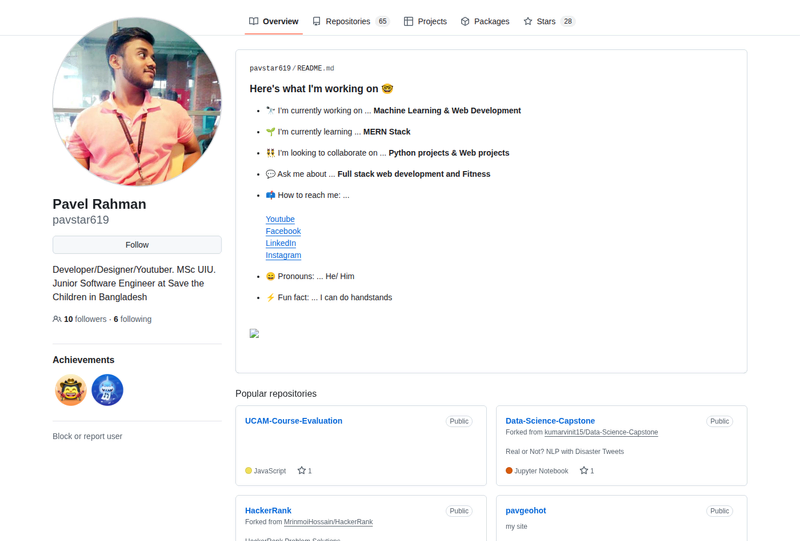
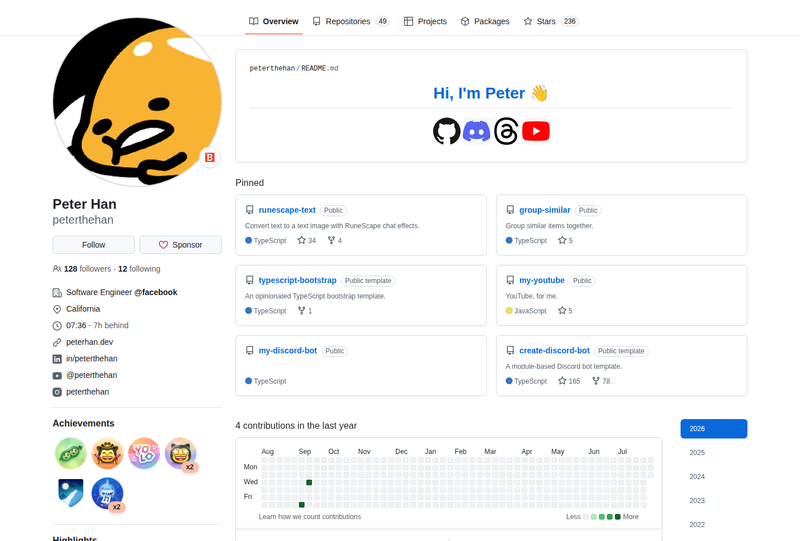
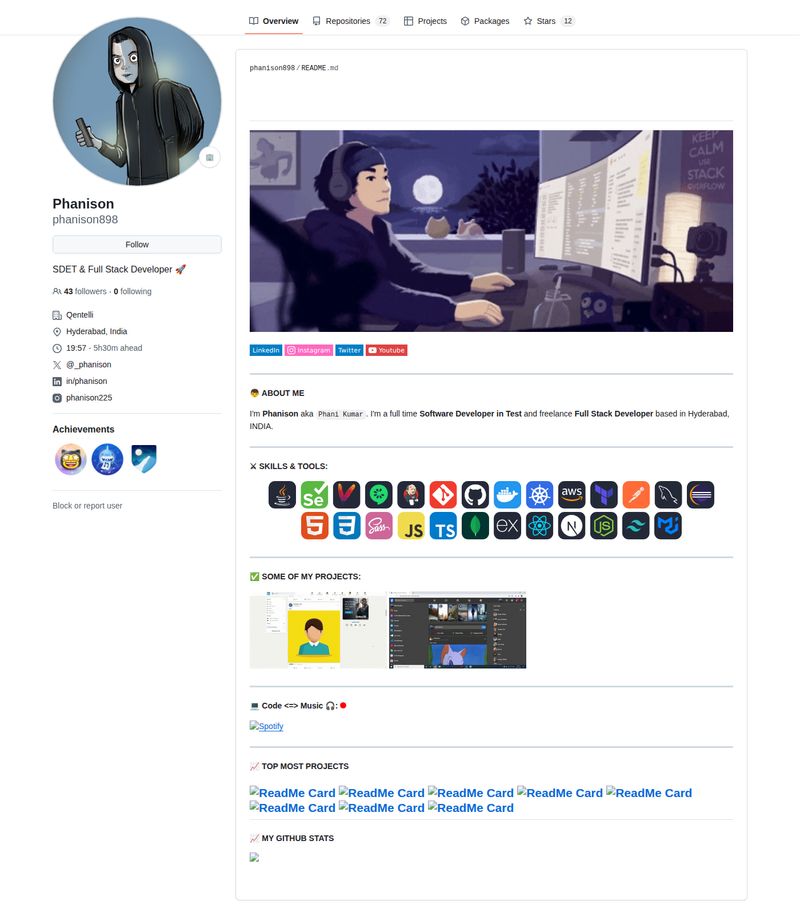
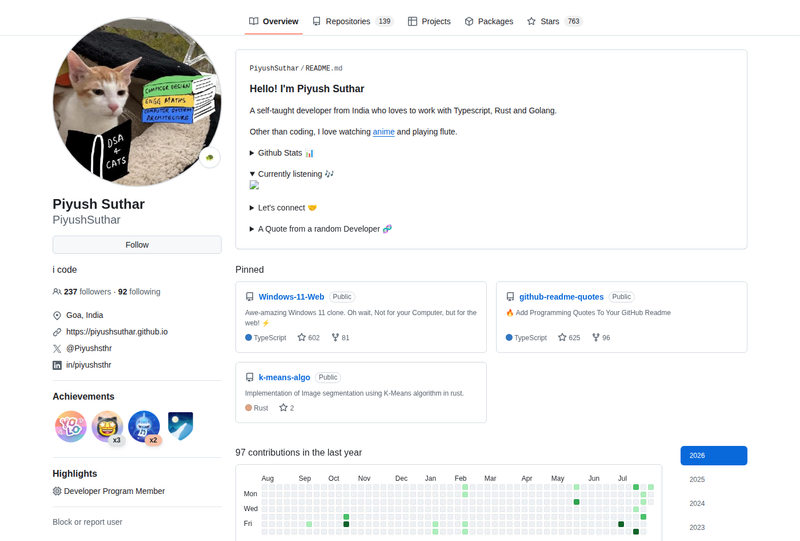
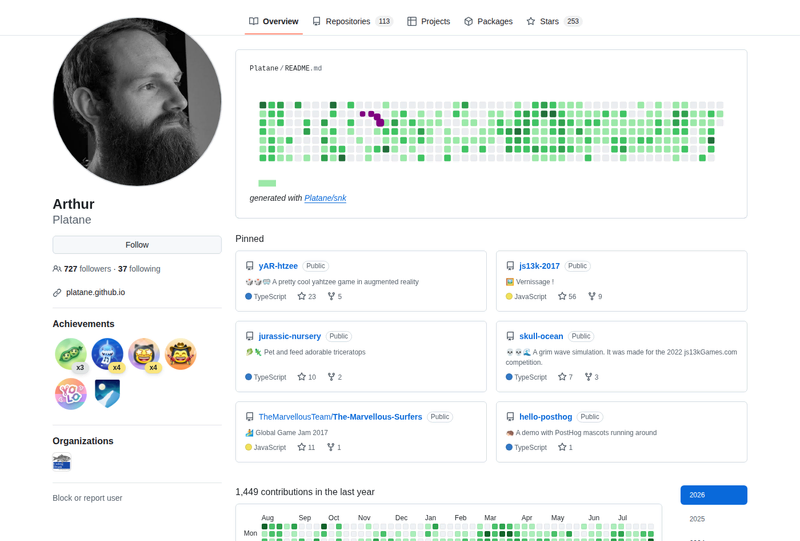
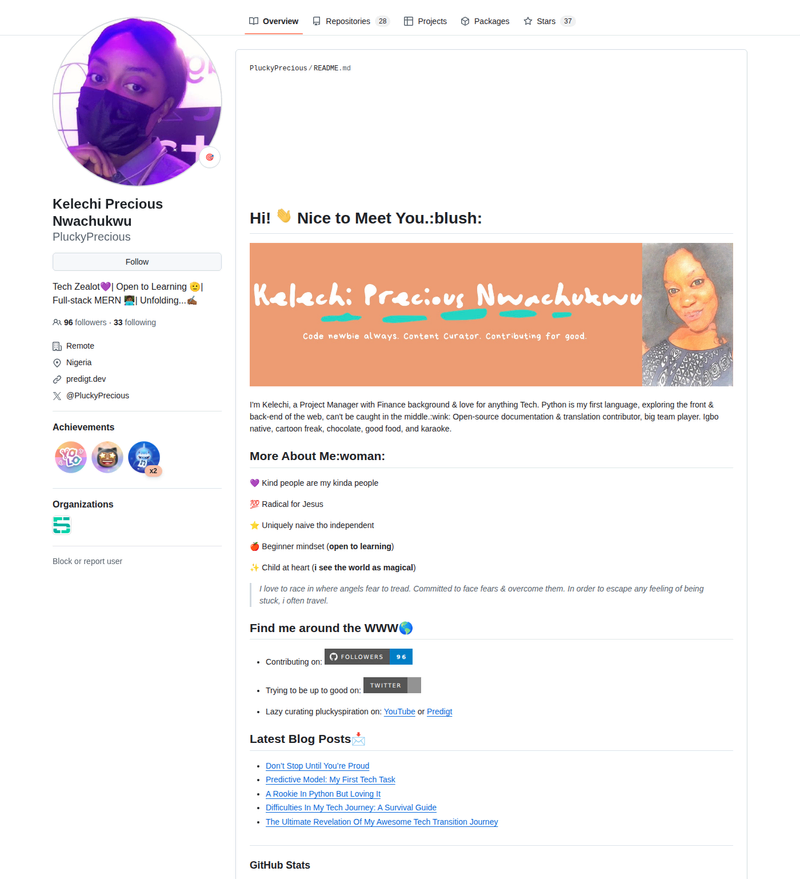
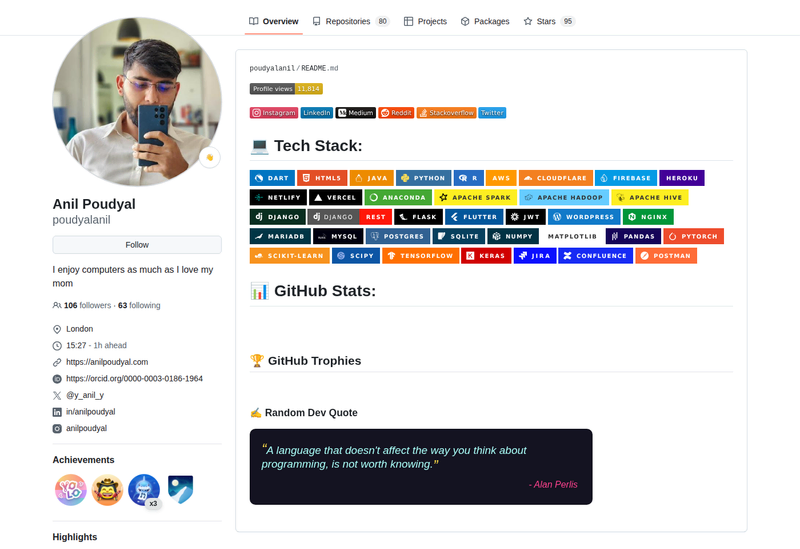
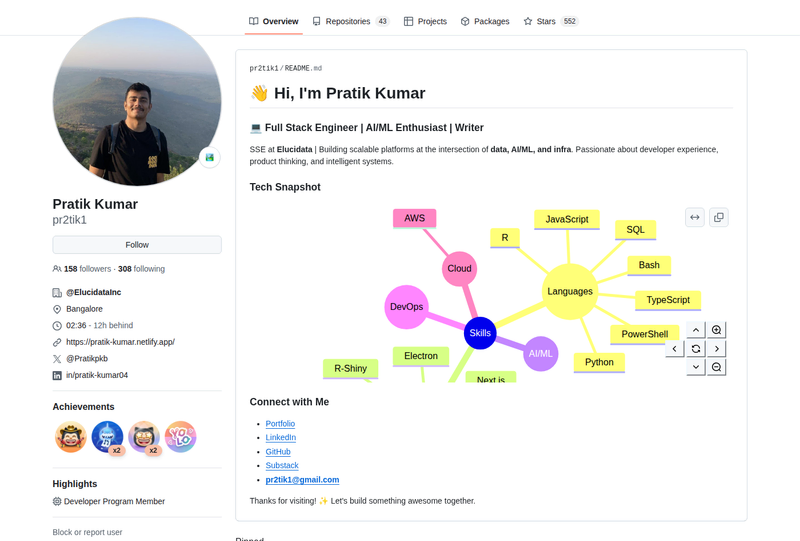
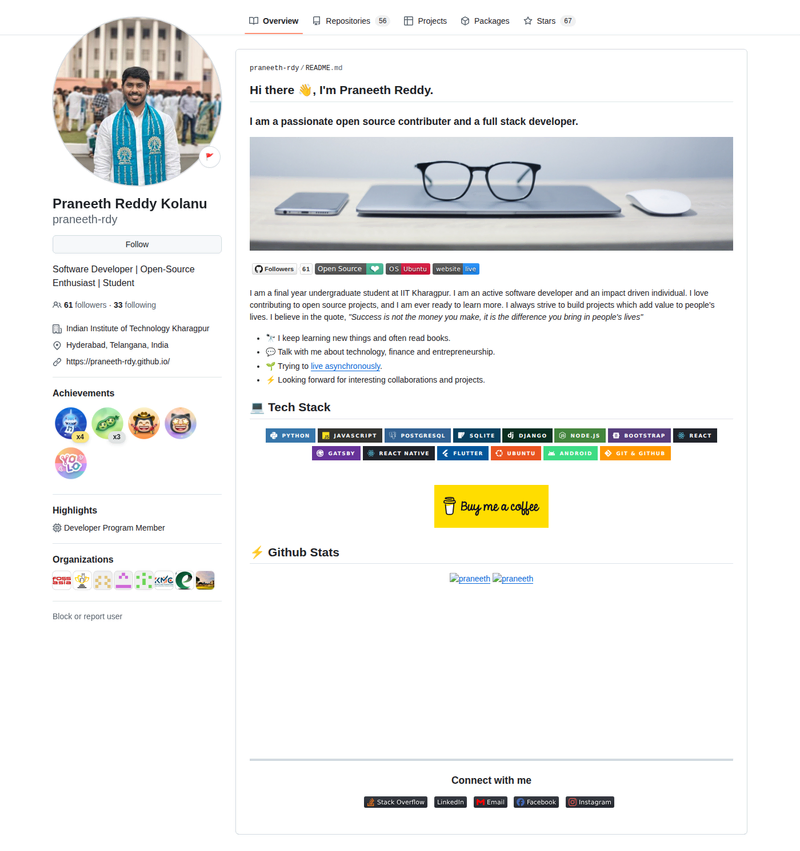
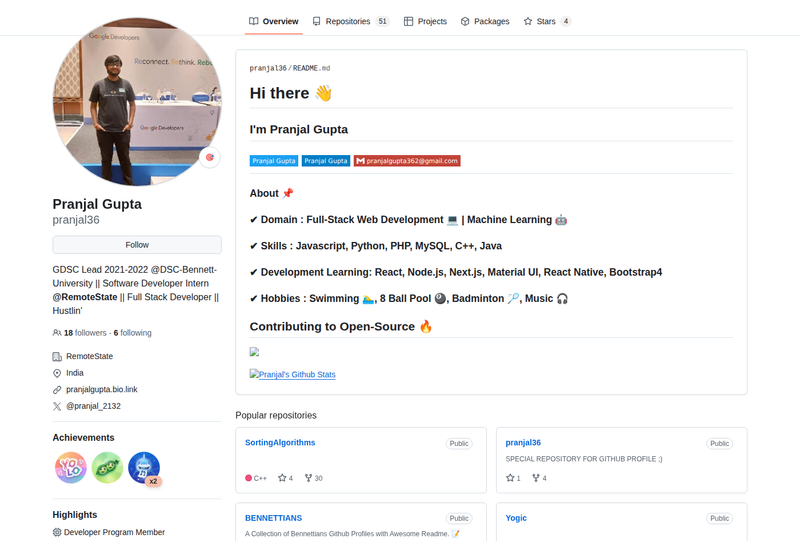
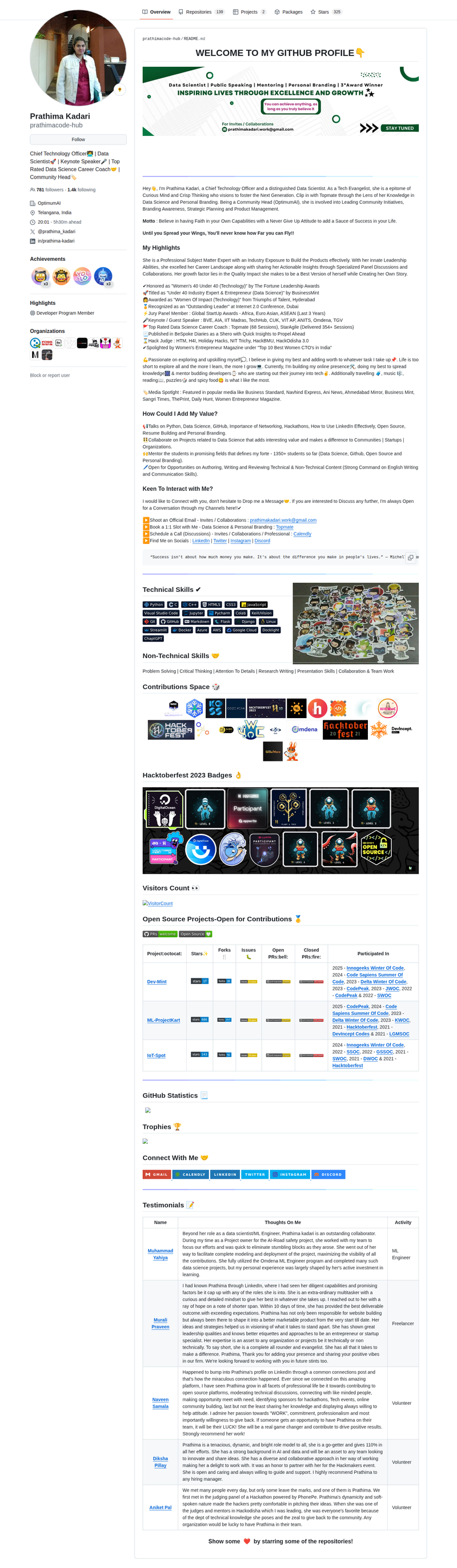
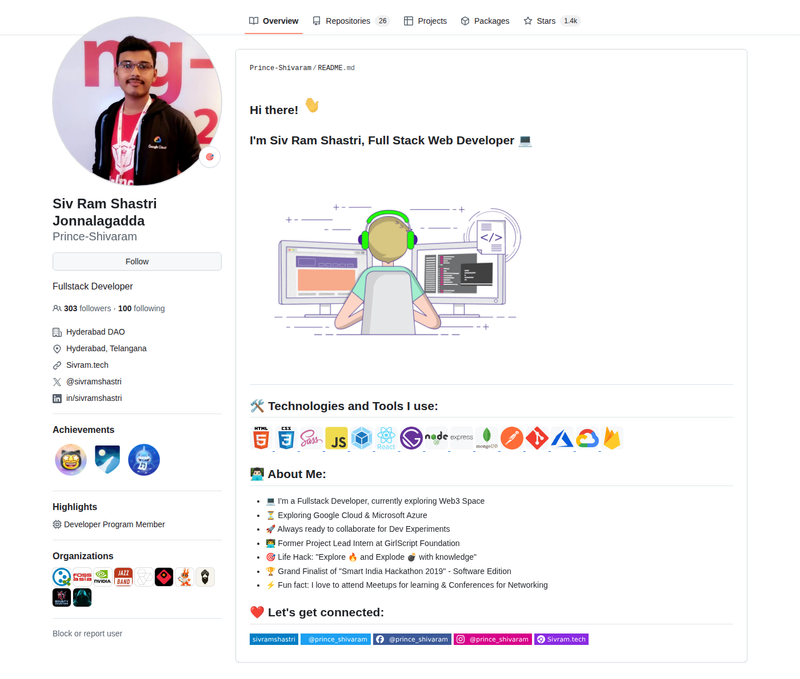
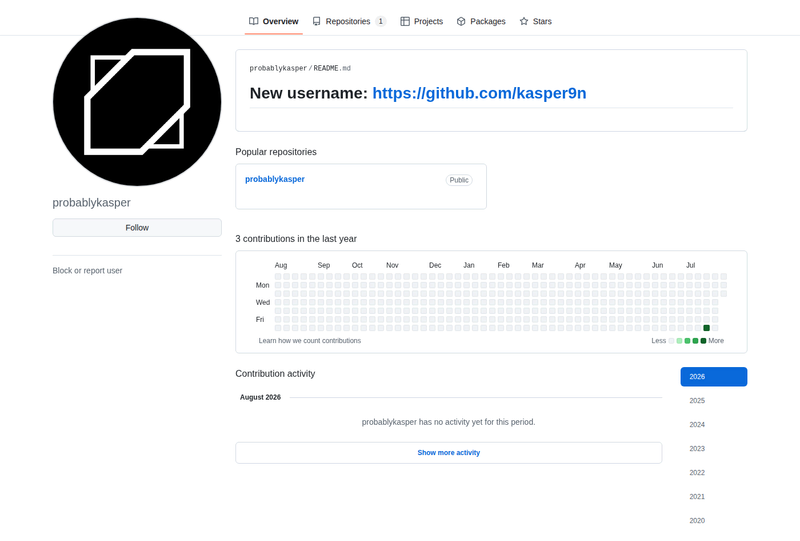
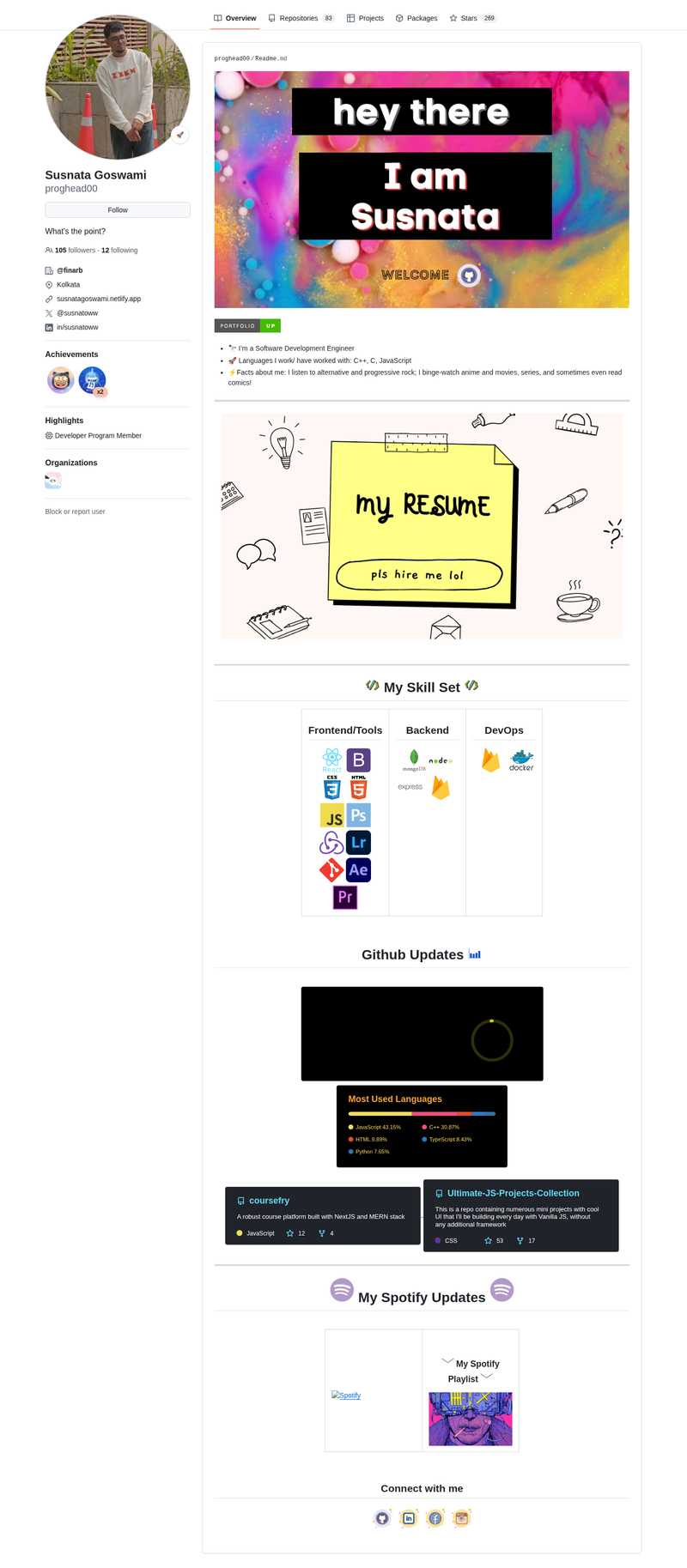
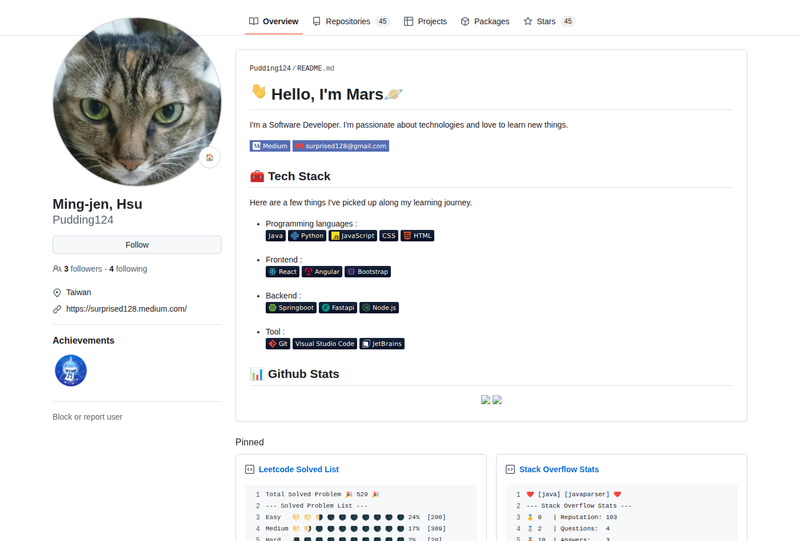
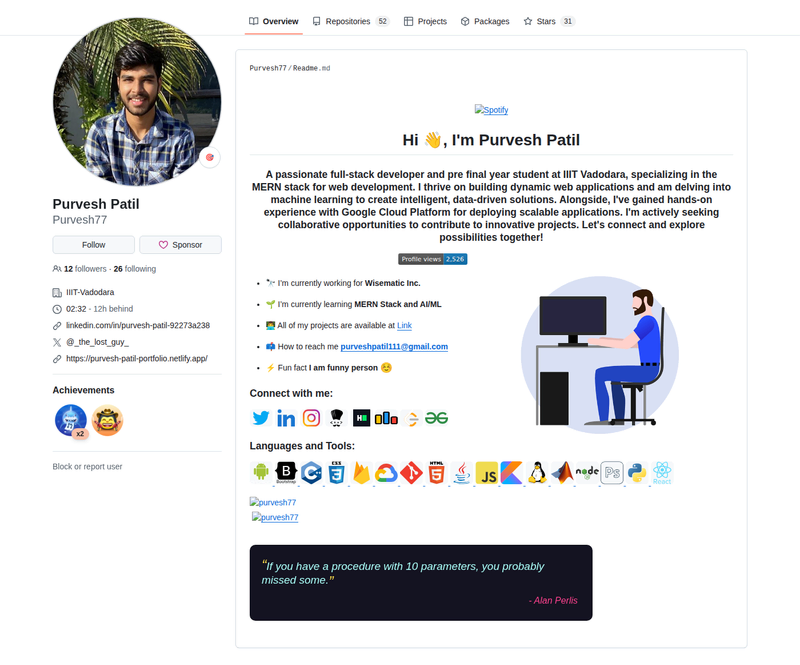
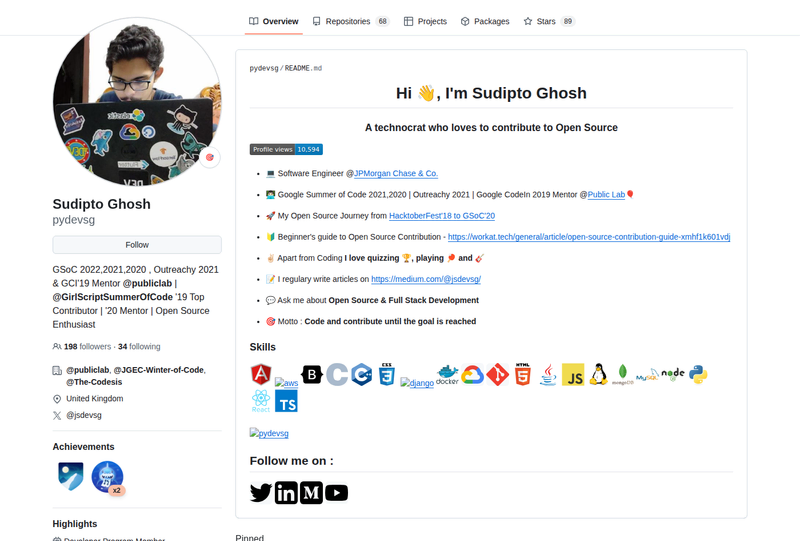
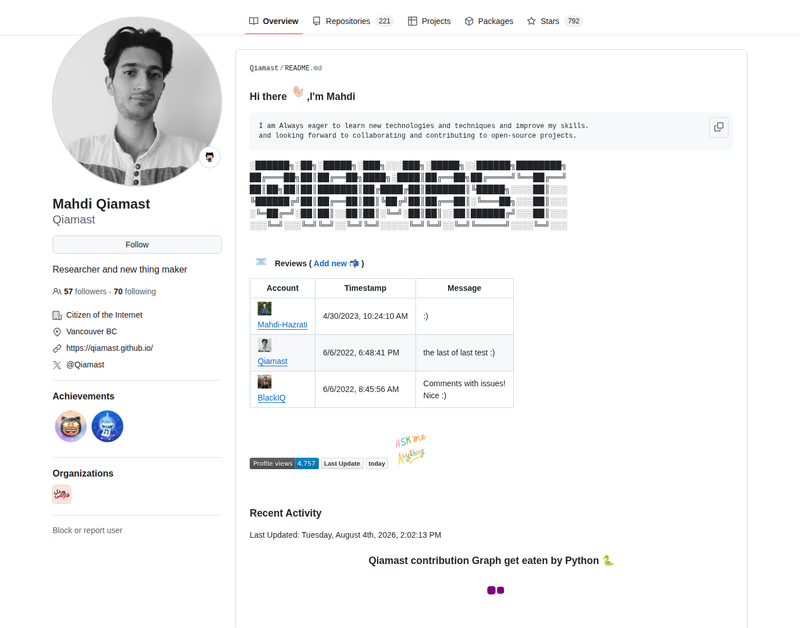
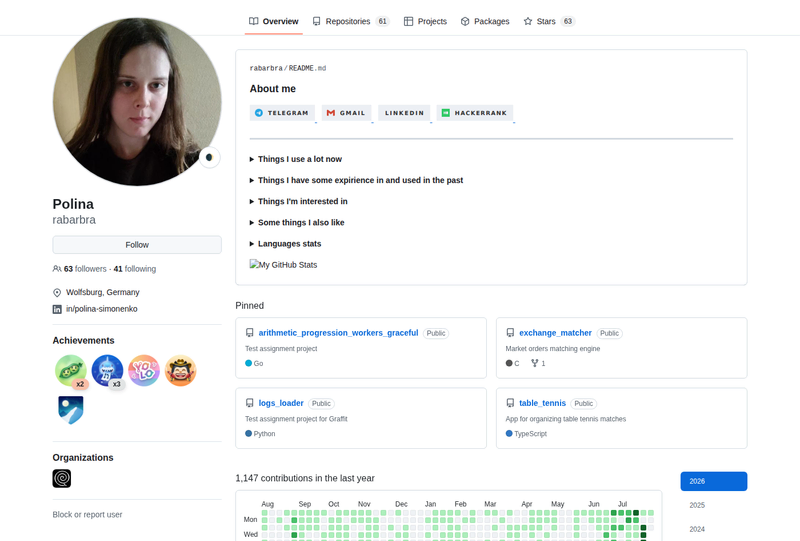
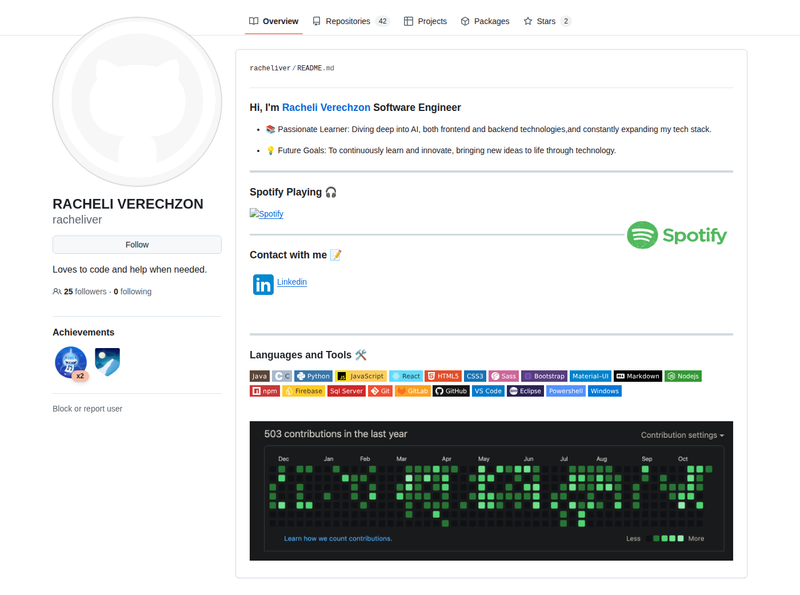
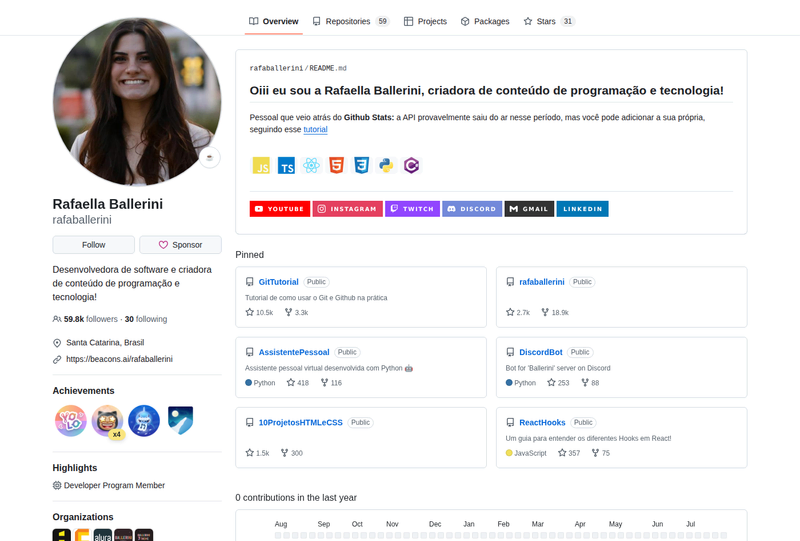
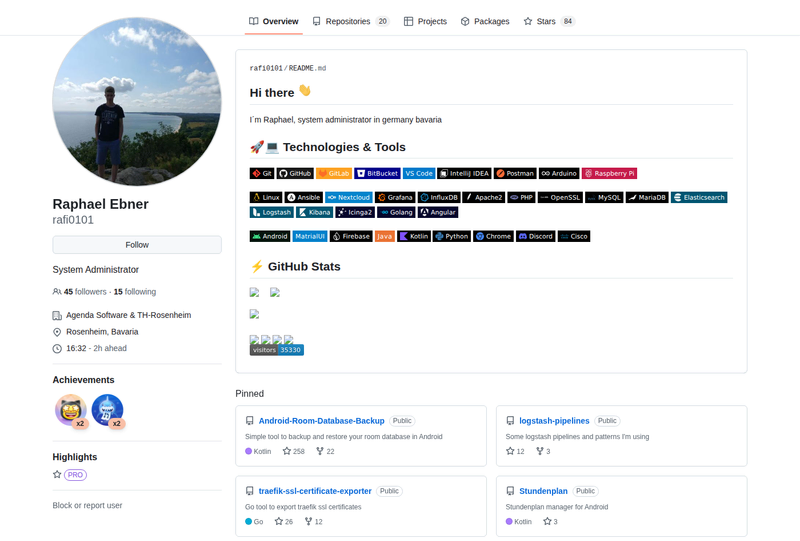
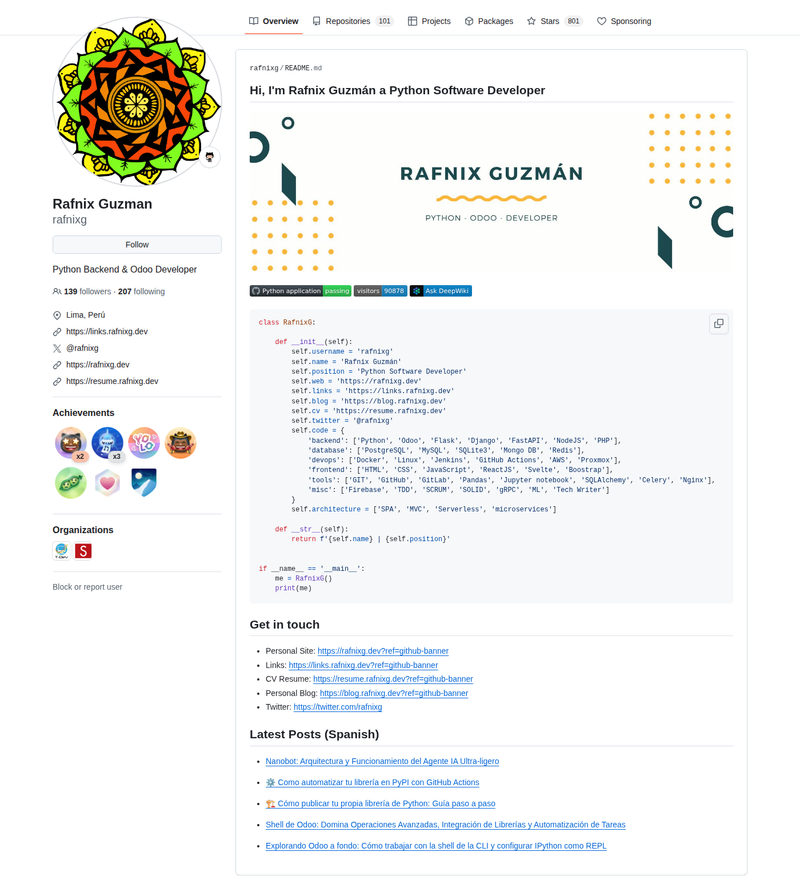
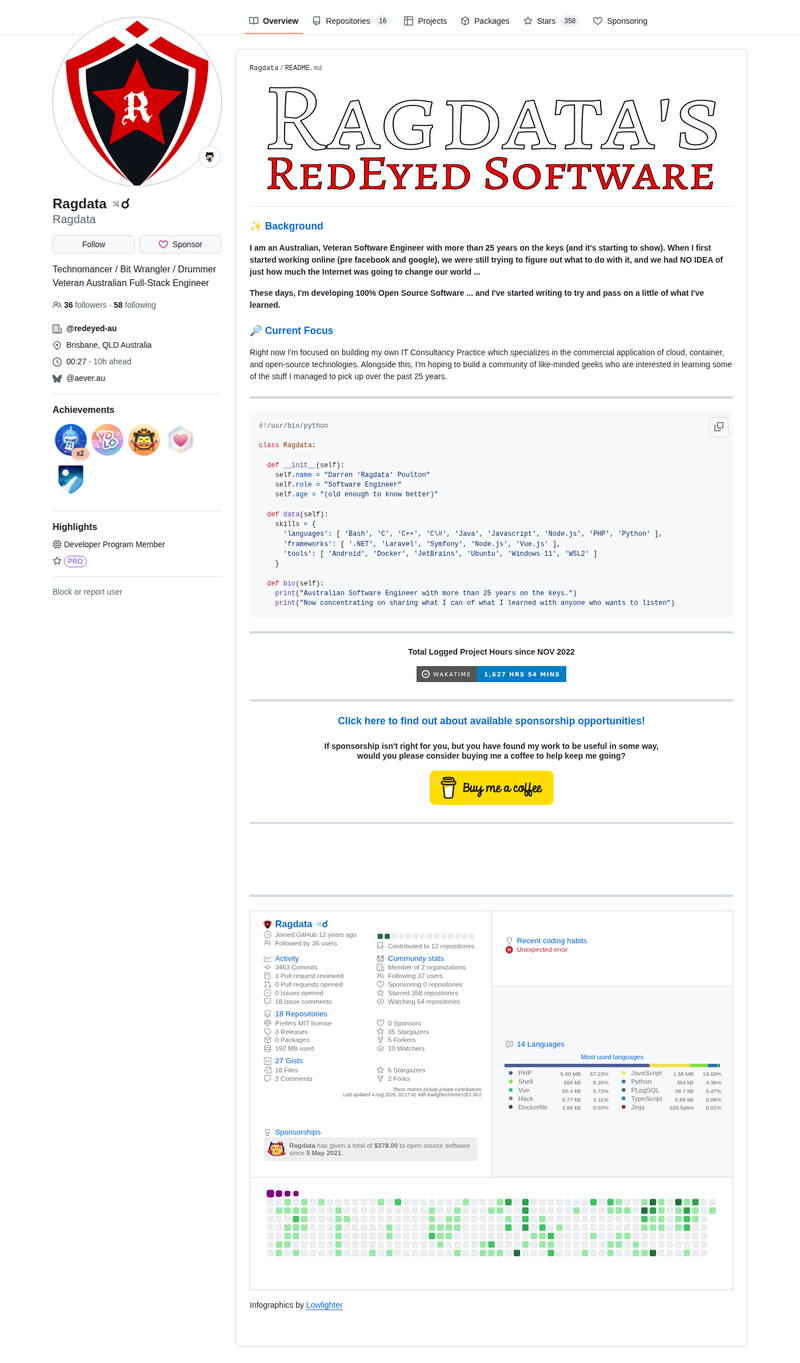
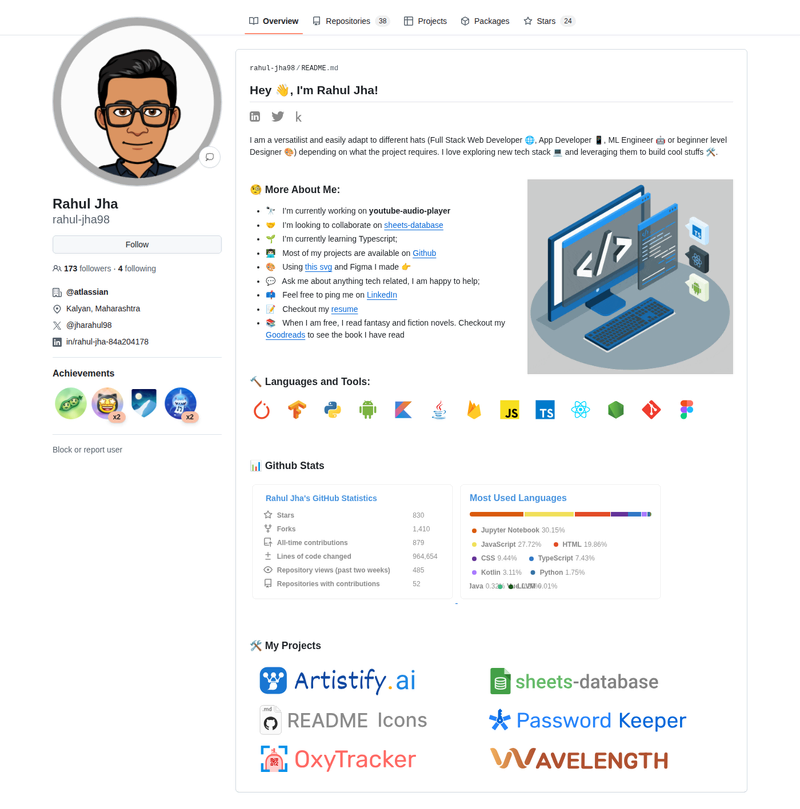
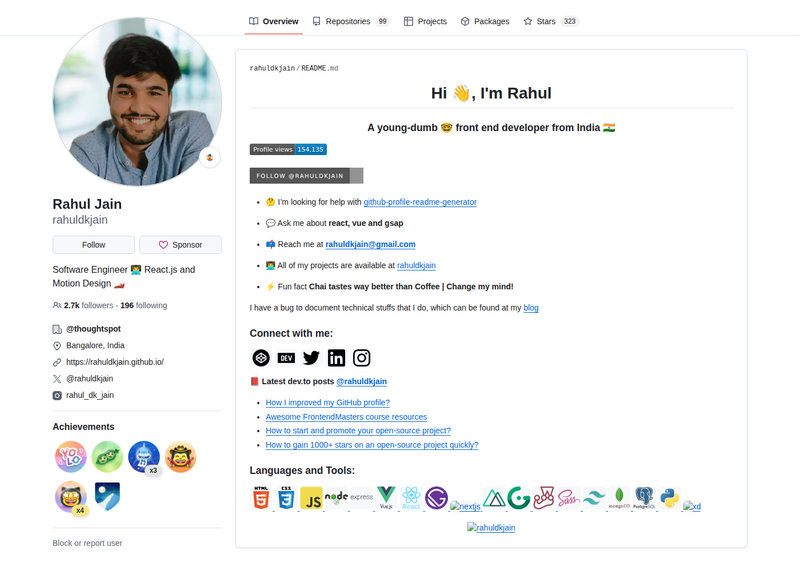
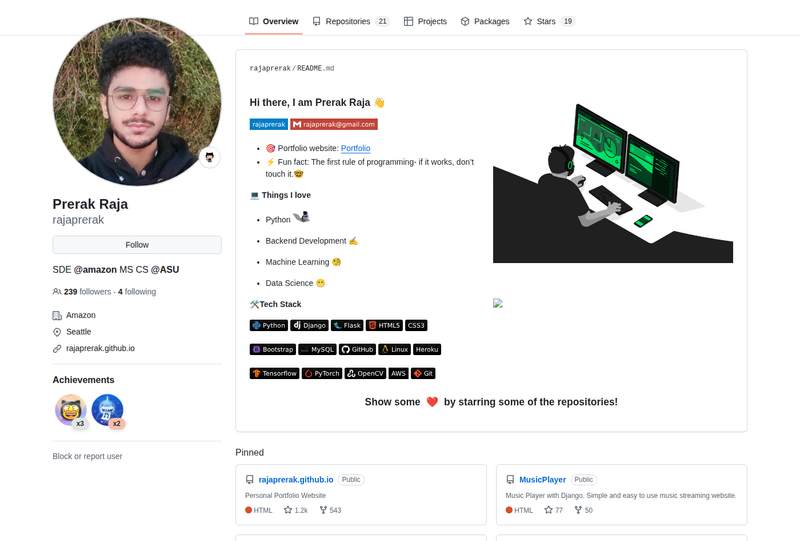
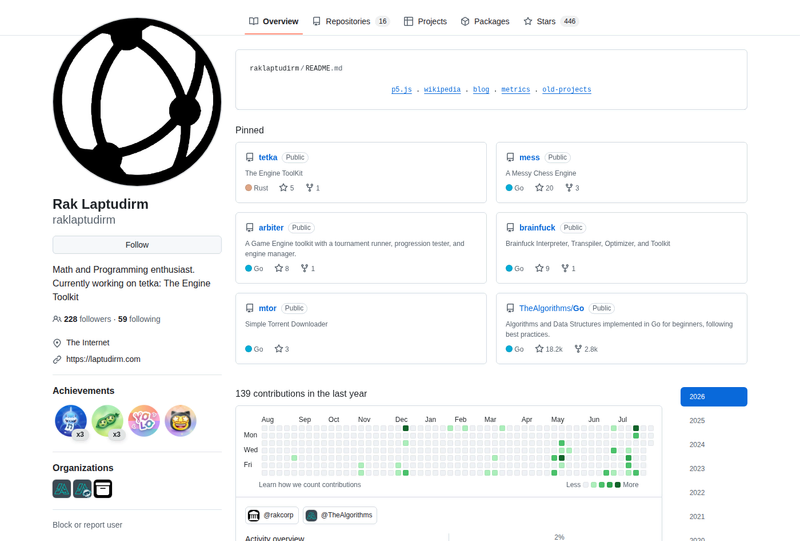
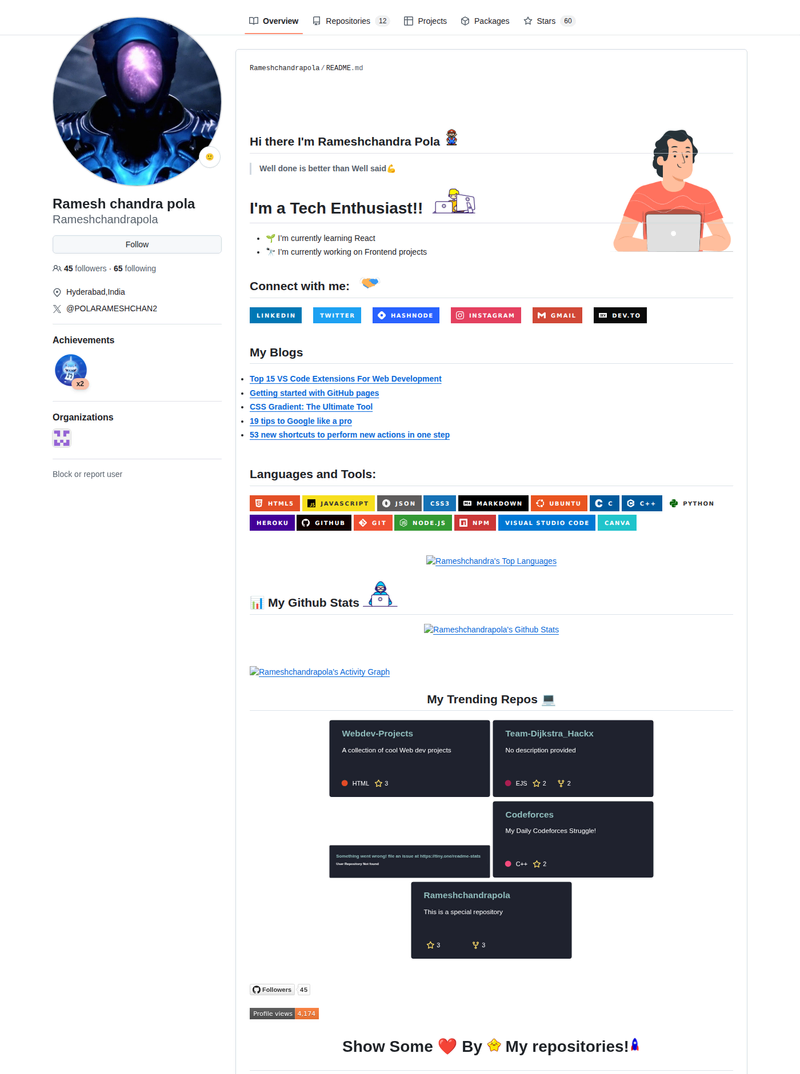
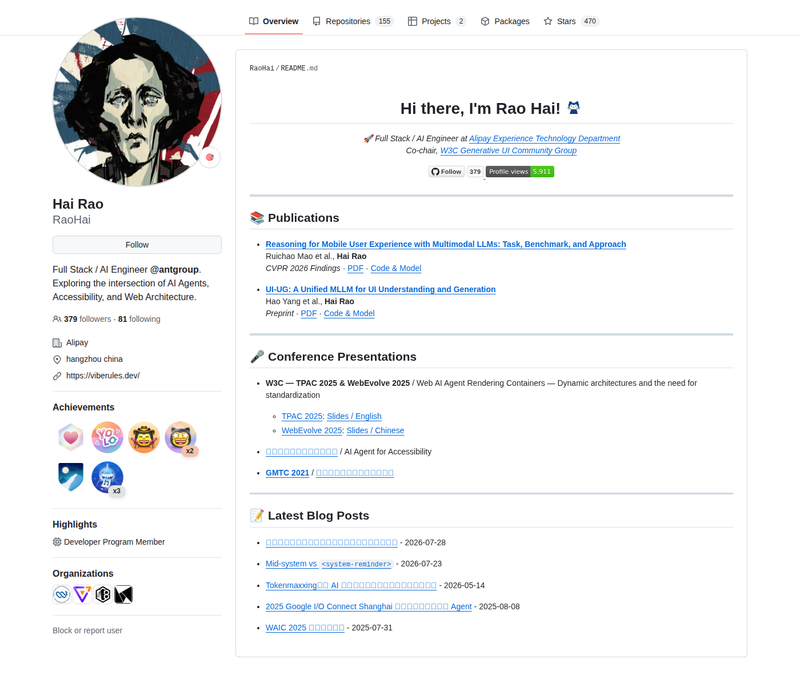
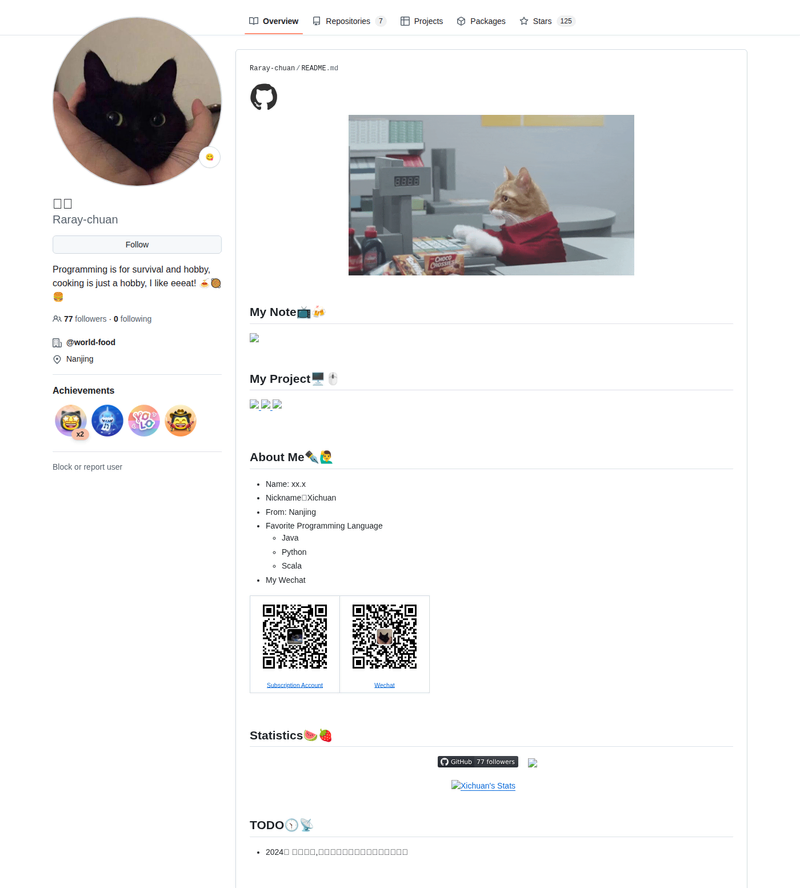
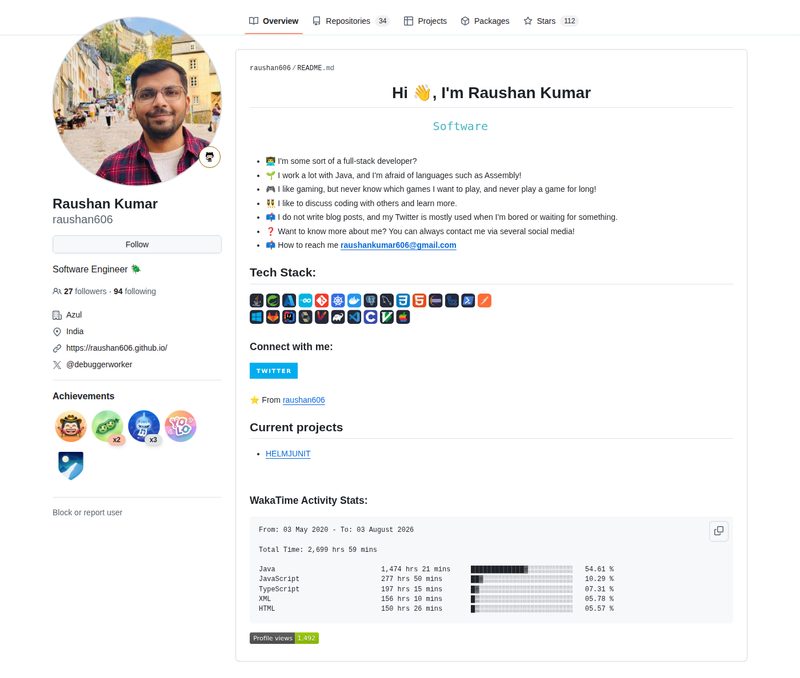
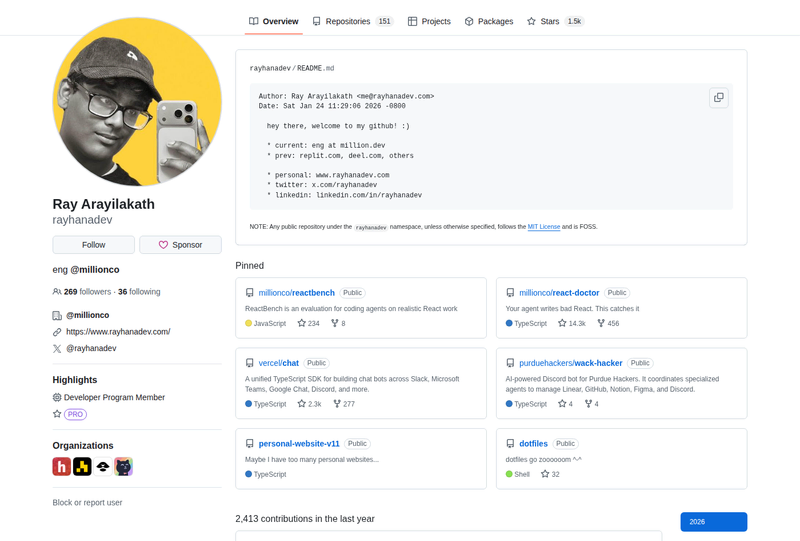
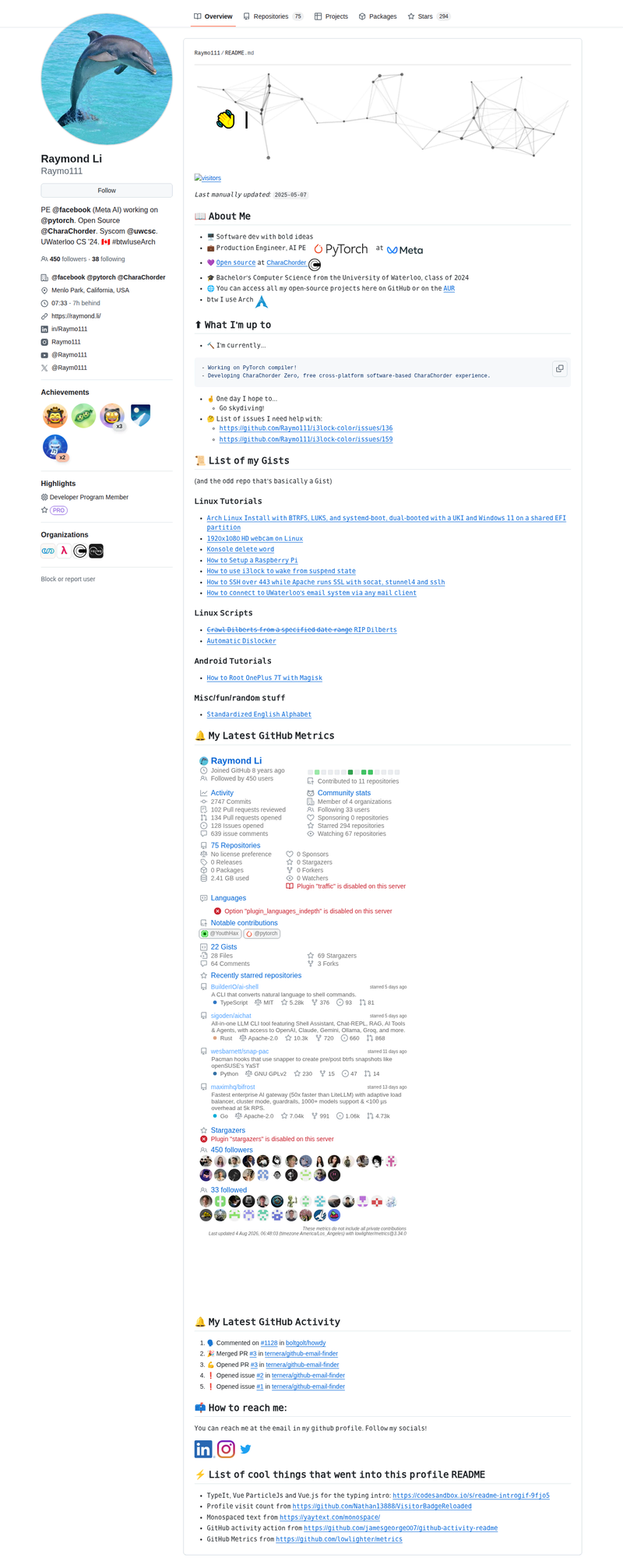
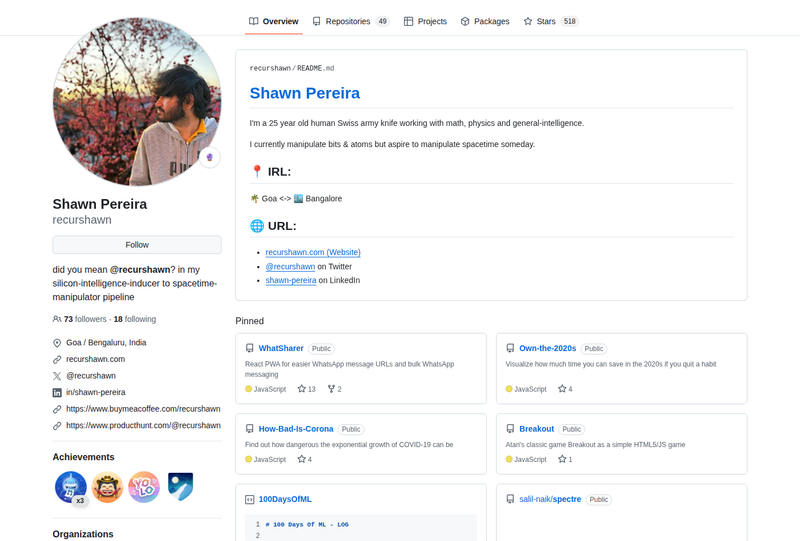
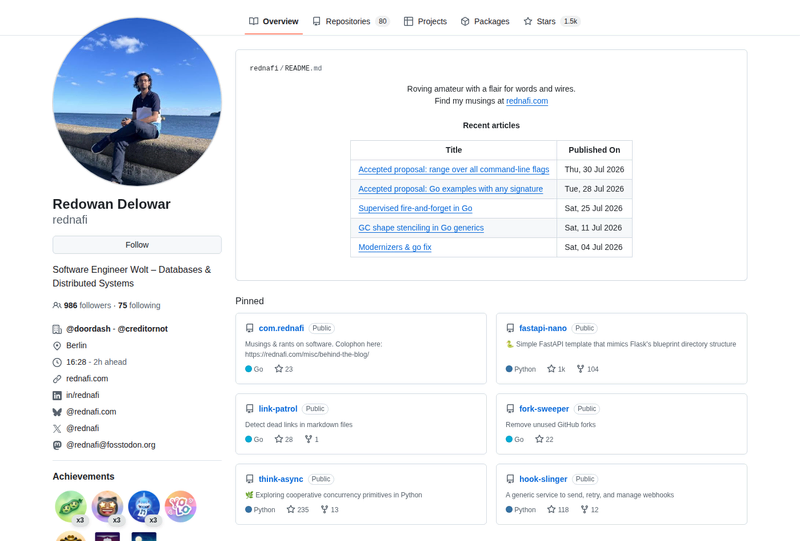
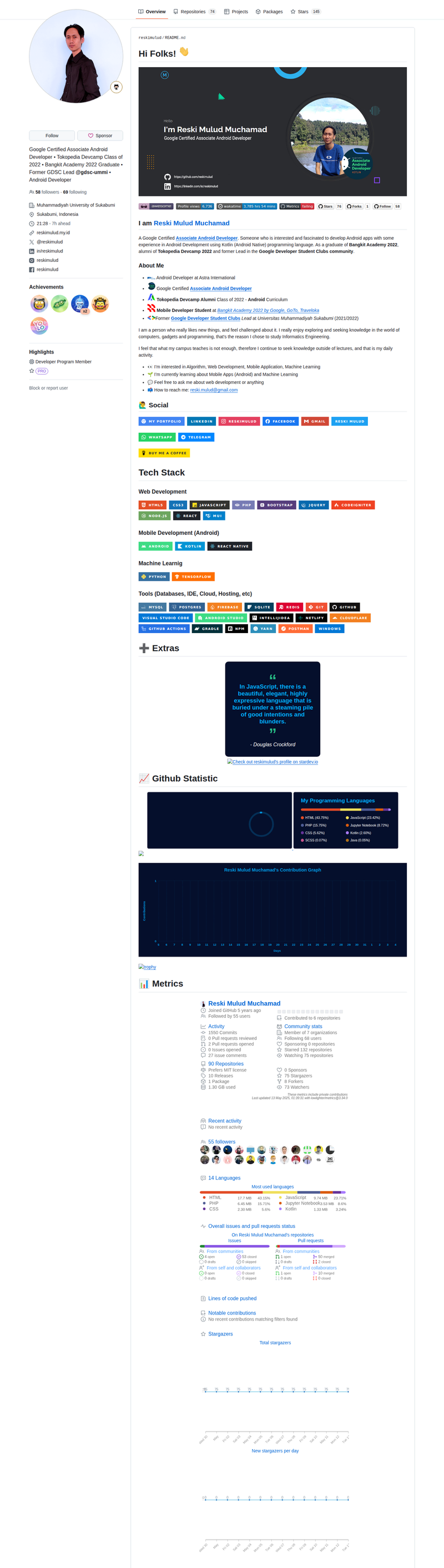
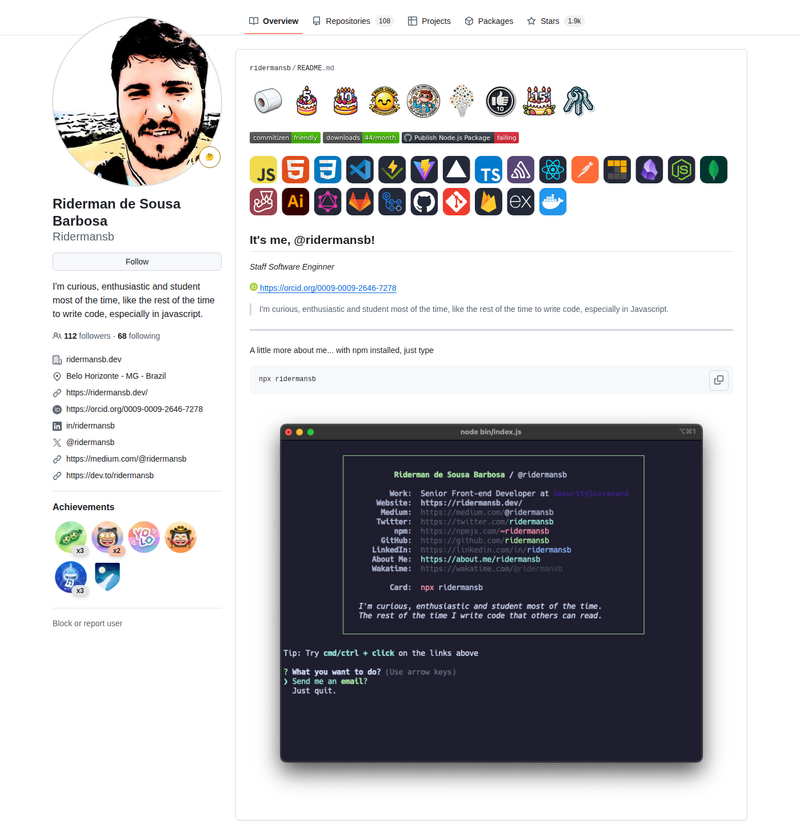
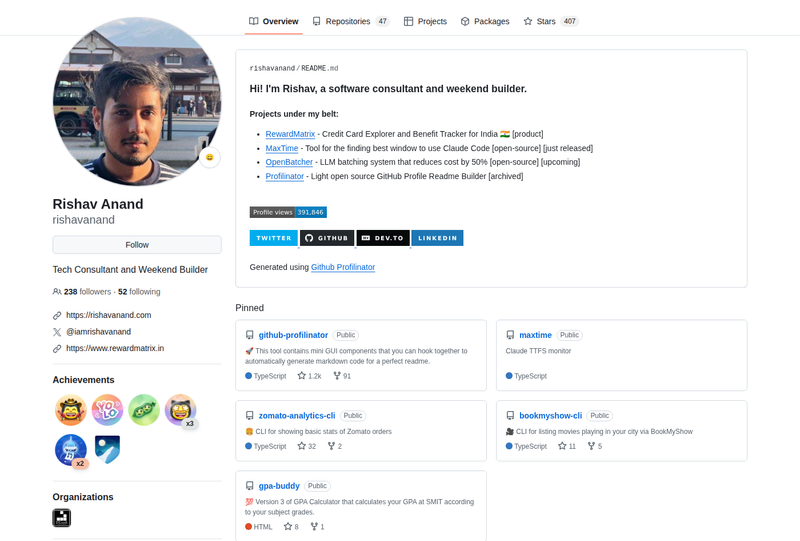
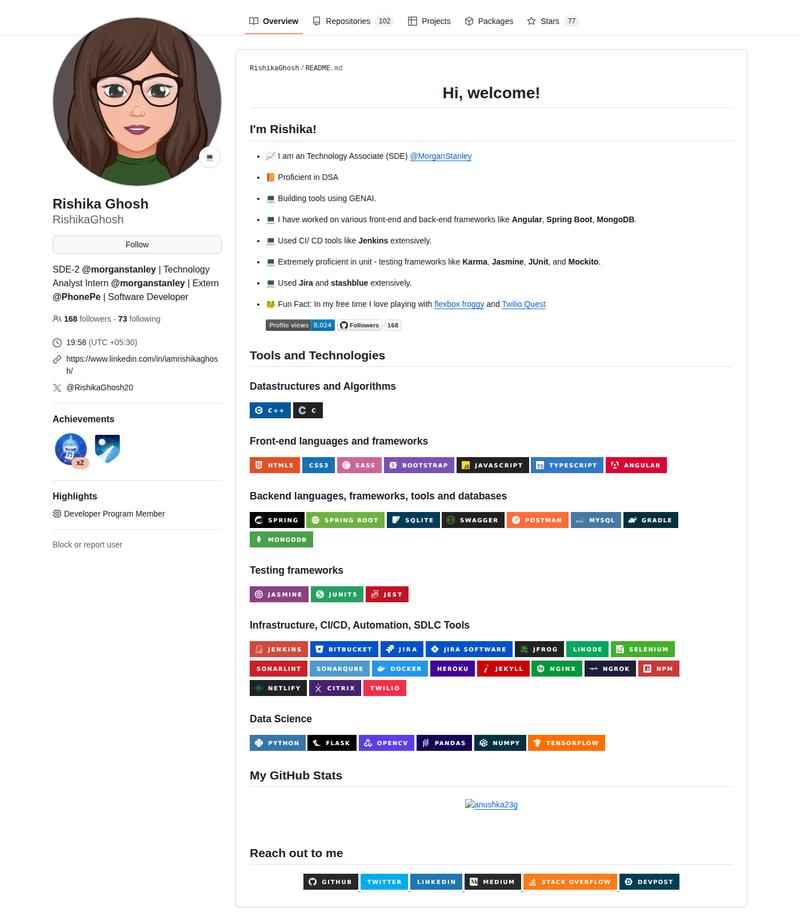
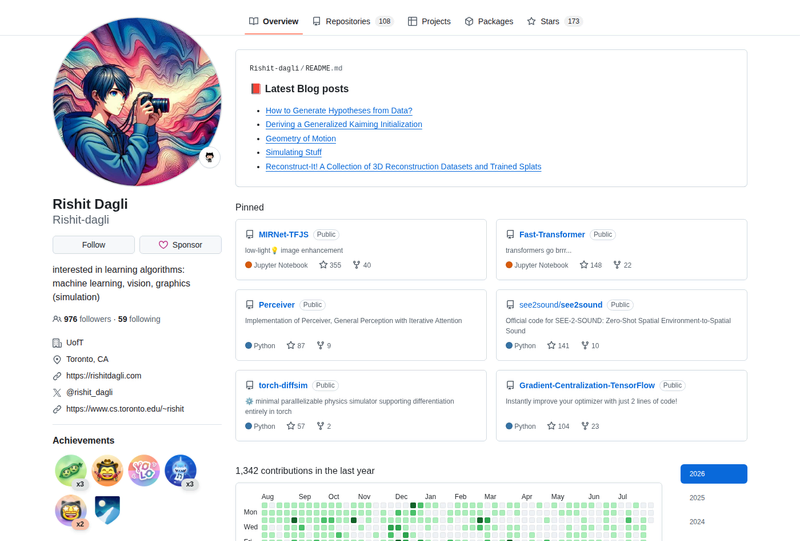
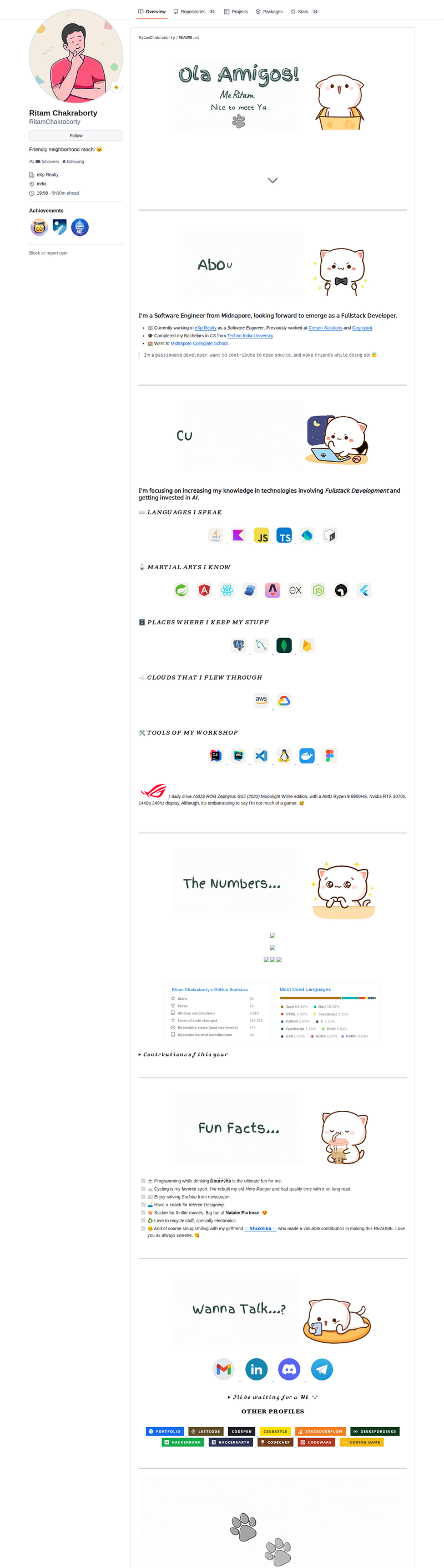
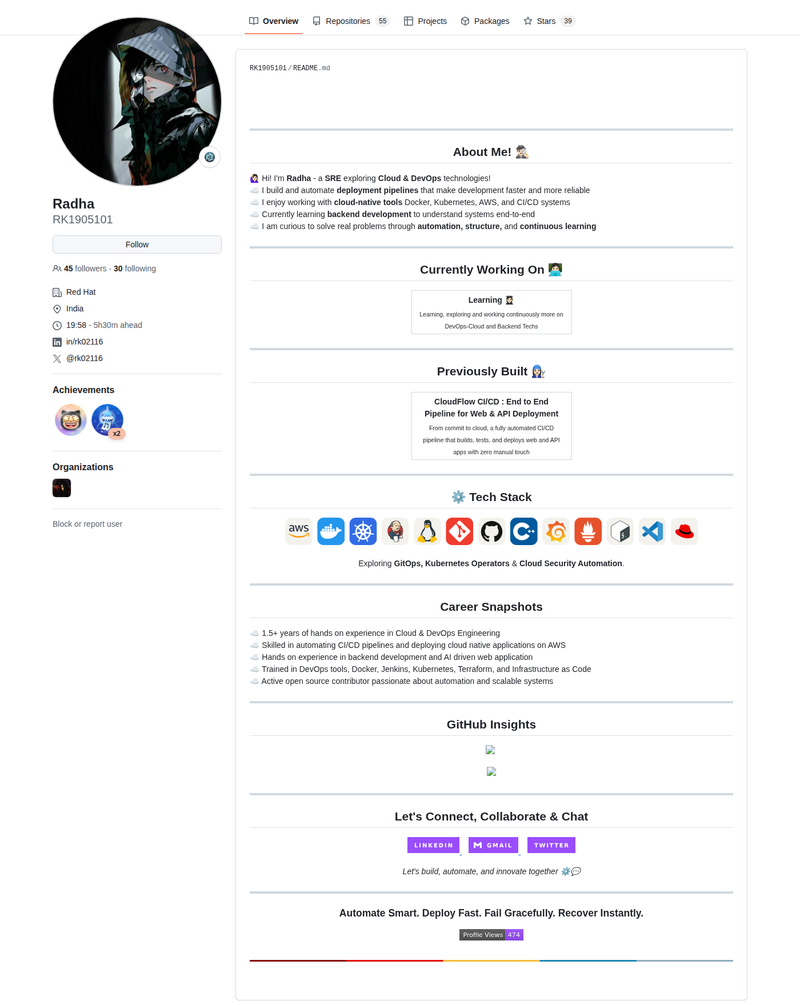
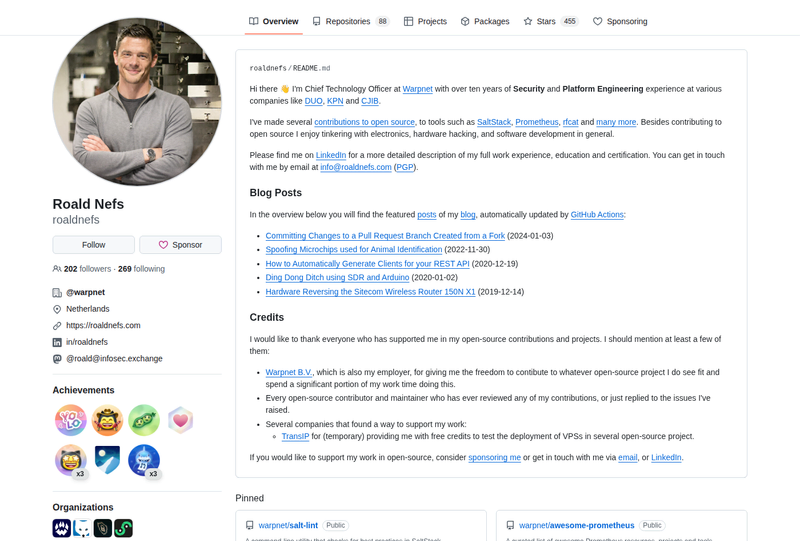
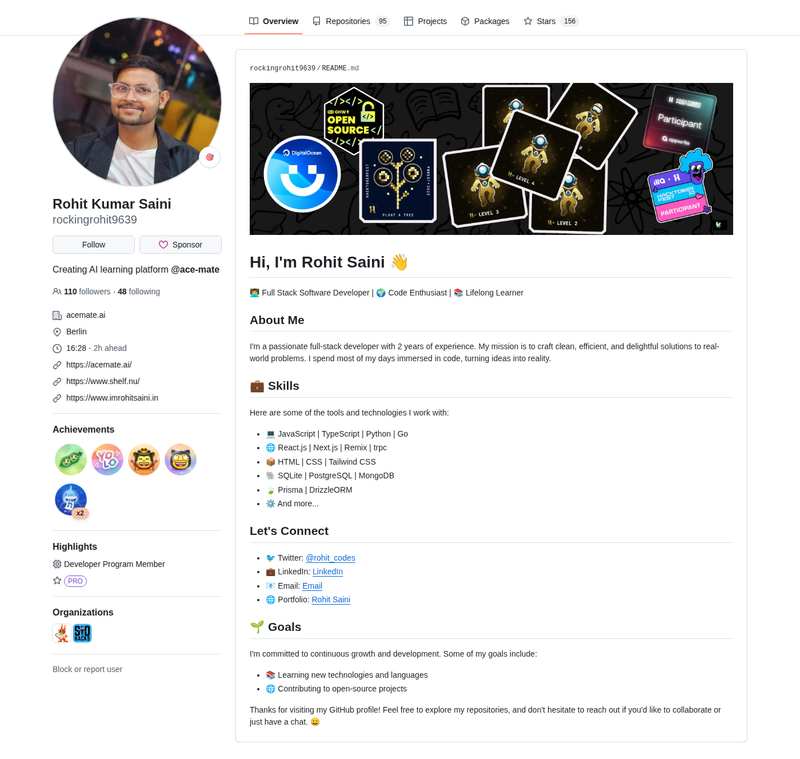
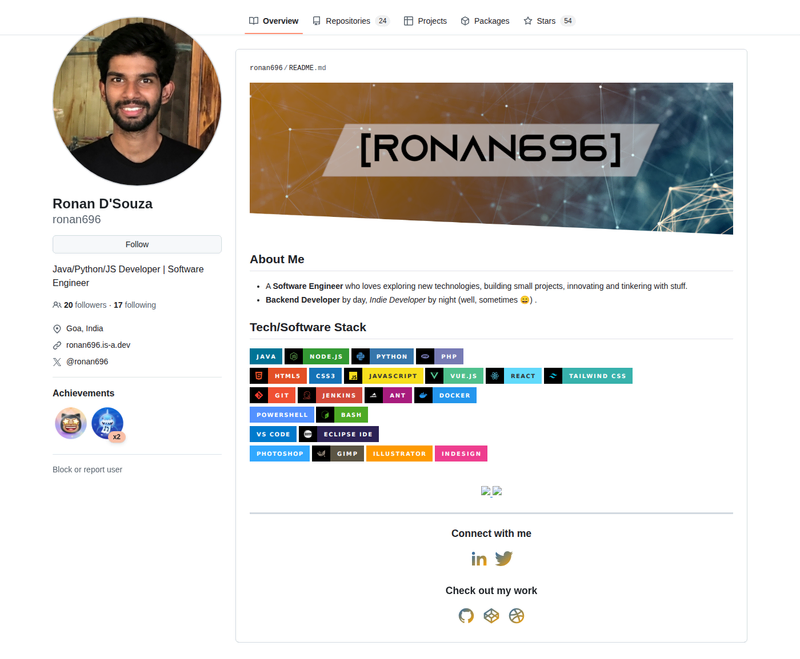
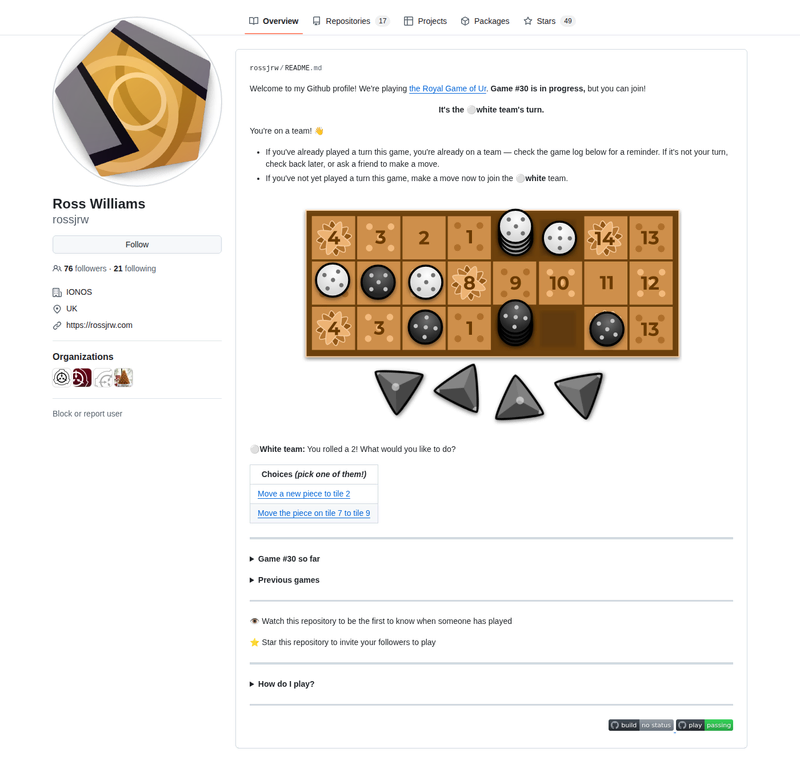
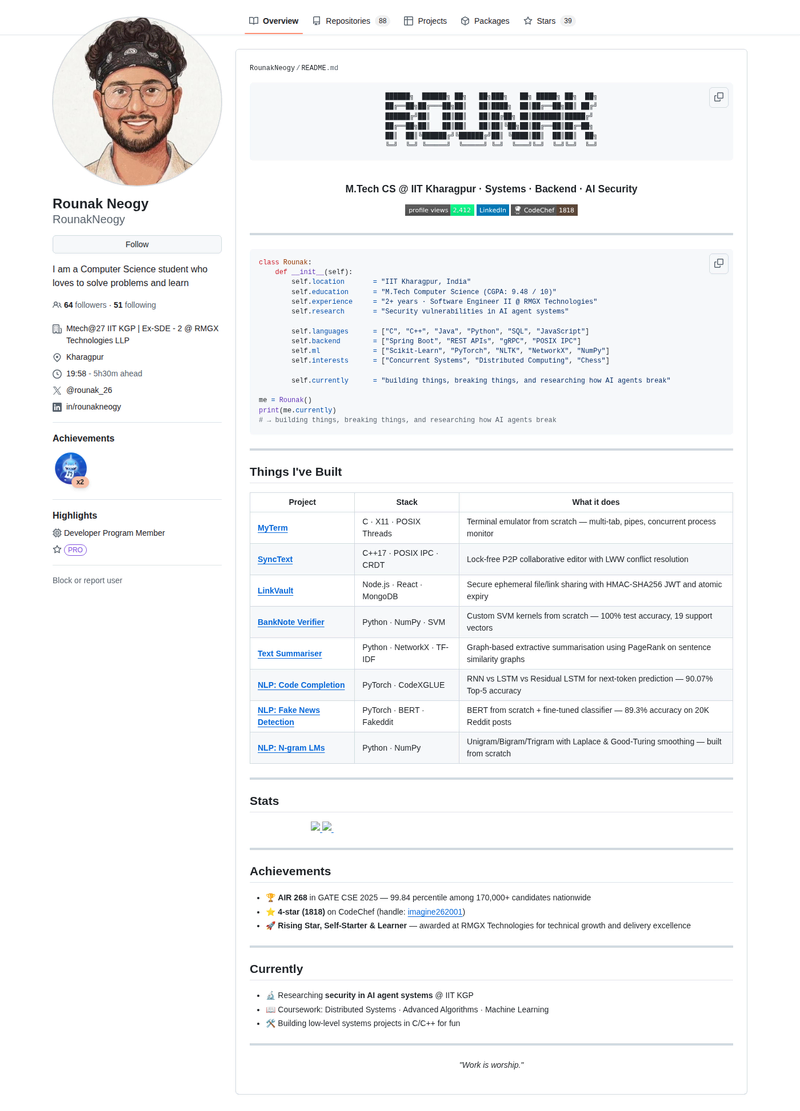
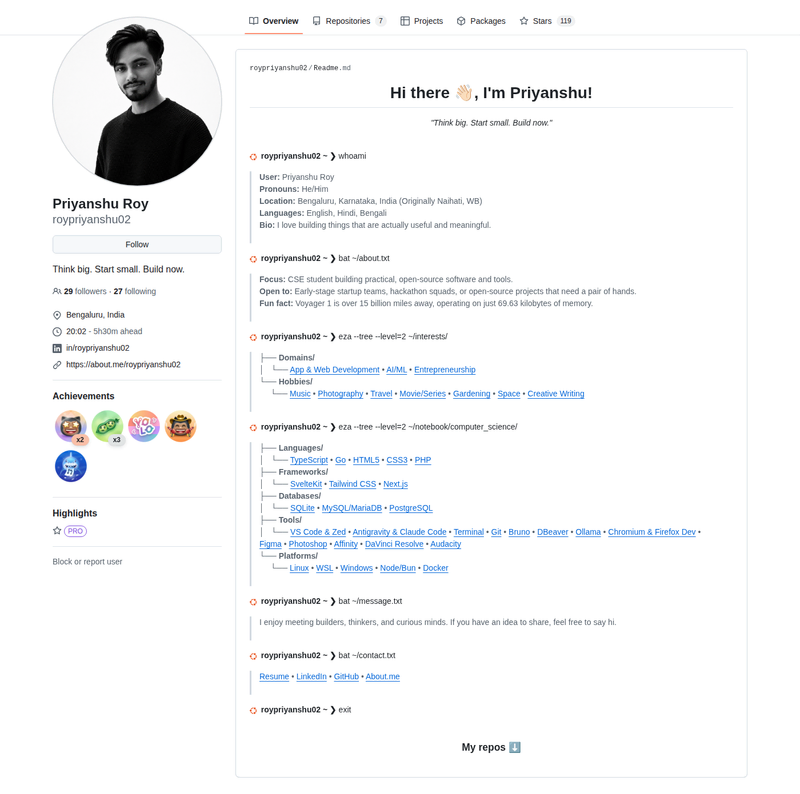
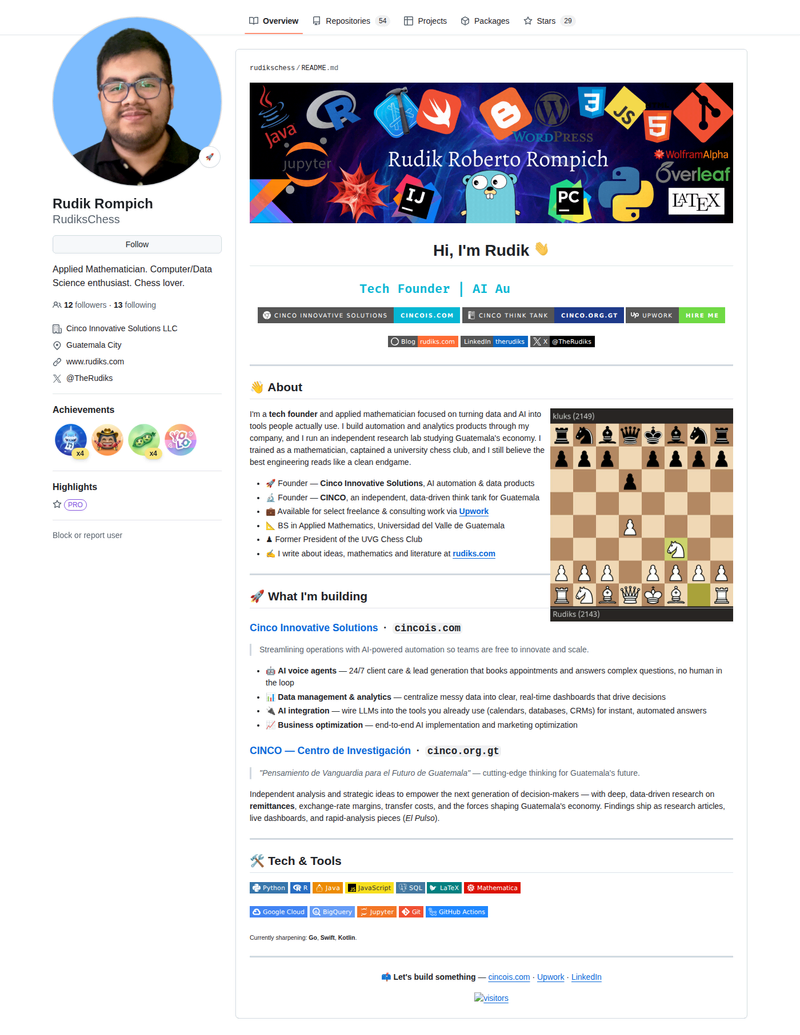
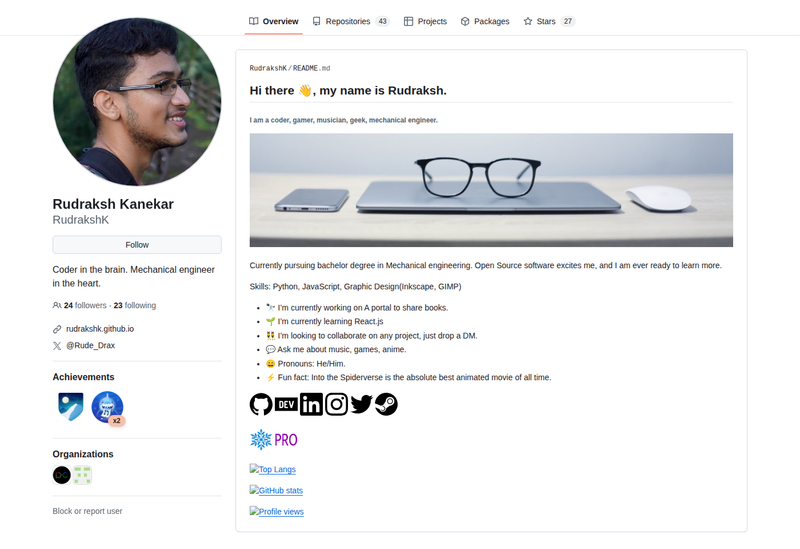
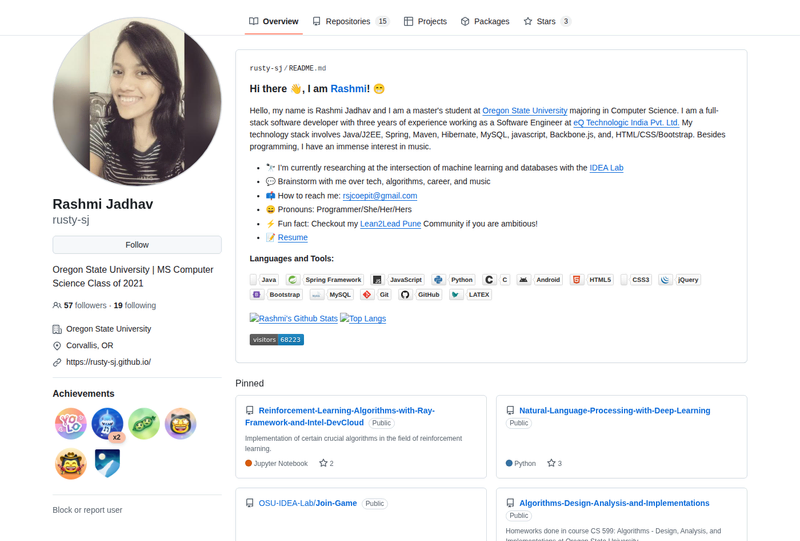
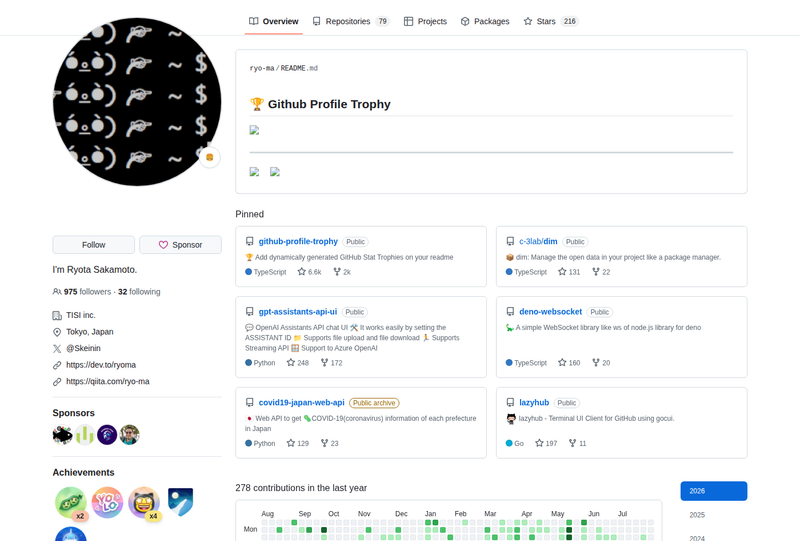
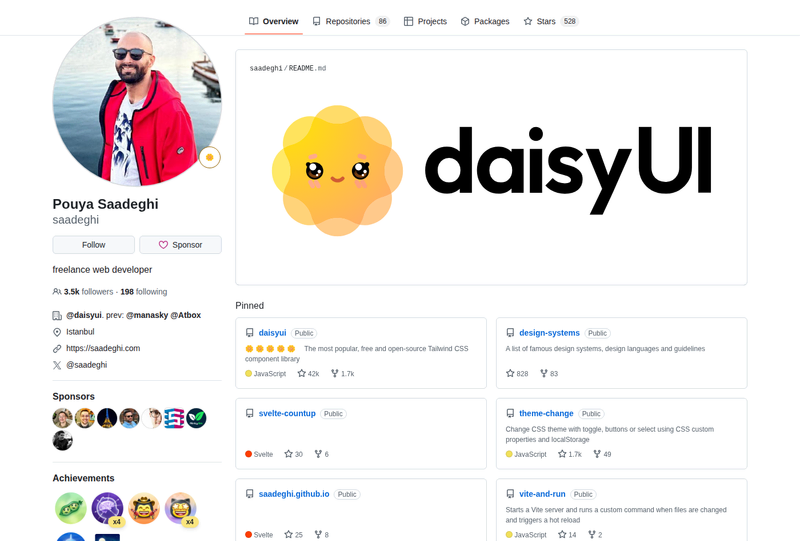
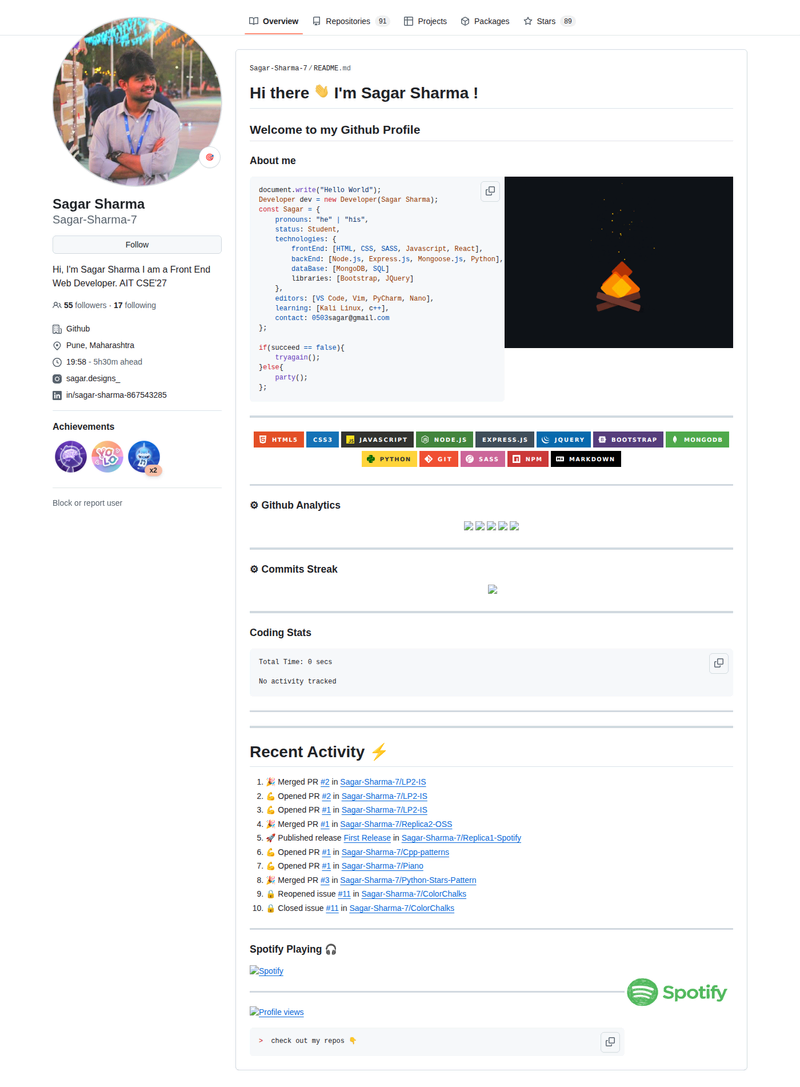
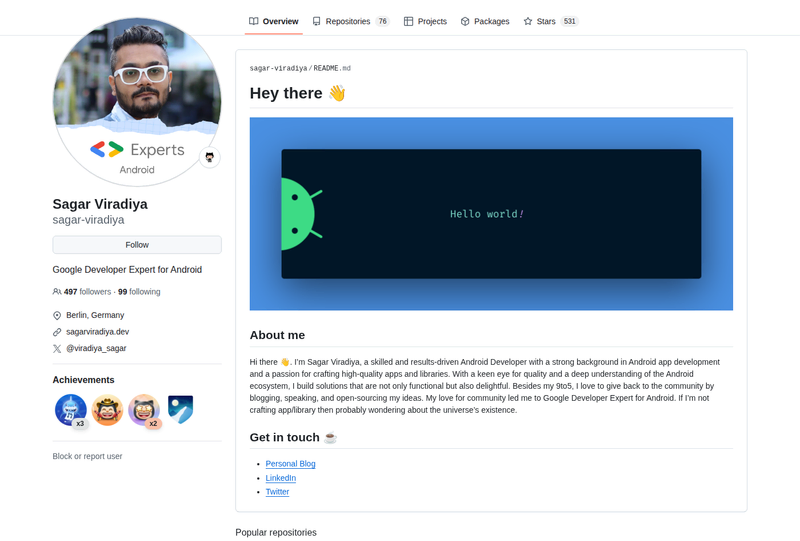
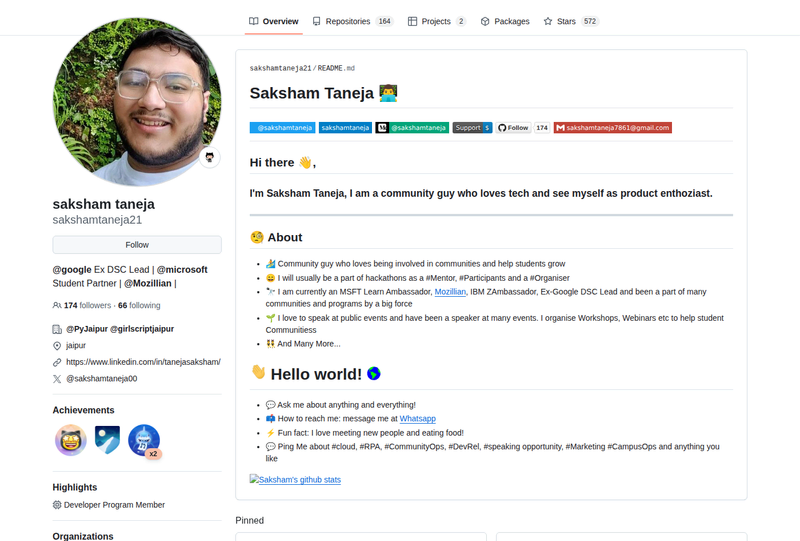
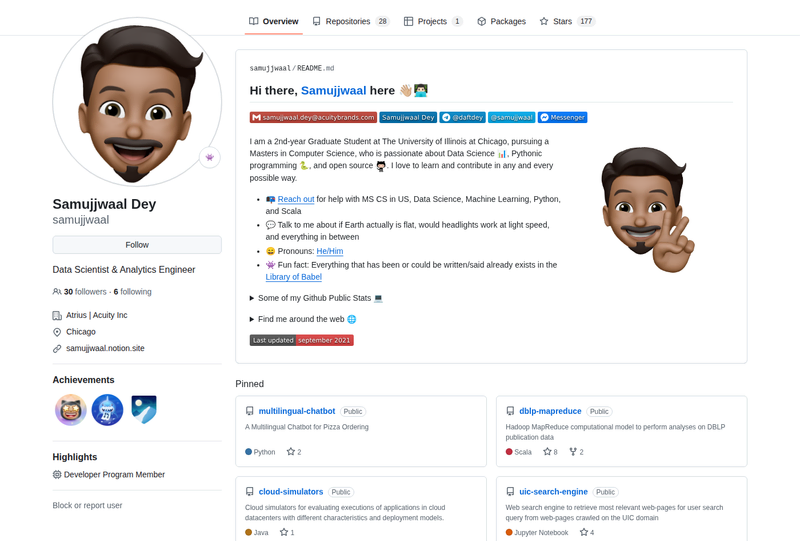
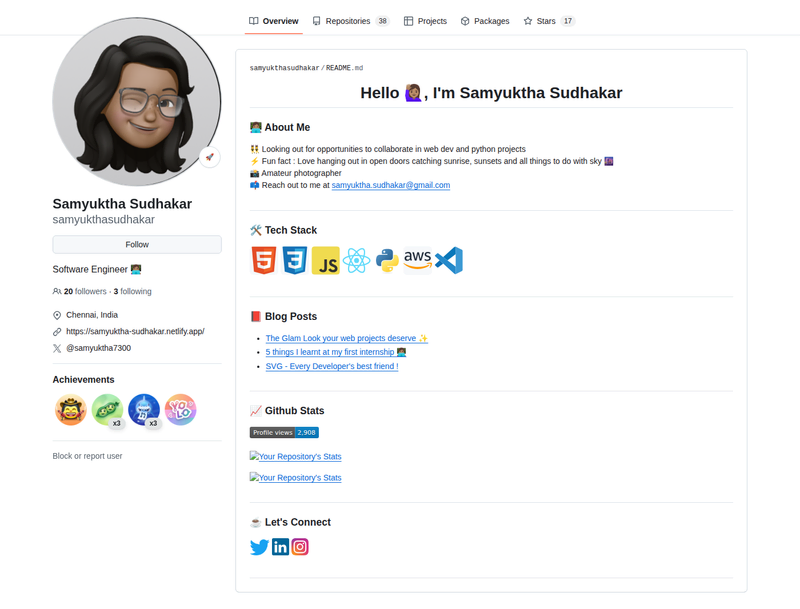
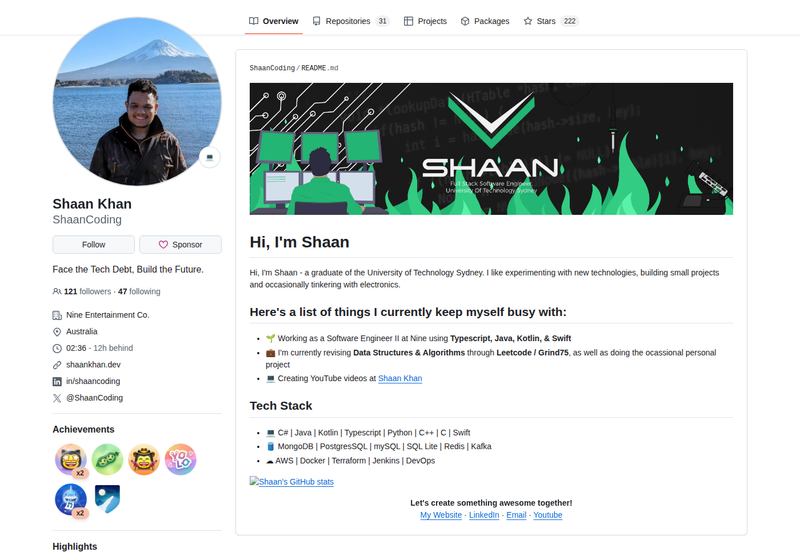
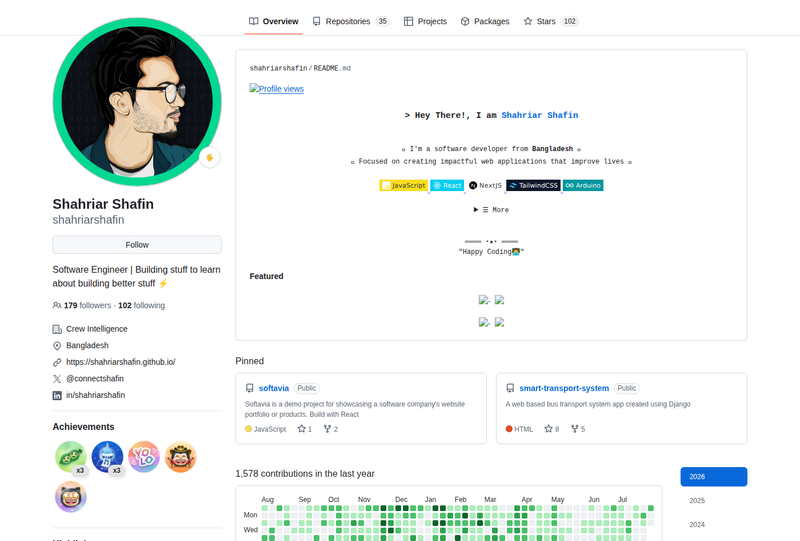
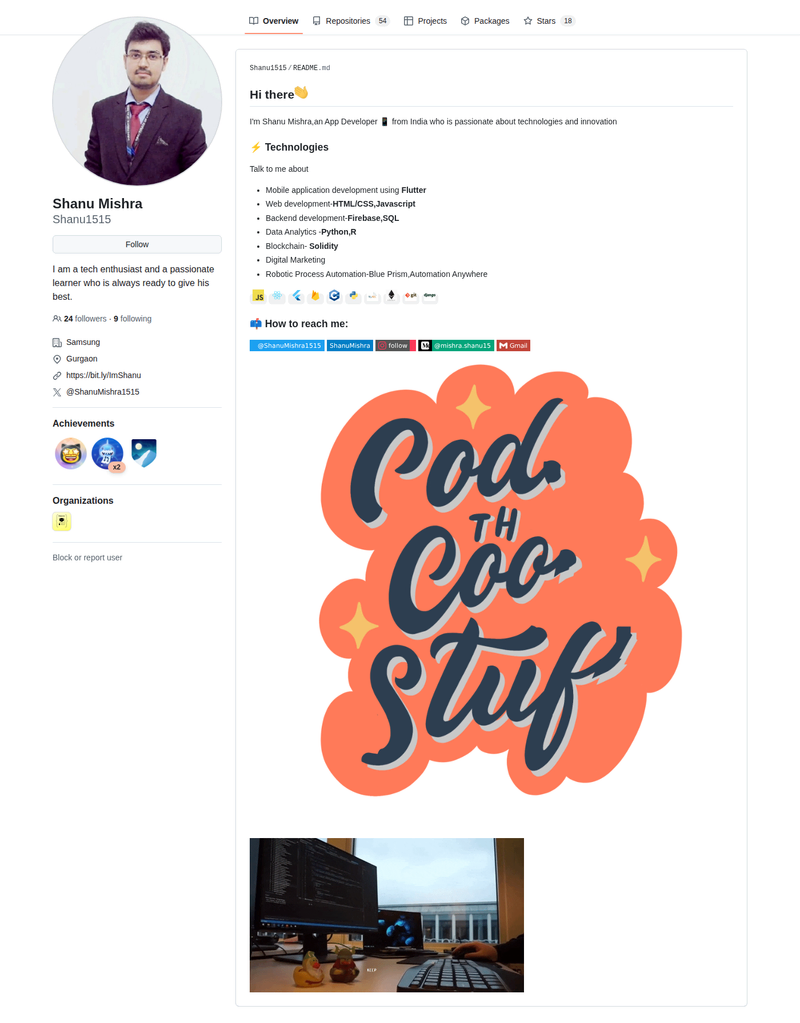
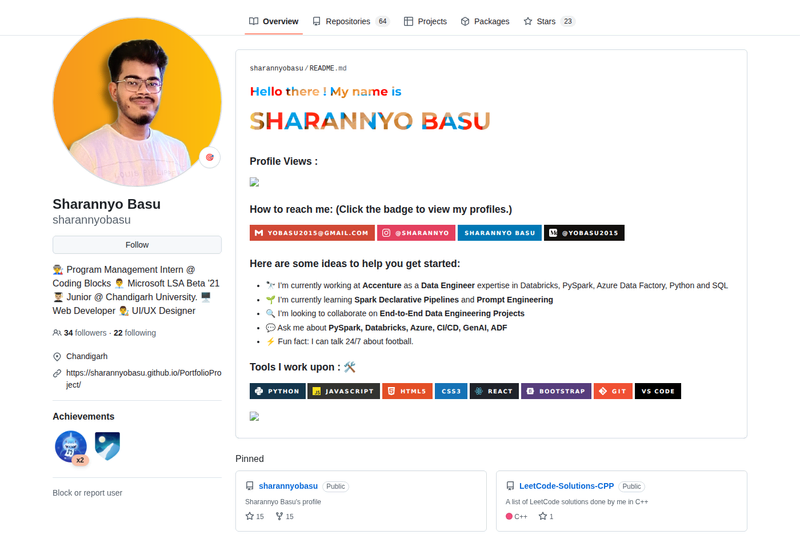
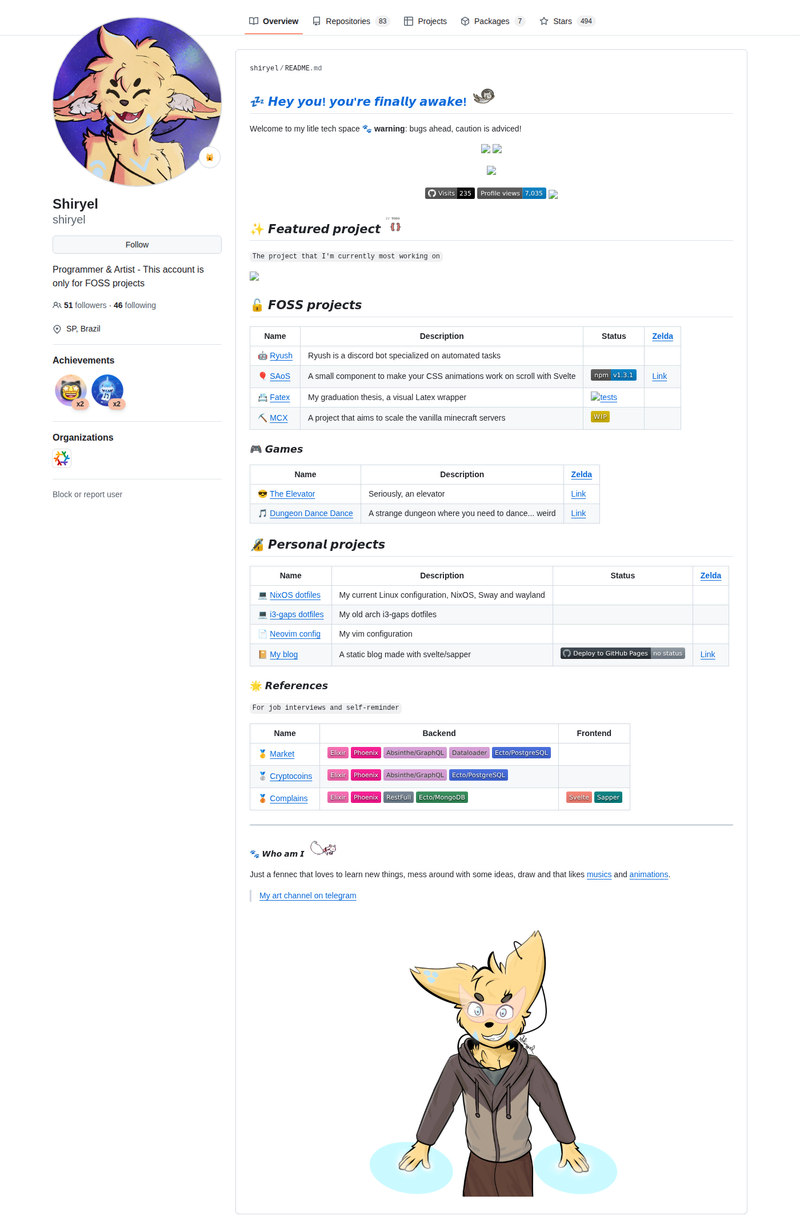
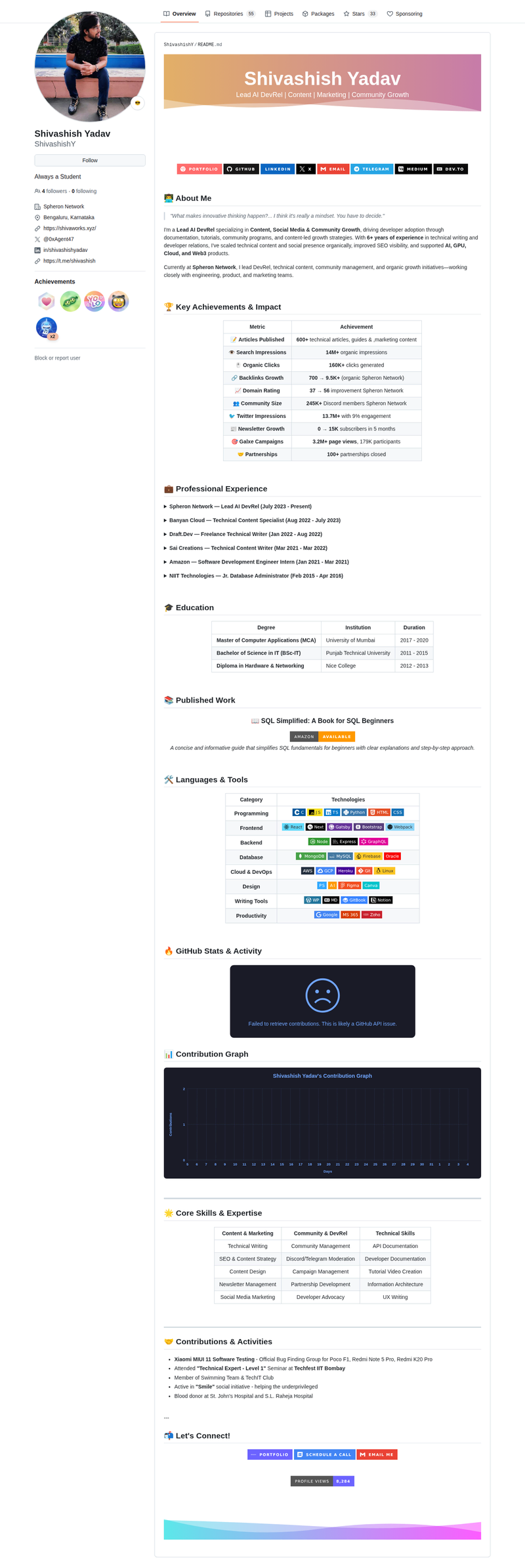
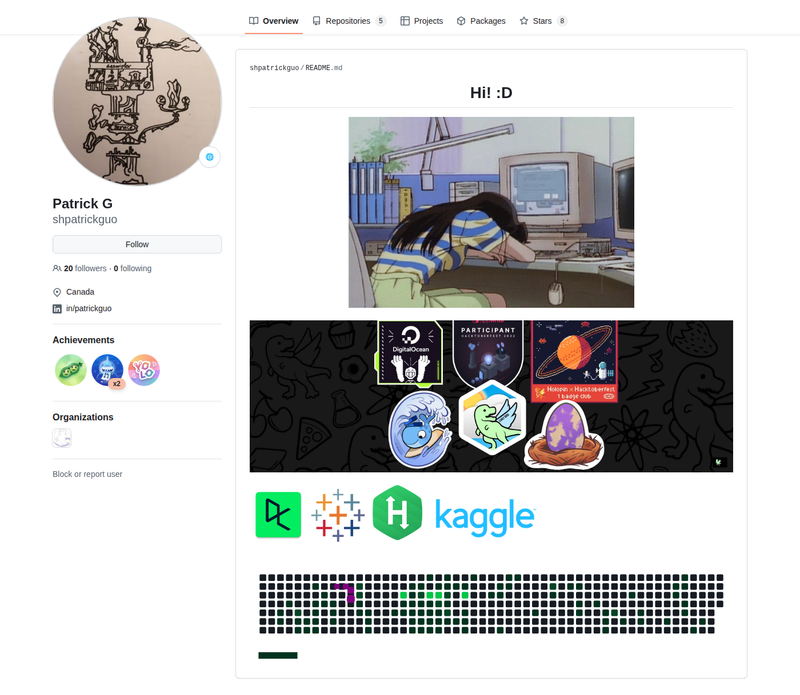
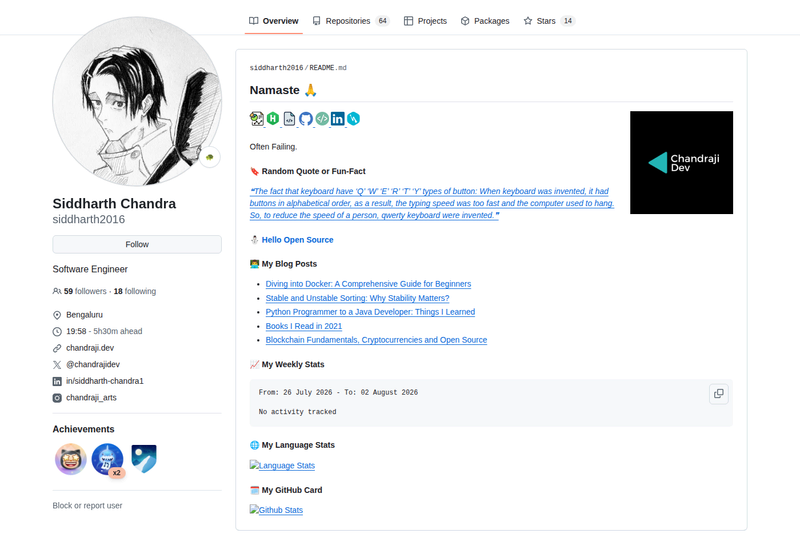
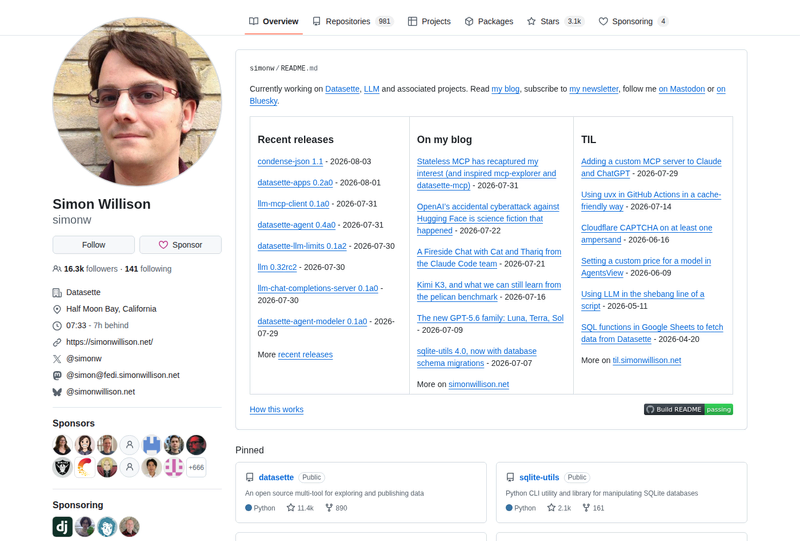
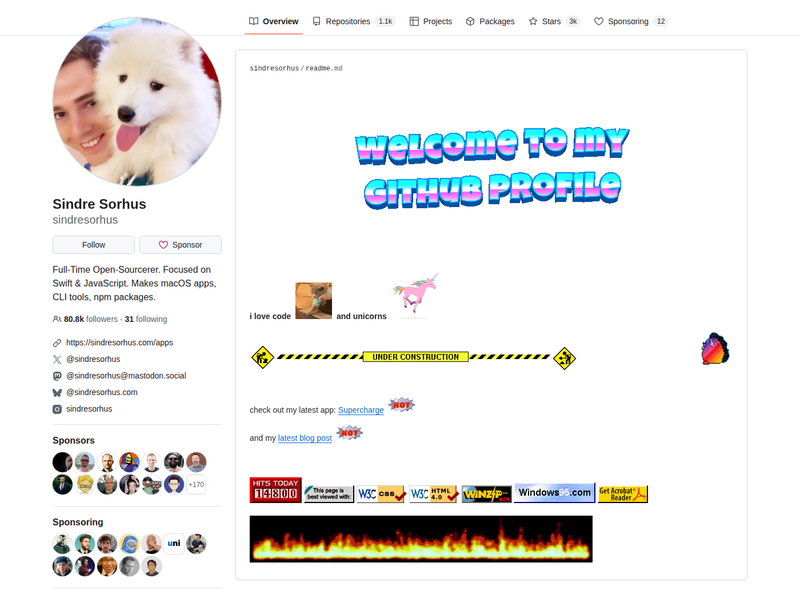
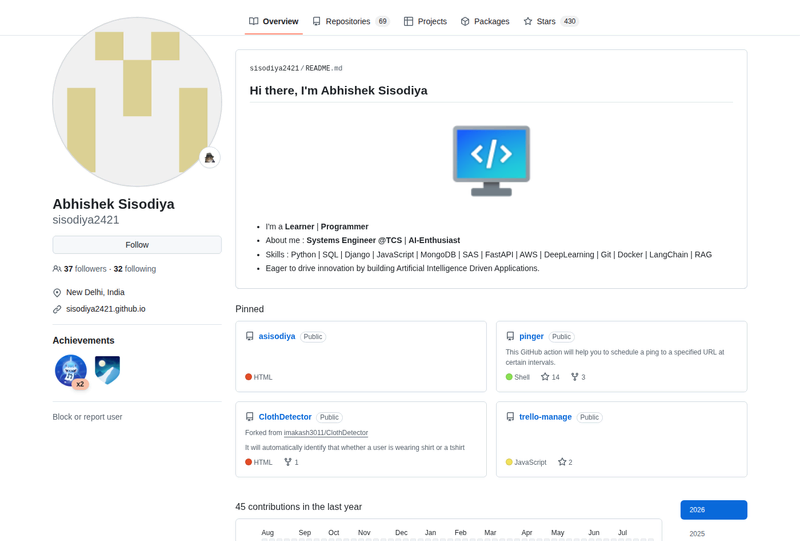
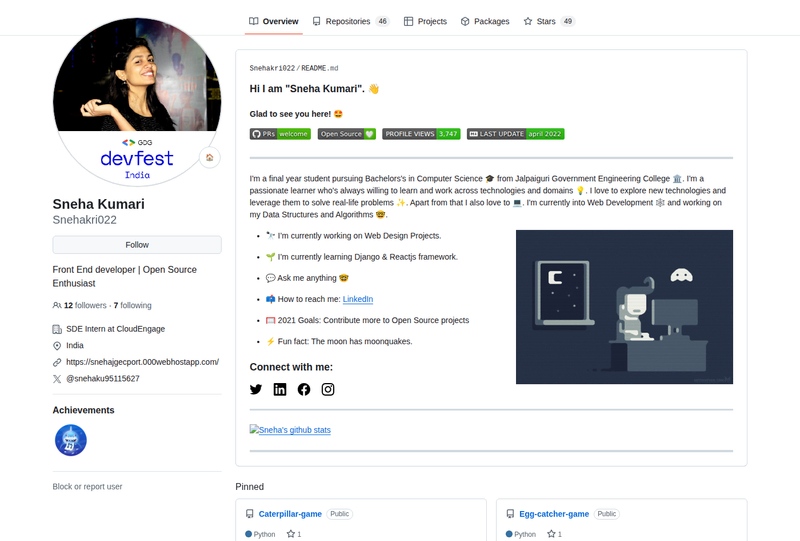
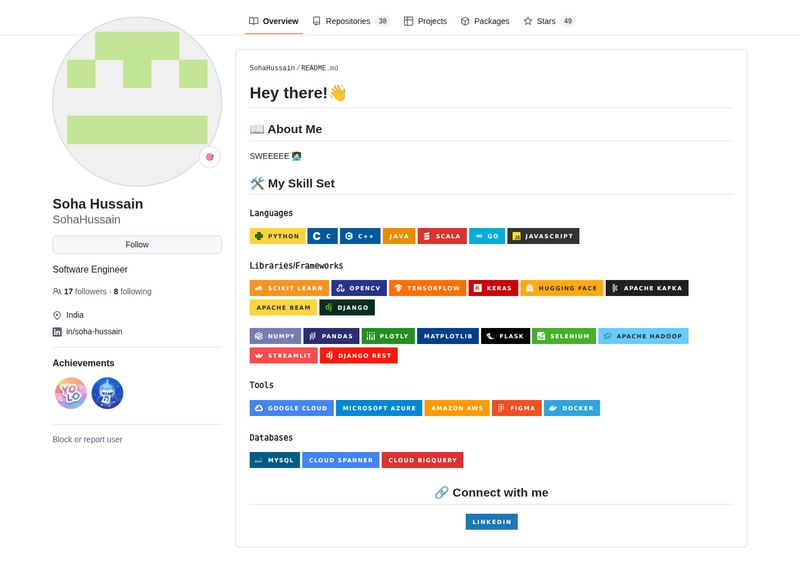
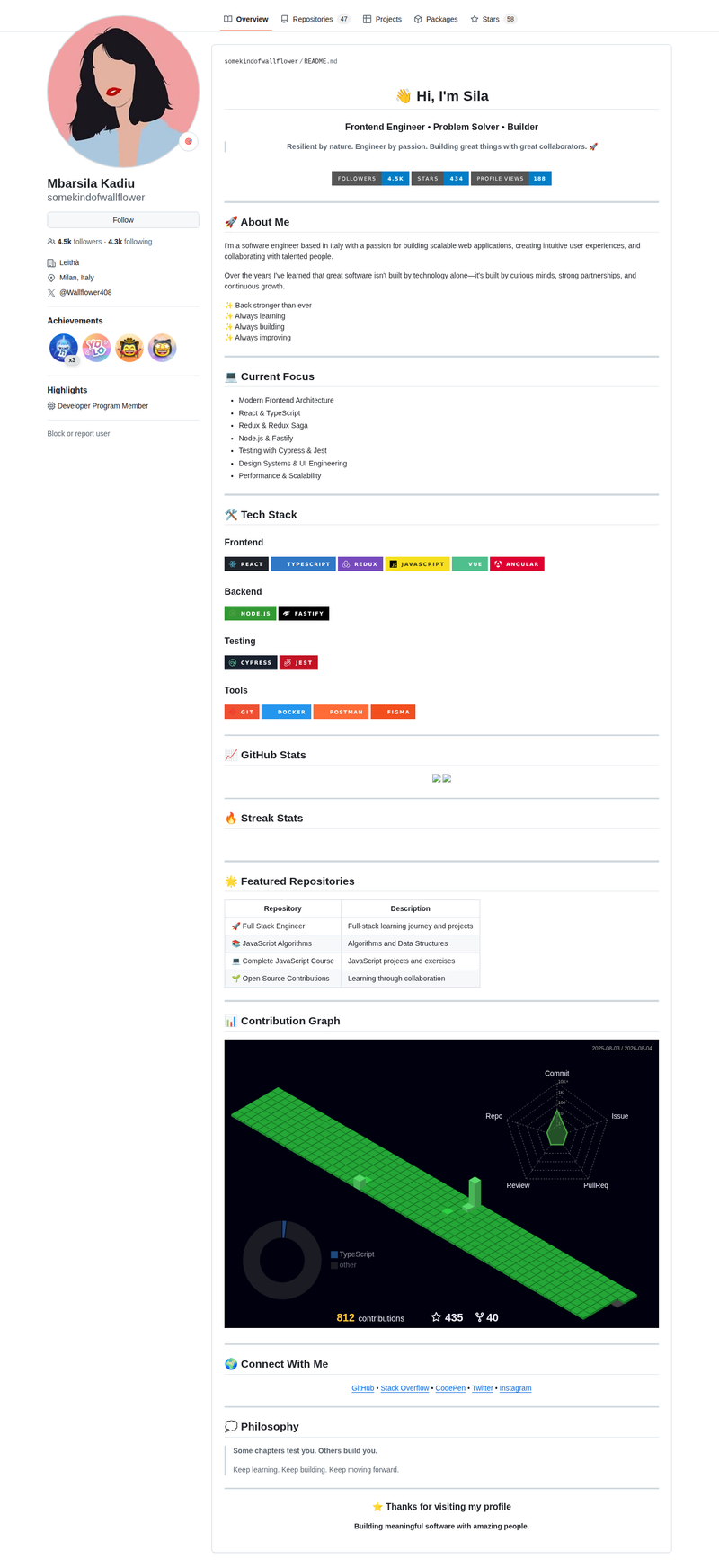
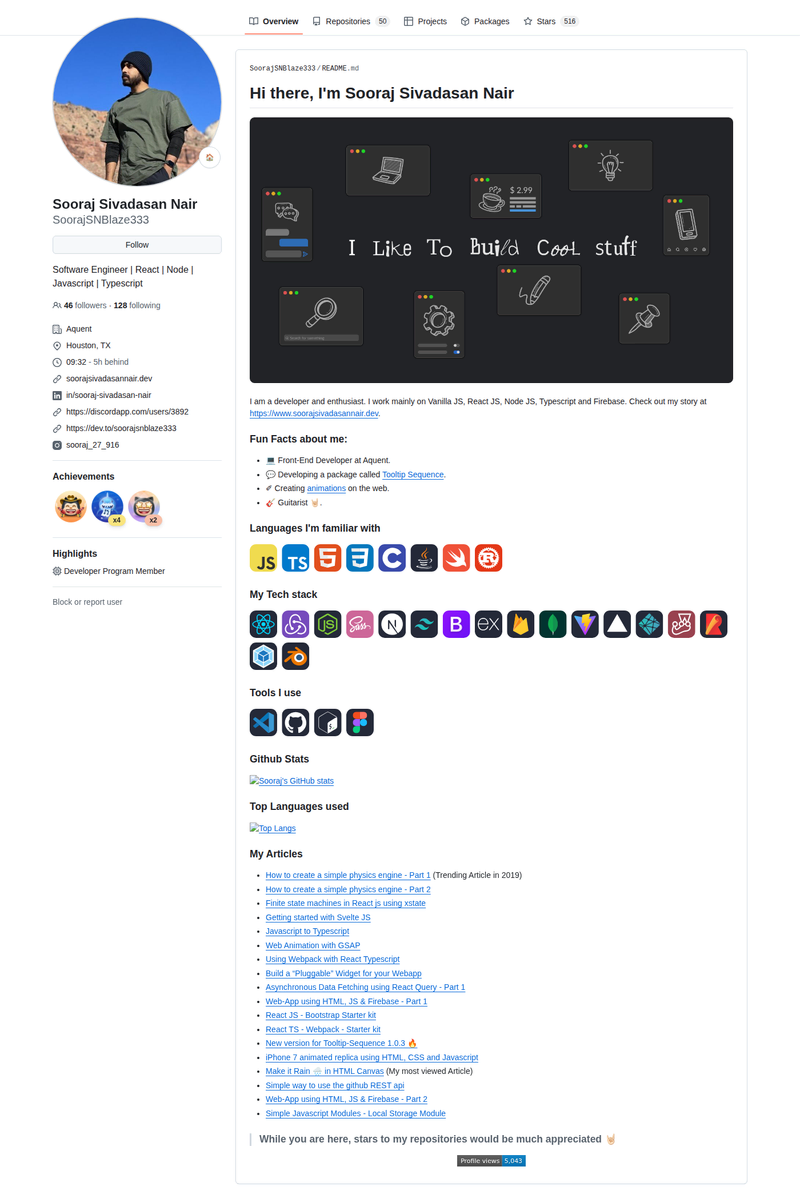
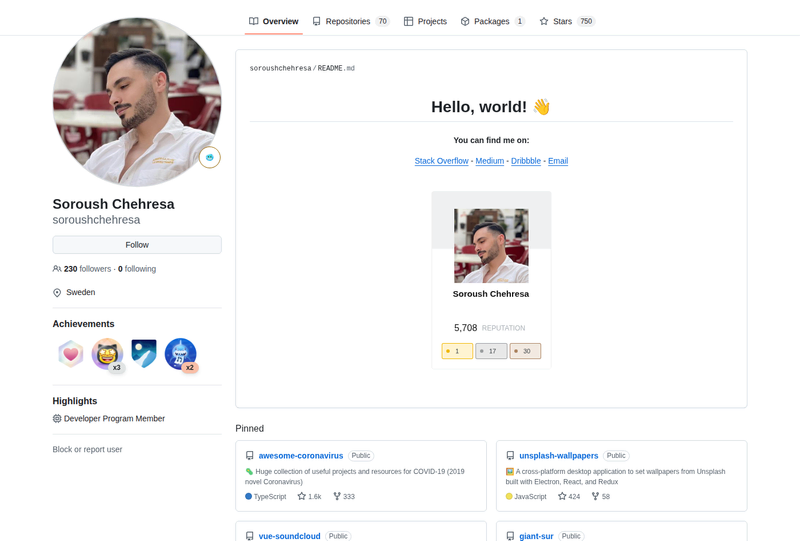
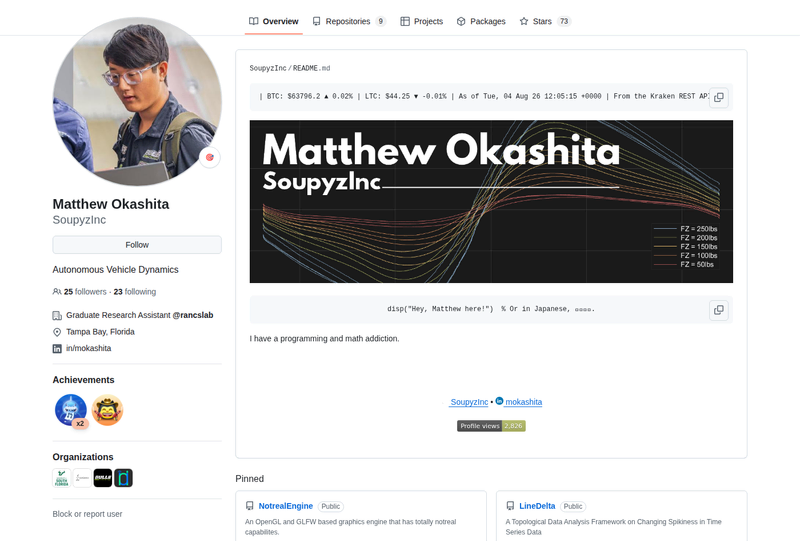
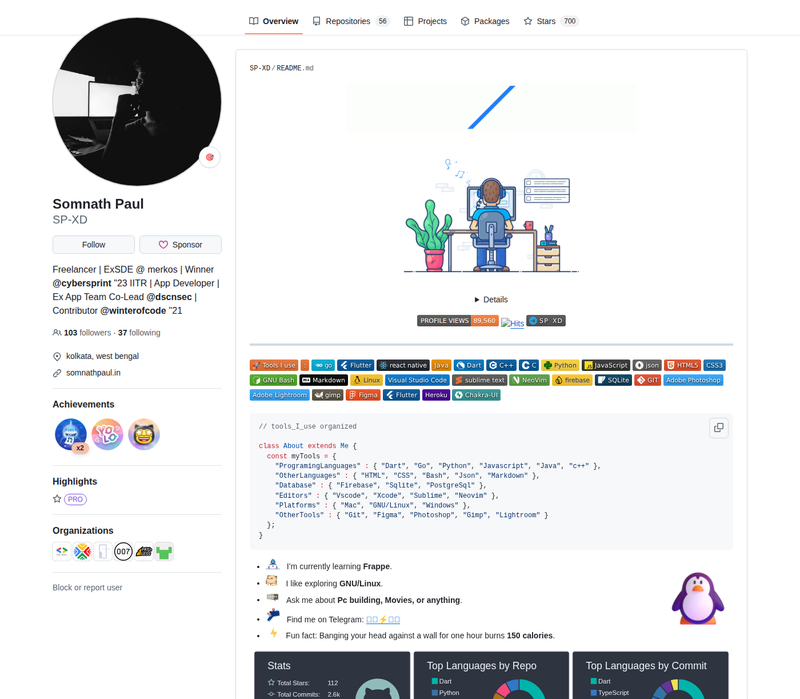
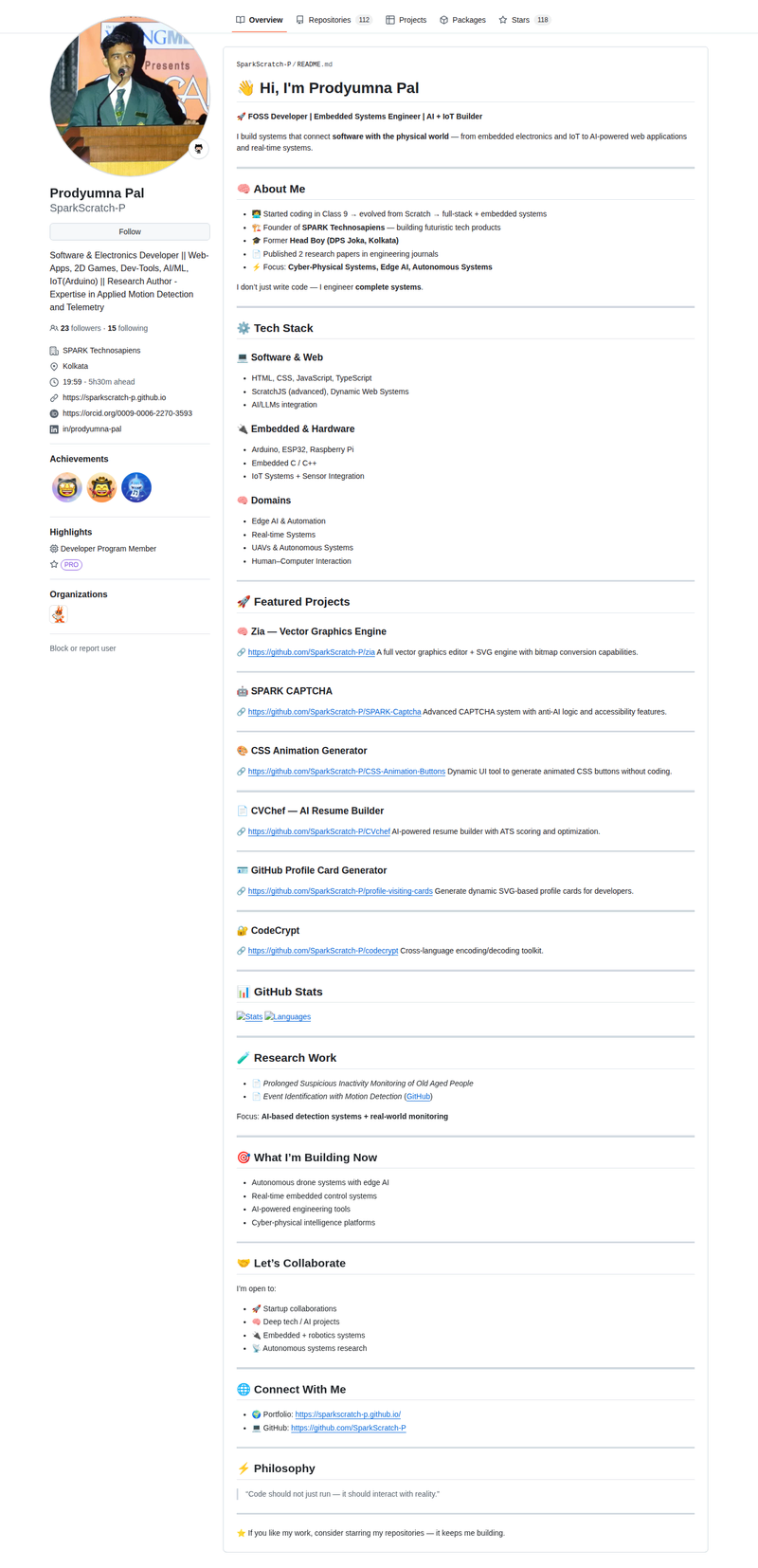
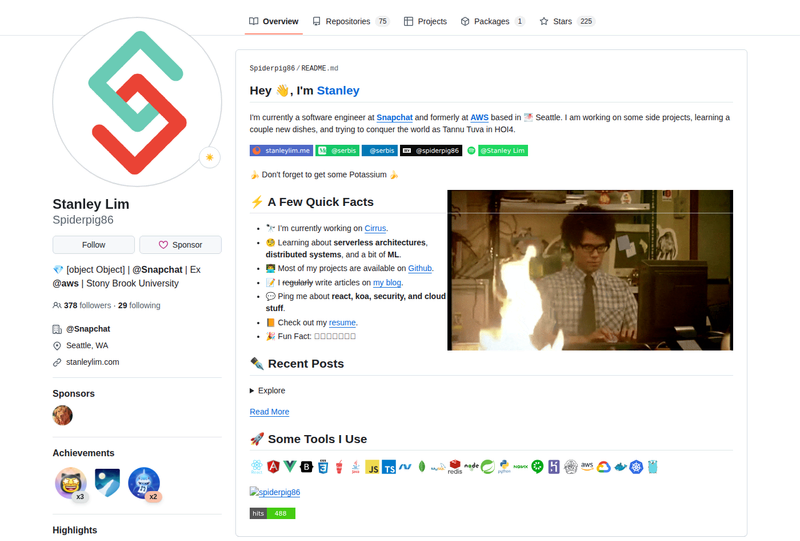
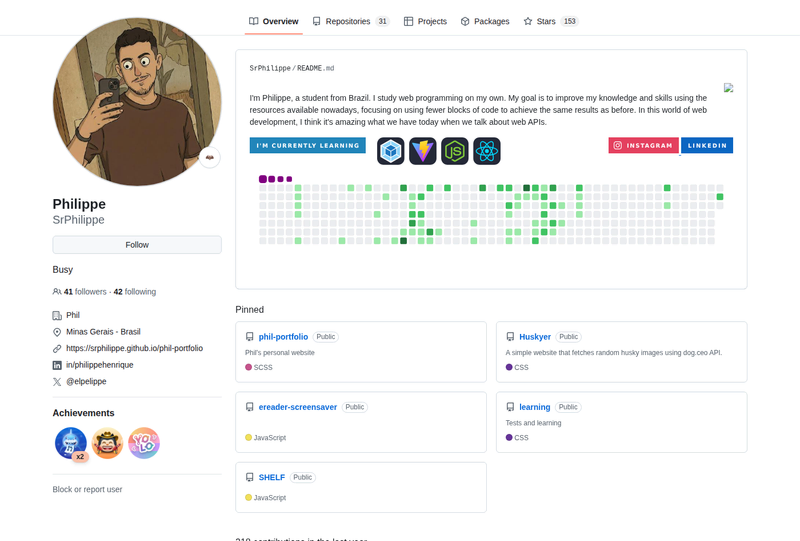
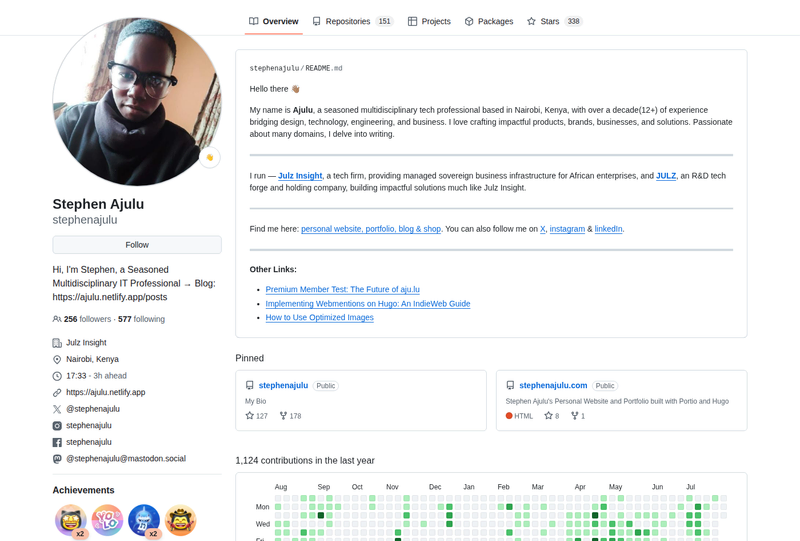
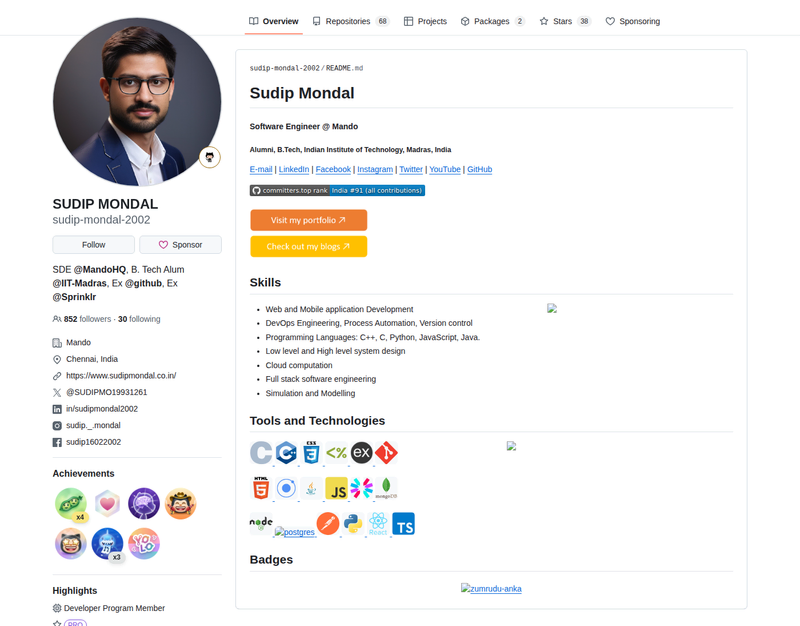
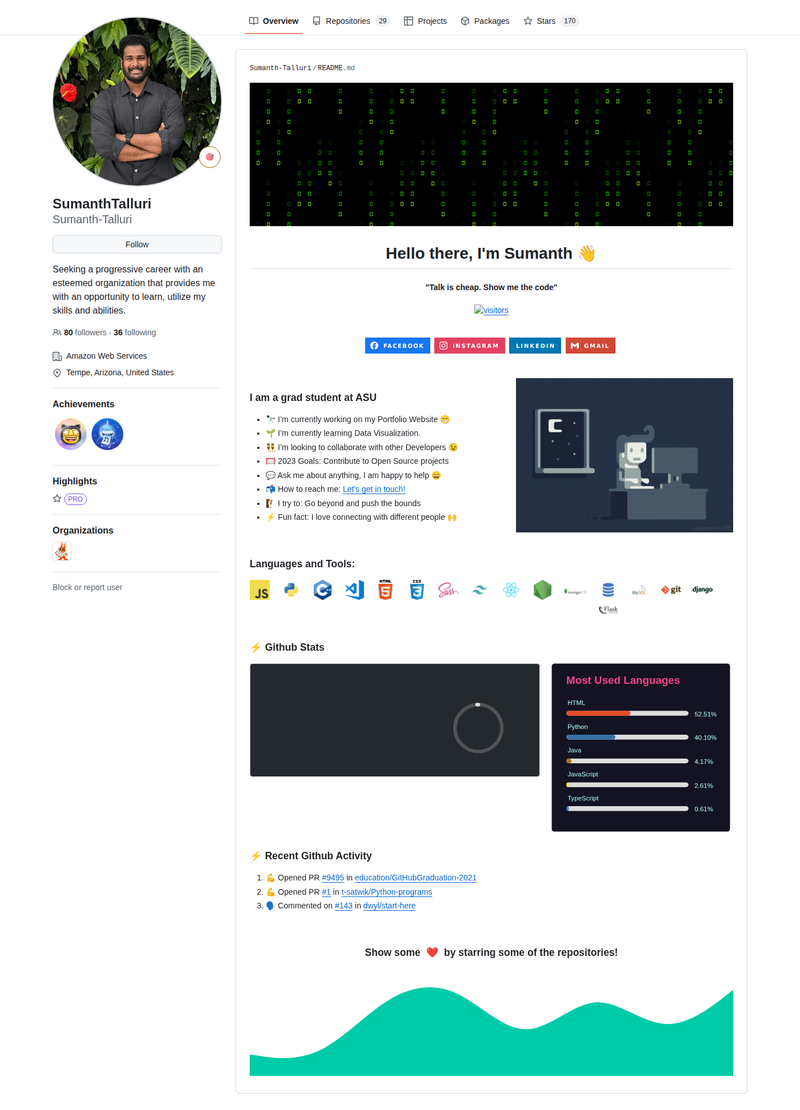
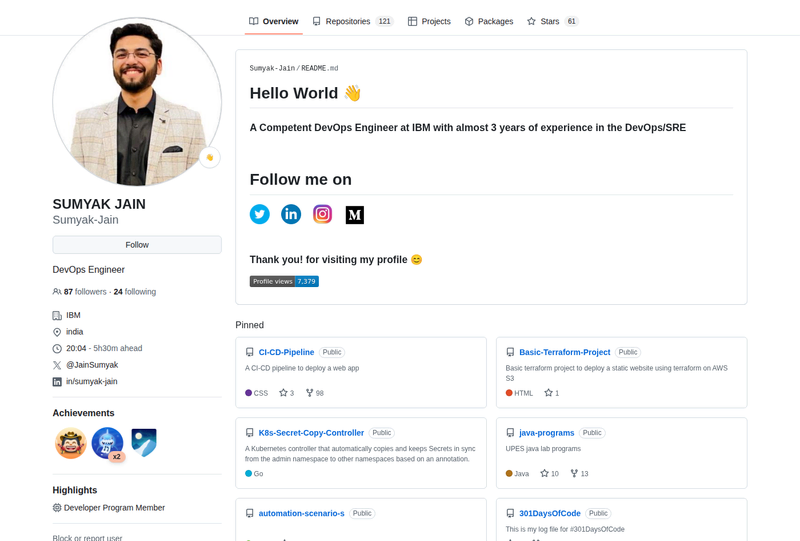
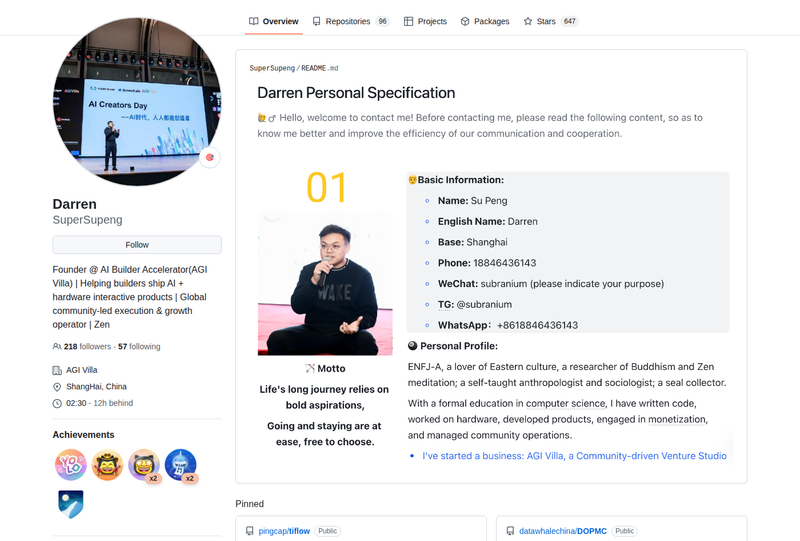
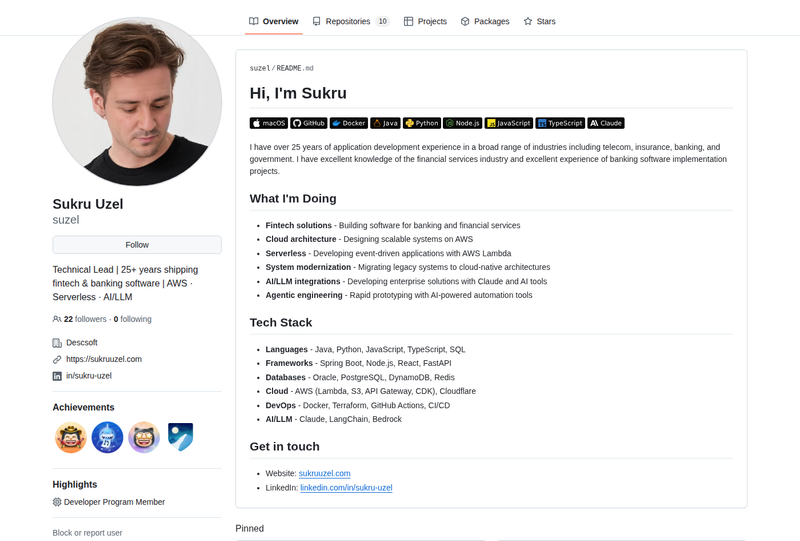
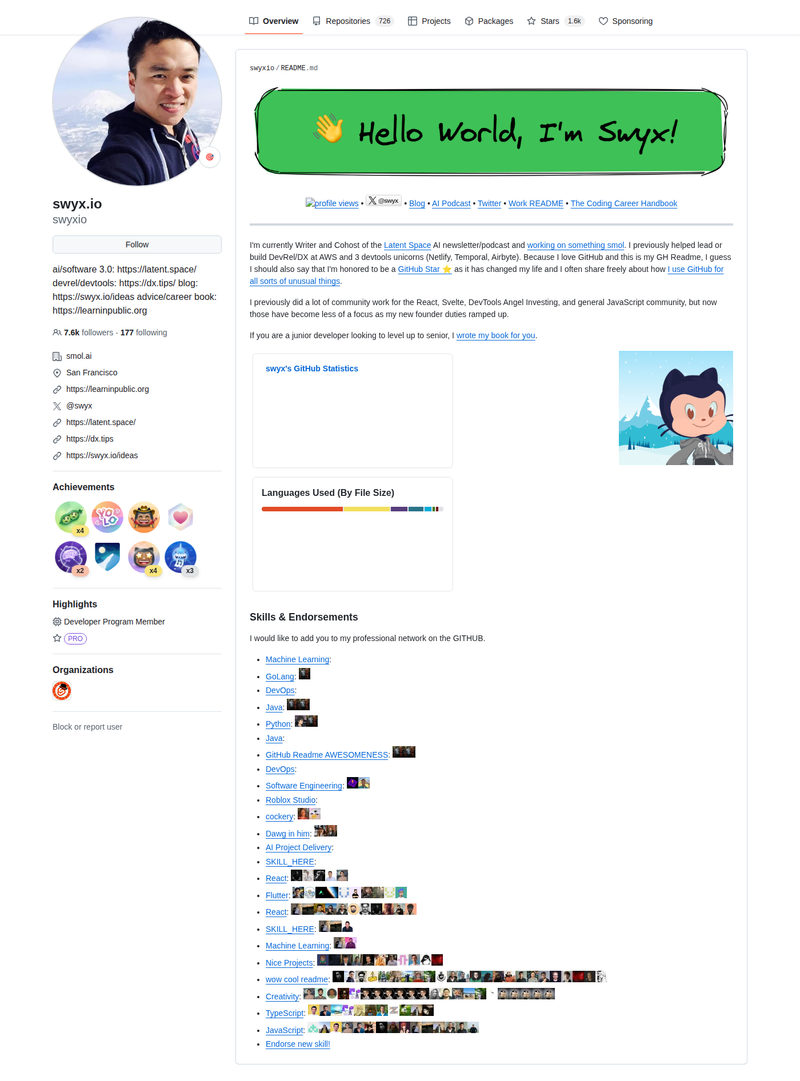
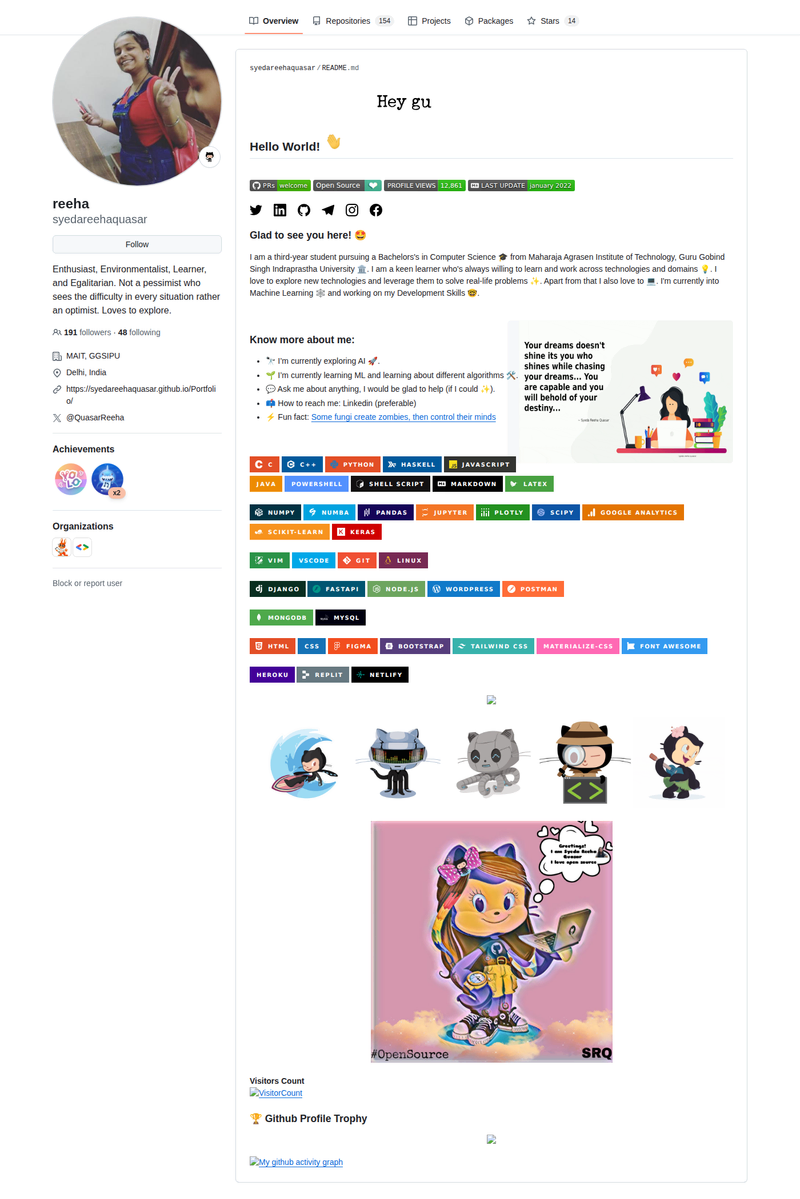
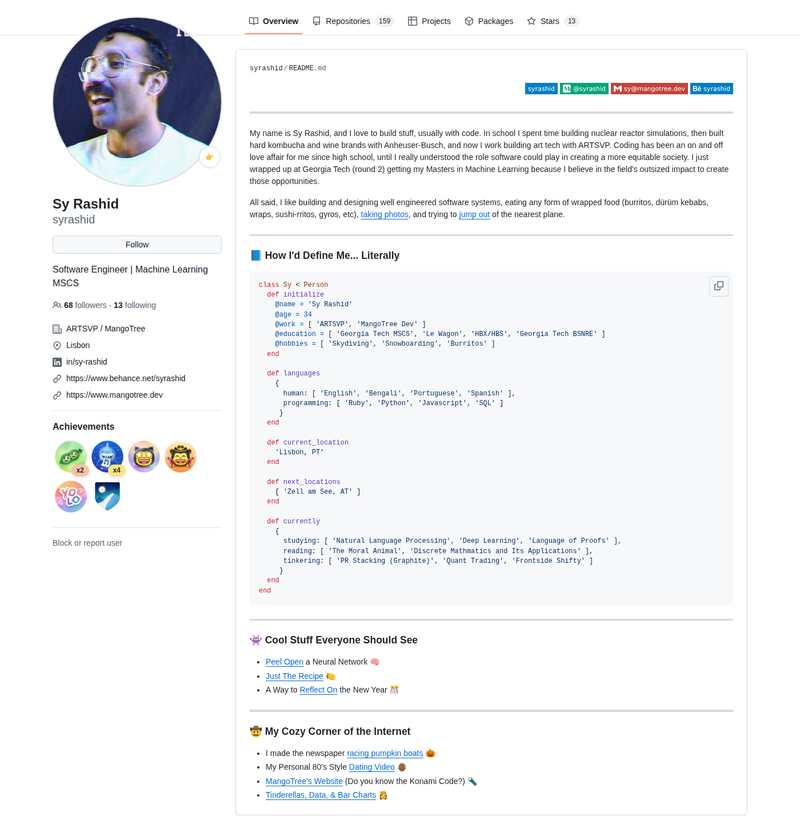
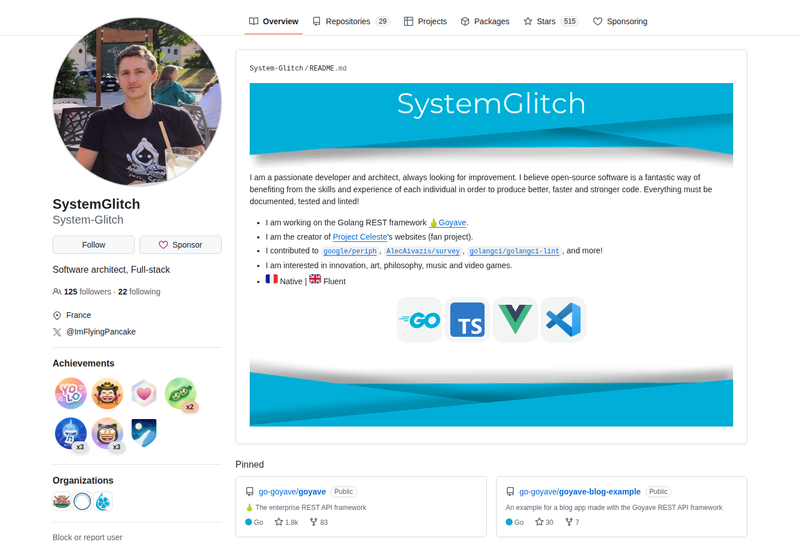
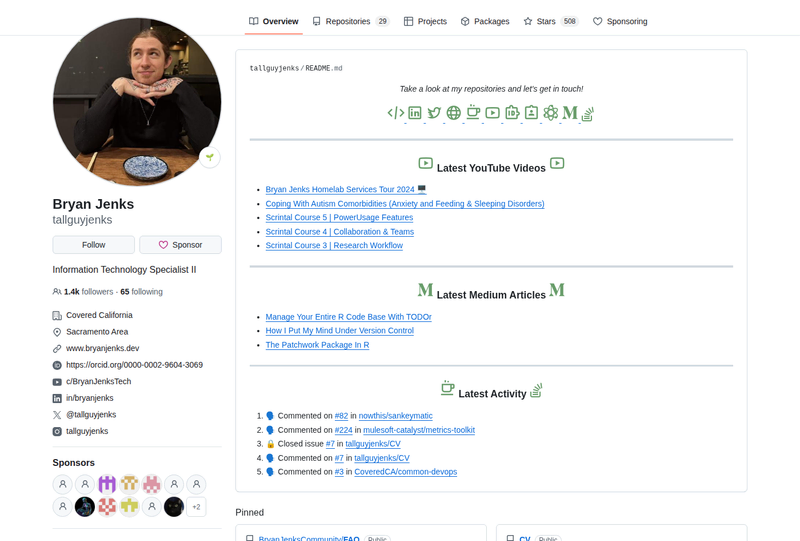
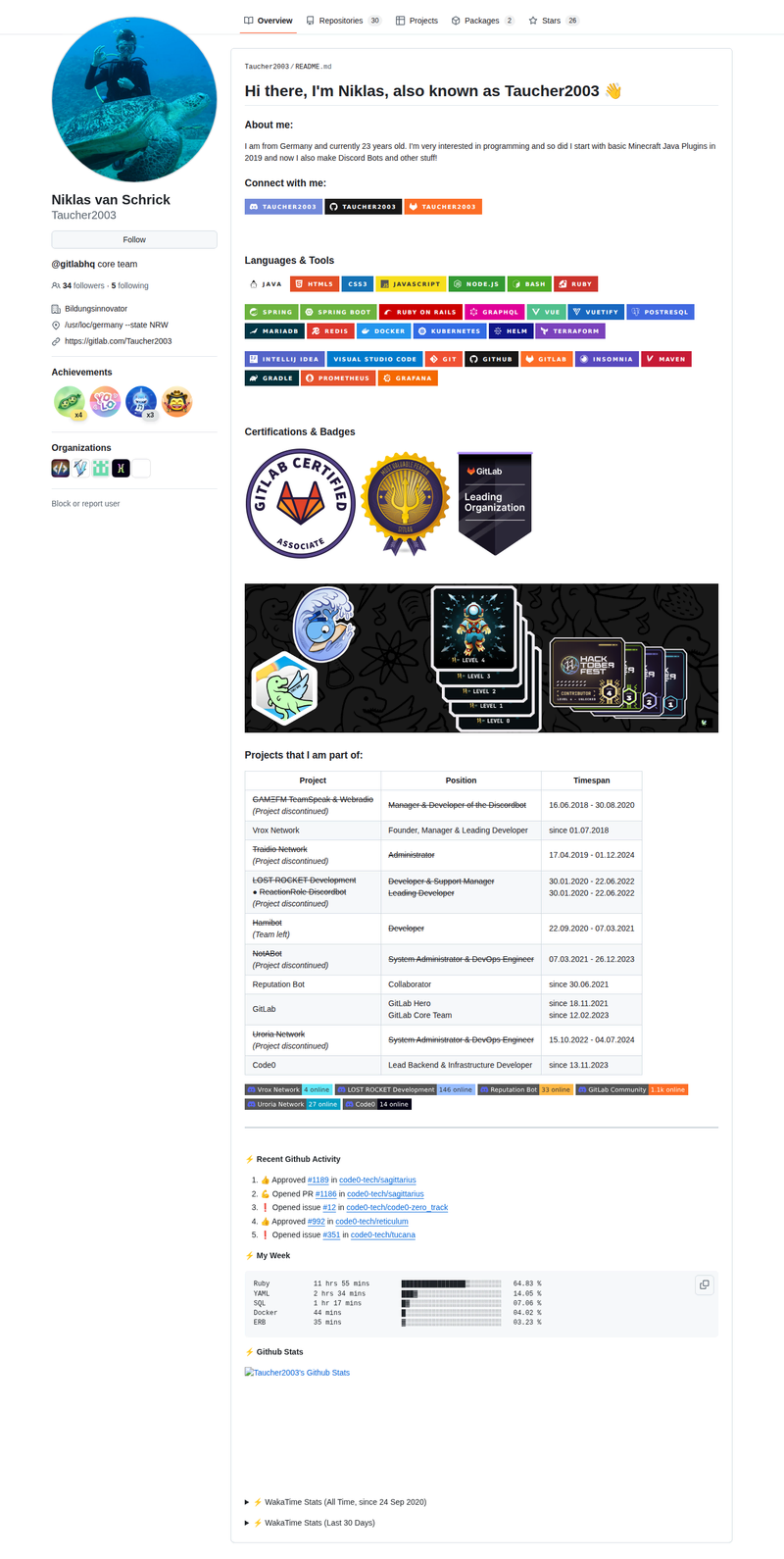
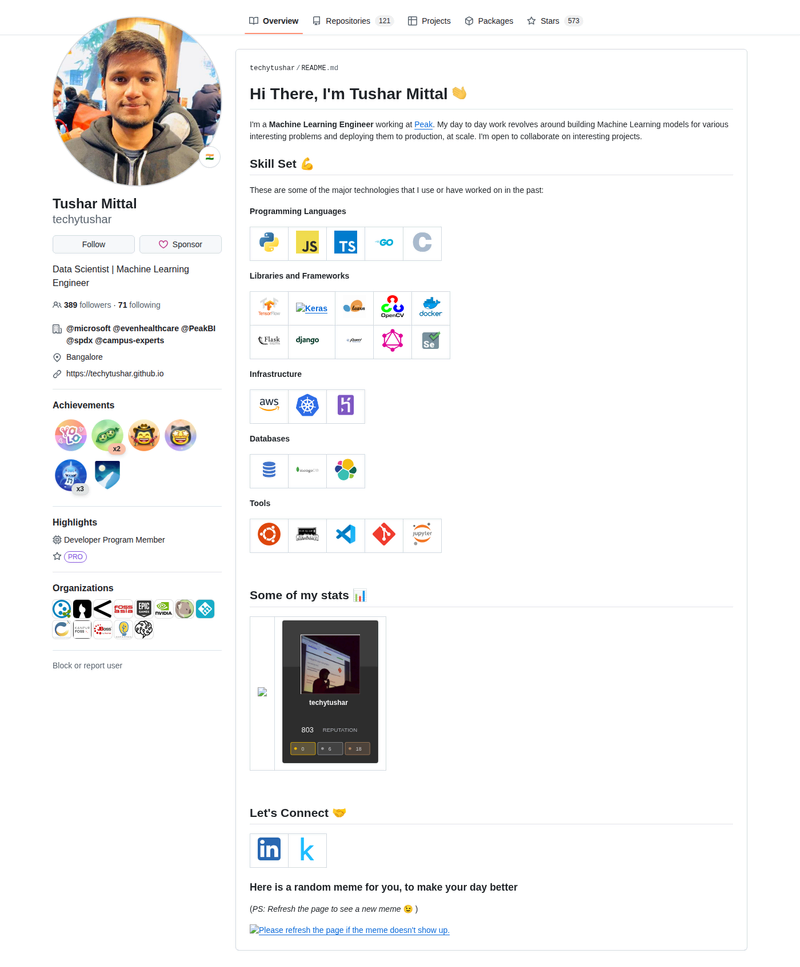
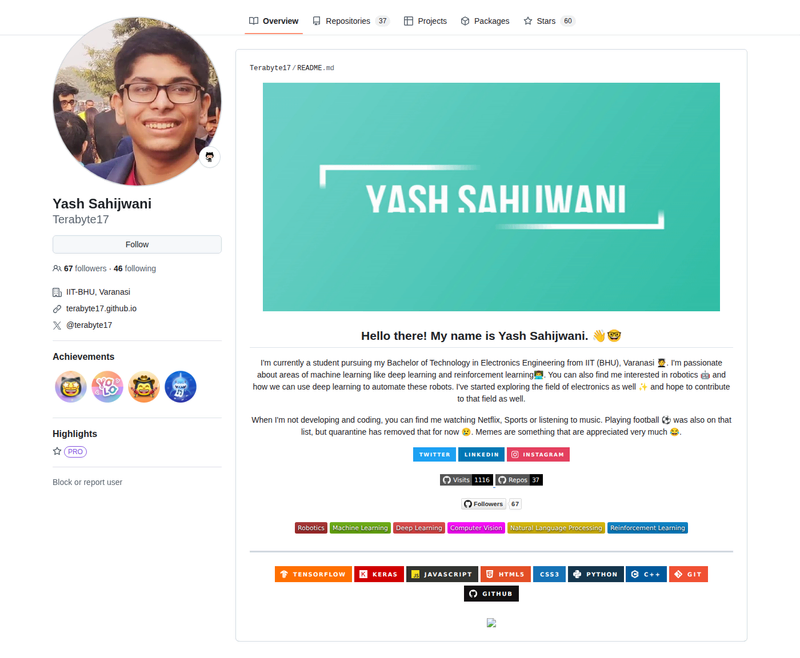
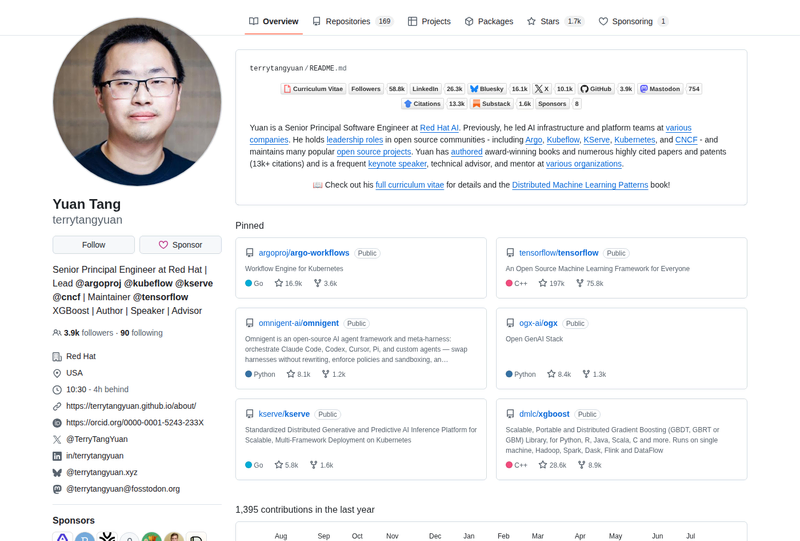
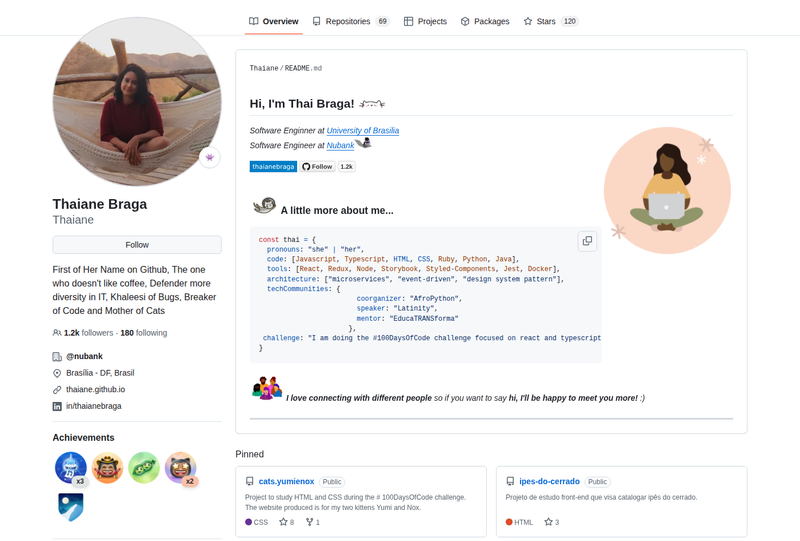
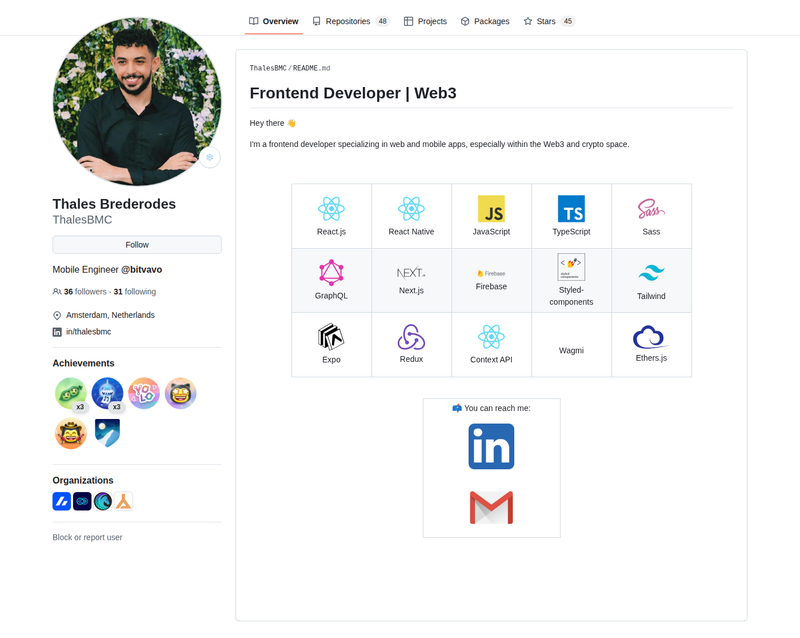
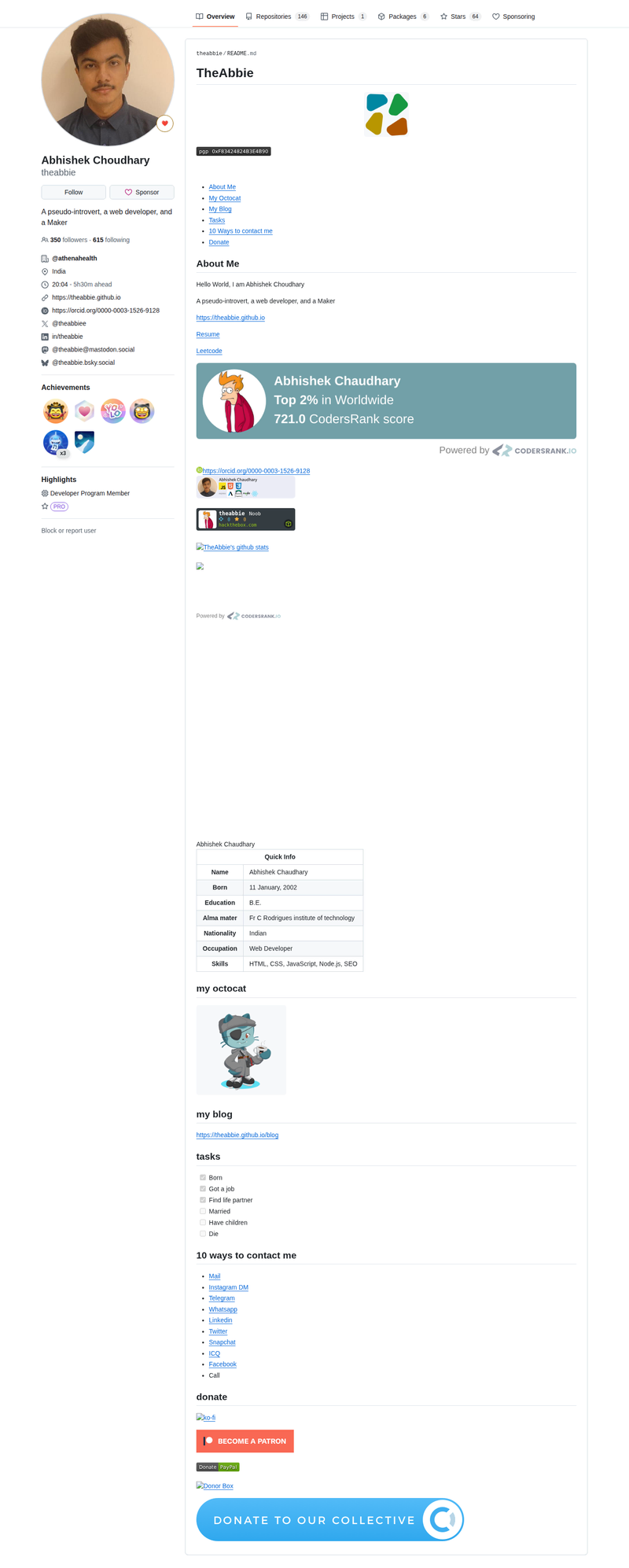
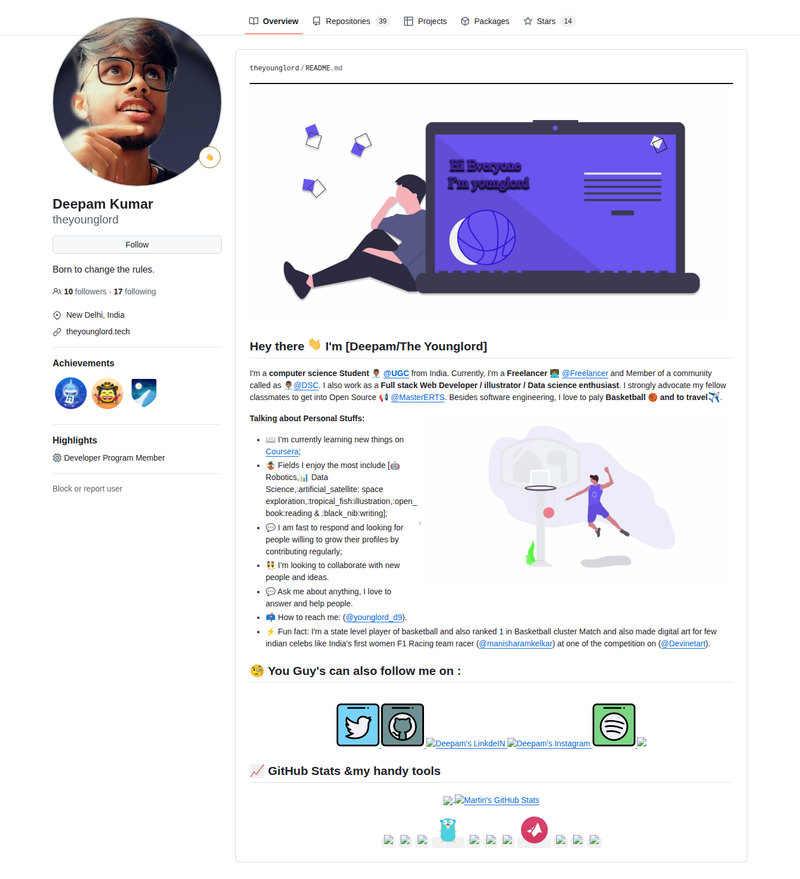
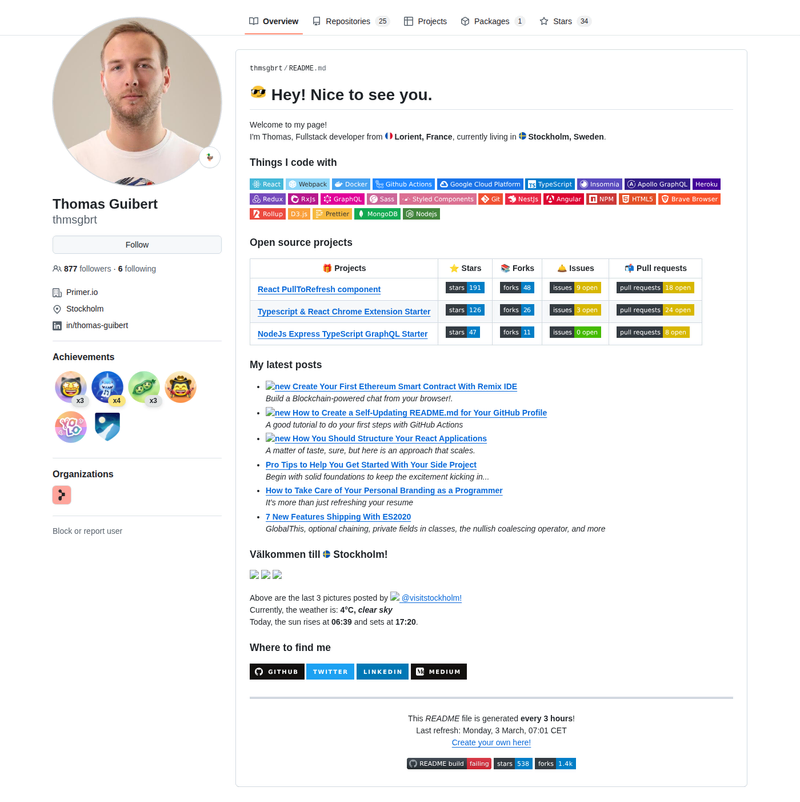
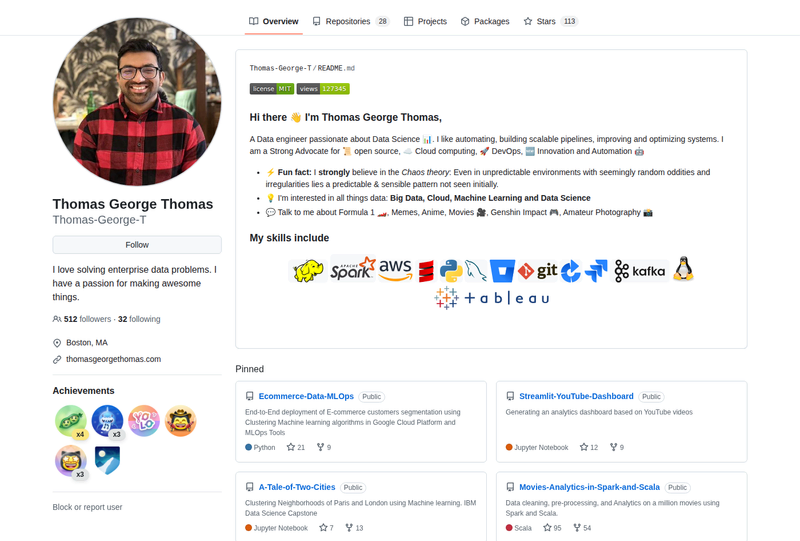
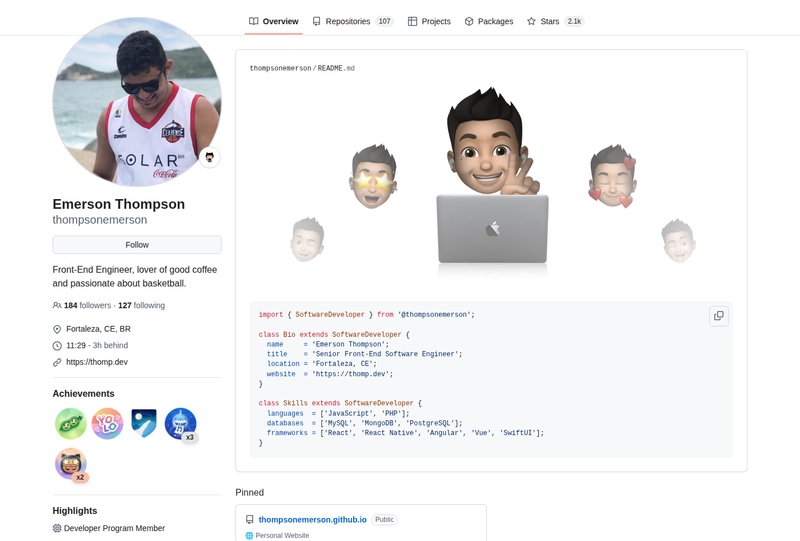
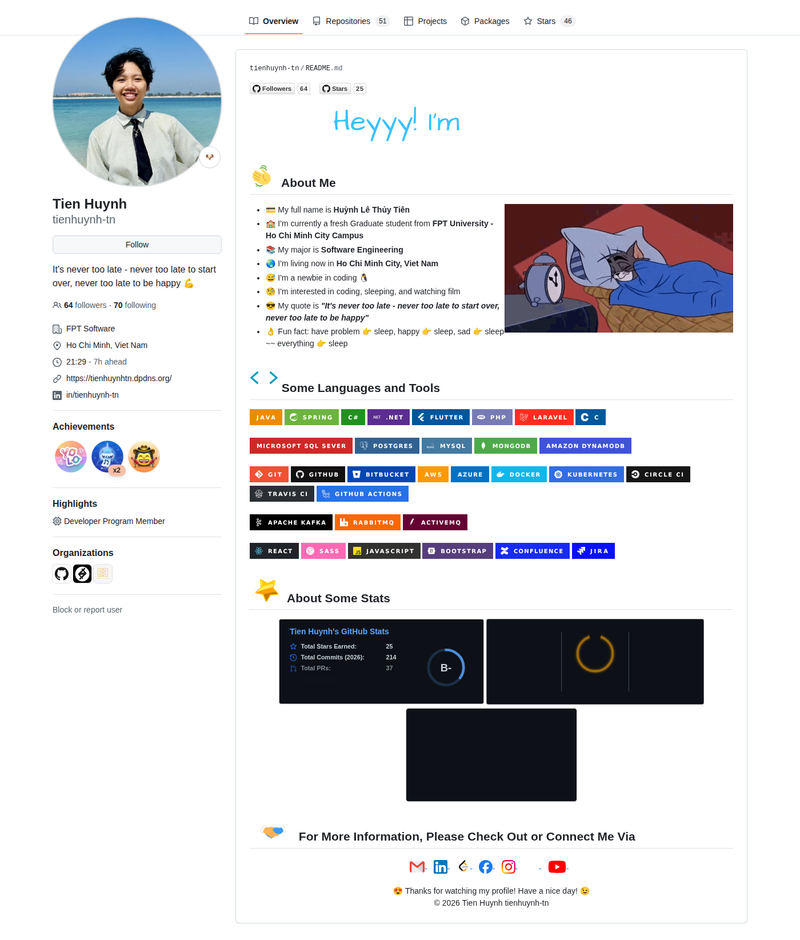
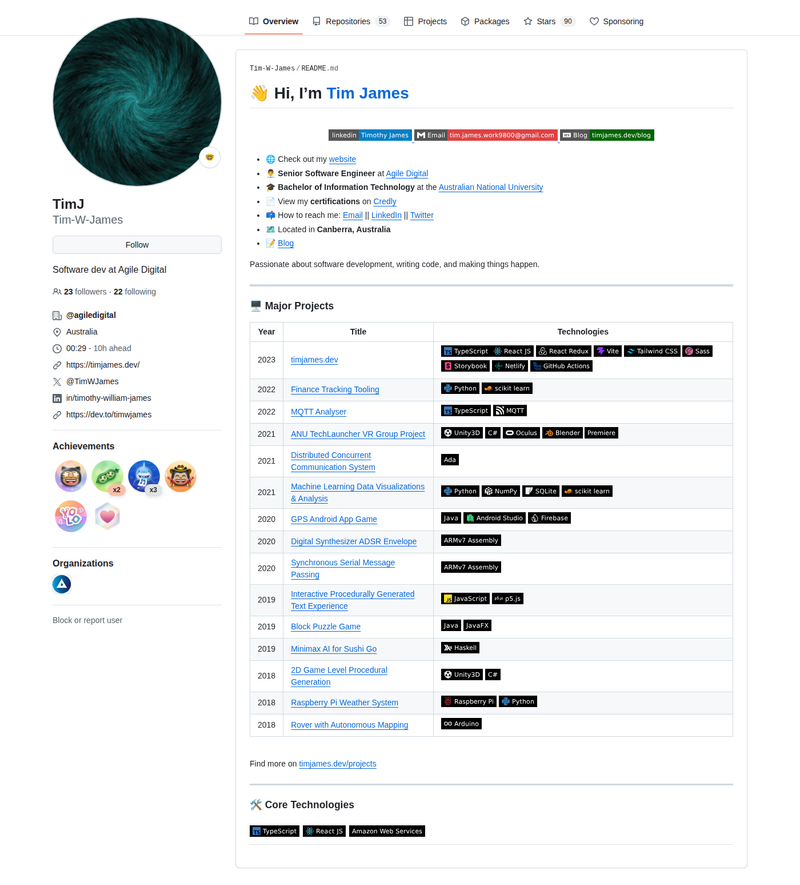
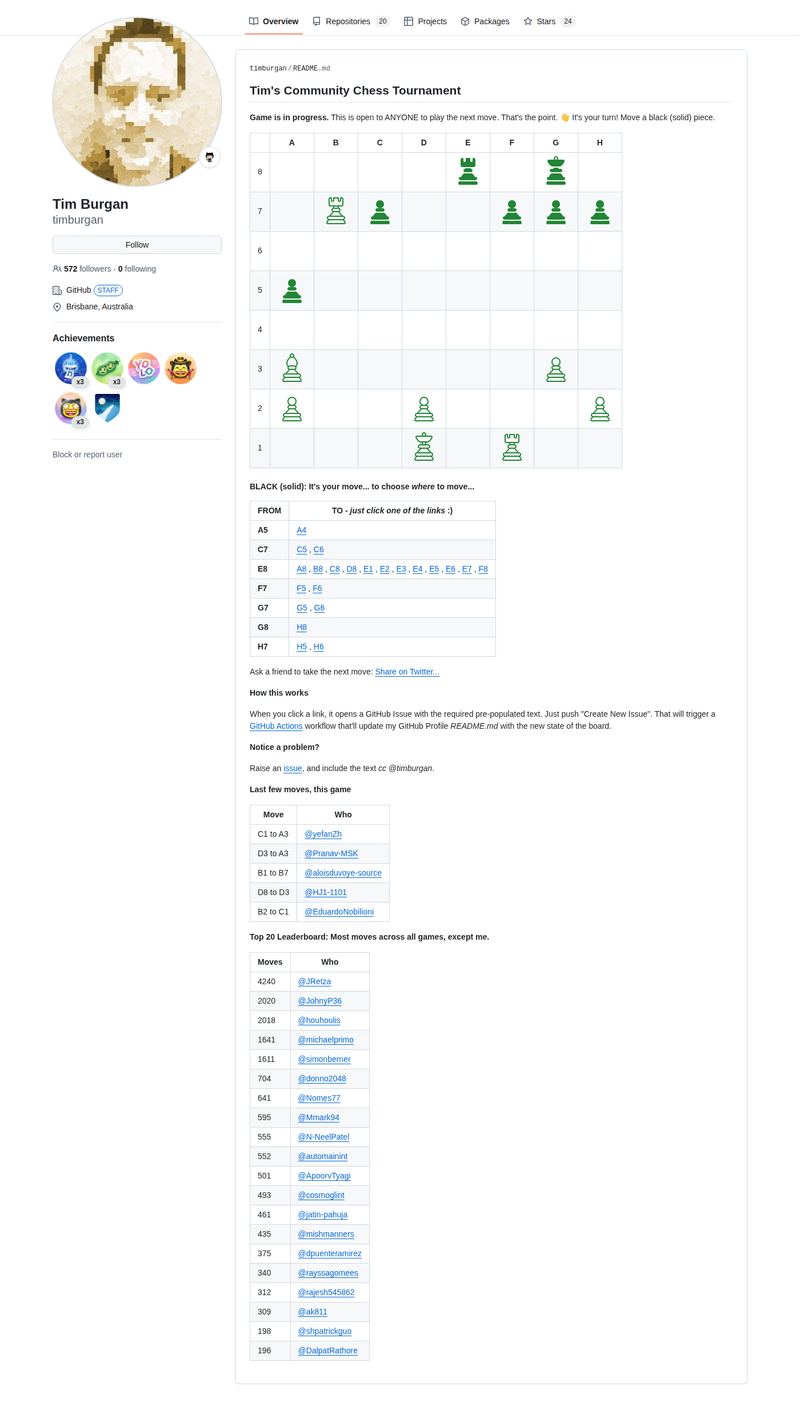
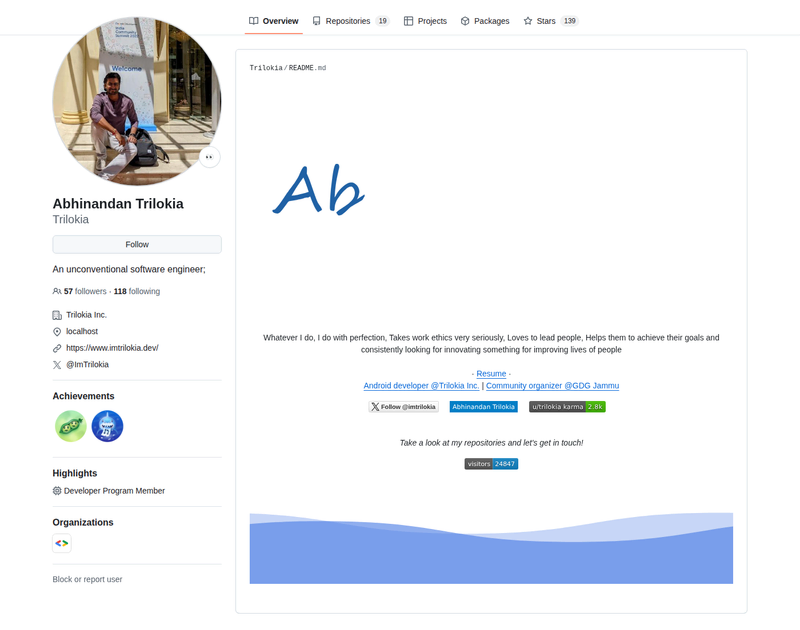
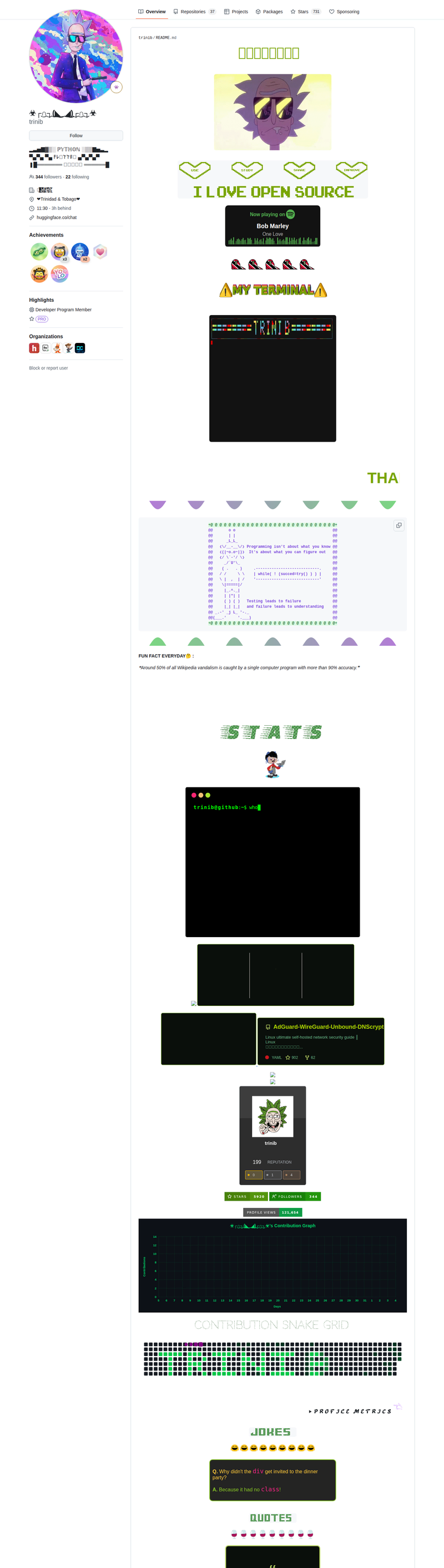
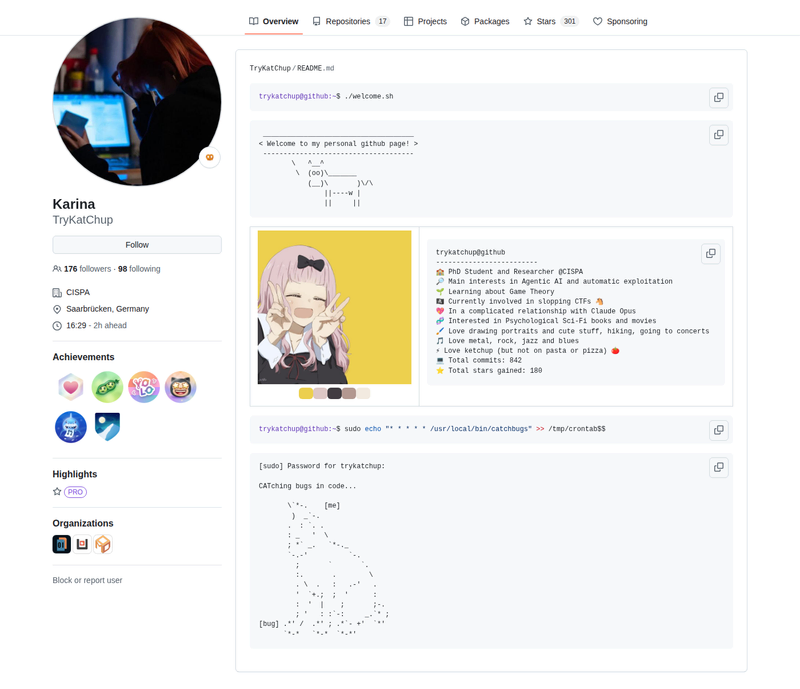
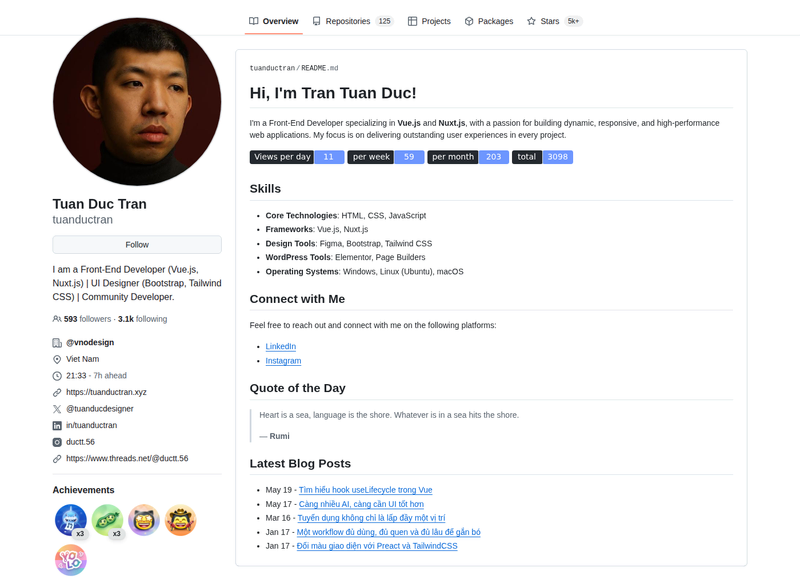
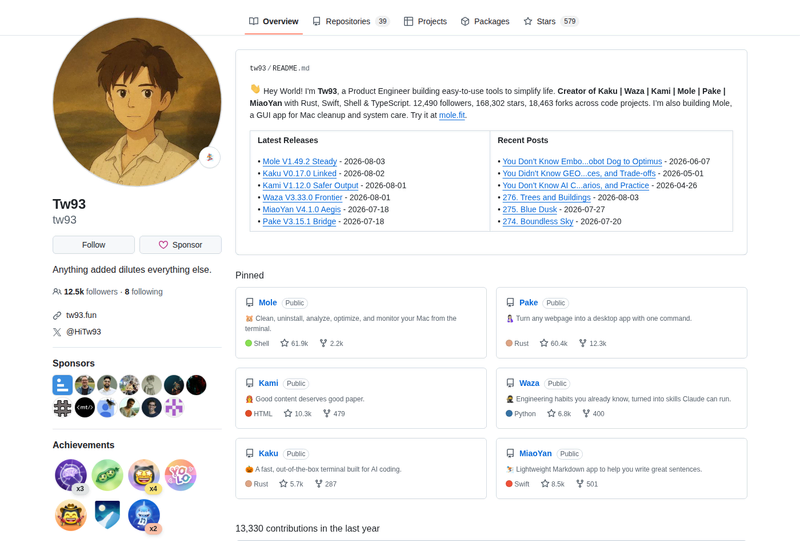
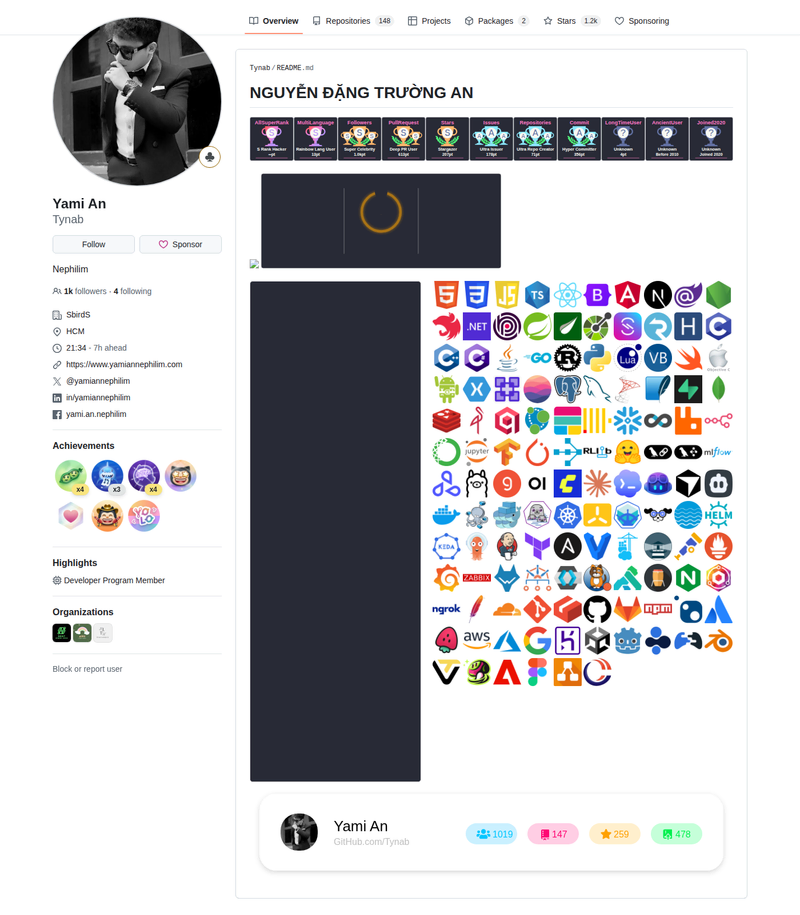
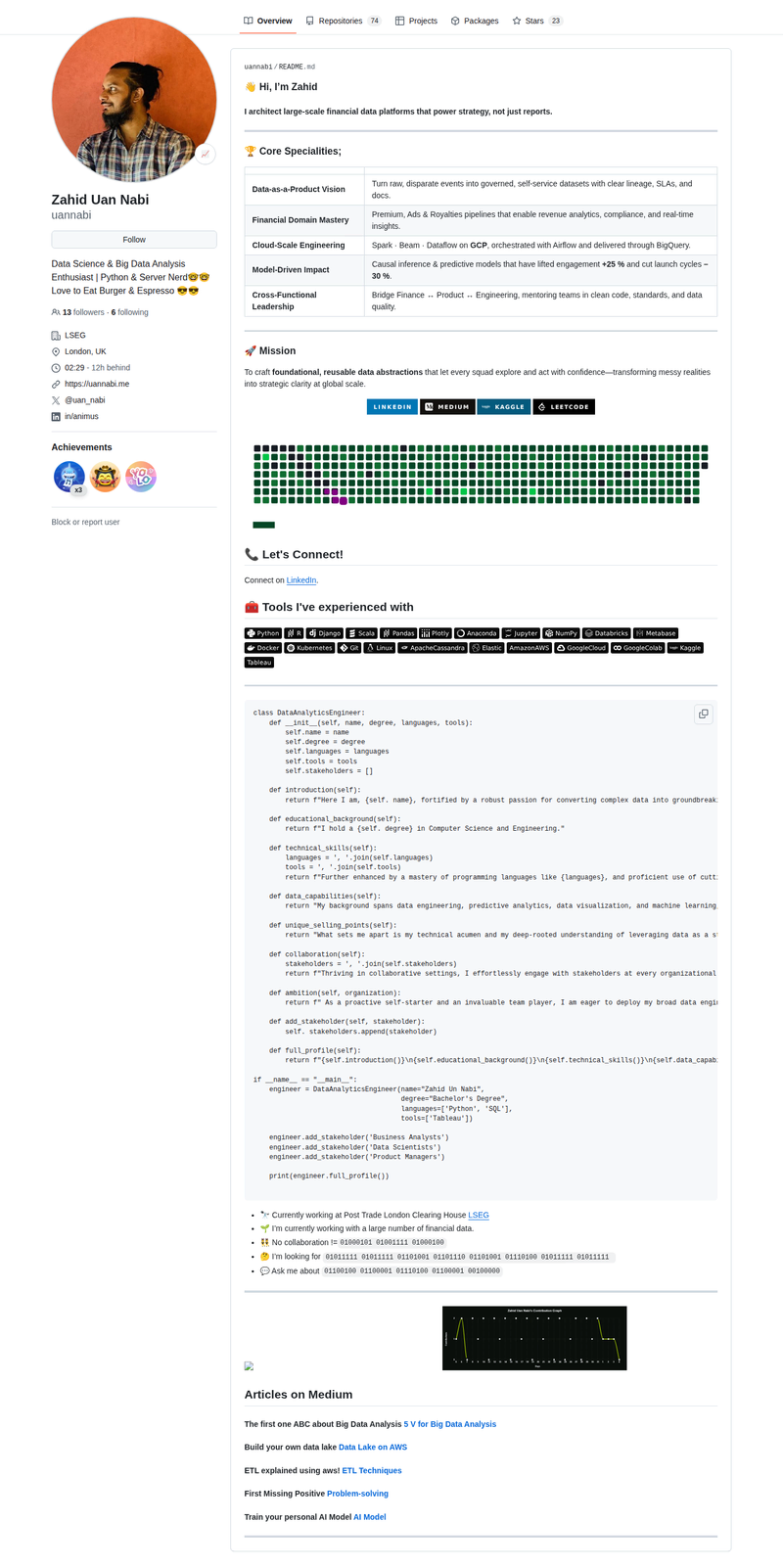
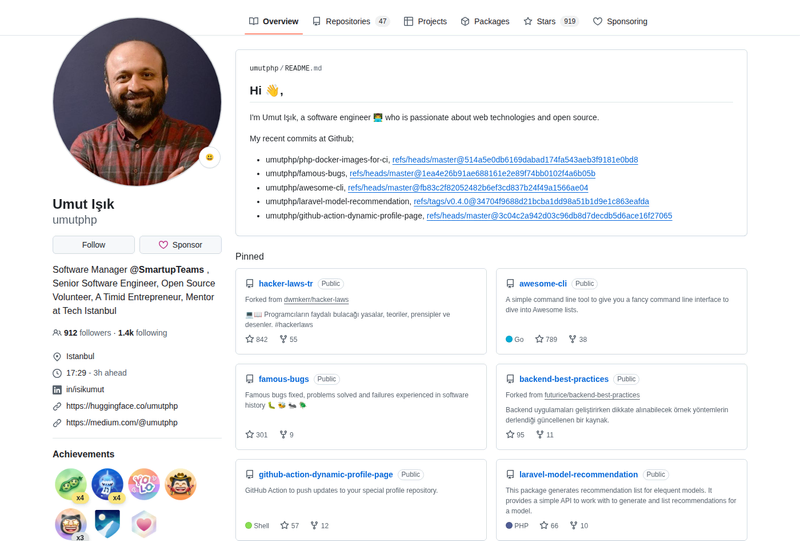
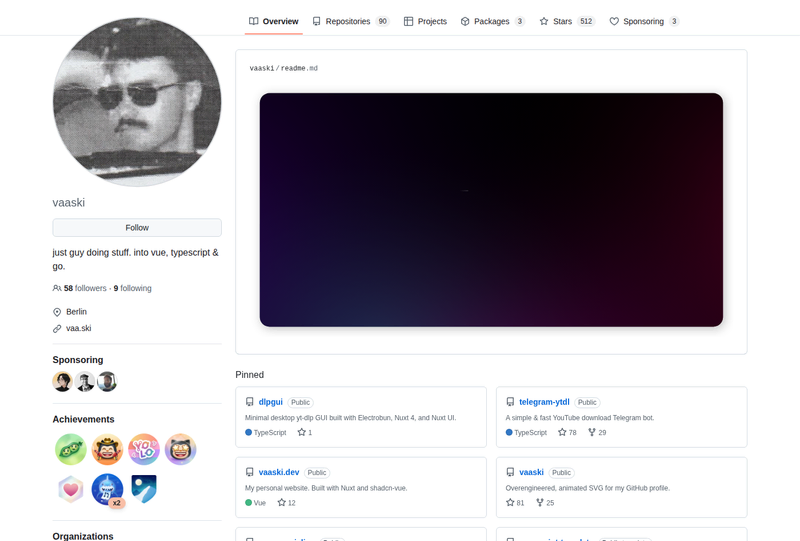
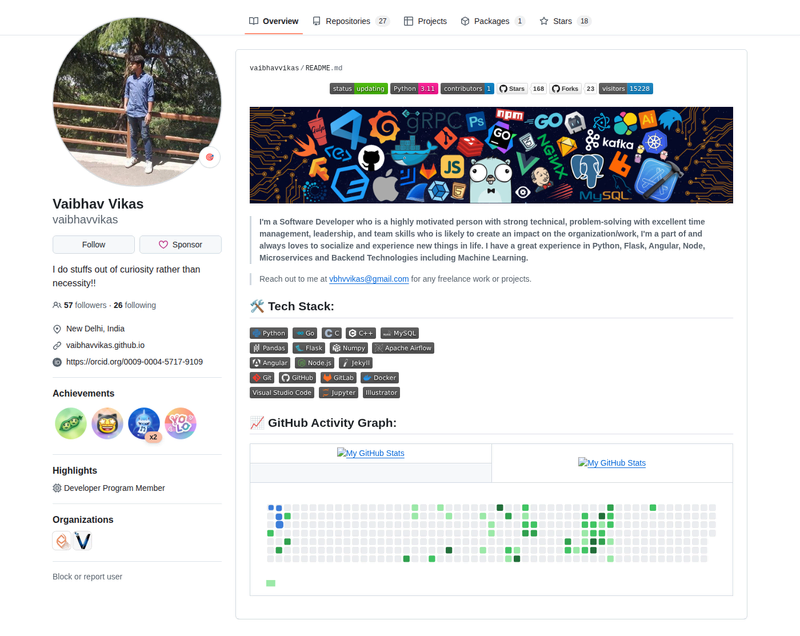
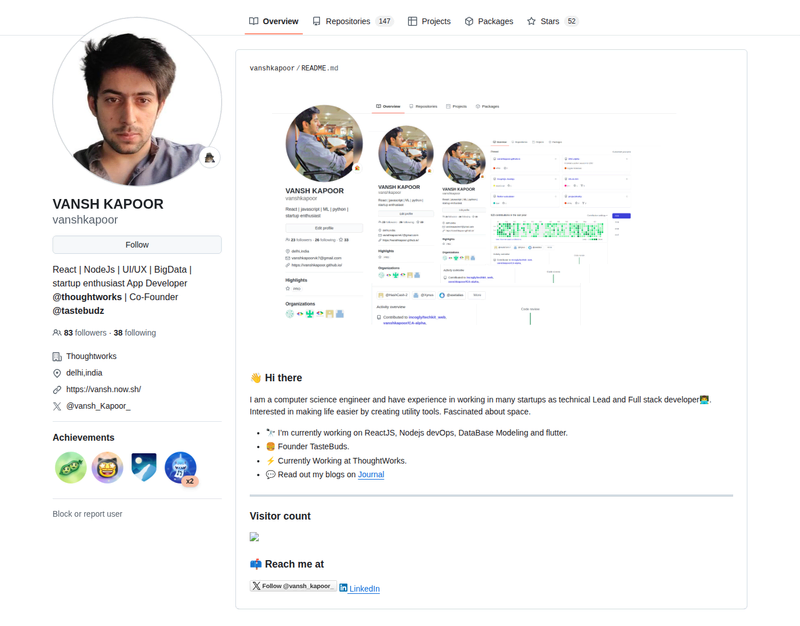
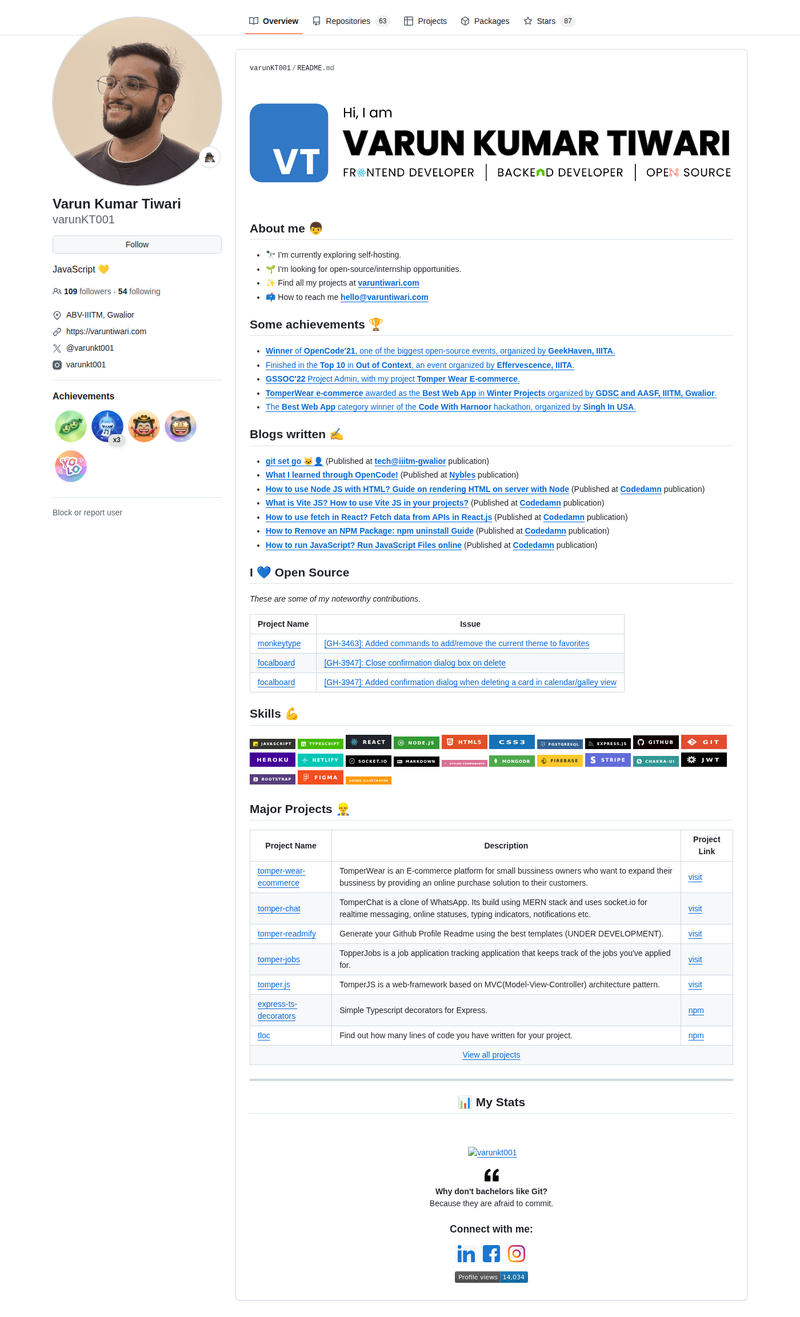
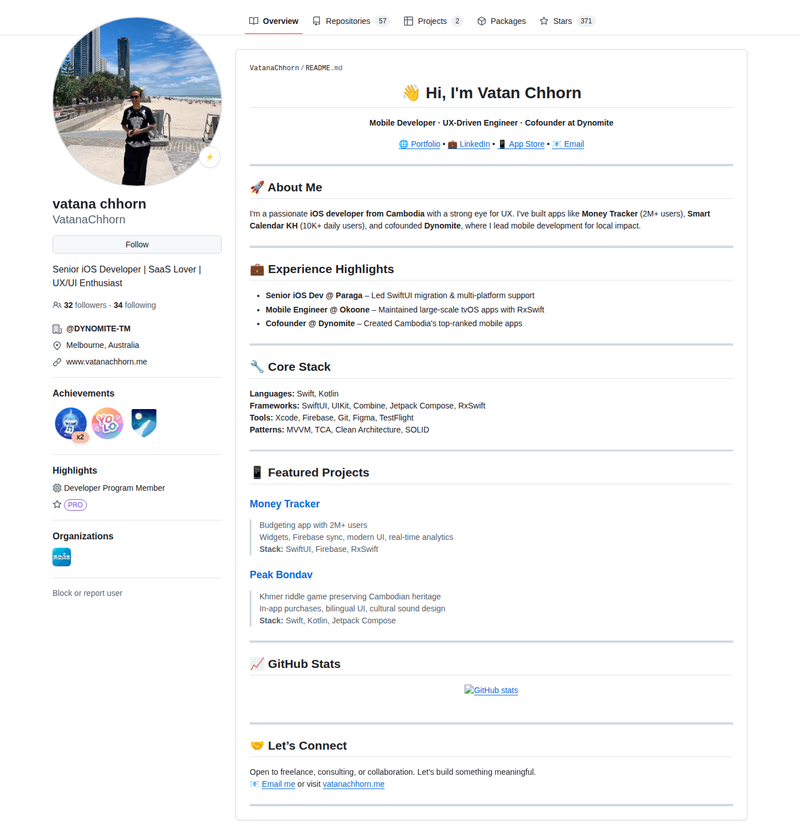
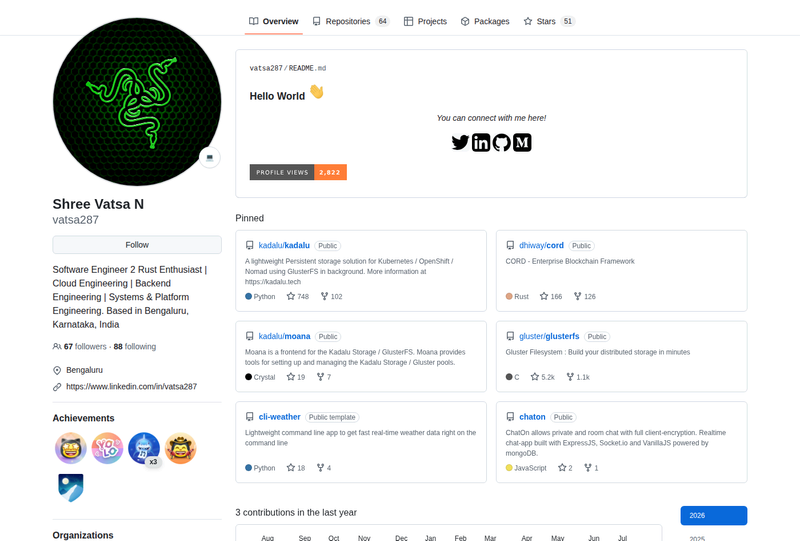
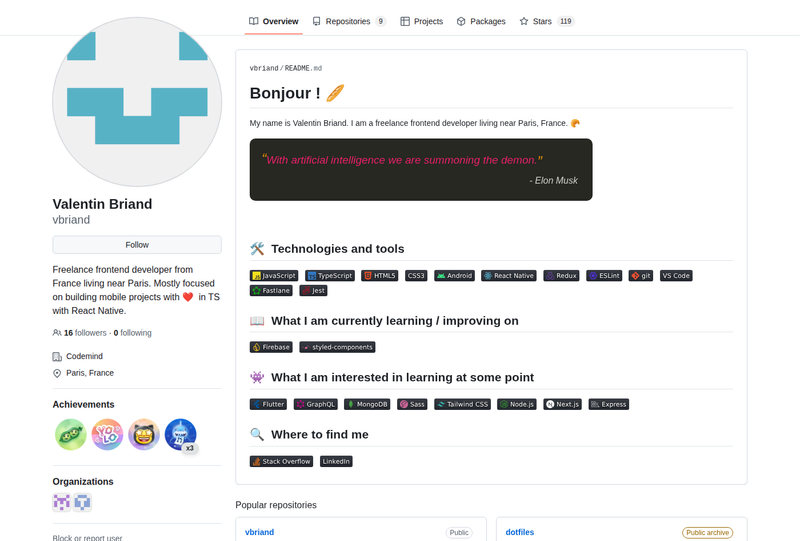
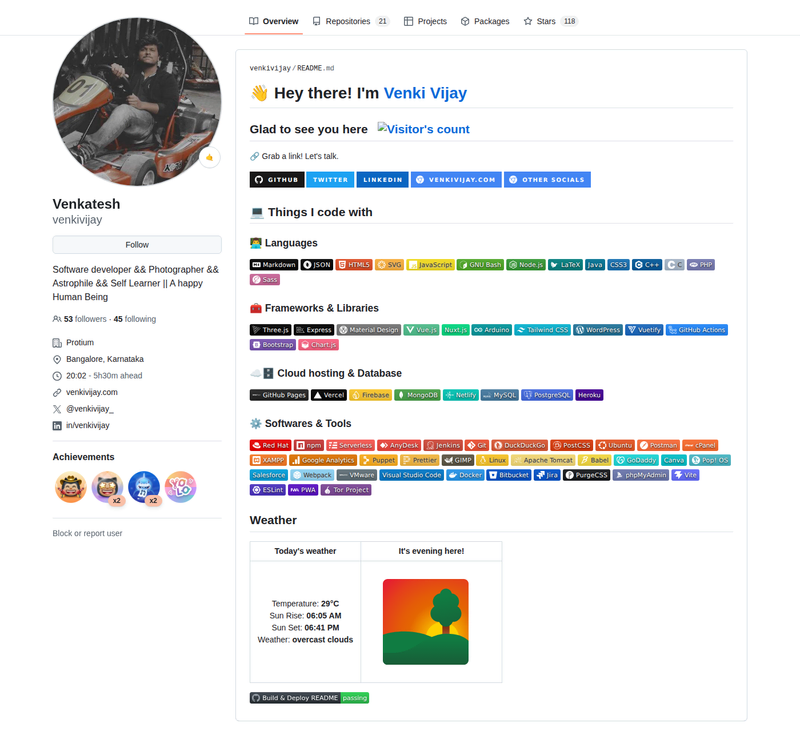
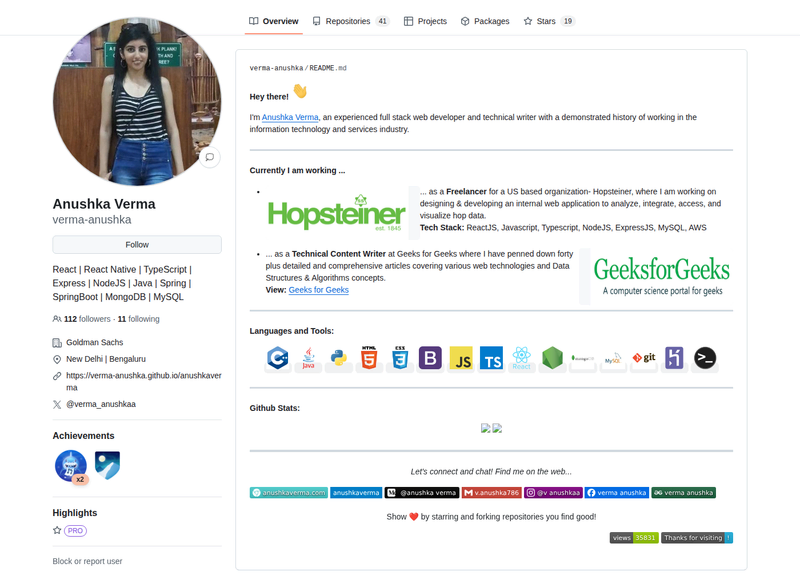
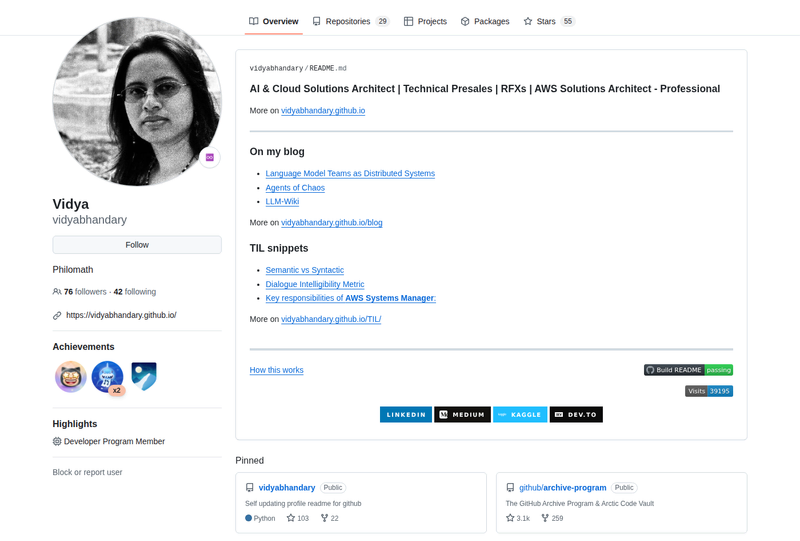
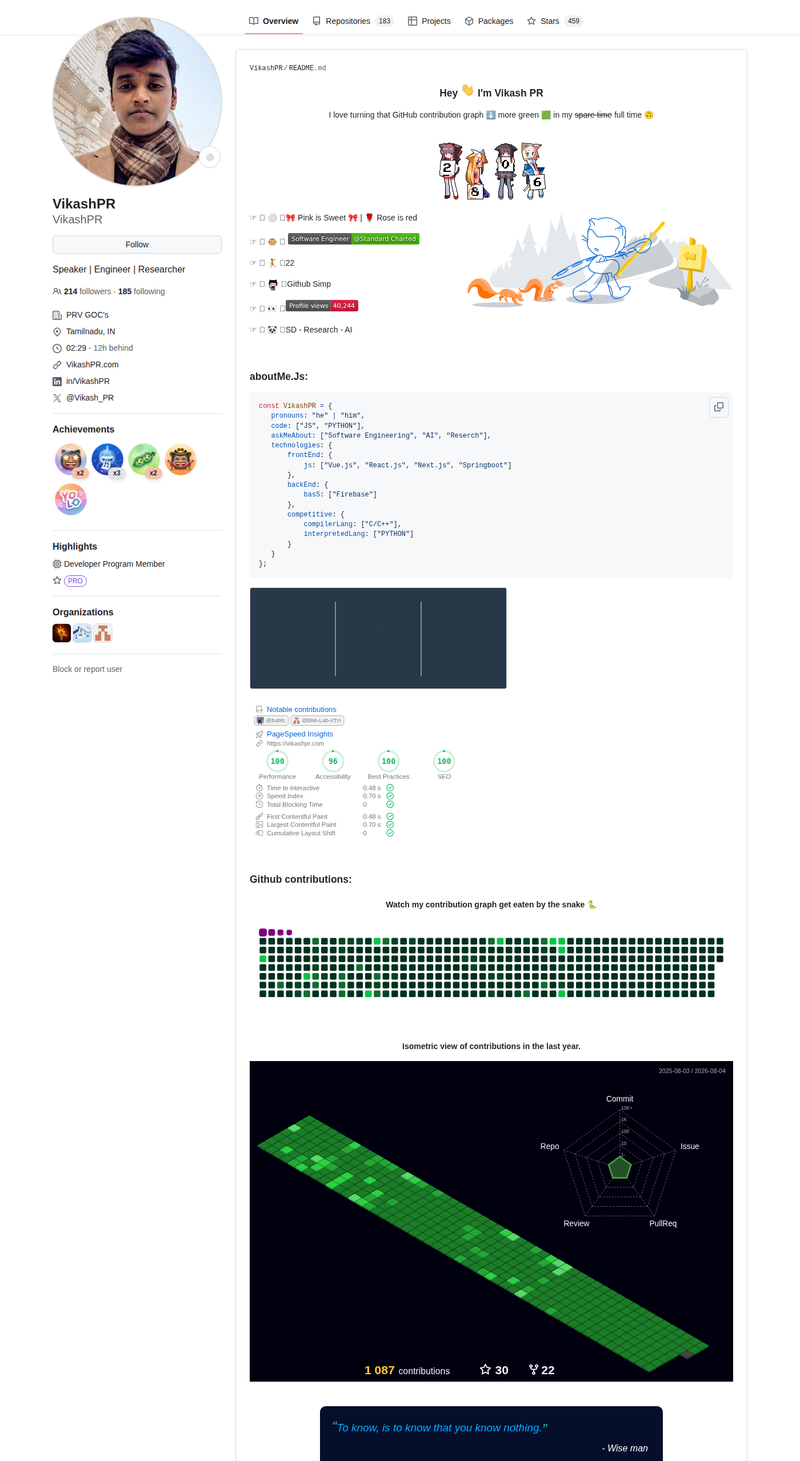
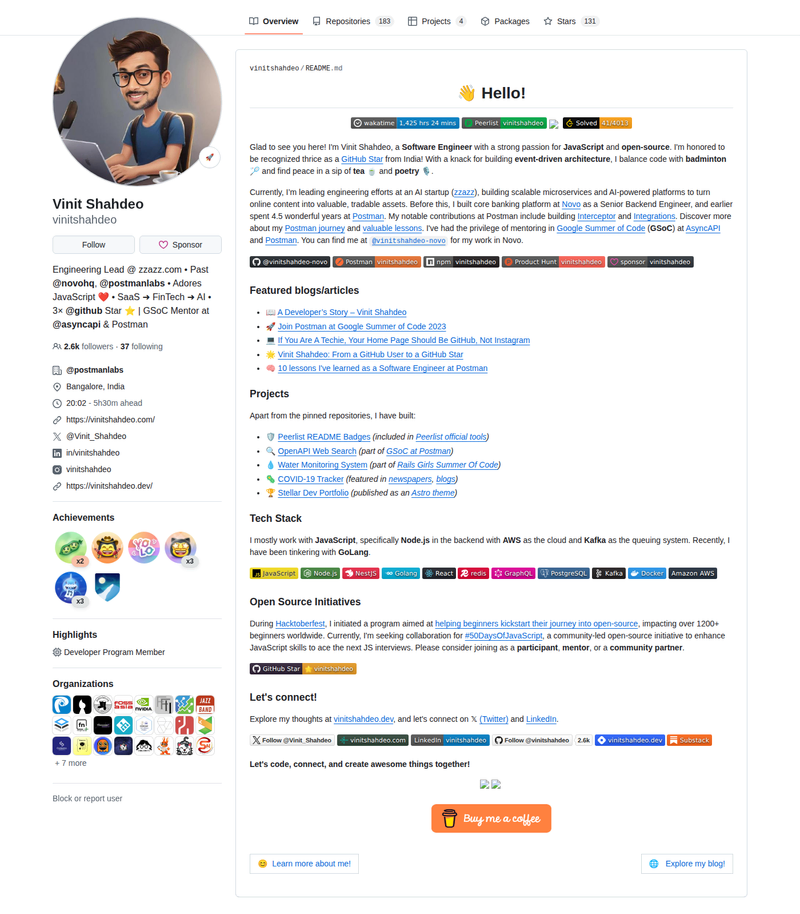
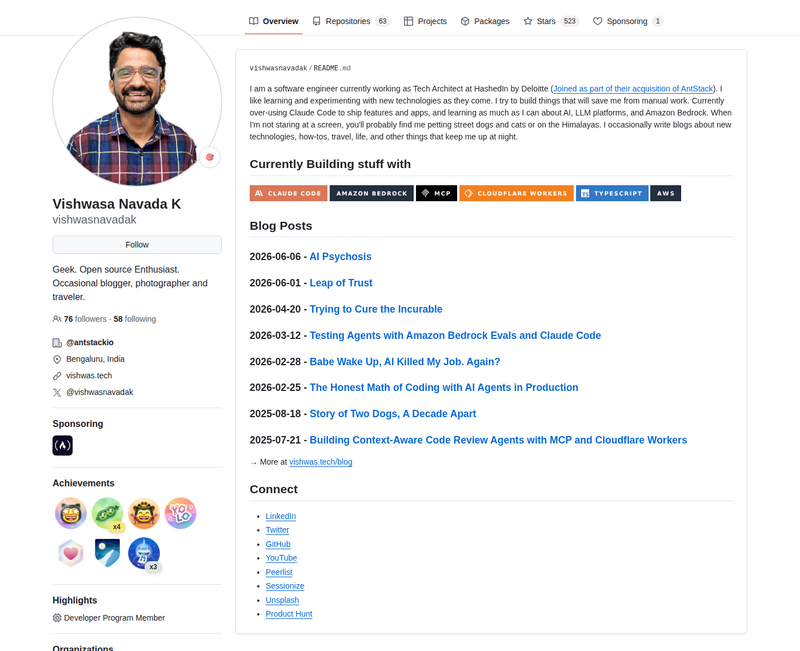
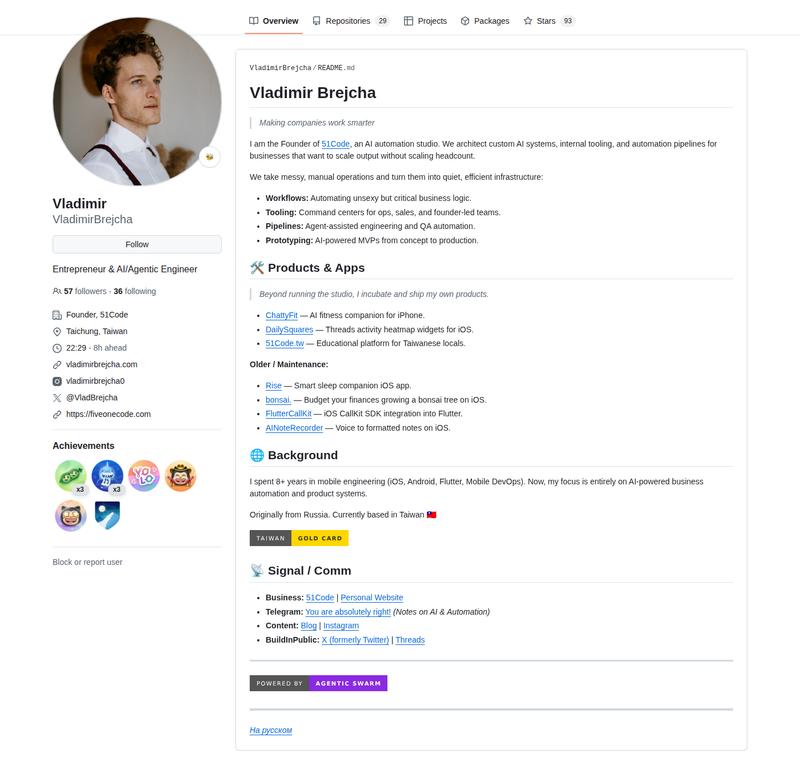
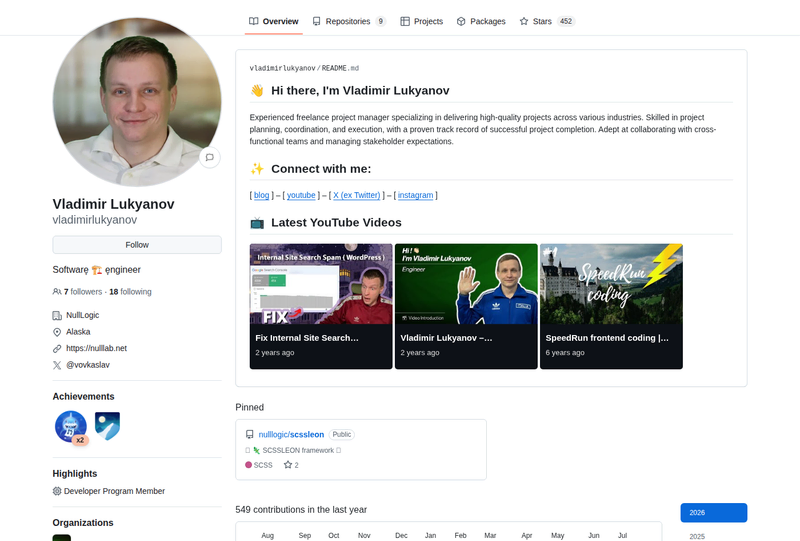
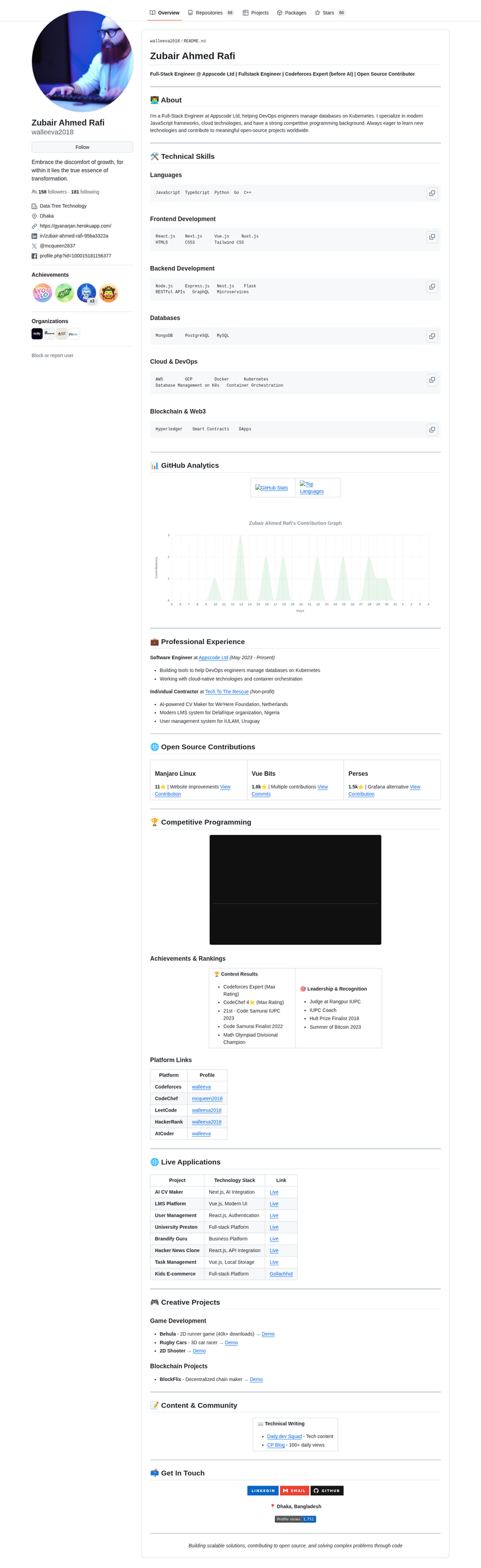
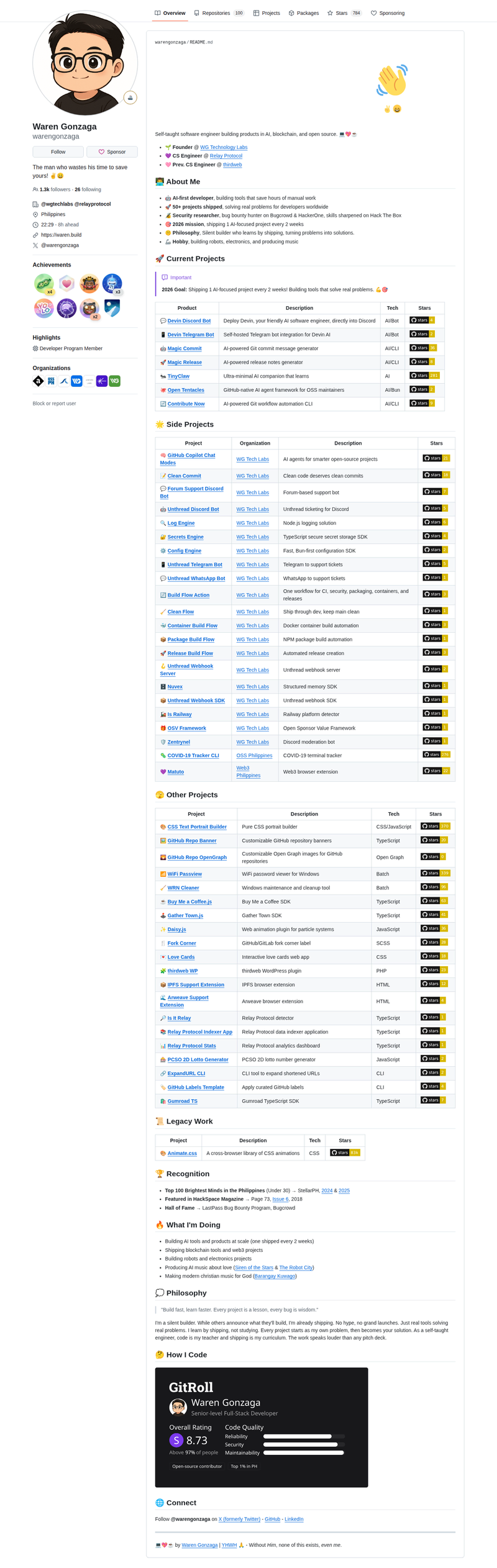
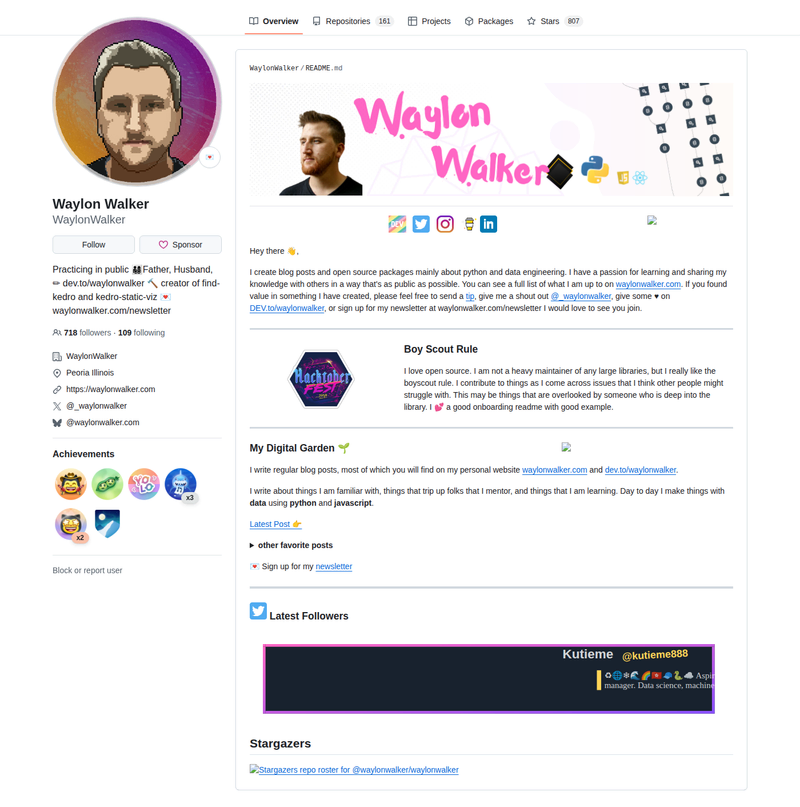
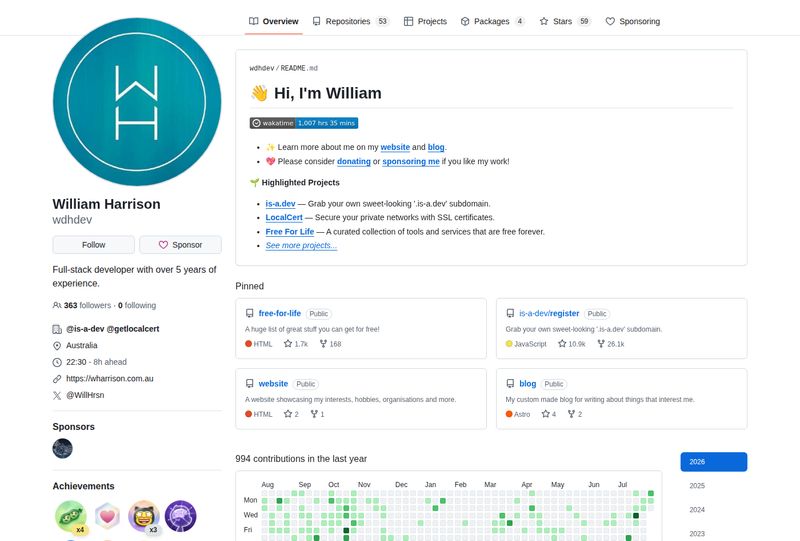
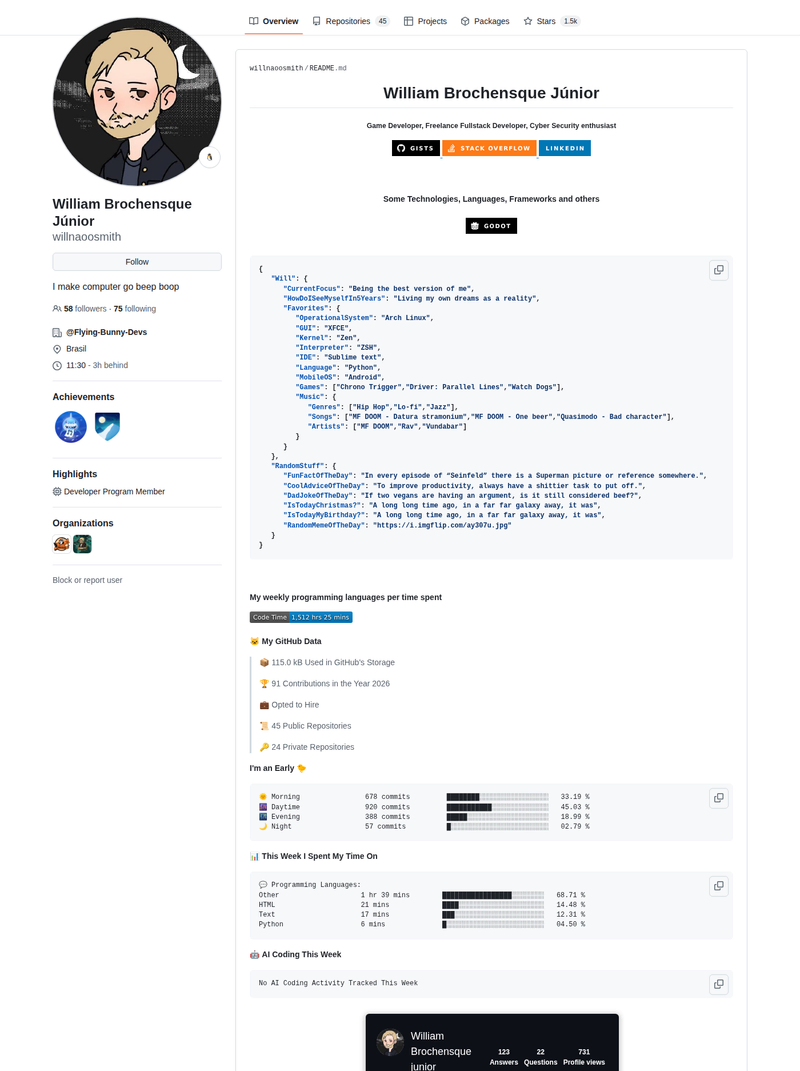
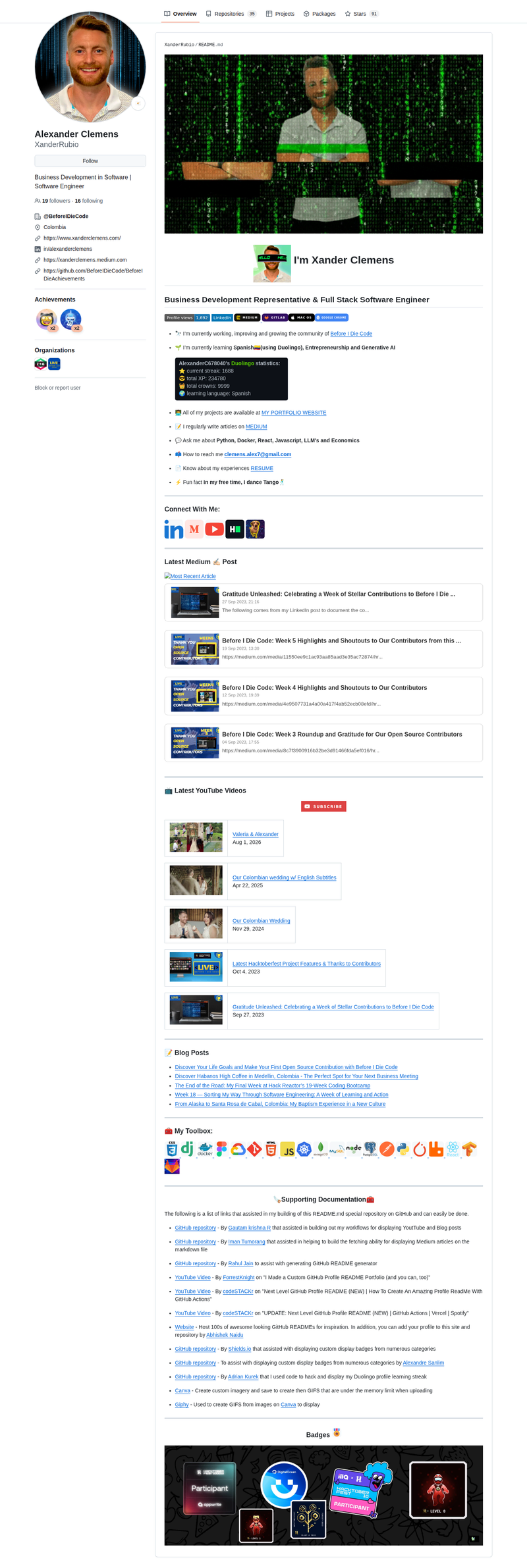
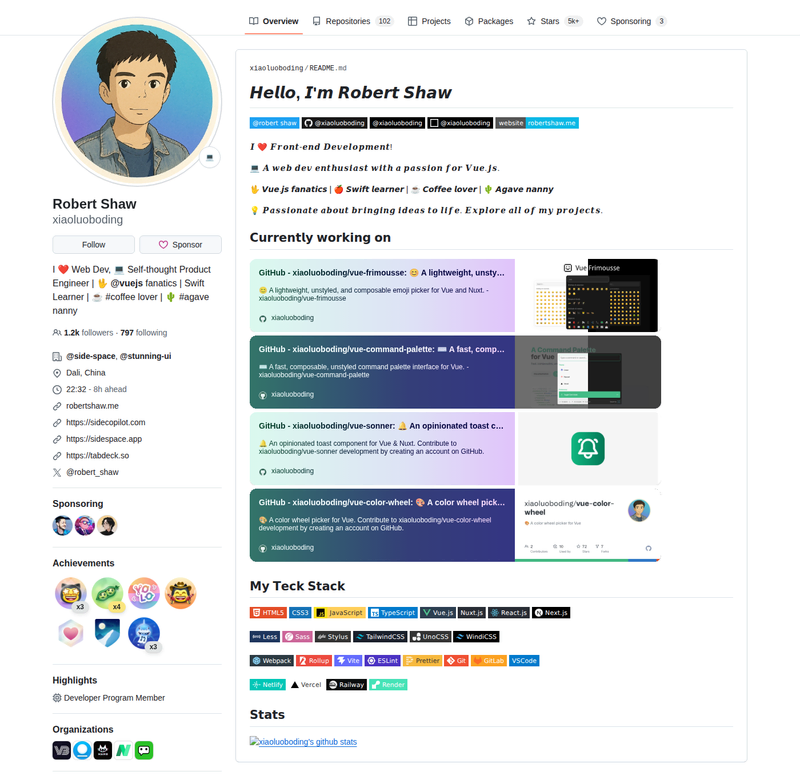
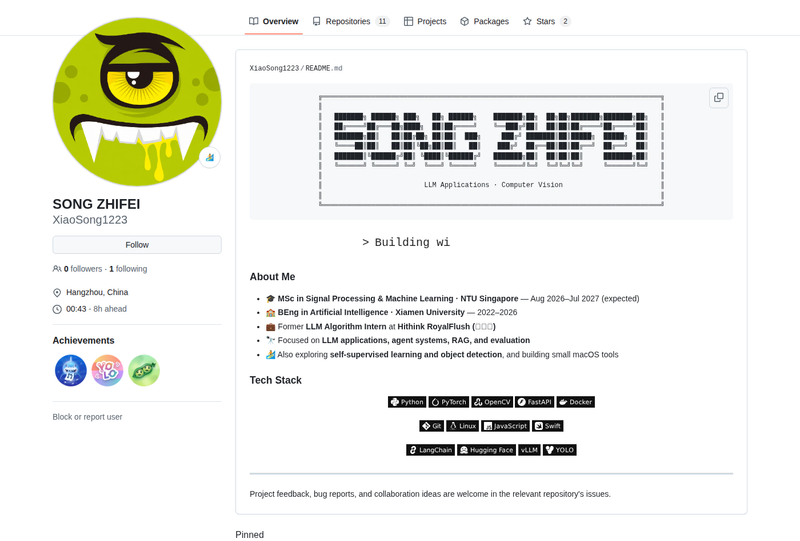
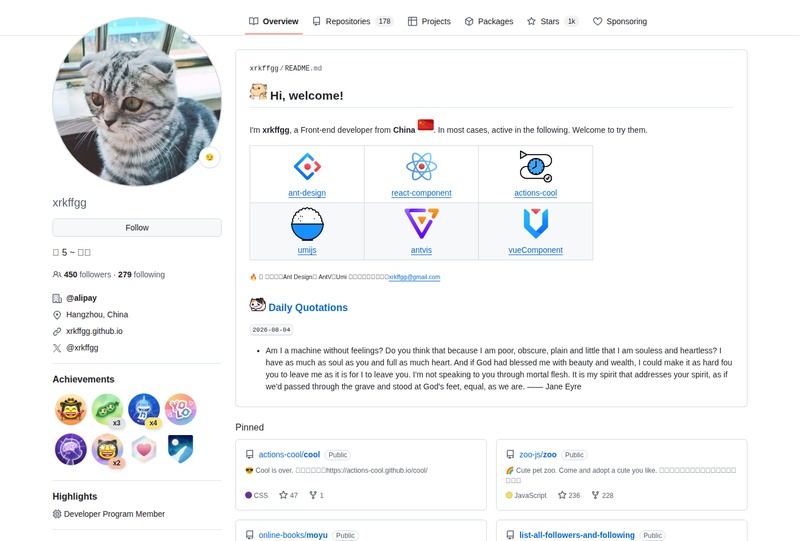
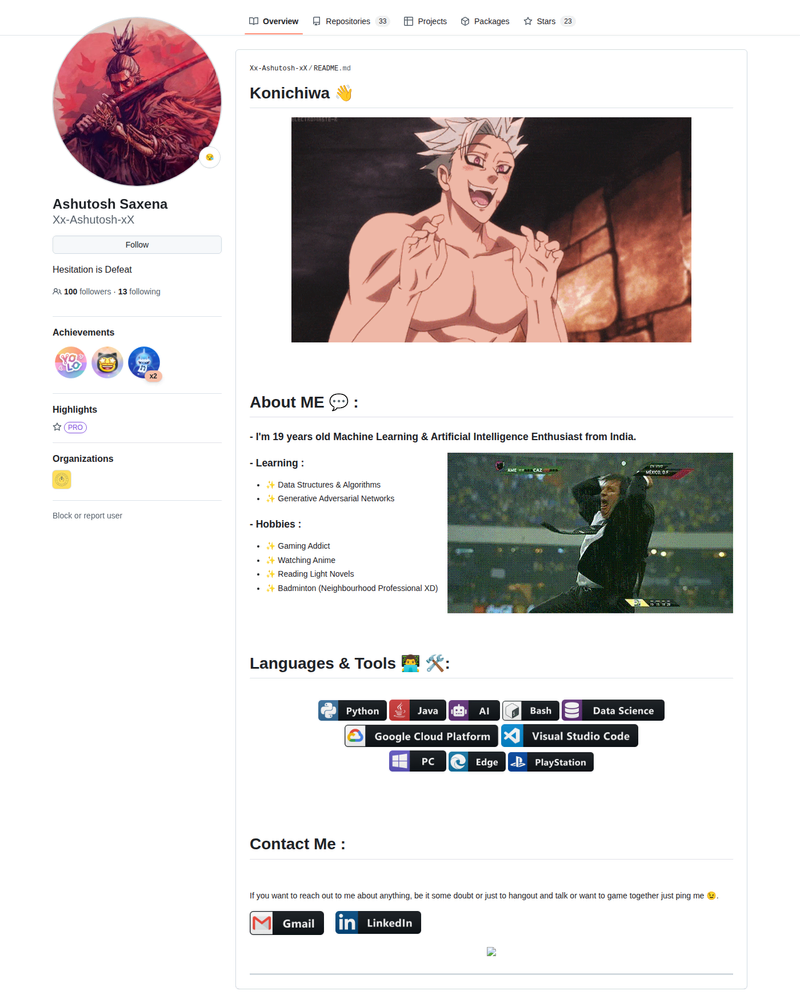
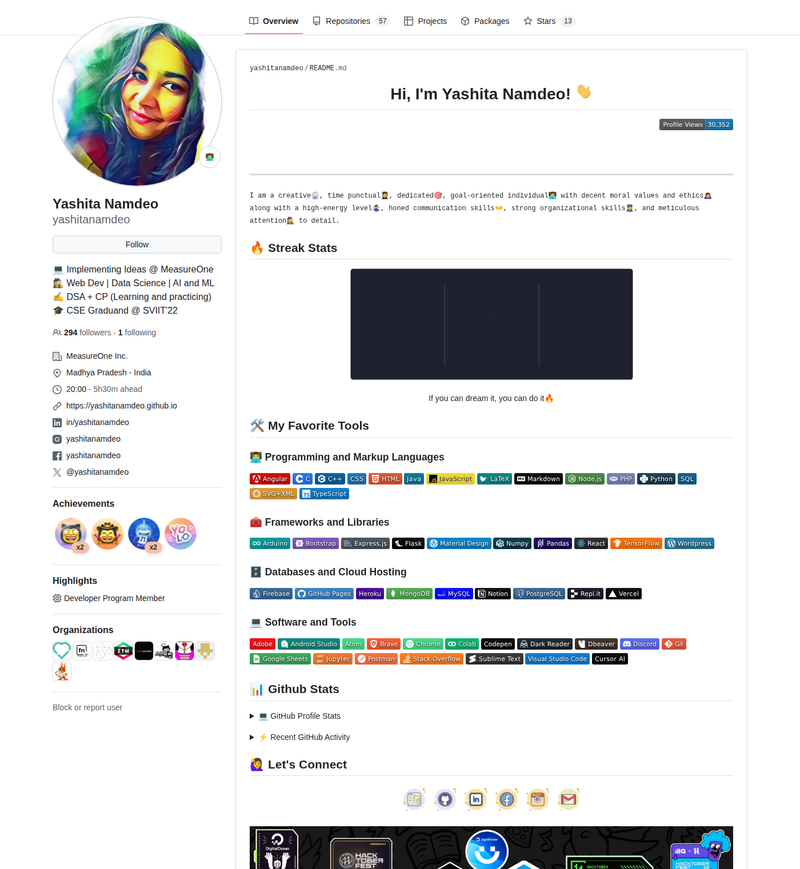
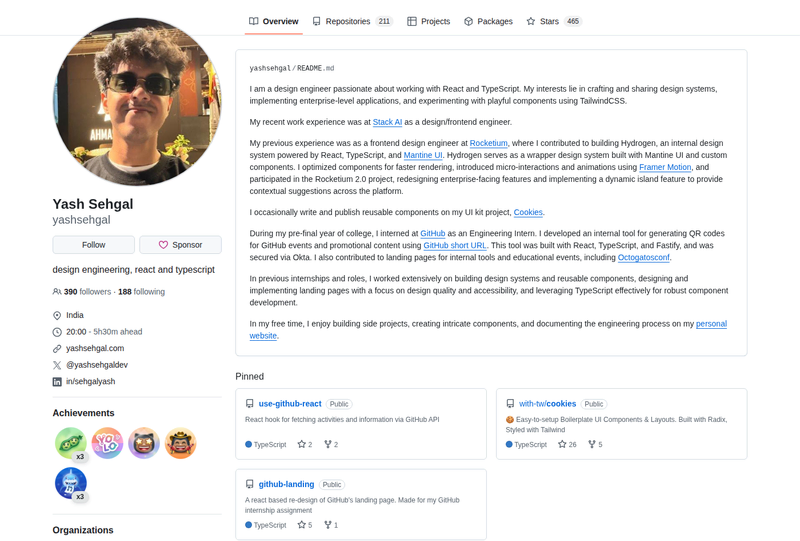
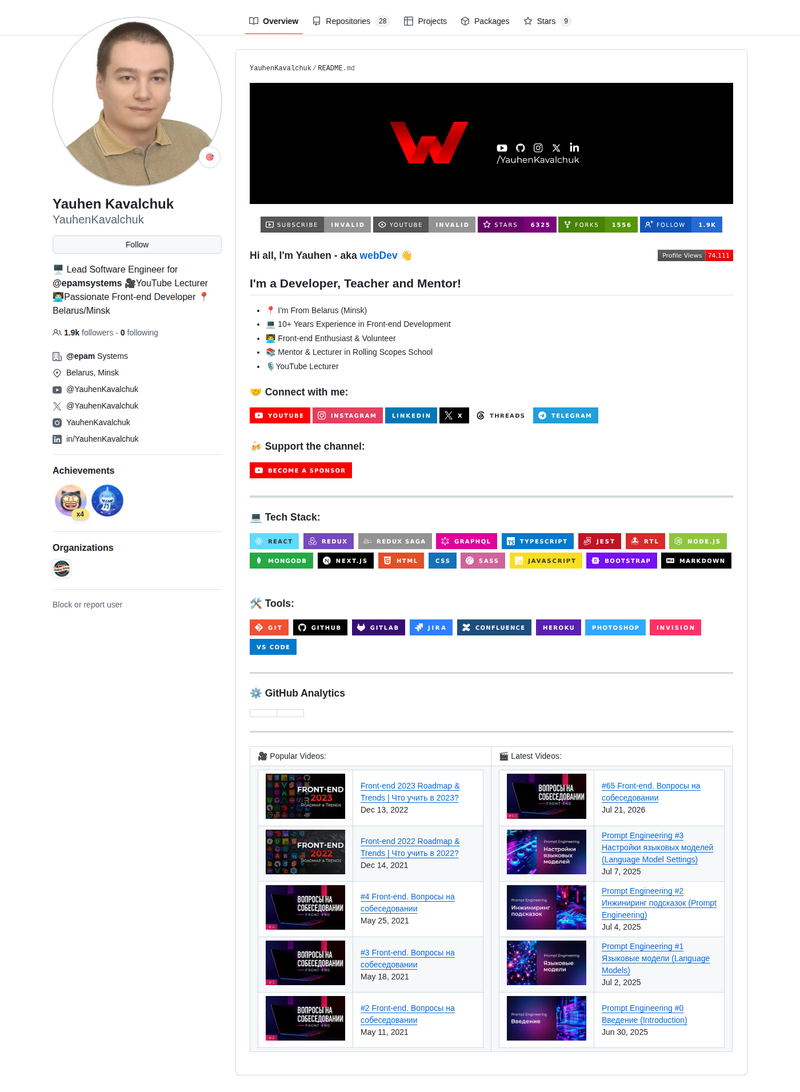
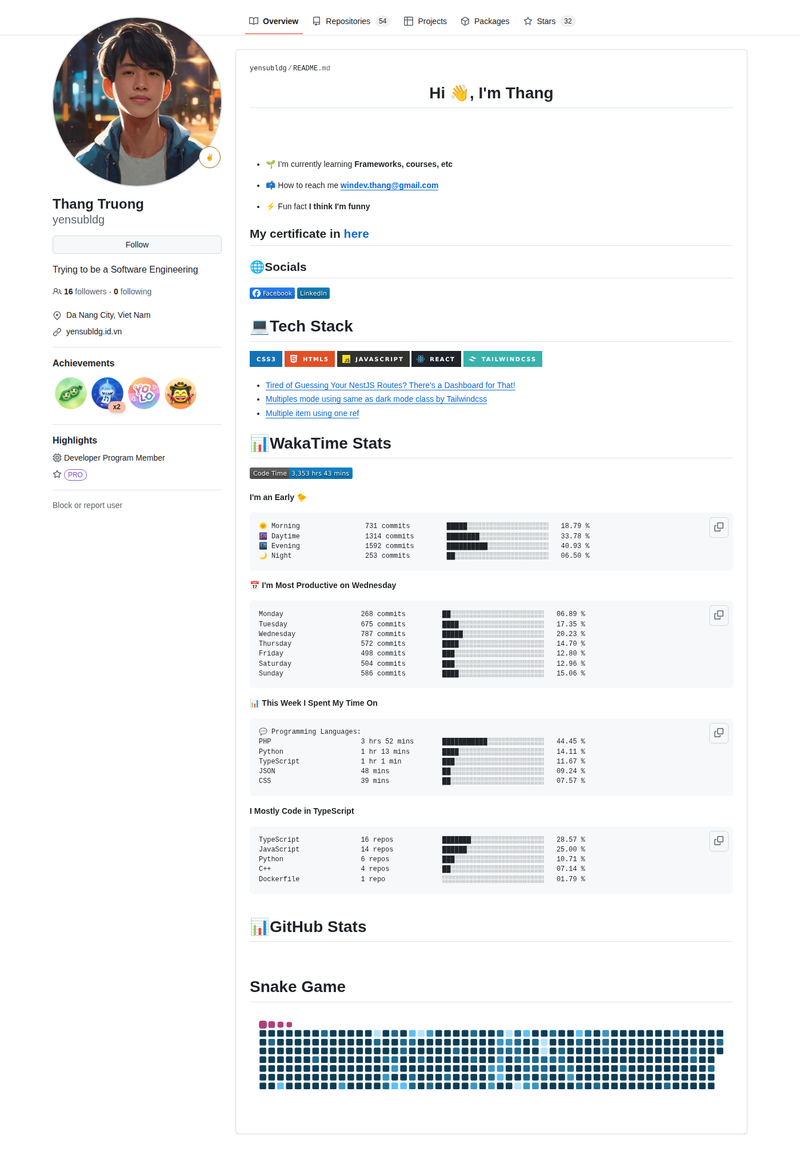
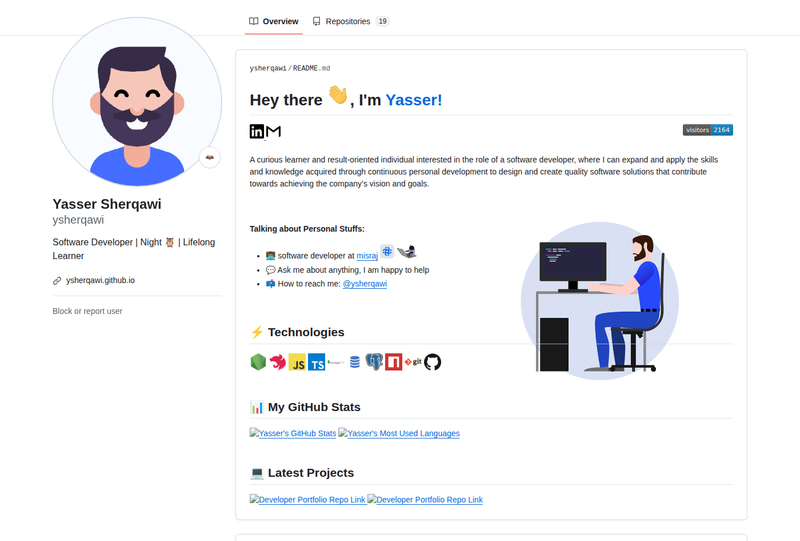
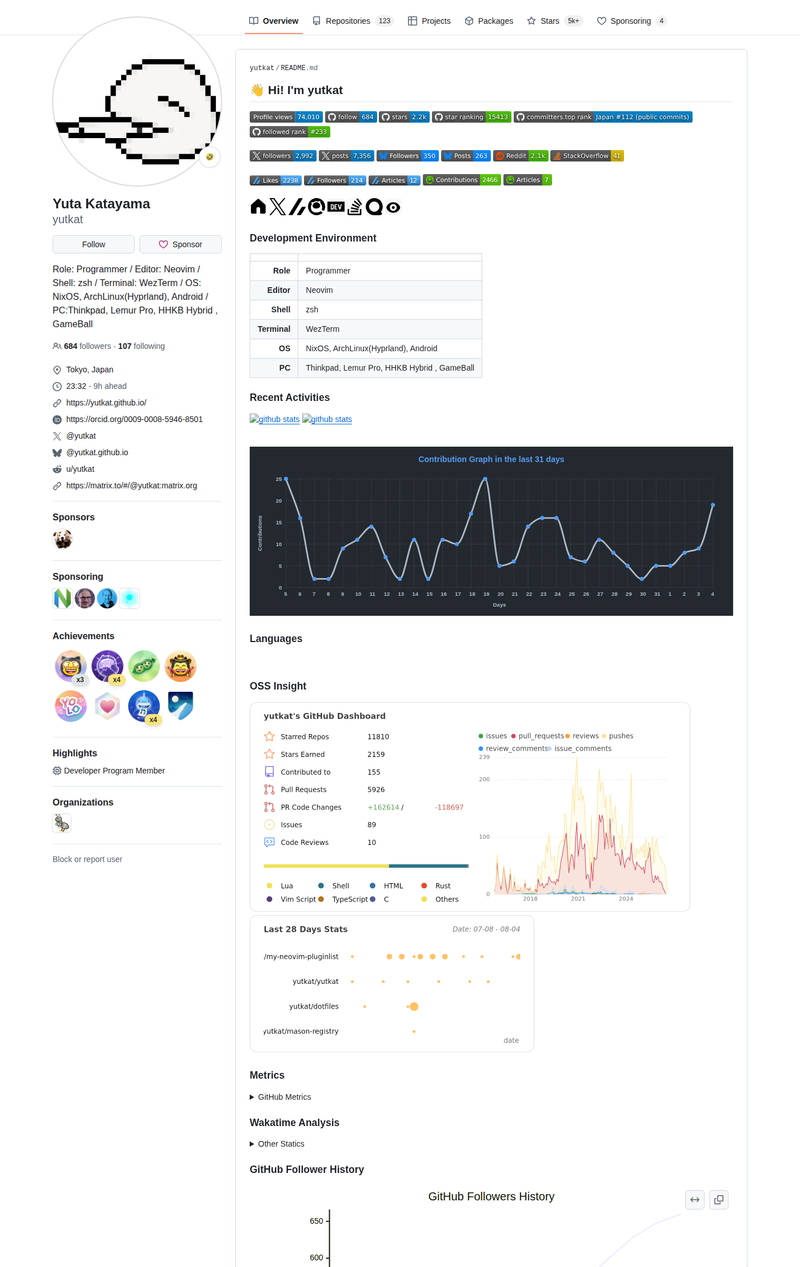
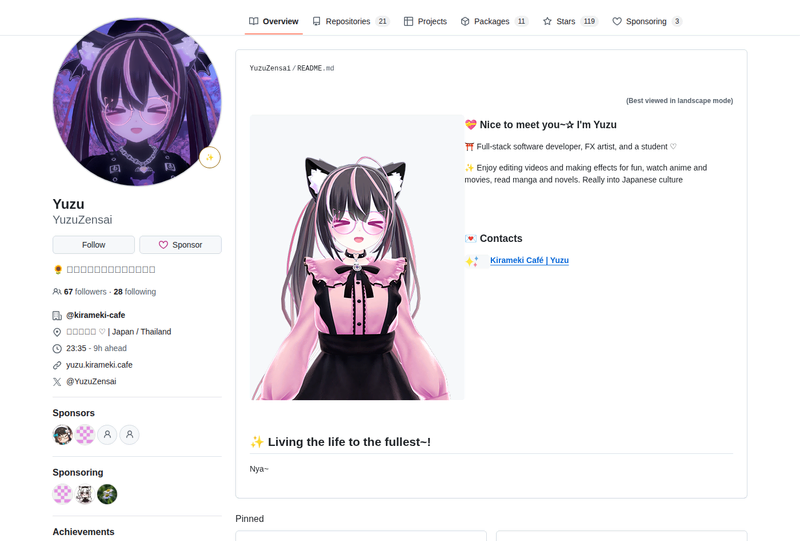
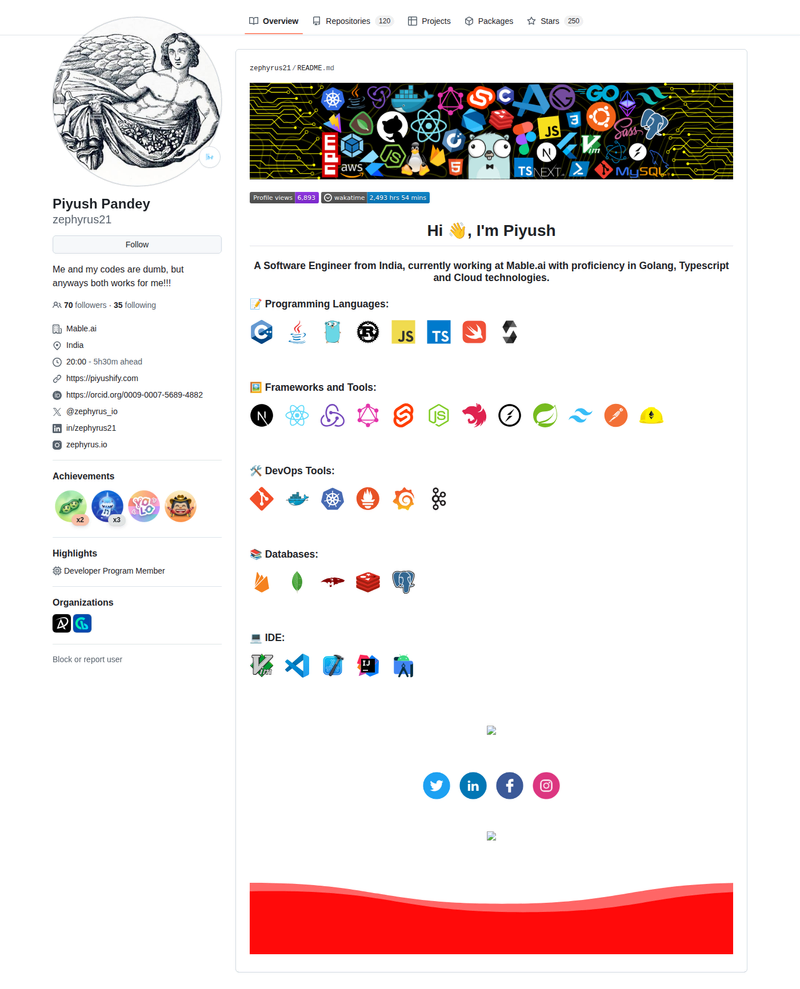
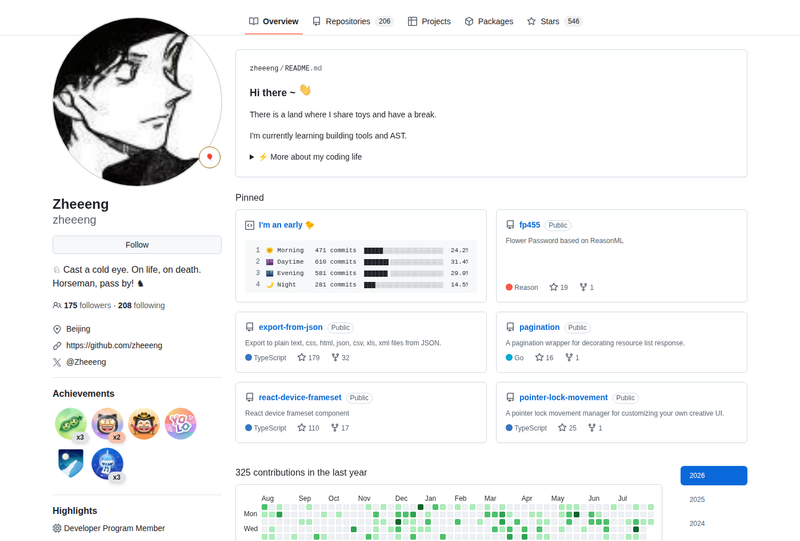
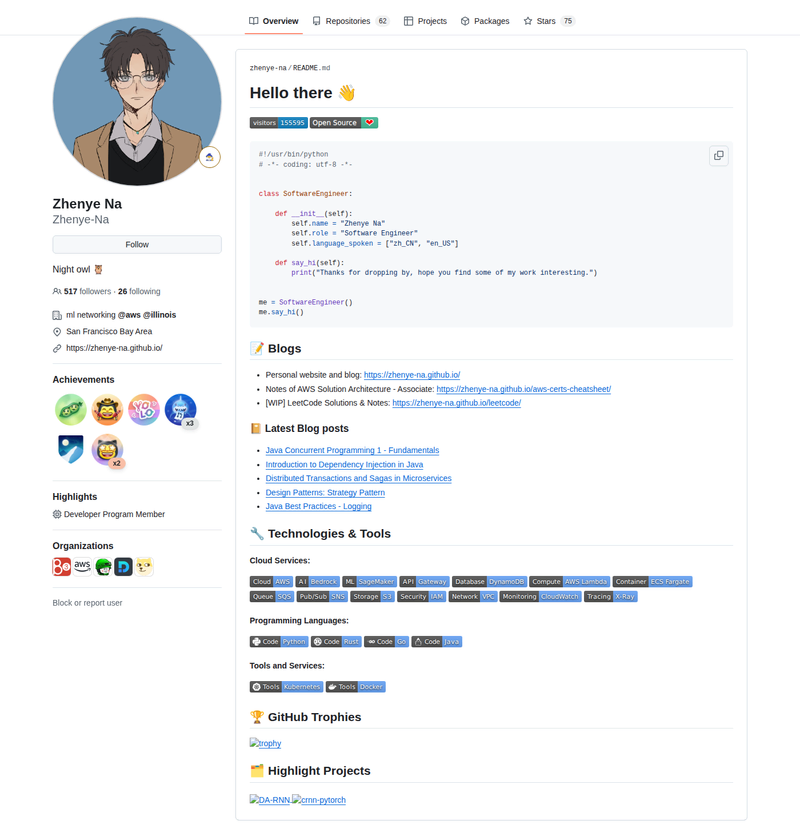
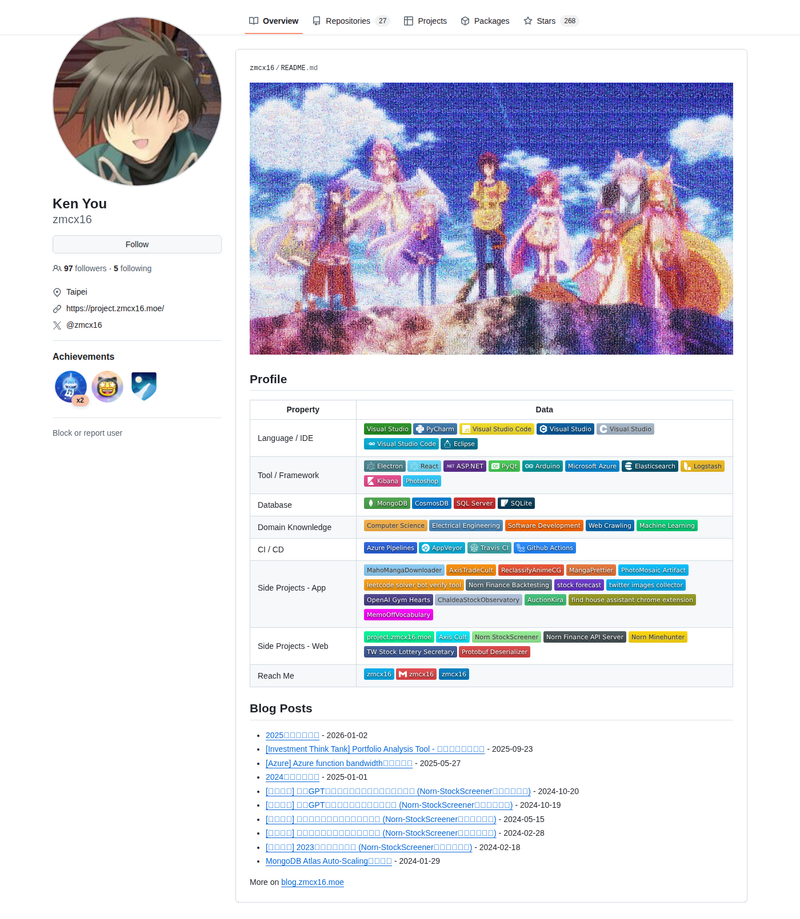
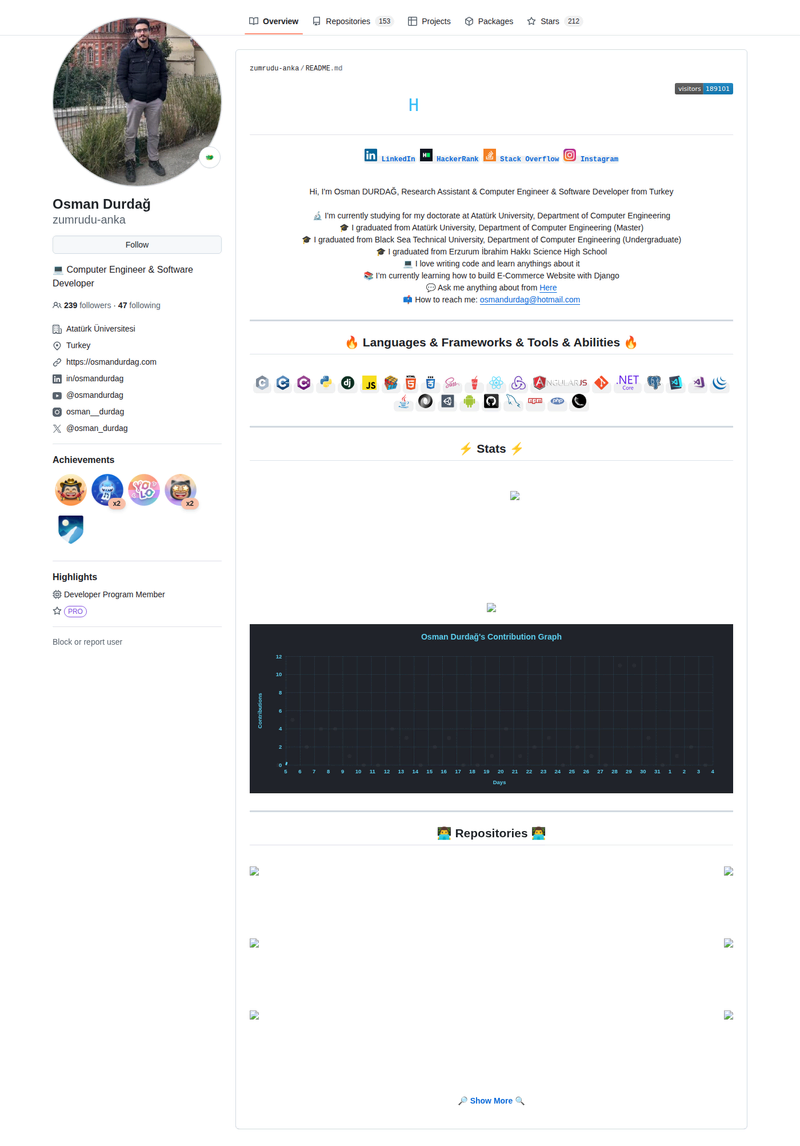
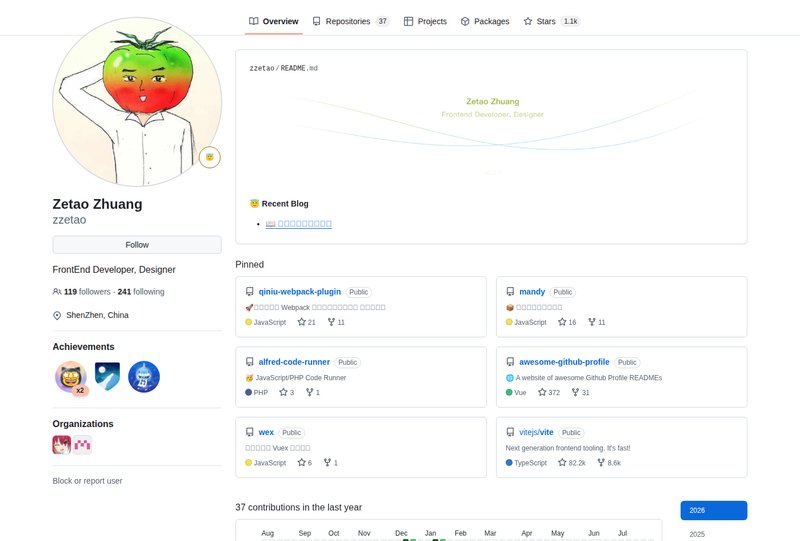
Awesome GitHub Profile README (previously Impressive Profile READMEs) is a curated showcase of 180+ developer profile READMEs on GitHub. It comes with a fast live web gallery categorized across 12 design styles, making it easy to find real inspiration to customize your GitHub profile.
It acts as an actively maintained alternative to older lists like abhisheknaiidu/awesome-github-profile-readme and coderjojo/creative-profile-readme, featuring automated CI link checks and auto-merge workflows for community contributions.






## Article
- 3 Ways to Add an Image to the GitHub README — Sean
- Adding custom HTML and CSS to GitHub README — Nikola Đuza
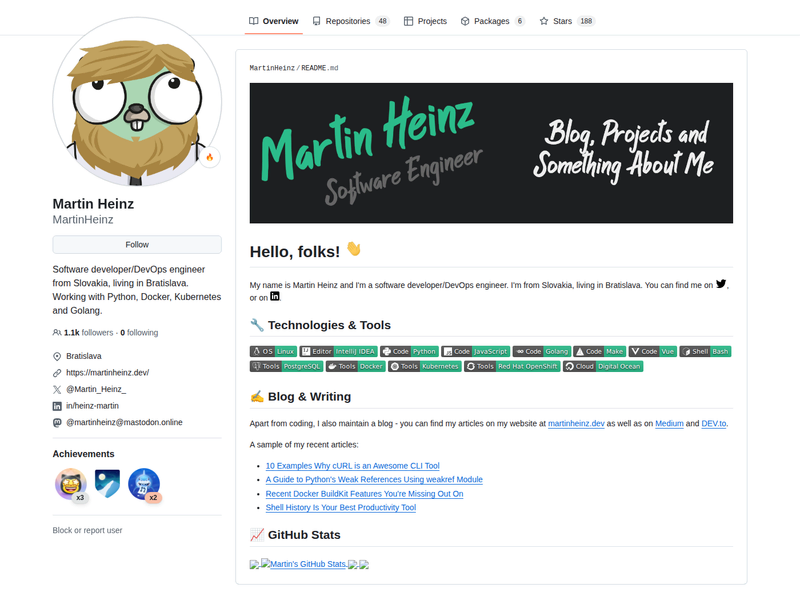
- Build a Stunning README For Your GitHub Profile — Martin Heinz
- Creating a GitHub Profile README — GitHub Docs
- Dynamically Generated Github Stats For Your Profile ReadMe — Anurag Hazra
- Water Waving Effect Using Html, Css and Svg — Matt Fantinel
## Tools
- Badges - Customizable badges and labels for GitHub profiles and project READMEs.
- gh-stats - Dynamically generated profile stats cards and widgets for your README.
- GitHub profile readme generator - Generates a GitHub profile README.
- GitHub profile readme generator - Generates a profile README in minutes.
- GitHub readme generator - Simple editor to customize sections for your README.
- Github Readme stats - Dynamically generated stats for your GitHub README.
- GitHub stat trophies - Add dynamically generated GitHub Stat Trophies.
- Markdown badges - Add badges to your profile and project READMEs.
- Markdown cheatsheet - A quick reference markdown cheatsheet.
- Markdown editor - Live online markdown editor.
- Readme typing animation - SVG widget that simulates typing and deleting text.
- Streak stats - Display total contributions and contribution streaks on your profile README.
- SVG icons - Over 2,400 free SVG icons of popular brands.
## Featured Projects
- Spelunk - An AST-powered codebase indexing & query tool for fast developer exploration. Read the release blog post for details.
## Frequently Asked Questions (FAQ)
What is a GitHub Profile README?
A GitHub Profile README is a markdown file placed in a special repository matching your GitHub username. As detailed in the GitHub Documentation, it renders on your public profile page to showcase your tech stack, projects, and live stats.
How do I make my profile README stand out?
To build a clean, memorable profile that highlights your work effectively:
- Clear Positioning: Lead with a concise tagline defining your focus, primary tech stack, and current projects—keep introductions scannable and direct.
- Tech Stack Badges: Group your core tools cleanly using Shields.io or Simple Icons instead of crowding the page with excessive badges.
- Dynamic Activity Widgets: Display real-time contribution metrics and language stats using GitHub Readme Stats or showcase contribution streaks with Streak Stats.
- Featured Projects: Showcase your top 2–3 active repositories or open-source contributions with short descriptions and direct links rather than long static lists.
- Subtle Motion: Add dynamic header text using Readme Typing SVG or visual contribution animations to bring the layout to life.
- Curated Showcase: Explore over 180 profile examples in our Live Showcase Gallery to find layout styles matching your work.
How do I add my profile README to this list?
Submit a pull request updating README.md following our Contributing Guide. Our automated GitHub Actions workflow will check your submission and merge eligible pull requests automatically.
## Contribute
Contributions are welcome! Read the Contributing Guide to get started.
## License
This project is dual-licensed under the following terms:
- Source Code: MIT License
- Documentation & Data: Creative Commons Attribution 4.0 International (CC BY 4.0) See LICENSE for details.